WeryAI Slides
AI PPT maker

Turn one brief intoa clear, polished presentation

Describe your topic, audience, and goal, or attach source material. Wery turns the context into a structured slide draft you can continue refining in your workspace.

AI presentation brief16:9 presentation0 / 900
Try a brief

Your brief, preferences, and source files are sent securely through Wery's Lead Session flow. JPG, PNG, WebP, PDF, TXT, or MD; up to 5 files and 10 MB each.

From brief to deck

Build a strong first draftwithout starting from a blank slide

Shape the story, presentation style, and slide structure from one clear brief, then continue refining the result in Wery.

Story flowBrief → deck
Identify the audience, goal, and key points
Outline generation
Precision Pulse presentation cover example
Building the slide narrative
01 03

Turn your brief into a connected slide story

Give Wery a topic, audience, and goal. It organizes the request into a logical opening, key points, supporting evidence, and conclusion instead of a set of disconnected slides.

Visual systemAudience-aware
TypographyAaClear hierarchy
Presentation palette
Bubble Syntax education presentation cover
Dronescape technology presentation cover
Fictional Grid technology presentation cover
02 03

Choose how your presentation should feel

Set the audience, tone, and presentation style before generating. Wery uses those choices to shape the writing, information density, and balance of text and visuals across the draft.

Working draftReady to revise
Editable presentation
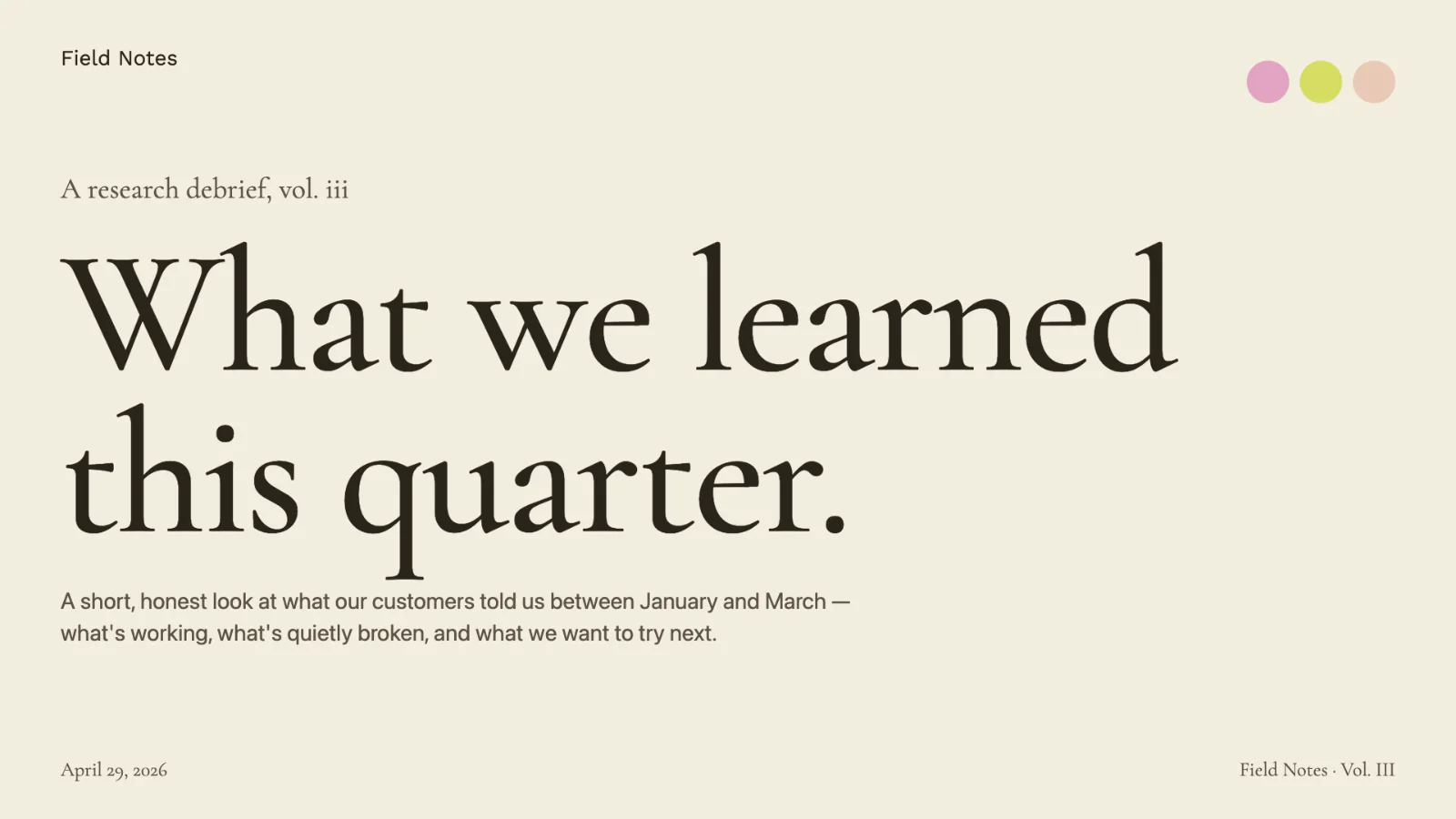
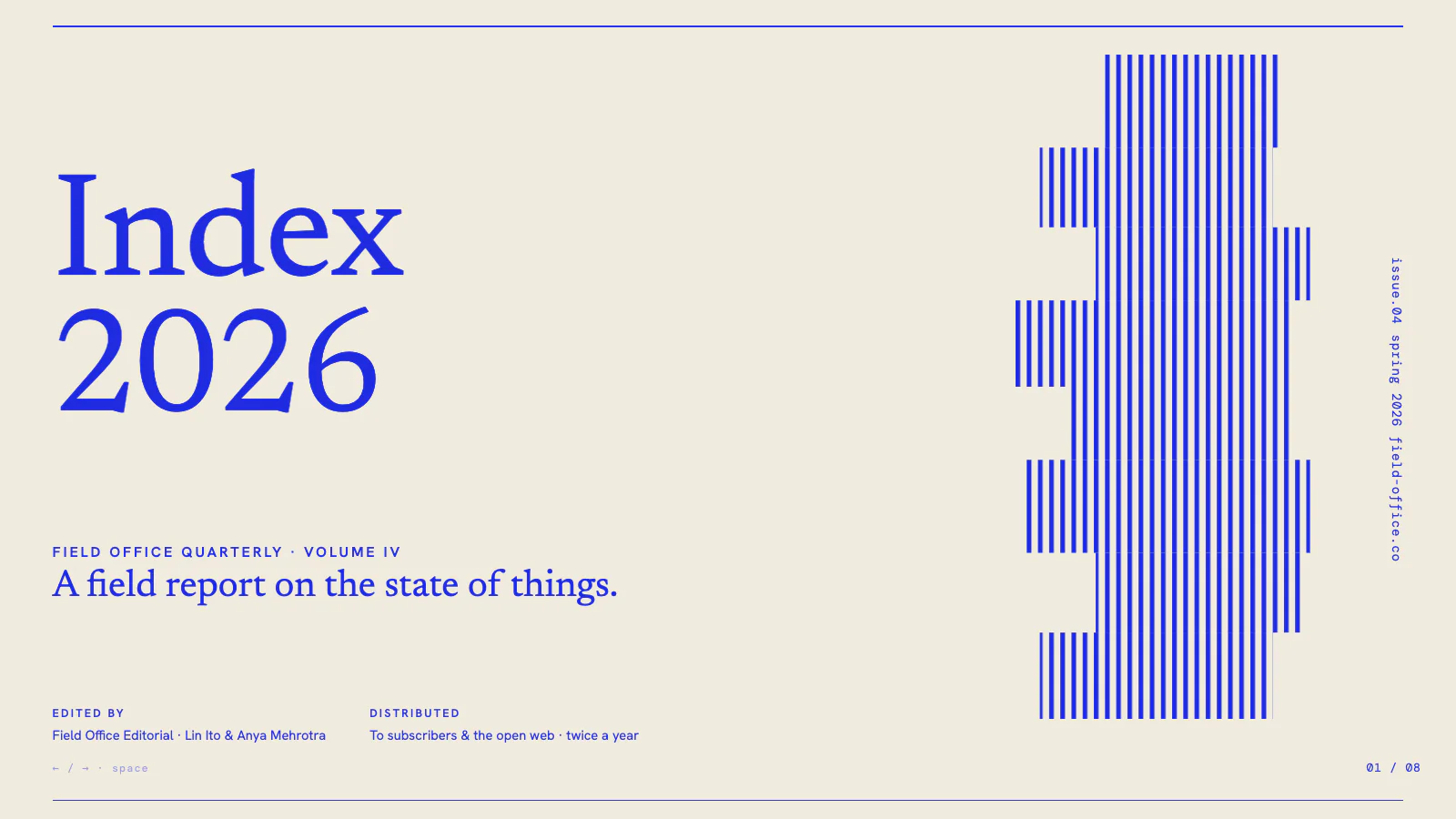
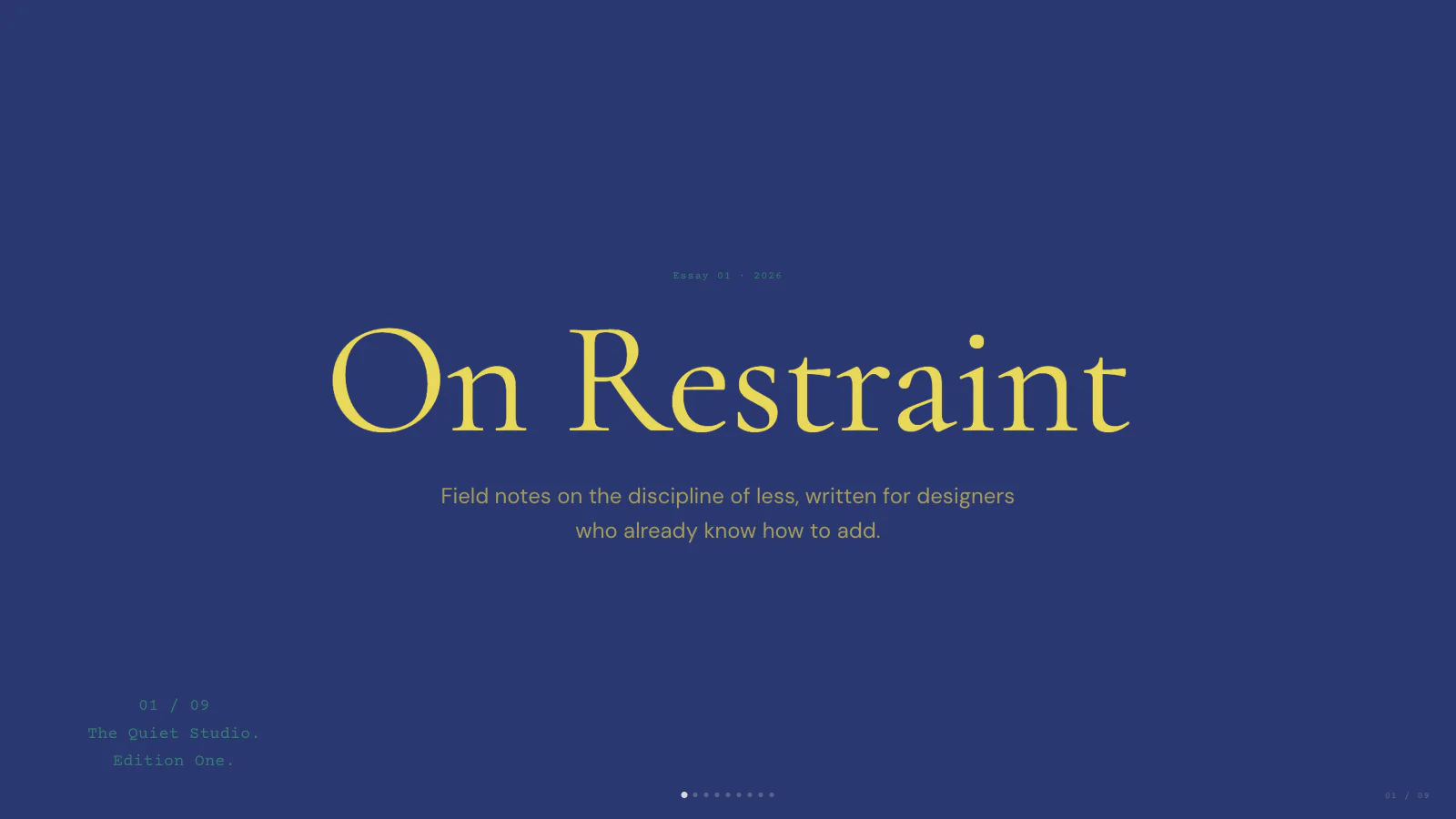
Layered Memory presentation cover example
Retro Decode presentation cover example
Type Shift presentation cover example
Retro Decode presentation cover example
RewriteReorderRefine visuals
03 03

Refine the first draft in your workspace

Continue in Wery to tighten the storyline, revise individual slides, adjust the visual direction, and verify important claims before presenting.

How it works

Create presentation slides with Wery in three steps

Move from a rough request to a structured slide draft, then refine it in your workspace.

1

Describe the presentation

Include the audience, purpose, key points, desired length, and any facts that must appear.

2

Continue in Wery

Sign in and Wery securely carries your brief and selected preferences into the presentation workspace.

3

Refine the draft

Review the storyline, revise individual slides, and verify important claims before you present or share.

Customer stories

What Our Customers Said About Us

How people use Wery to move from a rough brief to a presentation they can edit and deliver.

Olivia CarterStrategy Consultant
This has completely changed how I prepare client presentations. I can turn rough notes and scattered ideas into a clear, polished deck much faster than before. It helps me spend less time formatting slides and more time refining the actual strategy.

Ethan BrooksMarketing Manager
Our team creates campaign decks almost every week, so speed really matters. What I like most is how quickly I can organize key messages, campaign ideas, and performance data into a presentation that already feels structured and professional.

Sophia BennettUniversity Lecturer
I often need to transform complex topics into something students can understand at a glance. It helps me break down dense material into logical sections and create presentation content that feels much more visual, engaging, and classroom-friendly.

Liam FosterProject Lead
Preparing weekly project updates used to take far too much time. Now I can turn meeting notes, milestones, risks, and progress data into a concise presentation without rebuilding everything from scratch. It has made internal reporting much more efficient.

Maya ReynoldsStartup Founder
When preparing for investor meetings, I need every slide to communicate the idea quickly and clearly. It helps me structure the story around the problem, market opportunity, product, traction, and business model, so I can focus on delivering a stronger pitch instead of worrying about slide design.

Noah MitchellLearning & Development Manager
We regularly convert long training documents into workshops and onboarding sessions. It makes that process much easier by turning detailed information into clear learning modules, key takeaways, and presentation-ready content. It's especially useful when we need to adapt the same material for different audiences.
Questions and answers

Questions about creating slides with AI

An AI slides generator turns a written brief into a presentation structure and slide-by-slide draft. Wery organizes the narrative, key content, and visual direction so you have a clear starting point to refine.

Start with the outcome

Start with a brief, not a blank slide

Describe the audience, purpose, and key message. Wery will help structure a slide draft you can review and refine.