


Wery
AI Headshot Generator

AI Headshot Generator for Professional Identity Assets

Upload your selfies and generate professional AI headshots for LinkedIn, resumes, team pages, and speaker profiles. Wery saves them as a reusable identity pack — one set you can reuse across every profile, deck, and press kit.

See how it works
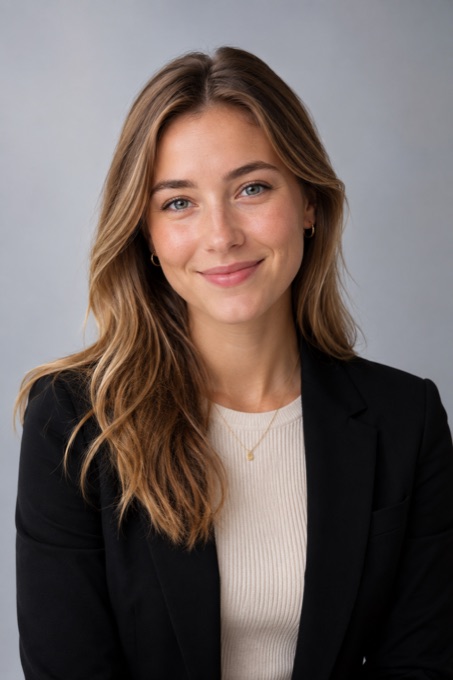
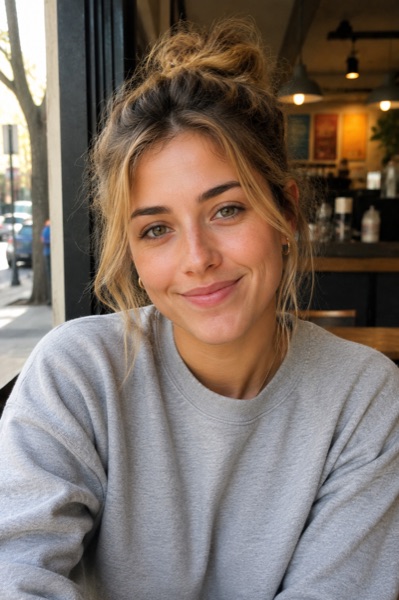
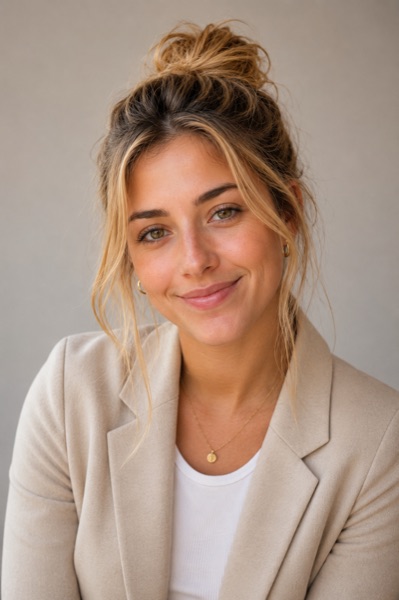
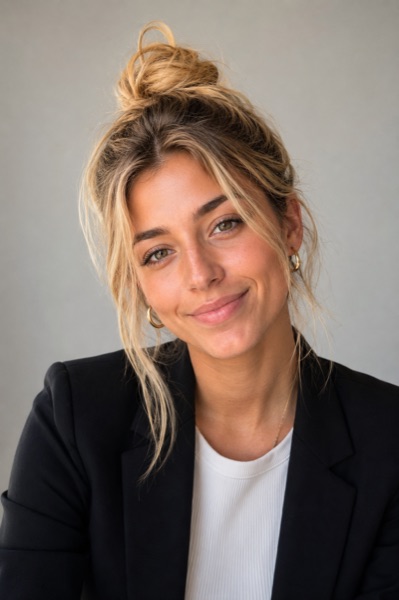
Illustrative Wery-generated LinkedIn headshot previewLinkedIn
Illustrative Wery-generated personal brand headshot previewPersonal Brand
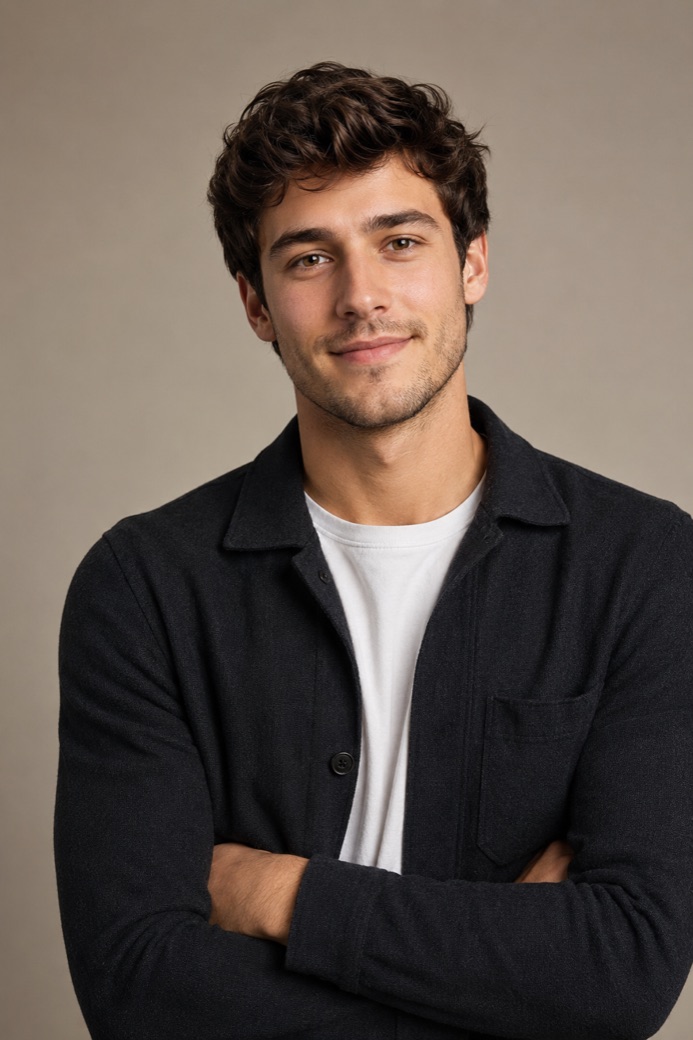
Illustrative Wery-generated speaker profile headshot previewSpeaker
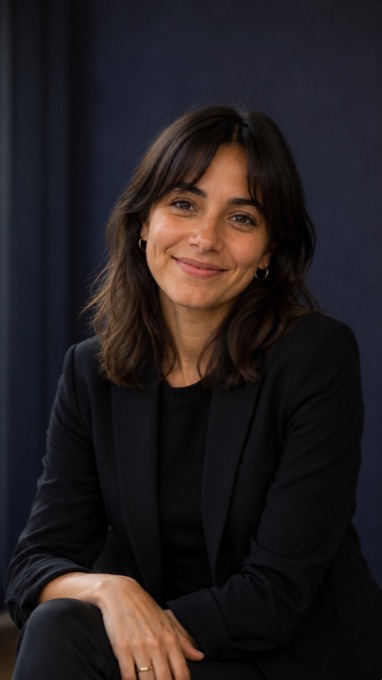
Illustrative Wery-generated team page headshot previewTeam
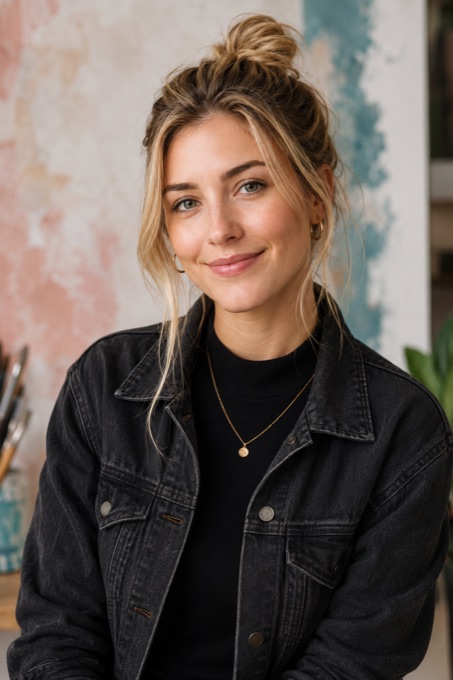
Illustrative Wery-generated creative profile headshot previewCreative

From casual selfies to professional identity assets

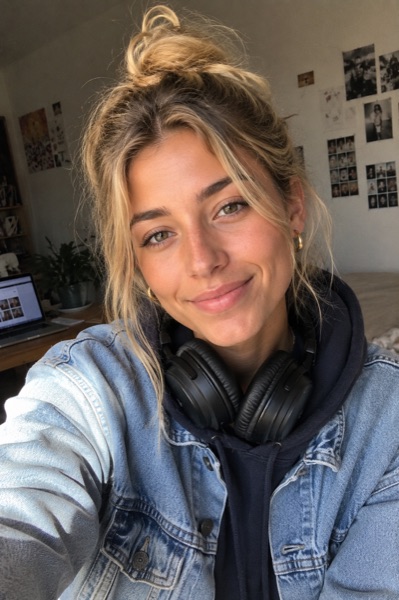
Watch Wery turn everyday photos into polished headshots.

BeforeAfter
Generating...

AI Headshots for LinkedIn, Resumes, Teams & Speakers

Each use case sets a slightly different brief — framing, tone, format. Pick the one closest to your goal and open the plan with it pre-loaded.

AI-generated professional LinkedIn profile headshot from a selfie, clean studio background

LinkedIn profile

Framing
Square · 1080 × 1080
Tone
Approachable, on-brand
Background
Clean studio neutral
Format
PNG · 1:1

Workspace asset

Headshot · LinkedIn

Generic AI Headshot Tool vs. Wery Headshot Workflow.

Generic AI Headshot Tool

Outputs one photo. Then disappears.

  • Your face and age drift between runs.

  • You crop a 1:1, 3:4, and 16:9 yourself.

  • Twenty headshots, and none of them are labeled.

  • Next time, you start from scratch.

Wery Headshot Workflow

Drafts an identity pack. Then keeps it.

  • Wery keeps the same face and feel across every version.

  • Wery delivers LinkedIn 1:1, resume 3:4, press 16:9, and deck-wide in one pass.

  • Wery groups outputs by where they go — LinkedIn, resume, team, press, and deck.

  • Wery keeps the style that worked, so the next round picks up from there.

How to Make an AI Headshot from a Selfie

Pick a use case, get a free image plan with the directions, framings, and formats you'll need — no account required. Create your workspace only when you're ready to upload your photos and generate the full asset pack.

  1. 01Step
    No account yet

    Pick your use case

    Tell Wery where your headshot needs to work — LinkedIn, resume, team page, speaker profile, press kit, pitch deck, or founder bio. Wery turns that context into a clear creative brief for framing, tone, styling, and format, so you do not need to write a prompt.

  2. 02Step
    No account yet

    Upload your selfies and build a free image plan

    Answer two quick questions about your role, then add your clear selfies from different angles and lighting — 5 or more works best. The more varied your photos are, the better Wery can understand your features, expression, and professional style. No account is needed to preview the plan.

  3. 03Step
    No account yet

    Preview headshot directions and formats

    Before generating, review the style directions and output formats Wery recommends — LinkedIn 1:1, resume 3:4, press 16:9, deck-wide, and more. You will also see a simple checklist for the photos or details that can improve the result.

  4. 04Step
    Account required

    Create your workspace and generate

    Once you are ready, create your Wery workspace and let AI Experts draft several headshot directions in parallel. Wery helps keep your look, age, and professional feel consistent across versions, then lets you keep what works, refine the rest, and save the final set as reusable identity assets for next time.

Build your plan first. No login until you're ready to create your workspace.

What to know before you generate one.

What is an AI headshot?

An AI headshot is a professional portrait Wery generates from reference photos you upload. A few clear photos from different angles and lighting are enough to start, and 5 or more gives the best likeness — Wery uses them to capture your features and produce polished, professional-looking results.

Are AI headshots realistic enough for LinkedIn?

Yes. With clear reference photos, Wery generates headshots that look natural and professional enough for LinkedIn, resumes, and team pages. For the best results, upload 5 or more photos with different angles and lighting, and pick the use case so Wery optimizes the framing and tone for it.

Where can I use an AI headshot?

Common contexts include LinkedIn profiles, resumes, founder bios, press kits, conference badges, podcasts, and social profiles. With Wery, each generated headshot is saved as a workspace asset so it stays available across future projects.

What makes Wery different from a generic AI headshot generator?

Wery is a workspace, not a single-purpose tool. You set a professional goal, Wery's AI Experts draft and refine the headshots inside an execution plan, and the final assets stay in your workspace for the next deck, profile, or pitch.

FAQ

  • How does Wery's headshot workflow work?

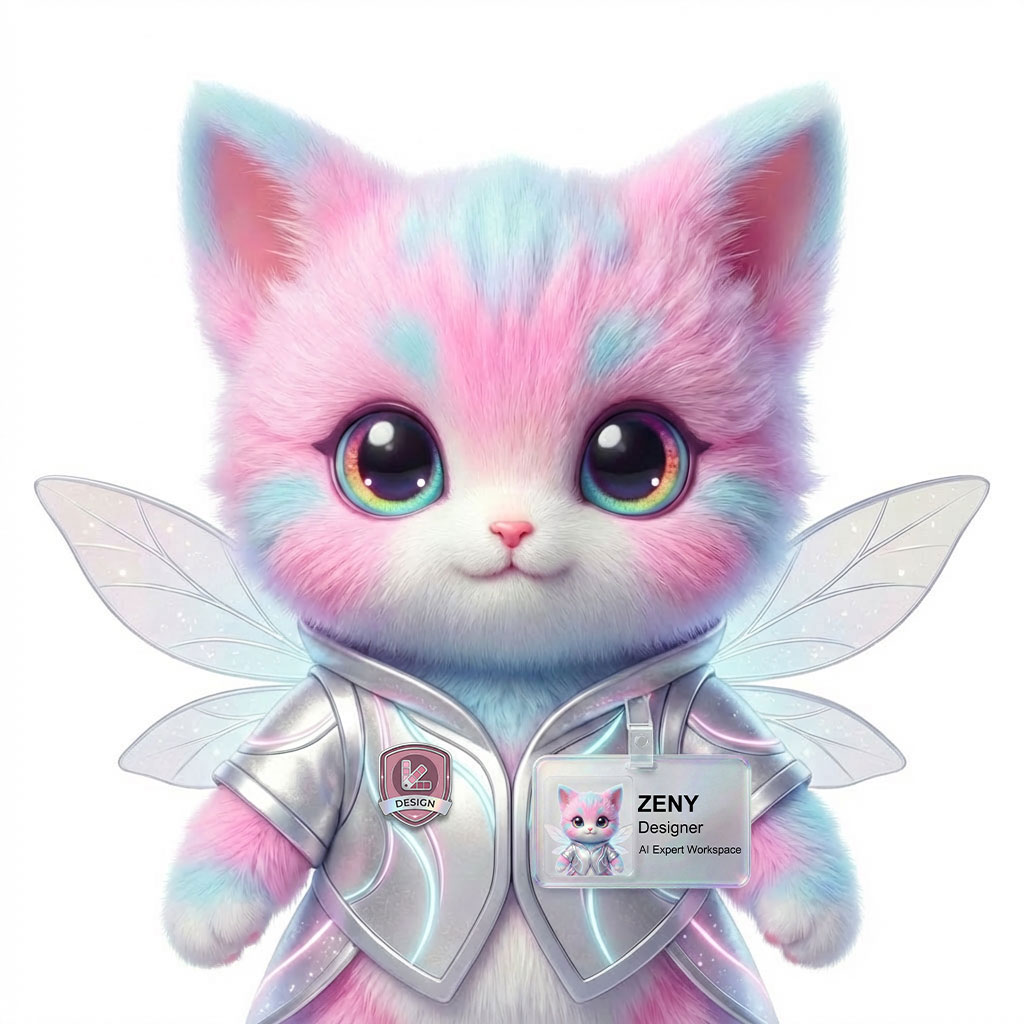
    Tell Wery the goal (e.g. a LinkedIn refresh). Wery drafts an execution plan and its AI Experts — led by Zeny, the Designer — generate looks in parallel. You review, refine, and the final headshots are saved as assets in your workspace.

  • How many photos should I upload?

    There’s no strict minimum — even a few clear photos can work — but 5 or more from different angles gives the best results. More variety in lighting and pose helps Wery capture your features.

  • How long does it take?

    Wery's Experts work in parallel inside your workspace and surface drafts as they're ready. You can keep refining from there.

  • Can I use these headshots on LinkedIn and resumes?

    Yes — LinkedIn profiles and resumes are supported goals for this workflow.

  • Do I own the headshots I generate?

    Yes. The headshots you generate are yours to use — for personal and commercial purposes, including LinkedIn, resumes, team pages, press kits, and decks.

  • What happens to my photos?

    Your reference photos are used only to generate headshots inside your workspace. We don't use them to train our models. They're stored securely and can be deleted at any time.

Beyond headshots

One workspace, every kind of professional asset.

The same workflow drafts research, reports, decks, and visuals. Headshots are one asset class in your AI Expert Workspace — and the experts working on them are the same ones working on the rest of your week.

See the workspace

Building a resume too? Pair your headshots with AI Resume.

Expert lineup

  • Zeny, Designer
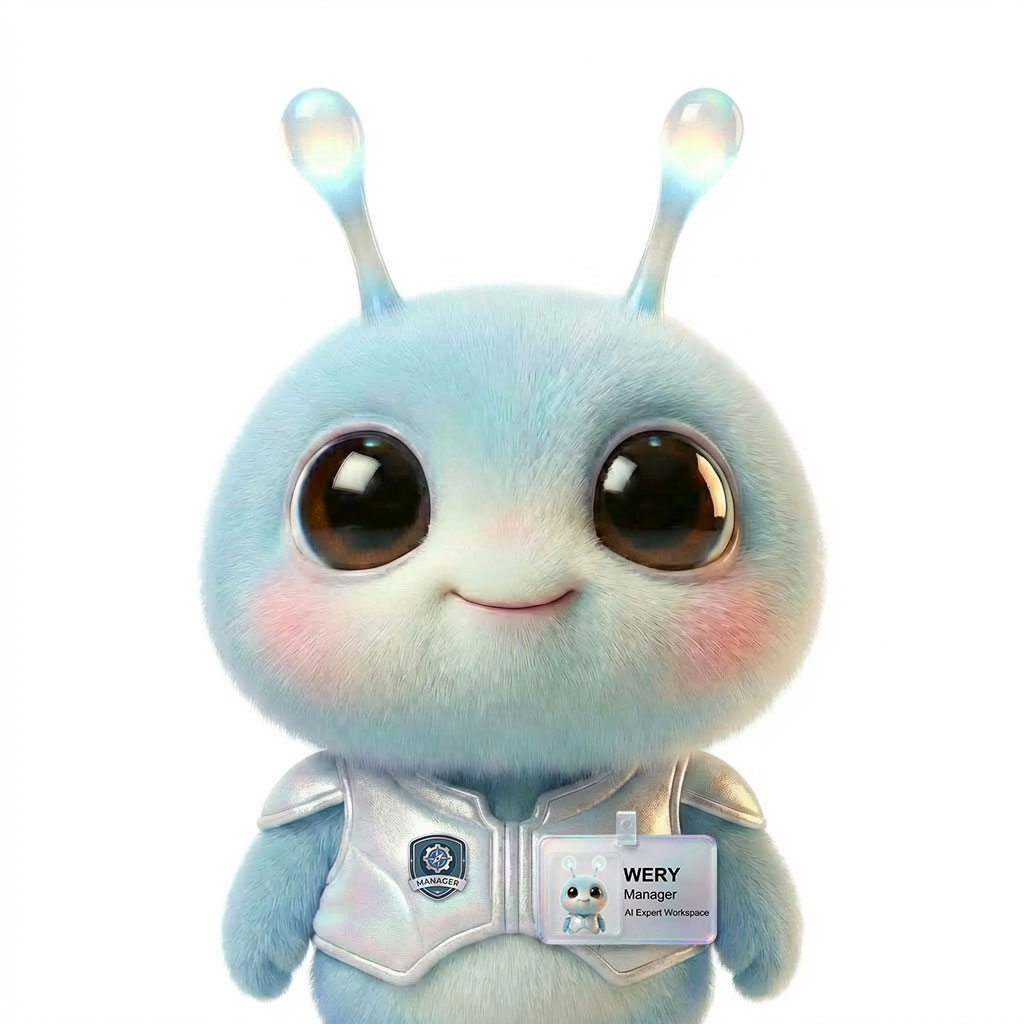
  • Wery, Manager
  • KOMP, Post Pro
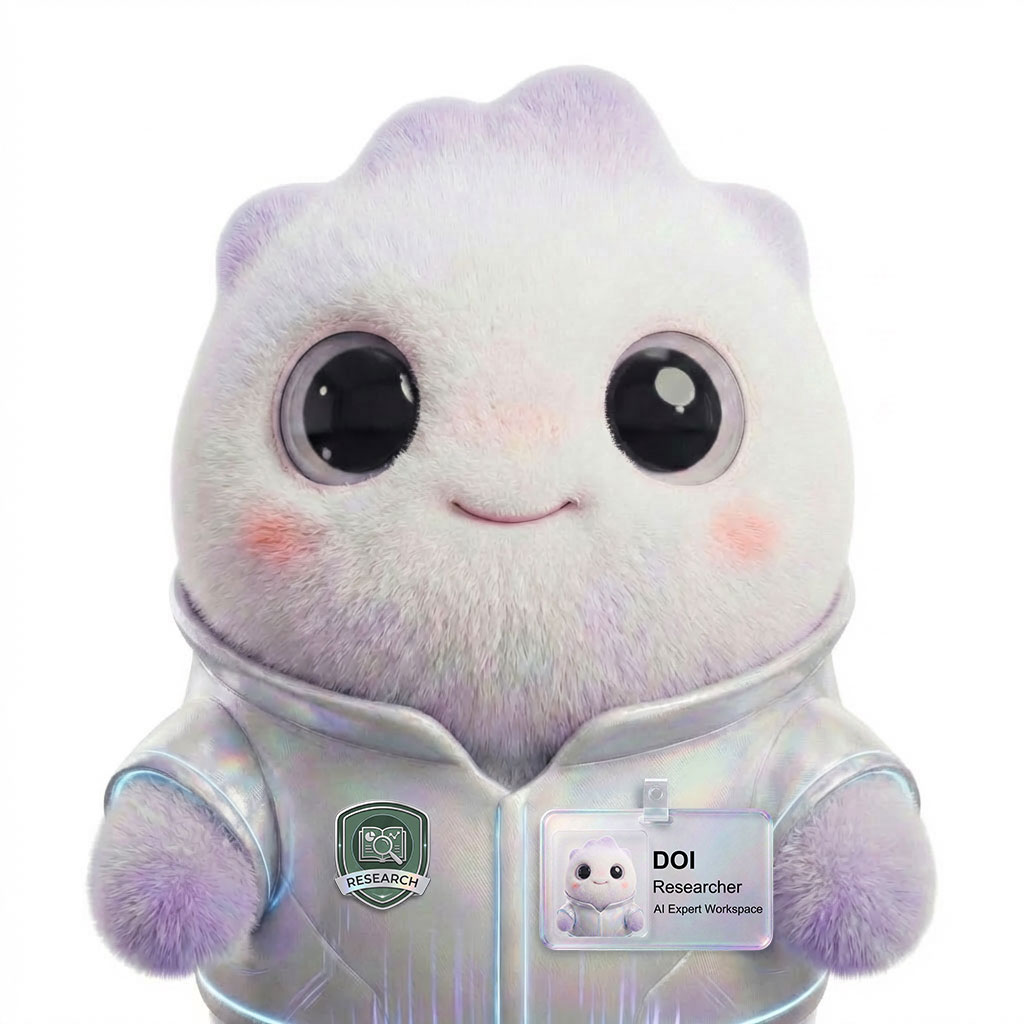
  • Doi, Research
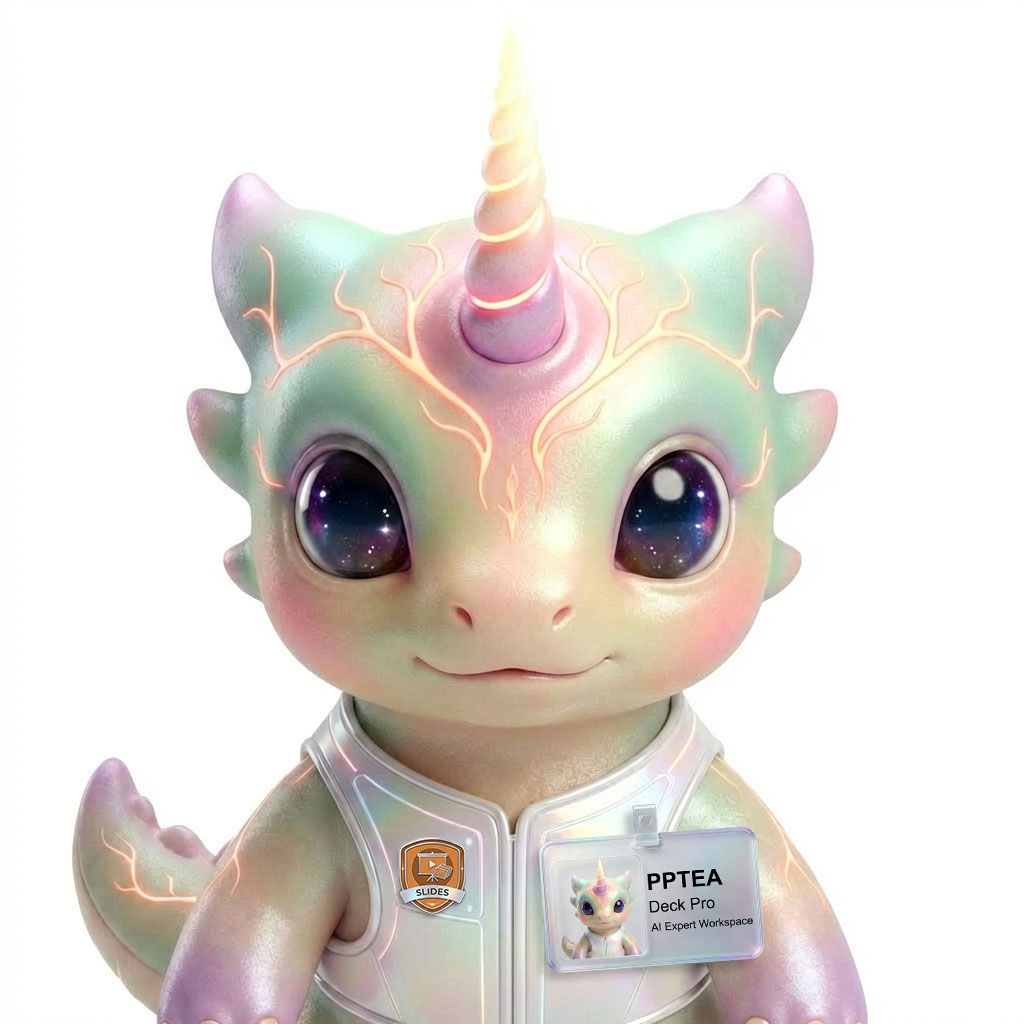
  • PPTea, Deck Pro
  • Zeny · Designer
  • Wery · Manager
  • KOMP · Post Pro
  • Doi · Research
  • PPTea · Deck Pro

Ready when you are

Turn your selfies into a professional identity pack.

Build your free image plan now — pick your use case, get the directions and formats you'll need, and create your workspace only when you're ready to generate.

See the workspace

© 2026 Wery.AI Expert Workspace