
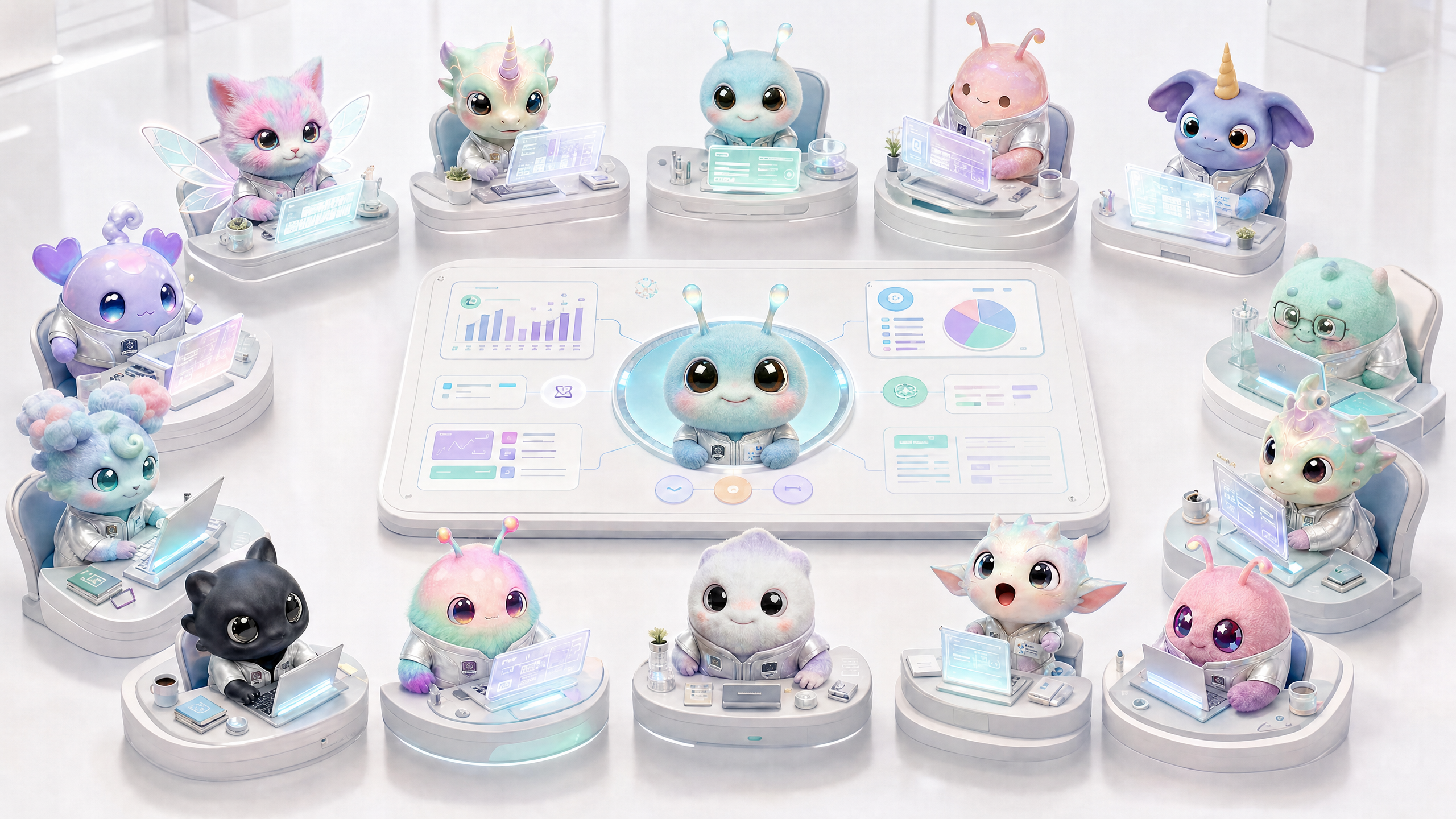
What is a team of AI experts?
Wery's Agent is not a set of names, but a set of professional workflows with responsibility boundaries. Each expert is responsible for specific products, input rules, validation methods and delivery formats.
This page is used to quickly determine "who to contact." Each Agent in the list on the left is followed by a short sentence of responsibilities, and the main text gives a clearer task boundary.
Agent Responsibilities Quick Check
If you just want to quickly select an expert, this section is enough.
- Wery: target routing, task disassembly, multi-expert orchestration, Workspace continuation.
- Zeny: Image generation, image editing, poster logo, UI vision, HTML display page.
- PPTea: Create PPT, convert files to PPT, change text/style/add pages to existing PPT.
- Xdoc: Markdown/Word/PDF document, long article summary, rewriting, formatting, narrative report.
- Cella: Excel/CSV analysis, formulas, charts, data cleaning, table editing.
- Doi: data research, source verification, competitive product/market/character/product research.
- Vlo: short video generation, supporting text, single image, multiple images, and mixed reference materials.
- Nolan: Long video script, director’s proposal, storyboarding, shot planning and production handover.
- Komp: Video editing, subtitles, transitions, audio cleaning, and ratio export are available.
- Lydi: songs, pure music, BGM, lyrics, vocal emotions.
- Onir: podcast structure, hosting script, interview outline, and program packaging.
- Sona: personal reflections, memories, private wiki, BTI/readings and companion insights.
How to choose an expert
When choosing an expert, look at the output first, not the input. The same data can be written into a report with Xdoc, PPT with PPTea, and table insights with Cella.
- Ask yourself first: Do you ultimately want pictures, documents, PPTs, tables, videos, music, podcasts, or personal insights?
- If it is a single product, directly target the corresponding expert.
- If you need to check information first, then write, and then design, leave it to Wery for planning.
- If you only modify an existing product, select the expert corresponding to the product and upload or select the original file from Assets.
- If it involves real data or the latest information, let Doi research it first or let Wery arrange the research steps.
How to communicate between experts
A good handover is not about “copying the previous response,” but about bringing the product of the previous step into the next step as an asset or context.
- Doi -> Xdoc: Research sources and evidence turned into readable reports.
- Doi -> PPTea: Research summary becomes report outline, data page and source page.
- Cella -> Xdoc/PPTea: tabular insights turned into analytical reports or management presentations.
- Zeny -> Vlo/Nolan/Komp: Image, cover, logo and visual system go into the video link.
- Nolan -> Vlo/Komp: Scripting and storyboarding into short film generation and post-editing.
- Onir -> Lydi: After the program structure is completed, Lydi will do the opening, ending and sound atmosphere.
- Sona -> Xdoc/PPTea: When personal reflection needs formal output, it is then handed over to the documentation or presentation expert.
How to use templates, packages and assets
Templates are structural starting points, and Assets are historical material libraries. Experts generate more stable results based on template, file, and asset context.
- The template is suitable for: existing clear scenarios, such as weekly reports, brand posters, investor decks, and podcast columns.
- The set is suitable for: generating multiple pictures under the same theme, multiple social media sizes or a set of content assets at one time.
- Assets are suitable for: reusing historical pictures, videos, audios, PPTs, tables, documents or design assets.
- After choosing a template, still add your specific goals, don’t just click on the template and submit empty content.
- When reusing an asset, indicate "use as reference," "continue editing," "keep style," or "convert to another format."
Image and video bits
Expert team pages should look more like index graphs and decision trees.
Image and video list
Image: Agent Responsibility Matrix
Show each Agent, its responsibilities, inputs and outputs.
Image: Expert Lockdown Drop
Show home page to select experts, view profile and switch back to smart intent.
Video: From tasks to expert selection
Demonstrate how the same requirement can be routed to different experts.
FAQ
Q: Will it be more complicated if there are more experts?
No. Wery takes care of routing by default; you only need to manually lock the expert if you know the product type explicitly.
Q: Can the same file be used by different experts?
Yes. The same Excel can be used to analyze Cella, report data to PPTea, and write reports to Xdoc.
Question: Why are there three video experts: Vlo, Nolan, and Komp?
Vlo is responsible for short video generation, Nolan is responsible for long video planning and storyboarding, and Komp is responsible for post-production of existing videos.
Q: What is the difference between Sona and Work Expert?
Sona is geared toward personal context, memory, and reflection and is not a work production expert by default.
Q: Can the template only be used by a certain expert?
Most templates are bound to an expert or product type; Wery will route the request to the corresponding expert based on the template.