
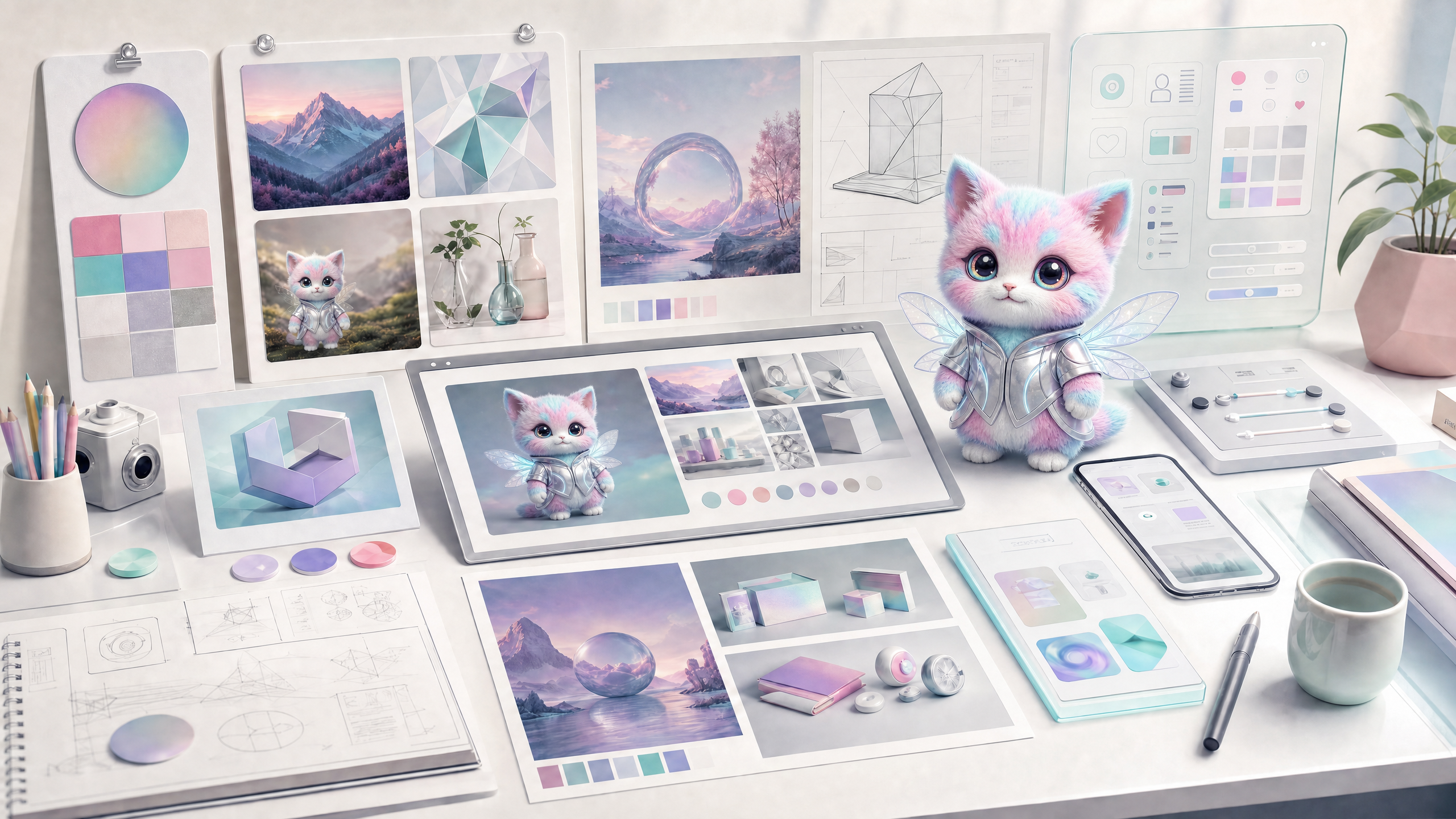
What is Zeny?
Zeny is Wery's graphics and design specialist, responsible for turning text, reference images, historical assets and brand constraints into visible visual results. It can generate images from scratch, edit existing images, expand the canvas, remove backgrounds, change text, change colors, make GIFs, recognize image text, and turn content into HTML display pages.
The core of Zeny is not to "draw a picture", but to complete the design task: determine the purpose, proportion, subject, style, reference constraints, output quantity, and save the successful results as design assets that can continue to be used.
- Generate from scratch: posters, main visuals, logo drafts, covers, social media pictures, product pictures, scene pictures.
- Based on reference images: Keep people, products, compositions, branding or visual style generated.
- Partial editing: change text, change objects, change color, remove elements, expand image, remove background, high-definition enhancement.
- Design output: web display page, report cover, card, UI concept, brand visual exploration.
- Asset delivery: Successful results should display a picture preview and enter Assets for subsequent reuse.
Entry and parameter settings
Zeny can lock experts from the homepage, start from a template, reference images from Assets, or continue editing existing results in the whiteboard/workspace.
- Select Zeny or describe the image/design goal directly and let Wery route it automatically.
- Enter the purpose: poster, logo, cover, product image, social media image, UI, display page or GIF.
- Set key parameters: scale, number of results, clarity, whether to input multiple images, and whether reference images are required.
- When uploading reference images, describe the role: subject, style reference, composition reference, logo, product image, or original image that needs to be edited.
- If using a template or package, add specific themes, copy, branding, and output quantities.
- After generating, select a satisfactory picture and continue to use the whiteboard tool to redraw, expand the image, remove the background, change the text or use it as a reference for the next time.
Generate pictures from text
Text generation is suitable for tasks where there are no ready-made images but the target image is clear. Prompt words should include subject, scene, composition, style, purpose and limitations.
- Subject: person, product, place, object, role, logo or page subject.
- Scene: indoor/outdoor, time, environment, camera distance, light and background information.
- Composition: horizontal/vertical/square image, central subject, blank space, poster title area, social media safe area.
- Style: commercial photography, 3D, illustration, retro, minimalist, technology, magazine, hand-painted, etc.
- Restrictions: no watermarks, no redundant text, no wrong fingers, no brand conflicts.
- Quantity: When multiple plans are required, indicate how many sheets are required at one time, and do not split it into multiple repetitive tasks.
Brand main vision
Generate an official website hero main visual for Wery AI Expert Workspace, with a dark, professional and technological feel, showing multiple AI experts collaborating to complete pictures, PPT, tables, and video tasks, 16:9, the screen is clean, and no readable text appears.
social media poster
Generate a 1:1 social media poster with the theme "AI expert team closes the work loop". The center is an abstract workbench and multiple creative assets. It is bright but not cheap, leaving the title area above.
product cover
Make a cover image for a market research report, in a professional consulting style, including a data grid, city night scene and clear visual focus, suitable for placement on the first page of a PDF.
Reference drawings, multiple drawings and consistency
The more reference pictures, the better. You need to tell Zeny what role each picture plays, otherwise the system cannot determine what to keep and what to change.
- Single image reference: Best for maintaining subject, pose, composition or product form.
- Multi-picture reference: suitable for compositing styles, characters, products, backgrounds or first and last states, but each picture must be clearly marked.
- Template image: If you want to replace the card character or copy, you should state "Keep the layout, only replace the X".
- Brand materials: Logo, color palette, and font screenshots should be used as brand constraints, don’t just write them in the prompt.
- Consistency: A series of images should unify the subject, light, tone, perspective and aspect ratio.
- Not guaranteed: complex text, accurate trademarks, small tables and strict pixel-level restoration require subsequent editorial review.
Image editing and whiteboarding tools
If there is already a picture that is close to the target, do not re-create the picture, edit it first. Zeny’s editing capabilities are more suitable for retaining the original image structure.
- Change text/numbers: For example, change the year, price, and title of the poster to new content.
- Change colors/change objects: For example, change the car to red, and the apple to orange.
- Remove the background: suitable for e-commerce product images, avatars, logos or composite materials.
- Expand the image: Extend the canvas to adapt to horizontal/vertical format without destroying the subject.
- Partial redraw: Regenerate a certain area without affecting the main layout of the entire picture.
- HD Enhancement: Used to enhance low-definition images, but cannot fix all details out of thin air.
- OCR/Text Extraction: First read the text in the image, and then use it to rewrite, translate or redo the design.
HTML presentation page and UI visual
When the final delivery is not a static picture, but a display page, report page, case page or lightly interactive page that can be opened by a browser, Zeny will take the HTML Design route.
- Suitable for: report display page, product showcase, event page, case page, visual draft description page.
- Input: Documents, tables, research summaries, screenshots, web links or image references.
- Requirements: Describe page goals, audience, content structure, visual direction and level of interactivity.
- Not suitable for: Real product development that requires backend, login, database, multi-page complex applications.
- After generation: HTML assets can be saved as presentation files or continue to be implemented by front-end engineering.
Results checklist
After Zeny is generated, it should be checked like a design review, instead of just looking at whether it looks good at first glance.
- Whether the subject is correct, whether there are redundant characters, wrong hands, typos or brand conflicts.
- Does the proportion comply with the usage channels: official website, social media, cover, PPT, short video cover.
- Whether the text area is left blank and whether it is suitable for adding titles and CTA later.
- Whether the style of the series of pictures is consistent and whether they have the same brand identity.
- Whether the image has been saved to Assets, whether it needs to be named, downloaded or continued editing.
- If publishing commercially, check licensing, trademarks, likenesses and sensitive content boundaries.
Image and video bits
Zeny pages must show real build results and before and after editing comparisons.
Image and video list
Picture: Parameter settings and reference pictures
Demonstrate scale, quantity, clarity, multiple figure input and reference attachments.
Image: 2x2 results grid
Show how to generate multiple images at once and select the most satisfactory result.
Image: whiteboard partial editing
Shows the entry points for operations such as redrawing, image expansion, background removal, and text editing.
Video: From reference images to final poster
Demonstrates uploading reference images, generating, selecting, partially editing and saving assets.
FAQ
Q: What model does Zeny use by default to generate images?
The image generation link should use WeryAI's GPT Image 2 model capabilities. User-visible documents do not need to show the internal model key, but the page should make it clear that this is a high-quality image generation capability.
Q: I want to generate 4 pictures at one time, should I submit them in 4 times?
It shouldn't be. Setting the number of results in a task is more stable and allows the same group of results to share prompts and context.
Q: What will the reference image be treated as after being uploaded?
Depends on your instructions. It can be subject, style, composition, brand material or original image that needs to be edited.
Question: Why are the words in pictures so easy to make mistakes?
Complex small characters and long paragraphs of text are still difficult problems for image models. When precise text is required, first generate a text-free image, and then use the design/editing process to add text.
Question: Can Zeny make UI pages?
It can be used to create HTML presentation pages or UI mockups, but it is not suitable to replace complete front-end application development.
Question: How can I continue to modify it after it is generated?
Select the picture in the Workspace or whiteboard and describe the area, text, color or proportion you want to change; you can also reference it from Assets.