
What is Vlo?
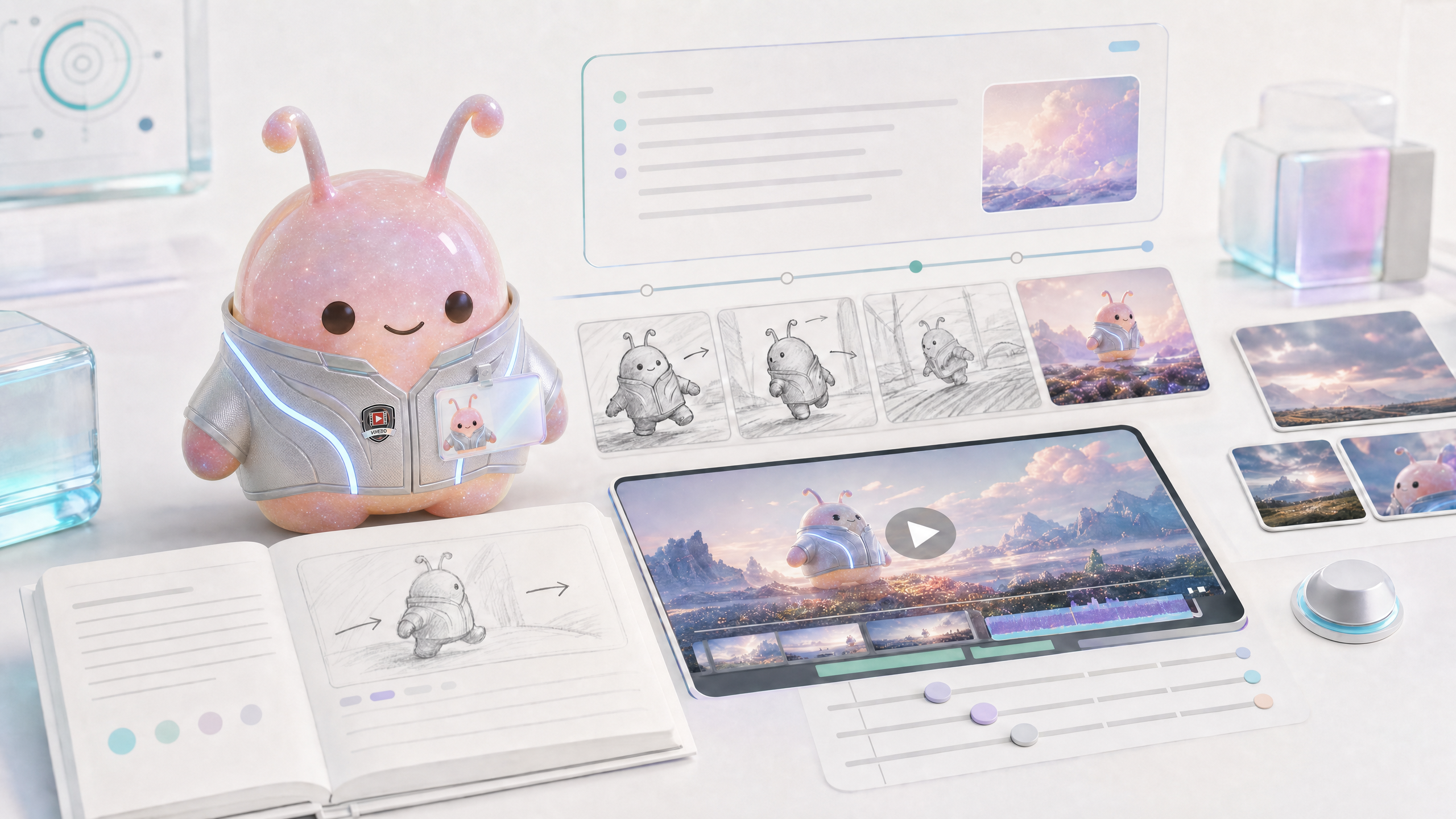
Vlo is Wery's short video generation expert, responsible for generating short video clips from text, pictures, multiple pictures or mixed reference materials. Perfect for 5-15 seconds of action, footage, product demonstrations, mood clips, or social media footage.
Generation modes
Vlo automatically selects the mode based on the material.
- Text: Generate videos from pure text.
- Single image: Generate video from a single reference image.
- Multi image: Multiple images as continuous material or style reference.
- Almighty reference: Mixed image, video, audio, or explicit @Image 1 reference.
- First and last frames: The first and last frames need to be clear, suitable for transitions or action arcs.
How to write video prompts
Video prompt words require more action and time than picture prompt words.
- Action: What the subject does in a few seconds.
- Lens: zoom in, surround, follow, handheld, fixed, overhead shot.
- Time beats: What happens at the beginning, middle, and end.
- Light and material: determine the texture of the picture.
- Proportions and Platforms: 9:16, 16:9, 1:1 vary in composition.
- Sound: Whether to generate audio, audio only uses a generic non-copyright description.
Confirmation and parameter table
The production cost of short videos is higher, and Vlo should first display the confirmation plan after actually extending the prompt.
- Confirm the final prompt.
- Confirm duration, aspect ratio, resolution, video number and generate audio.
- Confirm each reference URL and role.
- Confirm the title and output purpose.
- After the user confirms, submit the real generation.
Differences from Nolan and Komp
Don’t let Vlo do all the video work.
- Vlo: Generate short clips, suitable for single shots or small amounts of action.
- Nolan: Planning the long-form video, script, storyboards and shot lists.
- Komp: Edit existing videos, make subtitles, change proportions and export versions.
- Zeny: Makes thumbnails, covers, and visuals.
- Lydi: Generate background music or sound direction.
Image and video bits
The Vlo page must display parameter confirmation and video playback.
Image and video list
Picture: Video parameter confirmation
Display prompt, duration, scale, clarity, quantity and audio switches.
Video: image to video
Display a single product image to generate a dynamic short video.
Video: Multi-reference material generation
Display multiple images or mixed footage into almighty mode.
FAQ
Q: What length of video is suitable for Vlo?
Better suited for short clips under 15 seconds. The long video script and storyboarding was given to Nolan.
Q: After uploading the picture, does it have to be a Tusheng video?
Usually yes, but if you are mixing multiple assets or explicitly referencing @Image 1, you may go into mixed reference mode.
Q: Why do I need to confirm the prompt?
The cost of video generation is high, and the expanded actions, shots, and parameters require user confirmation before execution.
Q: Can I generate a video with sound?
Audio generation can be turned on according to parameters, but the sound description should be universal and non-copyrighted.
Q: Can I edit it after it is generated?
The results can be handed over to Komp for subtitles, proportions, credits, and multi-platform versions.