
Seedance 2.5 is now available on a growing number of AI video platforms. This guide compares five leading options in 2026: Dreamina, Wery.ai, Higgsfield, Runway, and OpenArt.
Each platform uses the same ByteDance model but serves a different workflow. Dreamina stays closest to the native Seedance ecosystem, Wery.ai connects generation to a persistent AI expert workspace, Higgsfield emphasizes cinematic control, Runway extends clips into a production pipeline, and OpenArt combines video with a broader creator suite.
The best choice depends on how a platform handles references, iteration, model switching, editing, and delivery after the first generation.
What Is Seedance 2.5 and How It Works
Seedance 2.5 is ByteDance's latest audio-video generation model, officially released on July 31, 2026.
It can generate up to 30 seconds of synchronized audio and video in one pass, double Seedance 2.0's 15-second limit. ByteDance also reports better transitions, scene changes, motion, audio, and continuity across longer sequences.
A single generation can accept up to 50 multimodal references: 30 images, 10 video clips, and 10 audio clips.
Images can define characters, products, locations, props, or style. Video references can guide motion and camera behavior, while audio can supply voices, music, or rhythm. This gives continuity-sensitive work concrete source material instead of repeated text descriptions.
Seedance 2.5 also adds timestamp-guided control, reference-based editing, green-screen workflows, camera-perspective changes, and video extension for more complex production.
Seedance 2.5 does not currently generate native 4K video. Runway exposes the model at 480p and 720p, so platforms advertising 1080p or 4K delivery may be adding a separate upscaling step.
Because the base model is largely fixed, the meaningful differences are how each platform organizes references, supports iteration, adds other models, and handles the finished clip.
Source: ByteDance Seedance 2.5 announcement
Best Seedance 2.5 Platforms Compared
| Platform | Workflow and tools | Starting paid plan | Best for |
|---|---|---|---|
| Dreamina | Seedance family and ByteDance ecosystem | Around $19/month | Native Seedance access |
| Wery.ai | Persistent project context, guided workflows, and multiple video models | From $15.99/month | Brief-to-iteration workflow |
| Higgsfield | 50+ models and cinematic controls | Seedance 2.5 access from $49/month | Cinematic multi-model work |
| Runway | Generation, editing, extension, and production tools | $15/month | Post-generation production |
| OpenArt | Image, character, story, and video tools | $14/month | All-in-one creation |
Pricing and model availability can change. Treat these figures as starting points, and compare the number of usable generations rather than raw credit totals.
Dreamina for Native Seedance 2.5 Access
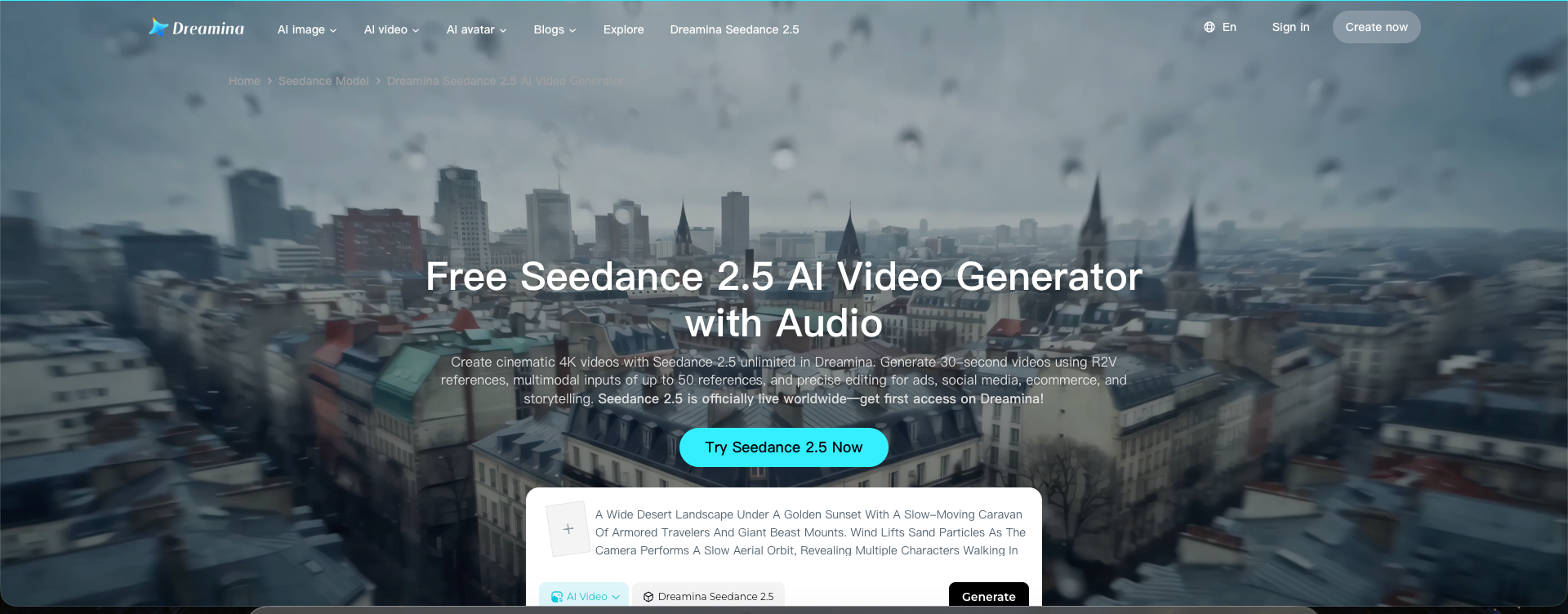
Dreamina is the most direct option for using Seedance 2.5 inside ByteDance's creative ecosystem. That proximity may matter to creators who want early access to new Seedance capabilities.
Its workflow is built around the Seedance family. Character images, product shots, scenes, motion clips, and audio references fit naturally into the 30-second, reference-heavy process.
Dreamina is a straightforward starting point if you want to test Seedance itself rather than compare many competing models. Current comparisons place the entry paid tier near $19 per month, although credits and regional availability may vary.
Dreamina limitations
- The experience is centered on ByteDance's own ecosystem, with less flexibility for switching among competing models inside one project.
- Complex finishing may still require exporting the clip to a dedicated video editor.
Wery.ai for a Connected Seedance 2.5 Workflow
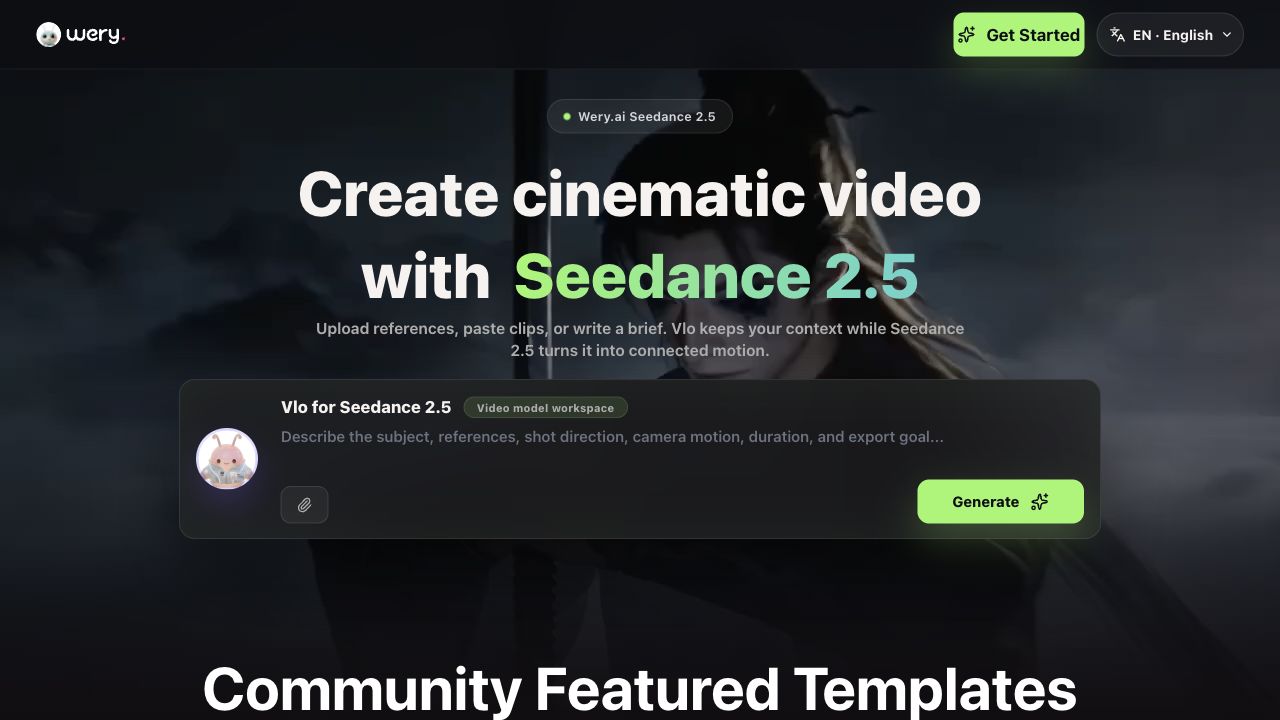
Wery.ai differentiates itself through workflow continuity. Seedance 2.5 sits inside Vlo, its video AI expert workspace, rather than on a standalone model page.
A project can begin with a brief, storyboard, or reference files. Vlo keeps the prompt, references, generation context, and timeline state connected as you create, compare, and revise clips, reducing the need to rebuild the same setup after every generation.
For a product reveal, you can upload the product image, select a guided workflow, generate with Seedance 2.5, compare variations, revise the brief, replace a reference, and continue inside the same project.
Wery.ai supports prompt-to-video, reference-guided generation, storyboard-to-video, subject continuity, camera-path planning, scene matching, product reveals, social shorts, clip comparison, timeline refinement, transitions, and pacing. It also lists Kling 3.0, Veo 3.1, and Runway Gen-4.5, while other Wery experts can support research, scripting, storyboarding, and post-production.
This approach is most useful for repeatable projects with several references or revision rounds. Current public listings put Wery.ai's paid plans at about $15.99 per month, with a free tier available for testing the workflow.
Wery.ai limitations
- The expert workspace may be more structure than occasional prompt-to-video users need.
- Model and task costs vary, so high-volume creators still need to monitor credit use.
Higgsfield for Cinematic Seedance 2.5 Production

Higgsfield is a strong option when Seedance 2.5 needs to sit inside a larger cinematic production stack.
The platform combines Seedance with more than 50 image, video, and audio models. Its main distinction is the surrounding control over camera movement, optics, framing, color, characters, locations, and props.
Cinema Studio adds AI directing and reusable project elements for fashion films, product commercials, music visuals, and character-led shorts. Creators can use Seedance for a longer reference-driven sequence, then switch models when another option suits a shot better.
The main tradeoff is price. Current information places Seedance 2.5 access on the $49 per month tier with 1,000 credits. An eight-second 720p generation uses about 52 credits, although eligible plans may include limited promotional periods of unlimited generation.
Higgsfield limitations
- Seedance 2.5 requires a higher-priced plan than several alternatives in this comparison.
- Frequent experiments with premium models can consume the shared credit pool quickly.
- The model library and cinematic controls may feel excessive for simple one-off generations.
Runway for Seedance 2.5 Editing and Post Production
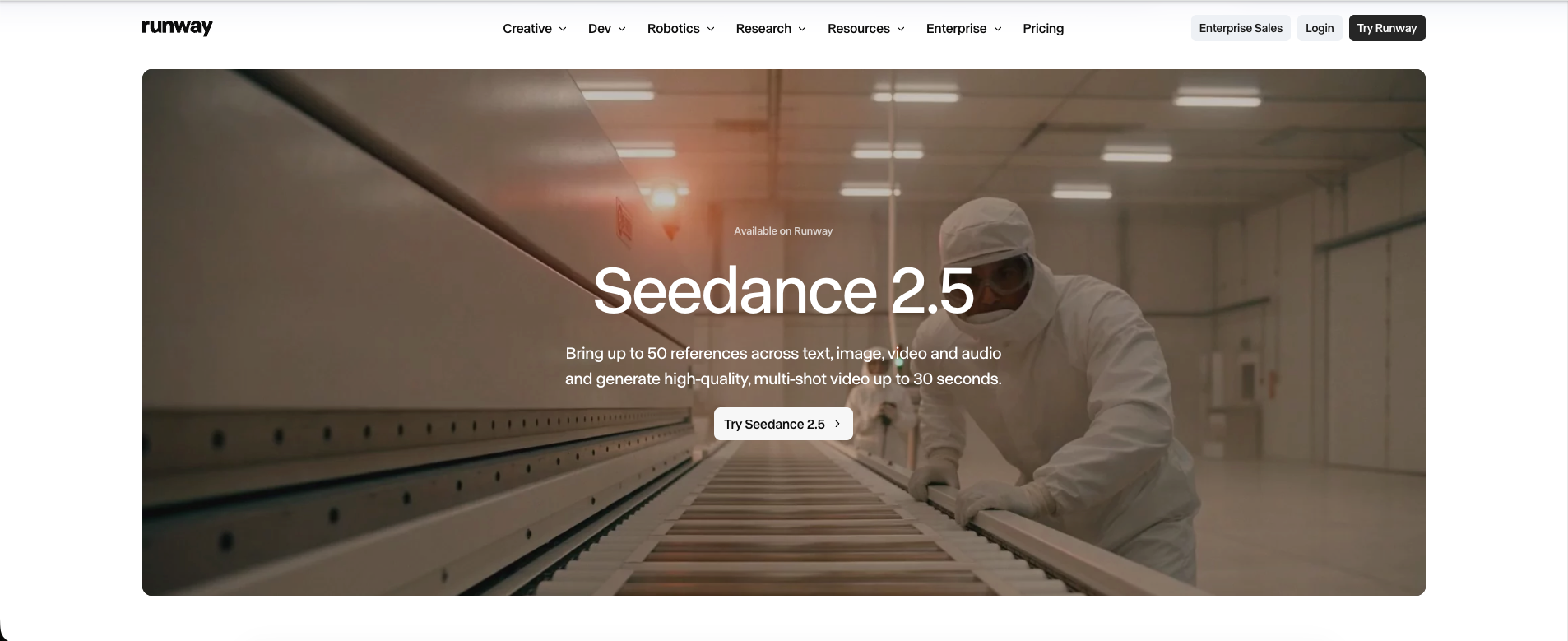
Runway is the best fit in this list for creators who want Seedance 2.5 inside an established video-production environment.
Seedance 2.5 is available through Custom mode, Workflows, and Agent. Runway supports text, image, video, and audio inputs, clips from 4 to 30 seconds, multiple aspect ratios, and up to 50 references.
Its workflows can generate from references, edit an existing video, extend footage forward or backward, or use a sketch on a frame to indicate a change. The generated clip can then continue through Runway's broader production tools, including Gen-4.5, Aleph, and third-party models.
Runway currently charges 30 credits per second at 720p and 20 credits per second at 480p, with possible additional costs for input video. The Standard plan is about $15 per month for 625 credits. Seedance 2.5 outputs at 480p or 720p in Runway; native 1080p requires another model or additional processing.
Runway limitations
- Long Seedance 2.5 clips can consume credits quickly, particularly at 720p.
- Seedance 2.5 tops out at 720p in Runway before any additional processing.
- The broader production environment may be unnecessary for simple one-off clips.
OpenArt for All in One Seedance 2.5 Creation
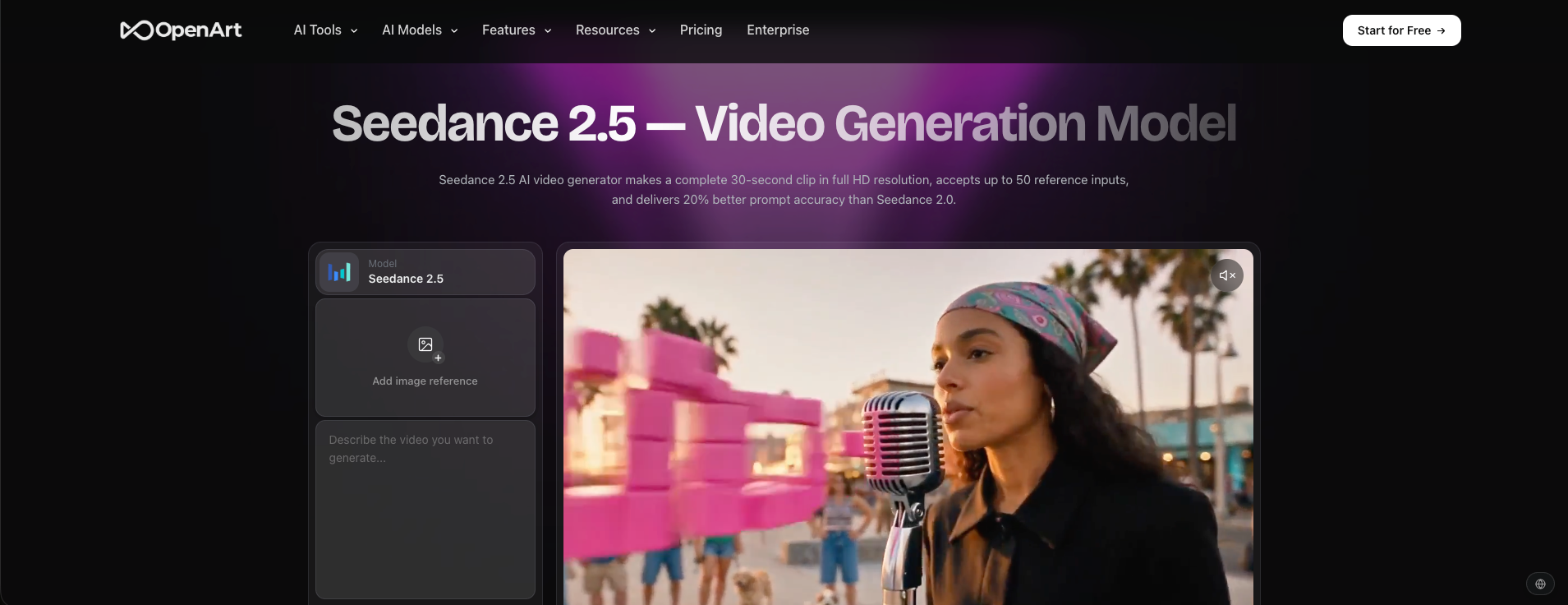
OpenArt balances a relatively simple generator with a broader suite for images, video, characters, storytelling, and editing.
A creator can develop a character or visual concept, prepare reference images, generate the video with Seedance 2.5, and continue with other tools in the same platform. This suits people who organize work around a project rather than a single model.
Current comparisons place OpenArt's entry plan at about $14 per month with 4,000 credits. An eight-second 720p Seedance 2.5 generation with audio is estimated at roughly 1,040 credits. Credits are not directly comparable across platforms, so focus on the number and length of generations a plan supports.
OpenArt limitations
- Heavy Seedance usage can burn through entry-level credits quickly.
- Its growing number of creative tools can make the interface feel busier than a dedicated Seedance generator.
- Some advantages only matter if you also use the surrounding image, character, and storytelling tools.
How to Choose the Best Seedance 2.5 Platform
No single platform leads every category. Match the platform to the work you expect to do around Seedance 2.5.
- Choose Dreamina if you want direct access to ByteDance's Seedance ecosystem and a workflow centered on the model itself.
- Choose Wery.ai if you need a repeatable path from brief and references through comparison and revision, with project context preserved between generations.
- Choose Higgsfield if cinematic controls, reusable creative elements, and a large model library matter most.
- Choose Runway if the generated clip is the start of a more complete editing and production process.
- Choose OpenArt if you want Seedance inside a broad studio for images, characters, stories, and video.
Final Verdict on Seedance 2.5 Platforms
All five platforms offer Seedance 2.5's core strengths: 30-second generation, synchronized audio and video, up to 50 multimodal references, stronger continuity, and more flexible editing.
The deciding factor is the workflow around the model. Dreamina provides the closest native experience; Wery.ai preserves creative context across guided iterations; Higgsfield adds cinematic control; Runway extends generation into production; and OpenArt connects Seedance to a broad creator suite.
For quick tests, choose the simplest or lowest-cost access available. For ongoing work, compare how much setup must be repeated, how easily you can change references, and what happens after the first clip is generated.
If Wery.ai's connected workflow matches the way you create, create a free Wery.ai account and test one Seedance 2.5 project from brief to final iteration. The free tier is the simplest way to see whether preserved context and guided workflows save enough setup time for your process.