
Simply cropping the same image into different sizes rarely solves the problem. The composition can quickly feel cramped, important details may be cut off, and the campaign can start to look inconsistent across platforms.
With Wery ’s product advertising templates, you can use one clear product photo as the starting point for a wider range of static and animated assets. Instead of redesigning every piece from scratch, you can create new compositions that are better suited to different channels and campaign goals.
From a single product photo, you can create a product hero image, a lifestyle scene, a social media ad, a 360° product rotation video, a 3 product features video, and a cinematic product reveal video.
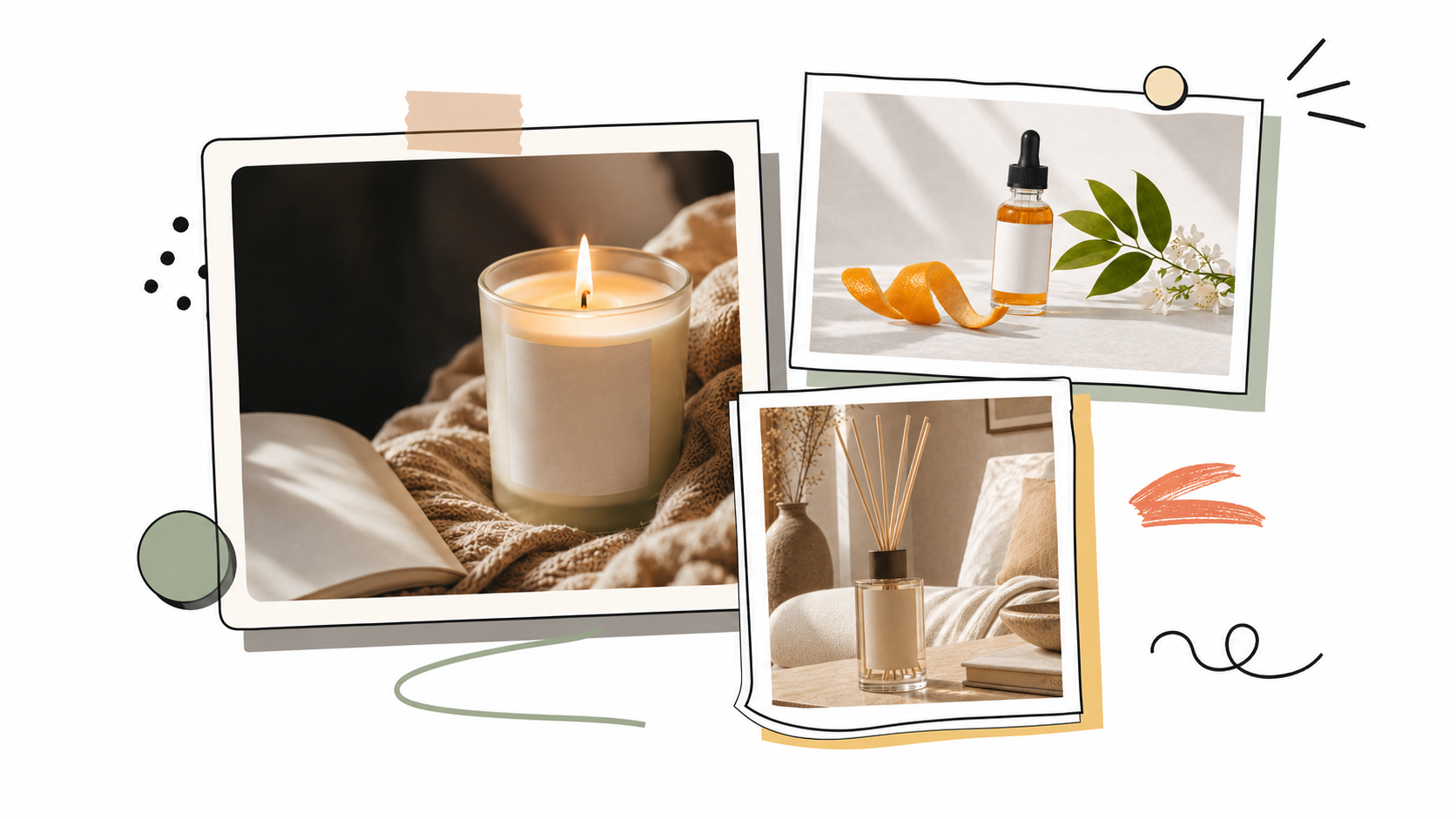
Step 1: Choose a Product Photo That AI Can Work With
The best image for this workflow is not always the most polished or visually impressive photo. What matters most is whether the product is clear, complete, and easy for AI to recognize.
For more reliable results, choose an image where:
-
The full product is visible and not covered by hands or other objects.
-
The image is sharp and high-resolution, without heavy blur or overexposure.
-
The background is relatively simple, making the product edges easier to identify.
-
The logo, label, packaging colors, and product structure are clearly visible.
-
The product takes up enough space in the frame and does not appear too small.
There is one important limitation to keep in mind. When you upload only a front-facing photo, AI has to estimate what the sides and back of the product might look like.
If accurate packaging details are especially important, it may be safer to use a subtle camera move, a close-up, or a limited-angle rotation rather than a complete 360-degree turn.
Step 2: Decide on a Visual Direction Before Generating
Creating a product campaign is not just about producing more images. The individual assets should also feel as though they belong to the same brand.
Before you start generating, define a few basic visual choices:
-
Primary and secondary colors
-
Bright natural light, soft studio lighting, or dramatic spotlighting
-
Background materials and settings
-
Product placement and negative space
-
An overall mood, such as fresh, professional, luxurious, or playful
Example Visual Direction
“A facial serum presented in soft beige and sage green tones, with gentle natural light and a clean stone surface. The overall look should feel refined and premium without appearing overly luxurious.”
A simple direction like this gives the campaign a visual foundation. You can then reuse the same colors, lighting, materials, and mood across product images, posters, and videos.
Step 3: Create the Core Product Visuals
You do not need to start with a blank prompt. Simply choose the template that most closely matches the asset you want to create:
A basic product visual suitable for ecommerce product pages, websites, and brand profiles.
Used to show ingredients, texture, and brand atmosphere, especially for skincare, beauty, food, and beverage products.
Organizes the product’s key benefits into clear advertising messages, suitable for ads and social media promotion.
Creates content that can be published directly on platforms such as Instagram and Pinterest.
Depending on the product type and advertising goal, you can also try templates such as Handheld Product Photo, Product in a Home Setting, Spotlight Product Shot, Water Splash Product Poster, or New Arrival Poster.
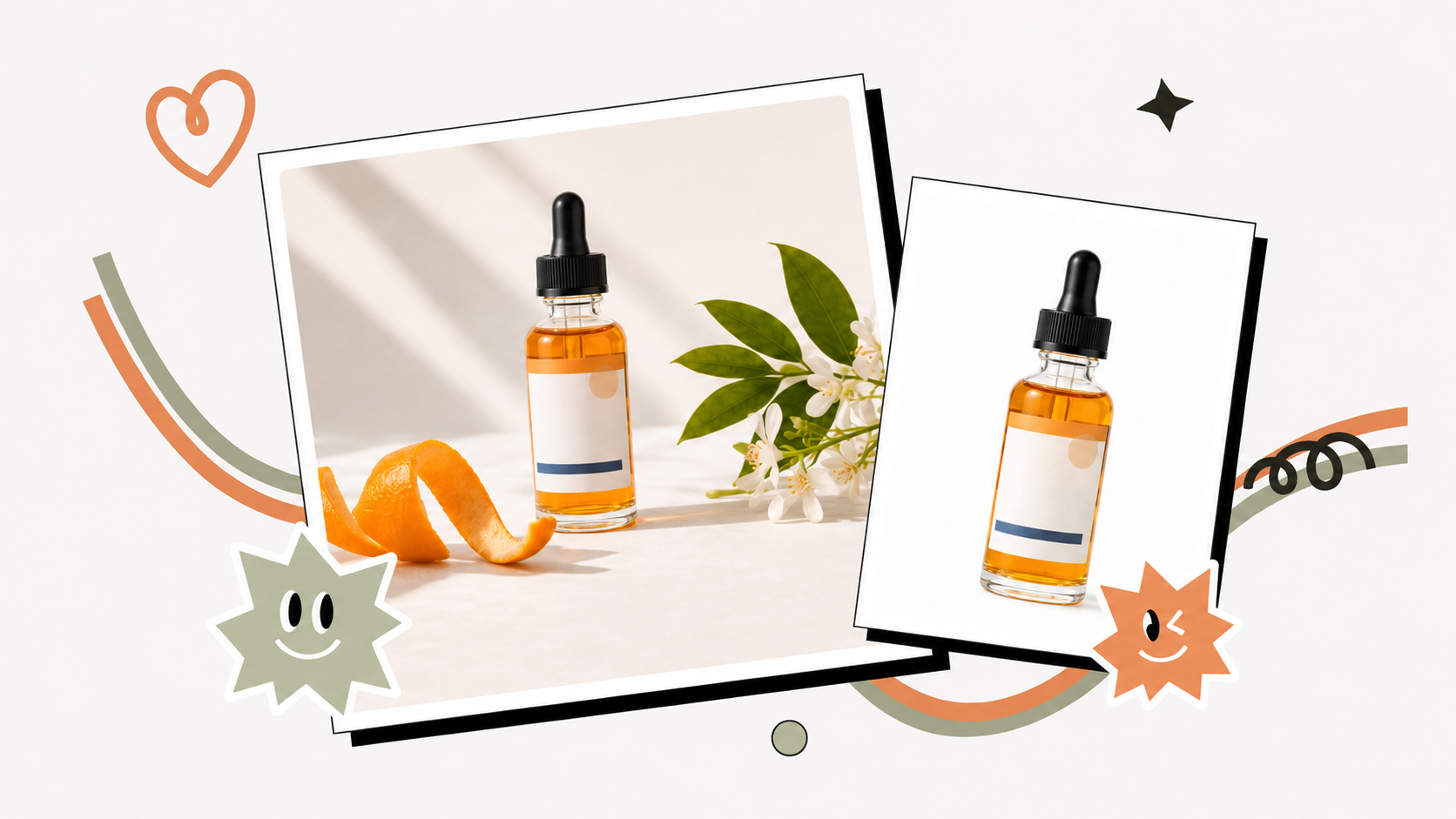
Step 4: Create a Separate Composition for Each Platform
Avoid creating one design and repeatedly cropping it into different dimensions.
A layout that feels balanced in a square format may look crowded in a vertical post. A product centered in a 16:9 banner may also leave too little room for text when cropped into 4:5.
Generating each format separately gives the product, copy, and surrounding elements enough room to work together.
Common aspect ratios include:
-
1:1 Product pages, social posts, and selected ad placements
-
4:5 Instagram Feed and mobile advertising
-
9:16 Instagram Reels, Stories, TikTok, YouTube Shorts, and Pinterest
-
16:9 Website banners, YouTube, presentations, and video covers
When adapting an asset, keep the same visual direction but allow the layout to change. The product may need to move, scale, or leave more negative space depending on where the final image will appear.
Step 5: Turn the Product Image into a Short Video Ad
Once the static assets are ready, you can take the most reliable product image and use it with a video template. Different videos do not need to serve the same purpose: some show the product’s appearance, some explain its key benefits, and others create atmosphere for a product launch.
This format is suitable for products where shape, materials, and packaging structure need to be shown, such as perfume, beauty products, consumer electronics, and packaged food. A slow product rotation with a fixed camera is usually more stable than combining zooming, camera panning, and background movement. For products with detailed labels, use a smaller rotation angle instead.
This format is suitable for explaining a product’s value within 10–15 seconds. For example, a serum video could highlight “Deep Hydration,” “Lightweight Texture,” and “Suitable for Everyday Use,” before ending with a full product shot and a CTA. Keep each selling point short so viewers do not have to read large blocks of text in a short video.
This format is suitable for new product launches and brand-focused content. The video can begin with a dark silhouette, a close-up detail, or light moving across the product, before gradually revealing the full item. It does not need to explain every feature and is better suited to building anticipation.
Step 6: Build a Complete Set of Advertising Assets
A practical product advertising kit does not need to contain dozens of variations. A smaller, well-organized set is usually easier to publish, test, and reuse.
A simple but complete asset package might include:
-
One clean Minimal Studio Product Shot
-
Two lifestyle or detail-focused images
-
One 4:5 advertising image with space for copy
-
One five-to-eight-second 360° Product Rotation or Cinematic Product Reveal
-
One 10-to-15-second 3 Product Features Video
-
Versions prepared for 1:1, 4:5, 9:16, and 16:9 placements
For promotions, seasonal campaigns, or special events, you can continue using the same visual direction while adding price-focused designs, limited-time offer versions, or seasonal backgrounds.
This makes it possible to expand a campaign without rebuilding the entire visual system from the beginning.
FAQ
Can I create several ads from one product photo?
Yes. One clear product photo can be extended into studio product images, natural lifestyle scenes, feature posters, social media ads, and short-form videos.
For a more consistent result, define the color palette, lighting, background style, and overall mood before applying the image to different templates.
What kind of product photo works best?
High-resolution images with a complete product, a simple background, and clearly defined edges usually produce the most stable results.
The product should preferably face the camera, while the logo, label, and packaging text should be as clear as possible. Avoid heavily blurred images, strong reflections, severe overexposure, or photos where the product is partly covered.
Can Wery preserve the original logo and packaging?
When using a template, you can ask Wery to preserve the product shape, logo, label text, packaging colors, and other important visual details.
However, generative AI may still alter small text or invent parts of the product that are not visible in the original image. Always review the final result carefully when brand identity and packaging accuracy are important.
What size should I use for social media ads?
Instagram Feed posts and ads commonly use a 4:5 ratio. Reels, Stories, TikTok, and YouTube Shorts generally use 9:16. Square social posts can use 1:1.
Website banners, YouTube videos, presentations, and landscape ads commonly use 16:9.
Build a Reusable Advertising Library from One Product Photo
The real value of a product photo is not how many times it can be cropped. It is how many useful creative assets it can help you produce.
By choosing a clear visual direction first and then expanding the image through Wery’s image and video templates, you can prepare content for product pages, social media, advertising campaigns, and new-product launches much more efficiently.
For small brands, independent sellers, and content teams, this approach also makes it easier to test different creative directions and reuse the strongest ideas instead of beginning every campaign with a blank project.