
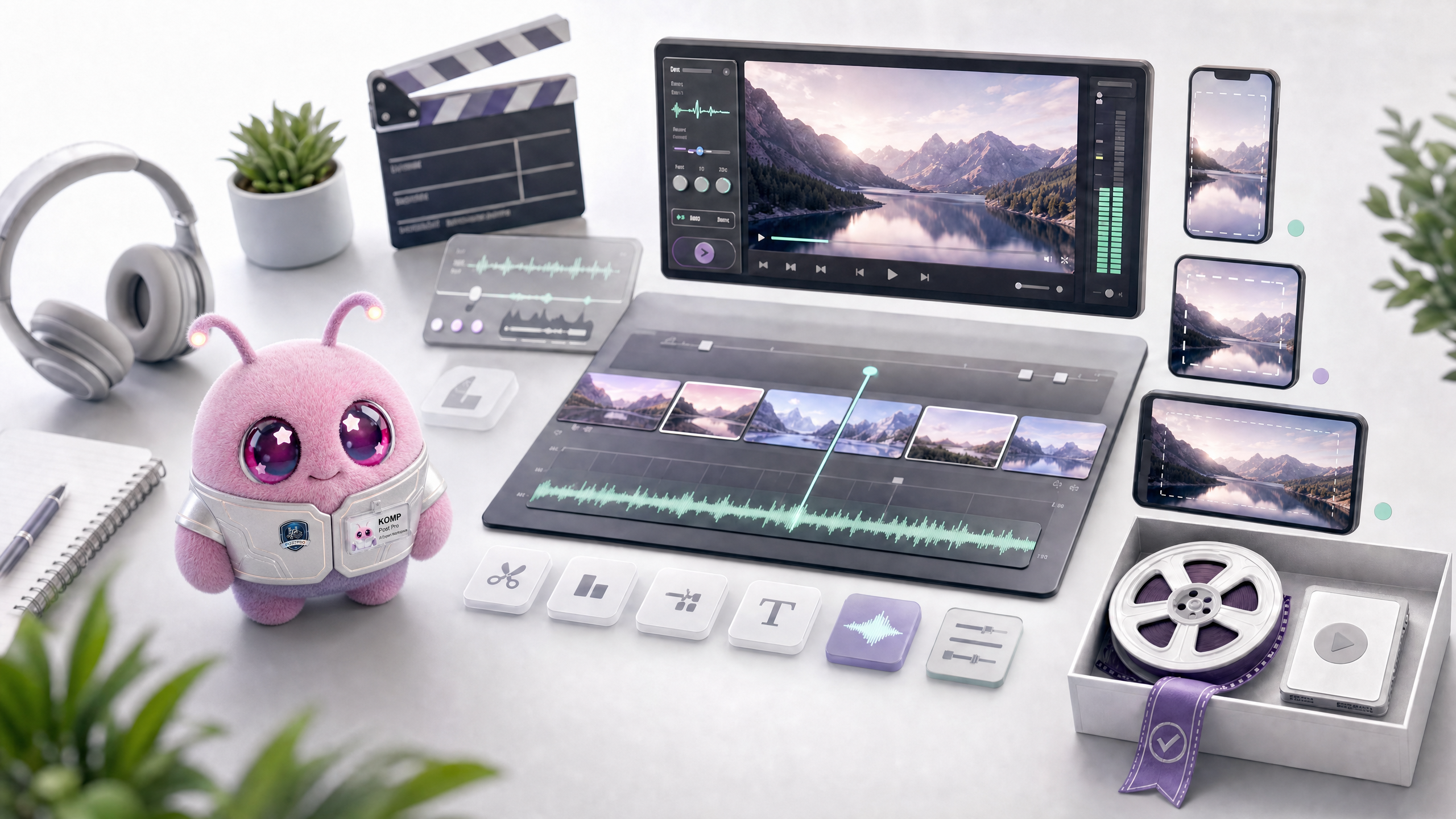
What is Komp?
Komp is Wery's video post-production specialist and only works with existing videos or existing clips. It is responsible for editing, duration compression, rearrangement, splicing, transitions, subtitles, audio cleanup, scaling, opening credits, and release versions.
What you need before you start
Komp cannot generate videos out of thin air, it requires real video footage.
- Upload a video, or select an existing video from Assets.
- Describe the target platform: TikTok, Reels, YouTube, official website, advertising or internal reporting.
- Specify target ratio: 9:16, 16:9, 1:1 or multiple versions.
- Explain the editing goals: shorter, more compact, adding subtitles, removing pauses, splicing, adding transitions, and exporting the version.
- If there is a specified retention/deletion time period, write the seconds or time code.
clip mode
Komp converts natural language into post-processing tasks.
- Trim and tighten: remove blanks, delete duplicates, and compress duration.
- Recut and restructure: Bring the focus forward and rearrange the structure.
- Creative rework: Using the same material to create a new version.
- Versioning: Export multiple platform versions of the same material.
- Stitch and transition: Stitch multiple clips and add transitions.
- Light overlay: title card, title card, lower-third, CTA.
- Watermark locate and remove: Locate the watermark first, and then decide whether to clean it.
subtitles and audio
The most common problems in video post-production are subtitle readability and sound quality.
- Subtitles: Generate, translate, calibrate, burn or export SRT/VTT.
- Oral broadcasting: retain the paragraphs and editing rhythm according to the transcribed text.
- Audio: Noise reduction, vocal clarity, loudness balance and whitespace compression.
- Multilingual: Check proper nouns and timelines after subtitle translation.
- Release version: Check that the opening hook, ending CTA, and subtitles do not block the main body.
Export and review
Komp's delivery should be ready for release or into final human review.
- Check whether the aspect ratio is suitable for the platform.
- Check whether the subtitles exceed the safe area or obscure important information.
- Check whether the clip removes information that the user requested to keep.
- Check volume, beginning, ending, transitions and cover frames.
- When you need a new cover art, turn to Zeny; when you need a soundtrack, turn to Lydi.
Image and video bits
Komp pages need to have before/after contrast.
Image and video list
Video: 3 minutes of oral broadcast cut into 45 seconds
Showcasing tempo compression, subtitles, and vertical versions.
Image: Subtitle settings
Showcases subtitle languages, burning, SRT/VTT and safe zones.
Video: Multi-platform export
Three versions of 16:9, 9:16 and 1:1 are displayed.
FAQ
Q: Can Komp generate videos from scratch?
No. Komp is for existing videos; Vlo is used to generate short videos from scratch, and Nolan is used to plan long videos.
Q: Can I export only subtitle files?
Yes, specify language and format, such as SRT or VTT.
Q: Can a long video be cut into multiple short videos?
Yes, but you need to first identify candidate segments, topics, and target platforms.
Question: Is watermark removal guaranteed to be successful?
Not guaranteed. It is necessary to first determine the watermark location, stability and authorization boundaries.
Q: Can I merge multiple clips?
Yes, provide clip order and transition requirements.