
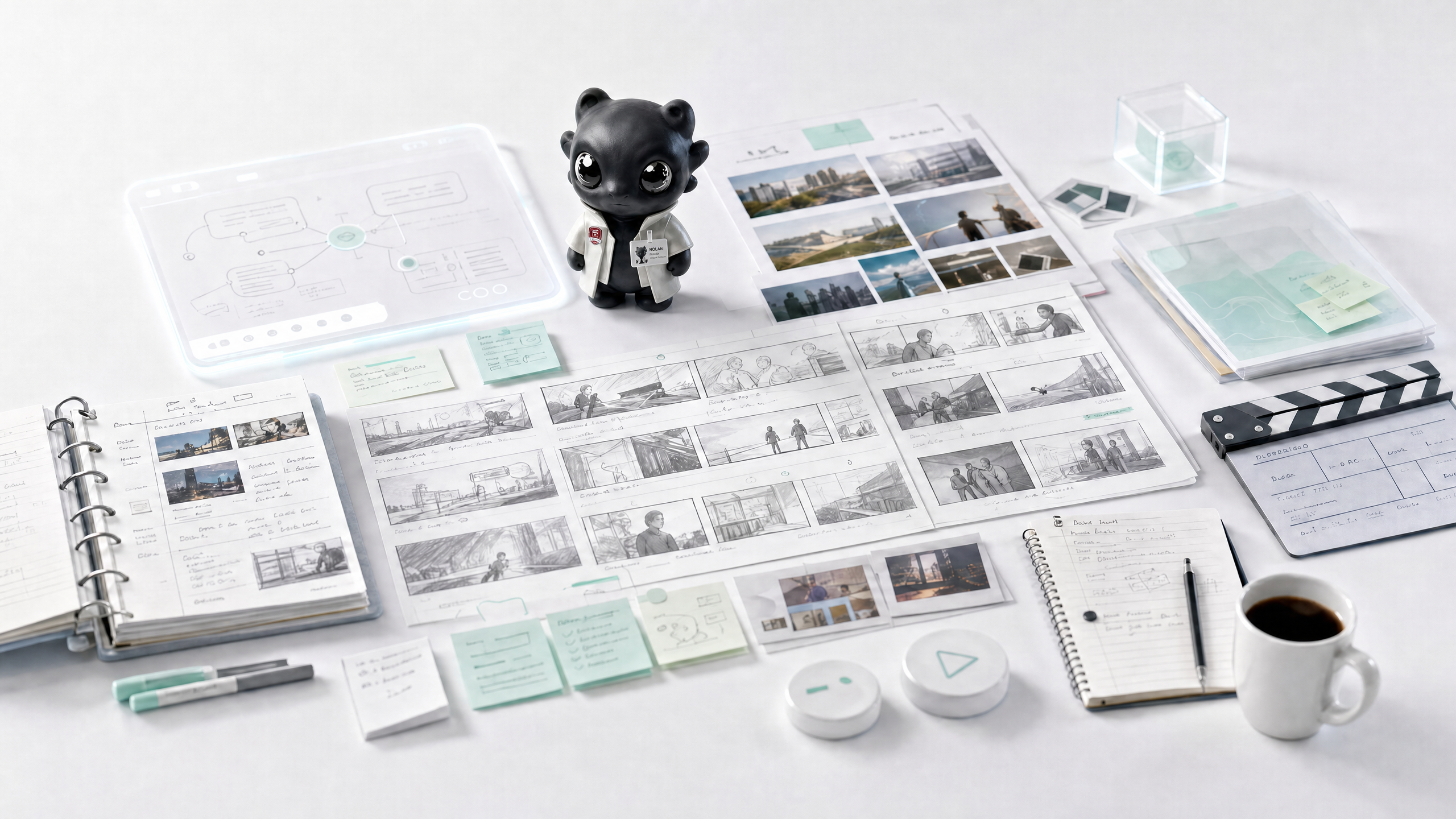
What Nolan does
Nolan carries a video from brief and storyboard through shot generation, editing and delivery. It can make a single short shot or coordinate a multi-scene production. Upload a script, image, video or brand reference to keep the result aligned with the source.
Clip creation inputs and settings
- Text: generate a clip from a written scene and action.
- Single image: animate one reference image.
- Multi image: use several images as sequential shots or style references.
- Almighty reference: combine image, video and audio references, including an explicit @Image 1 mention.
- First and last frames: specify both frames for a transition or action arc.
- In clip mode, choose an available video template from the catalog when it fits. Templates are separate from these input modes.
- Before generation, review the final prompt, duration, aspect ratio (9:16, 16:9 or 1:1), resolution, clip count, audio option and each reference's role. Confirm the plan before a paid generation.
Editing and delivery
Nolan can trim and reorder existing clips, add transitions, subtitles and audio cleanup, then prepare platform-specific versions. Specify the target platform, timecodes and parts to retain. Review safe areas, sound levels and exports, including SRT/VTT subtitle files.
Examples
- Turn a product image into an eight-second 9:16 clip with a clear camera move.
- Develop a brand-film brief into a script, shot list and storyboard, then generate and assemble the shots.
- Cut a three-minute interview into a 45-second subtitled version and export multiple aspect ratios.
FAQ
Can Nolan generate a short video and edit existing footage?
Yes. Nolan handles both generation and post-production in the same video workflow.
Which references can I use?
Text, images, video, audio, documents and brand assets can guide the work. State what each reference should control.
Can I get subtitles without another video export?
Yes. Ask for SRT/VTT files and specify the language and timing requirements.