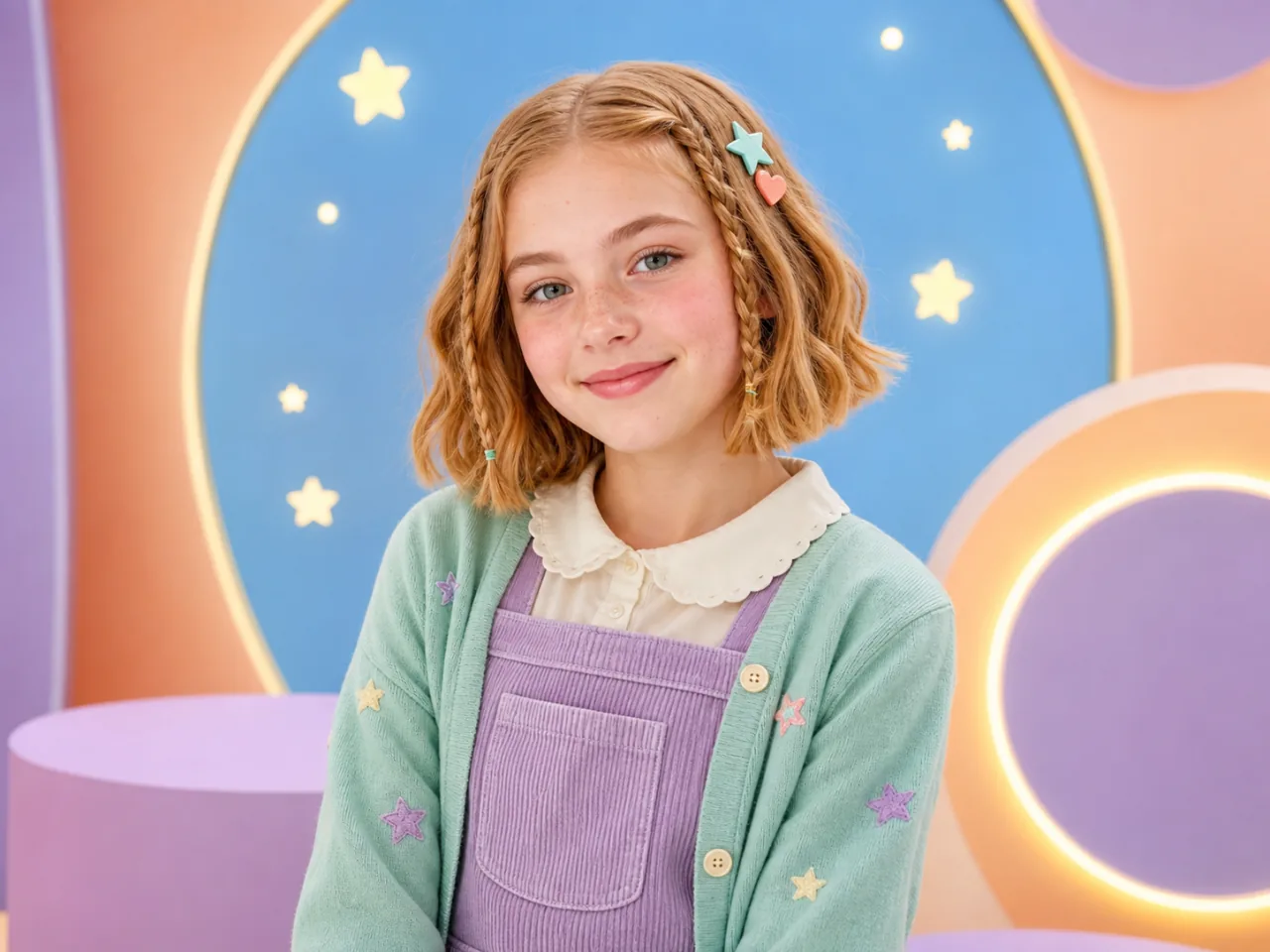
1. Upload Your Photo
Use a clear, naturally lit JPG, PNG, or WebP image.
 Wery.ai
Upload a portrait, enter any anime or manga title, and optionally add a screenshot reference to redraw recognizable features in a truly distinctive comic language.
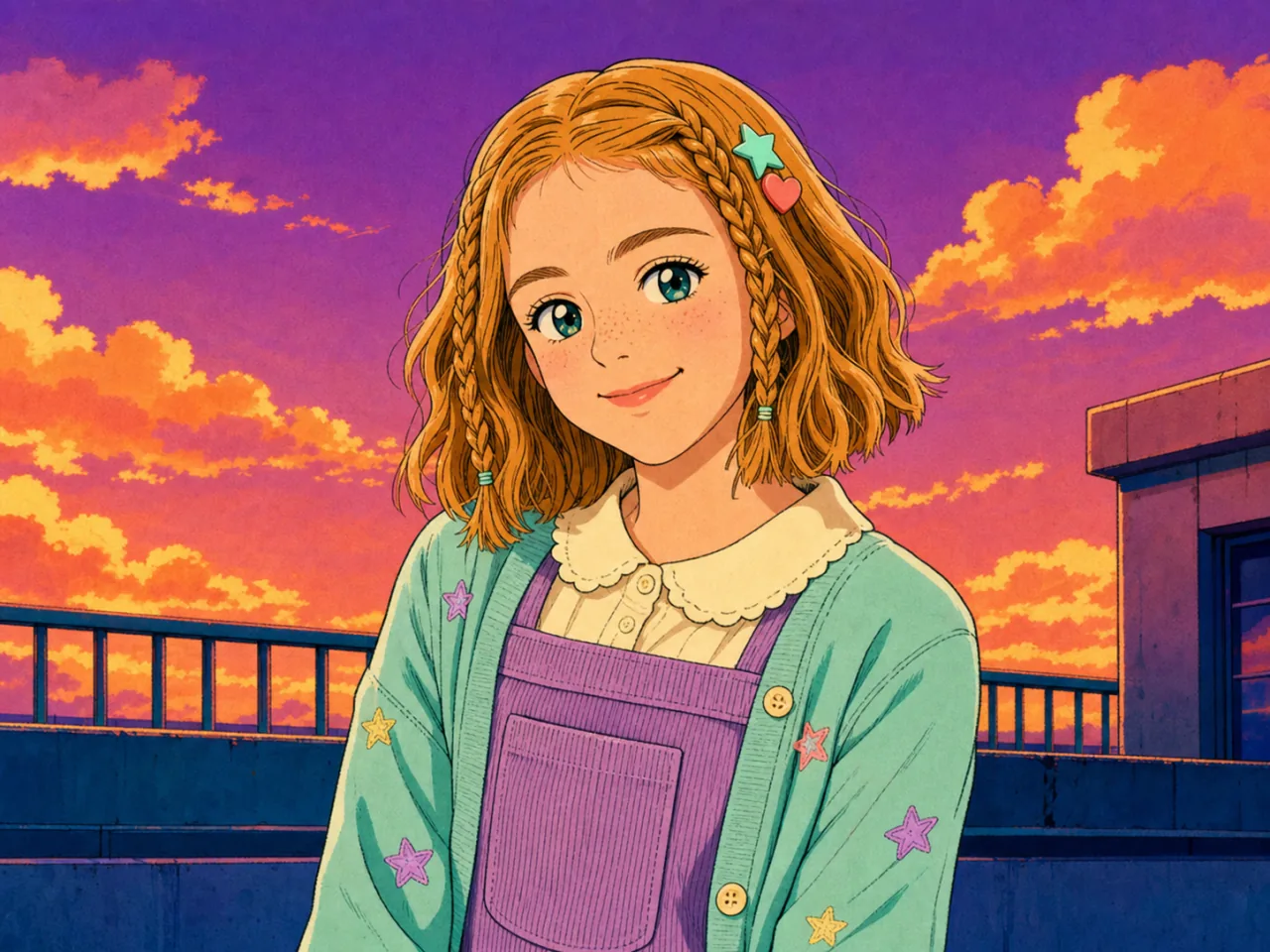
Upload a photo, set an anime direction, then hand the complete brief to Zeny to keep creating.
Use a clear, naturally lit JPG, PNG, or WebP image.
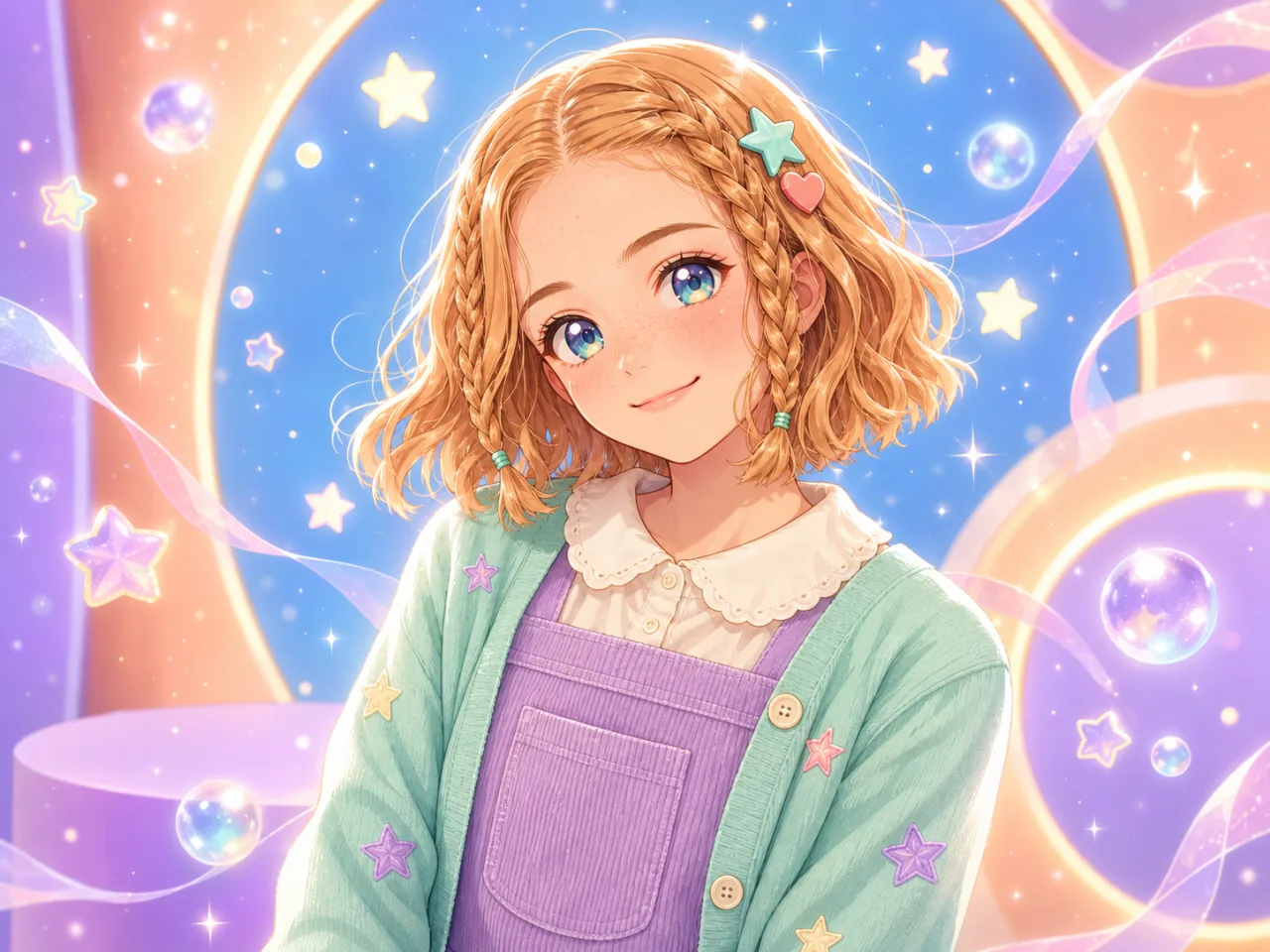
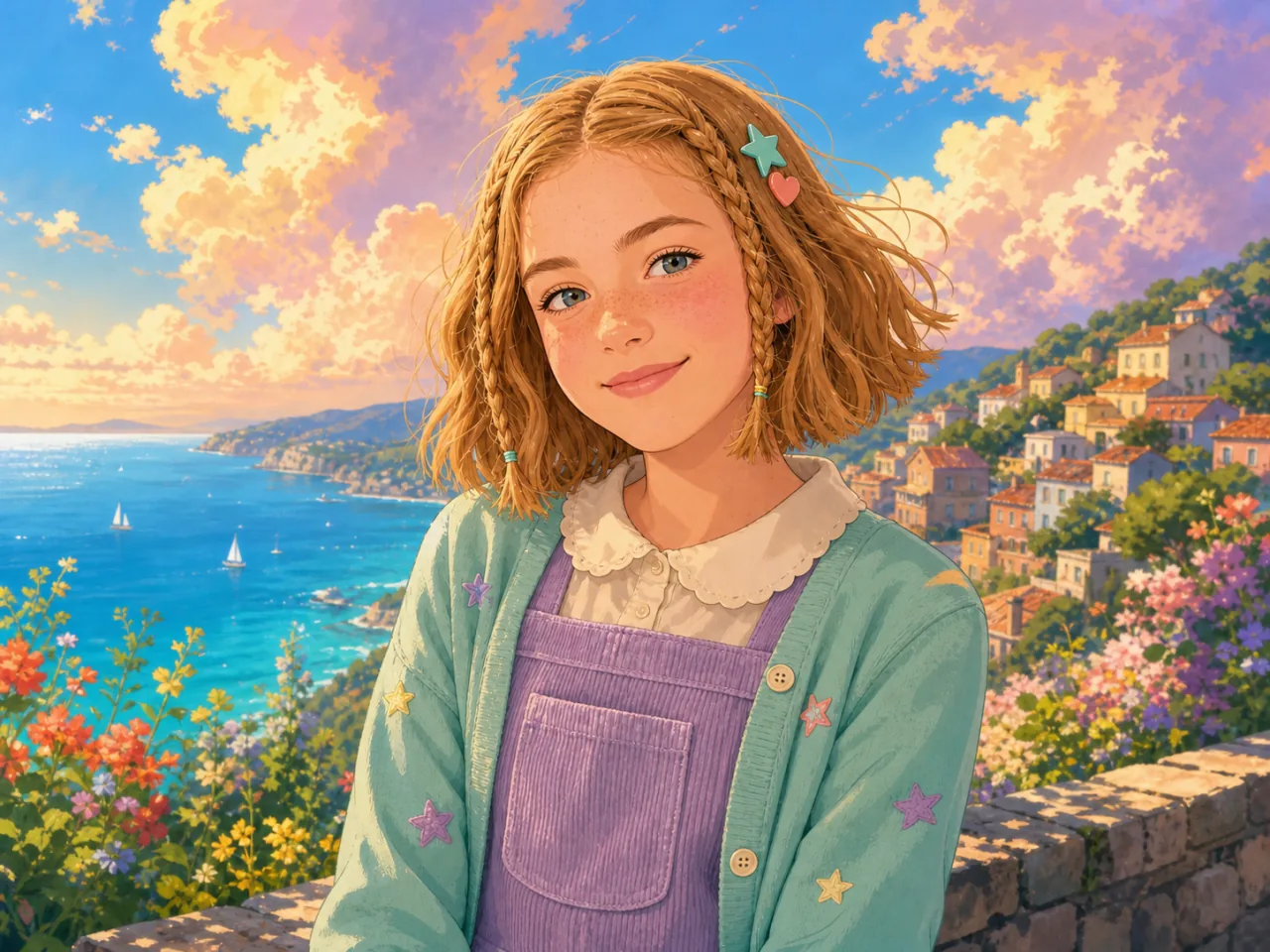
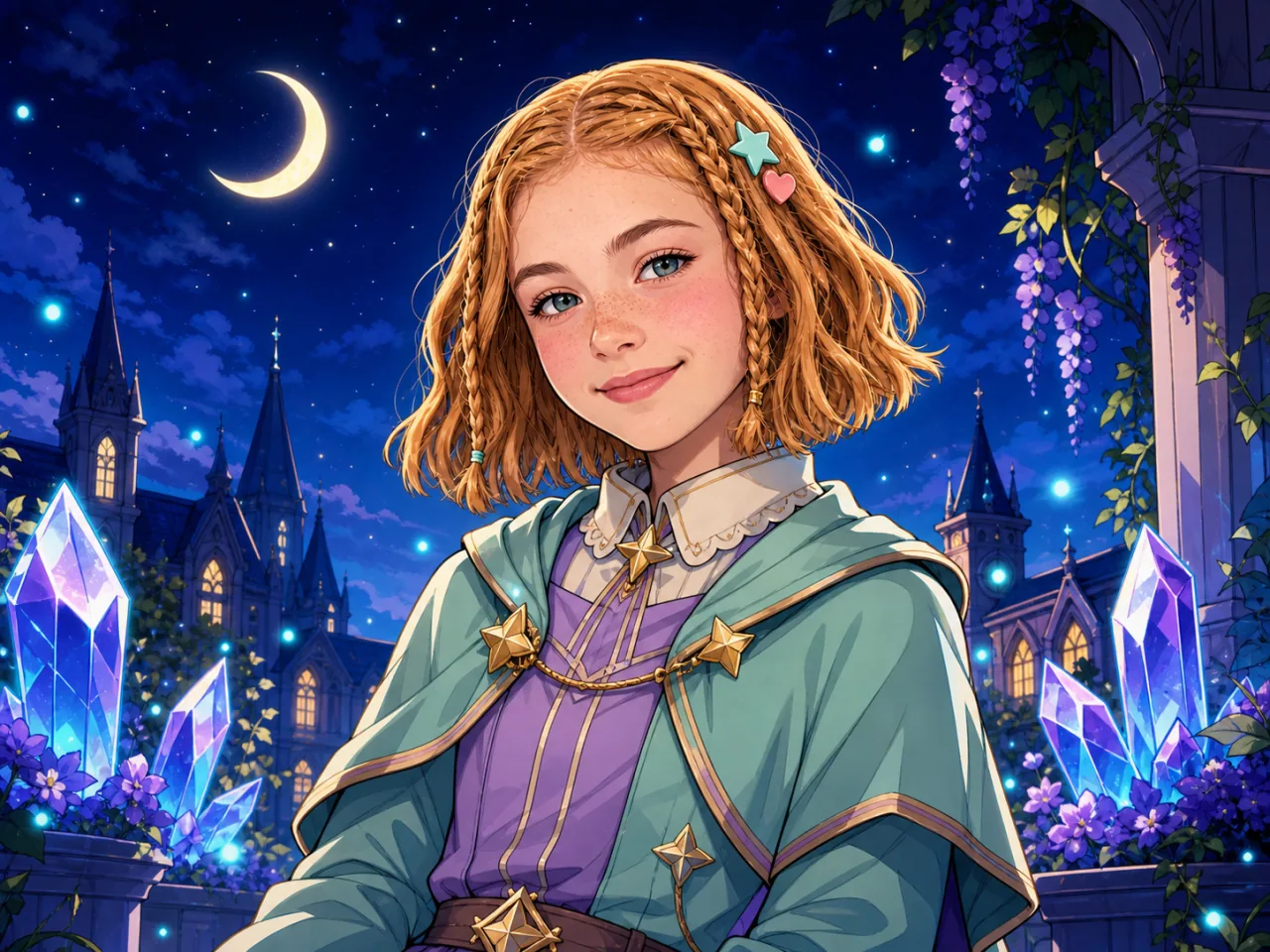
Choose a preset or enter an anime title and visual traits; a reference screenshot is optional.
Sign in and bring your photo and style brief into Wery to refine composition, background, and details.
Choose a preset or enter an anime title and visual traits; a reference screenshot is optional.
Turn one image into an anime avatar, social visual, or character concept with a clear, editable style direction.
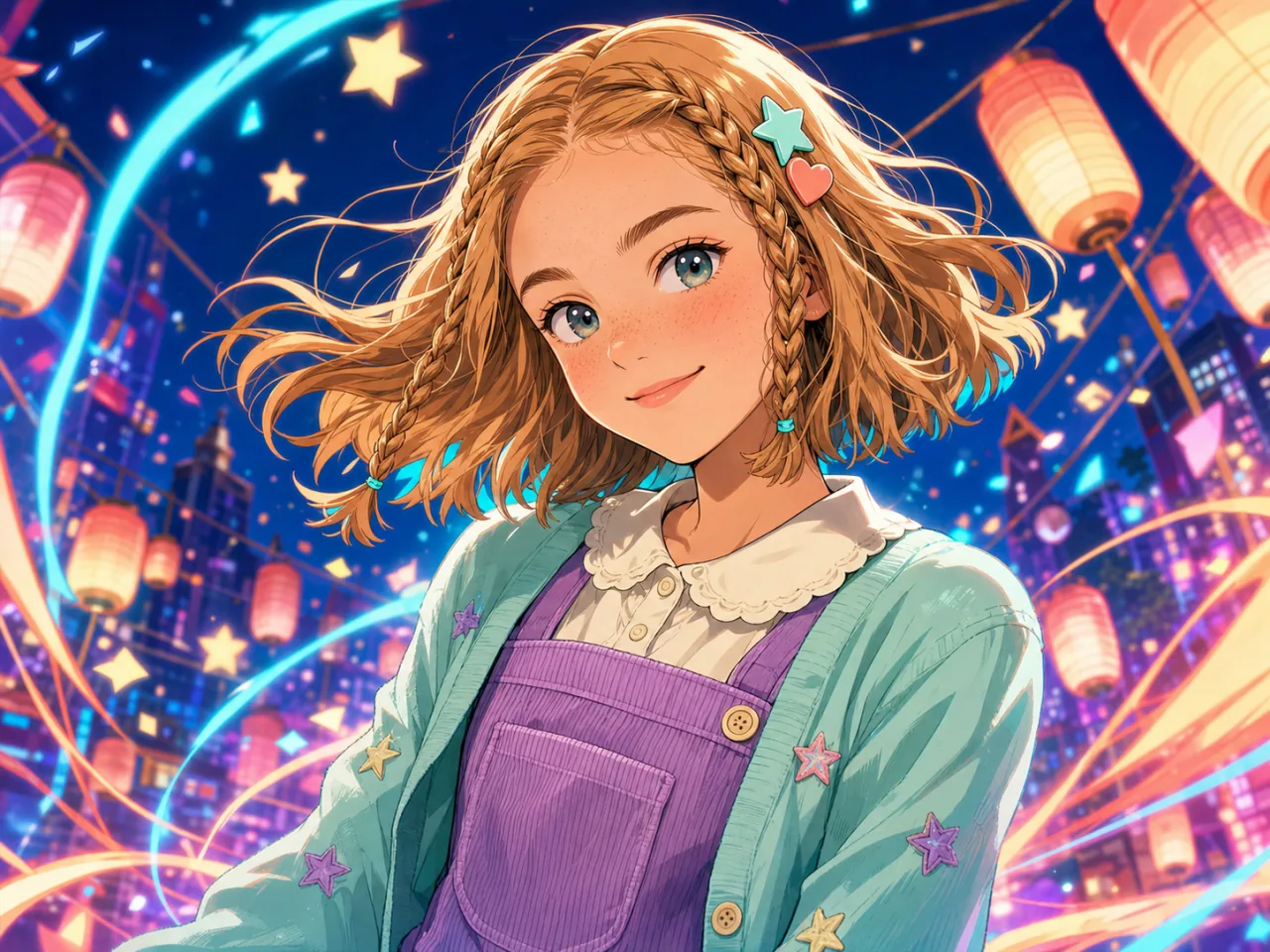
Enter an anime title or describe linework, lighting, color, and mood.
e.g. watercolor, cyberpunk; or blue-violet neon, bold ink, retro screentones...
Photo-to-anime creation is not limited to front-facing selfies. When the subject and key shapes are clear, text and an optional reference image can explain what to preserve and what to change.
Useful for avatars, close-ups, and half-body portraits. Choose an unobstructed face with even light, then name the hair, expression, or clothes to preserve.
Group photos can also be used as input. Fewer people and clear positions make it easier to describe each person separately.
Useful when clothing, pose, and silhouette matter. Add garment material, body pose, and the intended image ratio to the description.
Cats, dogs, and other pets can inspire anime characters. Pick a photo that clearly shows the eyes, ears, coat colors, and body shape.
Skies, streets, architecture, and landscapes can be explored as anime scenes, with season, time of day, and lighting guiding the mood.
Toys, products, food, or existing drawings can be visual input too. State which shapes, colors, and composition should remain.
A style name gives a broad direction; linework, texture, coloring, and lighting make it more precise while the first image's subject, composition, and ratio stay intact.
Example: 1990s cel anime; bold ink and flat colors; high-contrast sunset light; orange-and-blue palette. Keep the original subject and composition.
Name the facial features, hairstyle, expression, clothing, or accessories that should not change.
Try fine line art, bold ink, screentones, flat cel color, painted watercolor, or graphic color blocks instead of only saying “beautiful.”
Specify day or night, soft or high-contrast light, and the main and accent colors to define the atmosphere.
Describe how the background should share the same technique; the first image's composition, framing, and ratio remain unchanged.
A reference image is optional. It only supplies colors, textures, lighting, and rendering techniques that are difficult to describe; its people, objects, text, and composition are not copied.
Best when the direction is already clear. Describe what to preserve, the drawing method, lighting, and background.
Useful for a specific palette, material, or rendering technique. Its people, objects, and text are not copied into the result.
Turn one image into an anime avatar, social visual, or character concept with a clear, editable style direction.
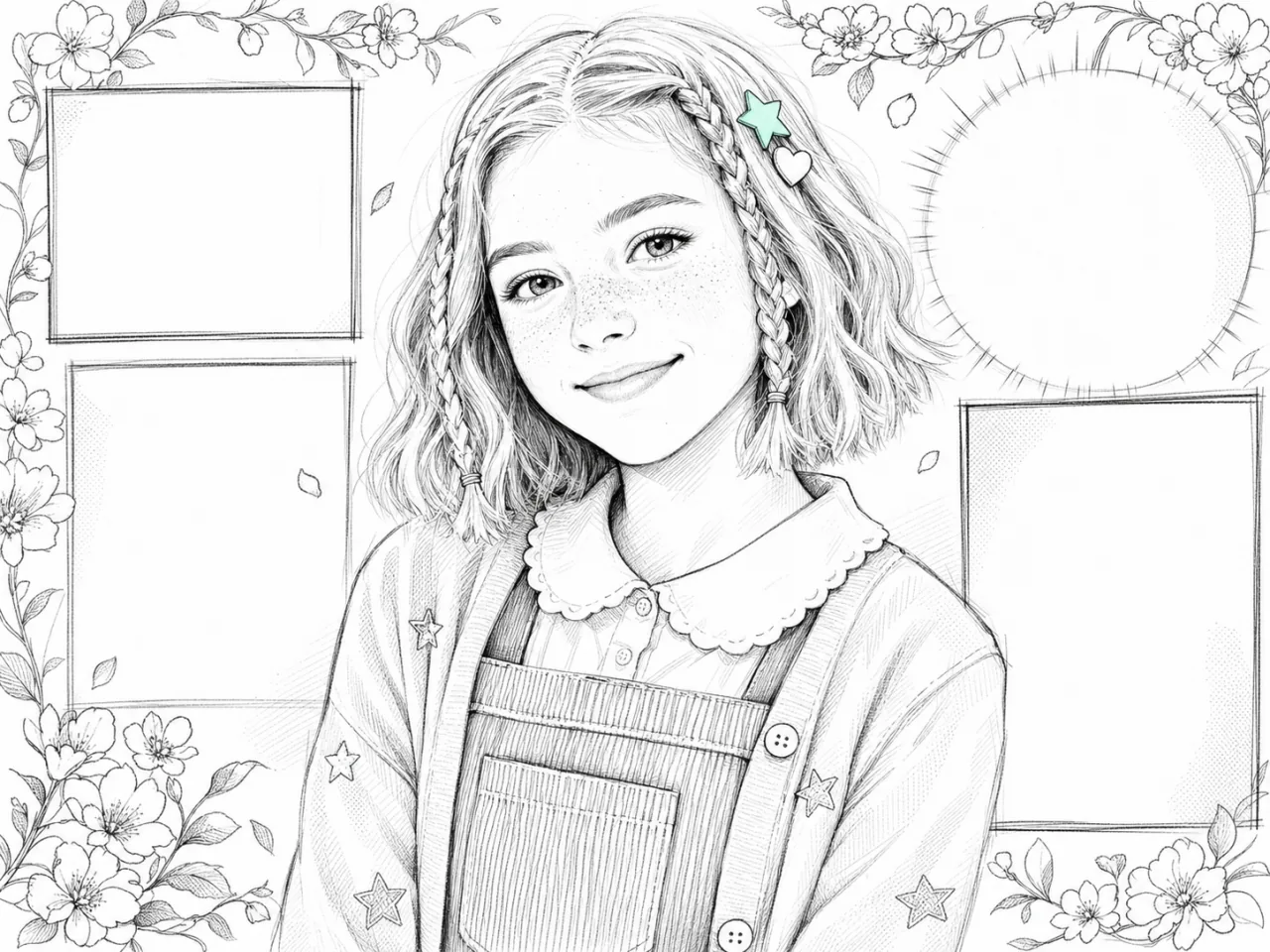
Turn a selfie or portrait into an anime avatar while keeping recognizable facial features, hair, and expression.
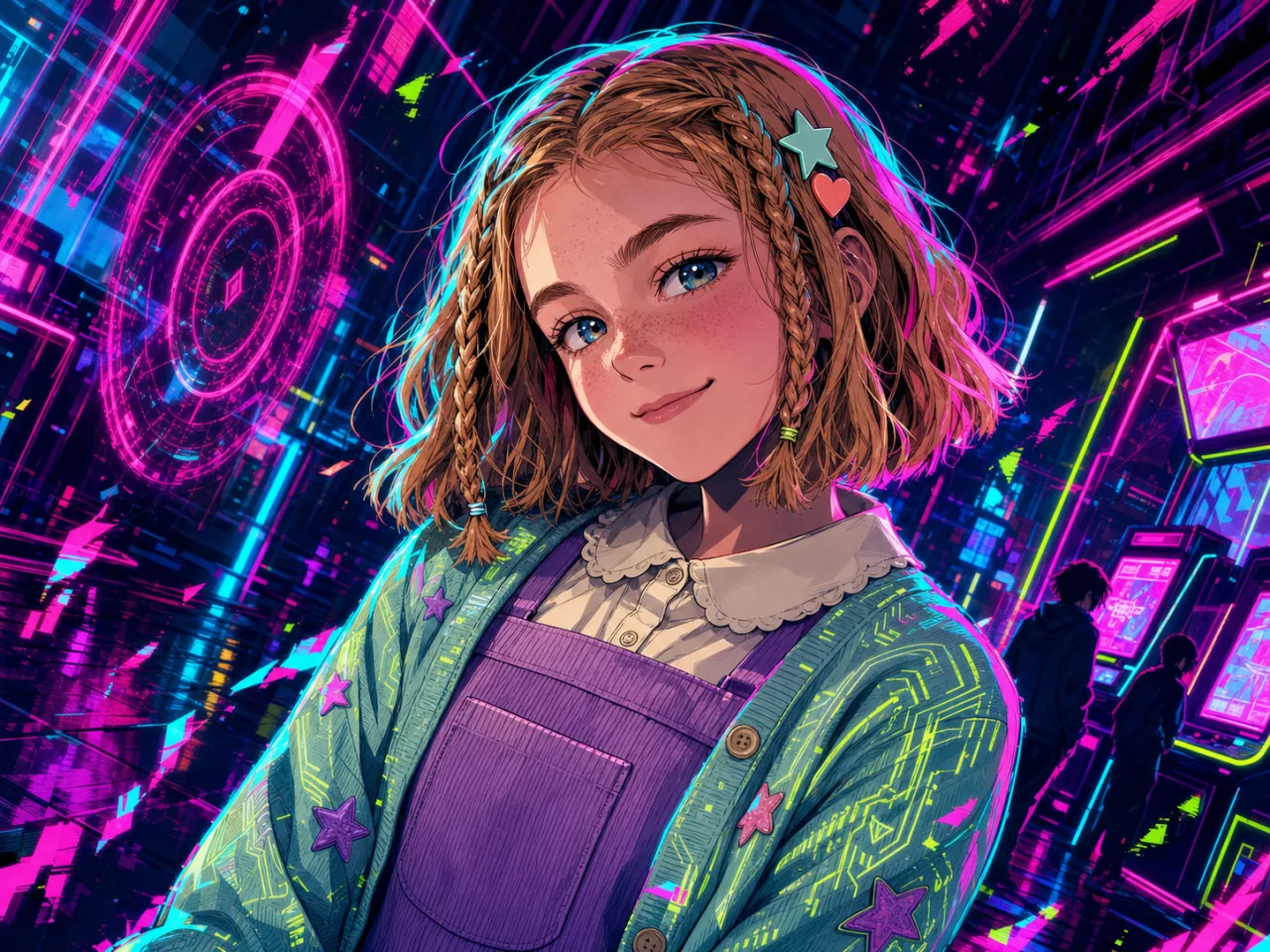
Create a consistent anime look for profile photos, channel covers, and social posts.
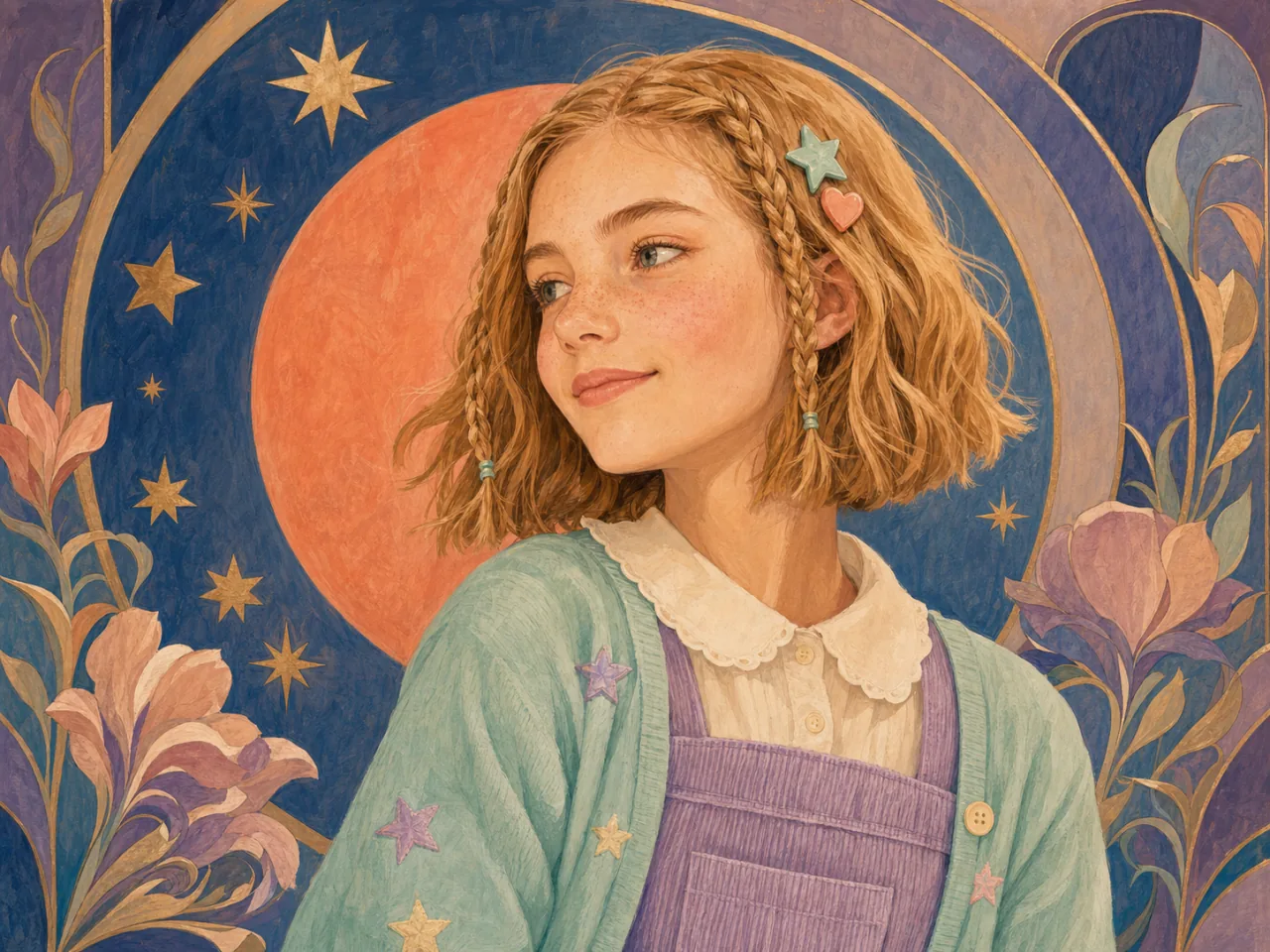
Use an anime title, visual description, or reference screenshot for character concepts and personalized gifts.
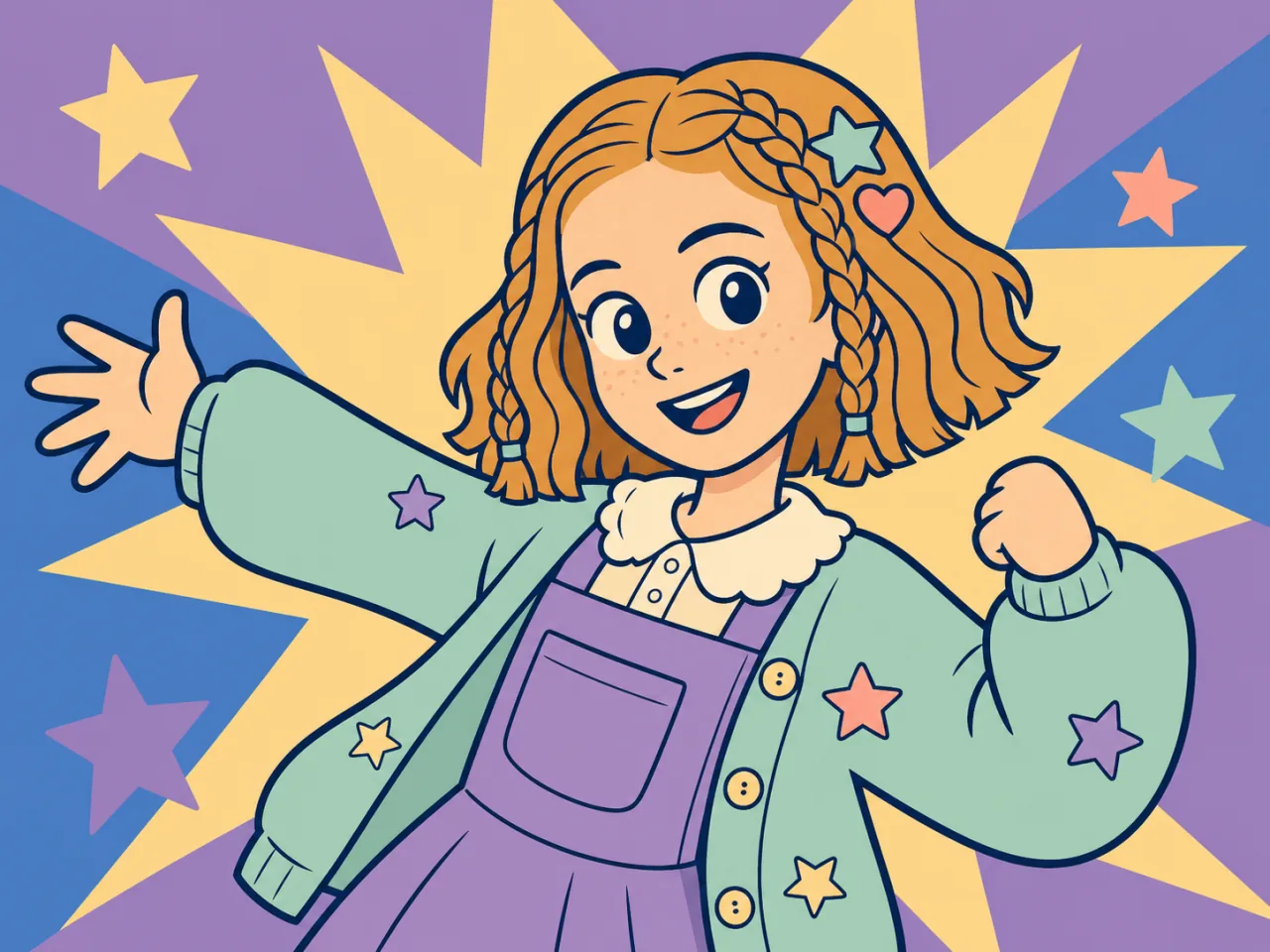
Bring a group photo into one anime direction while describing each person’s hair, clothes, and relationship.
Use a pet’s eyes, ears, coat colors, and body shape as recognizable cues for a character-like anime direction.
Prepare an anime composition for a keepsake poster, card, or gift visual, then continue refining it in Wery.
Combine your photo, anime title, style description, and optional reference into one useful brief, then continue naturally in Wery.
Enter an anime title or describe linework, lighting, color, and mood.
Add facial features, hairstyle, and expression to the brief so important traits are not lost.
Use it only for colors, textures, lighting, and rendering—not for its content or composition.
Sign in with your photo and style brief ready, then refine the result with Zeny.
Upload a portrait, enter any anime or manga title, and optionally add a screenshot reference to redraw recognizable features in a truly distinctive comic language.