
Explain anything in one image.
An AI explainer image tool for students, teachers, and curious learners. Type a question or topic, and Zeny turns it into one clear, labeled explainer image in Wery. Free to start, no credit card needed — sign in to Wery to generate.
See how one question becomes a visual explanation
Explaining: How do black holes form?
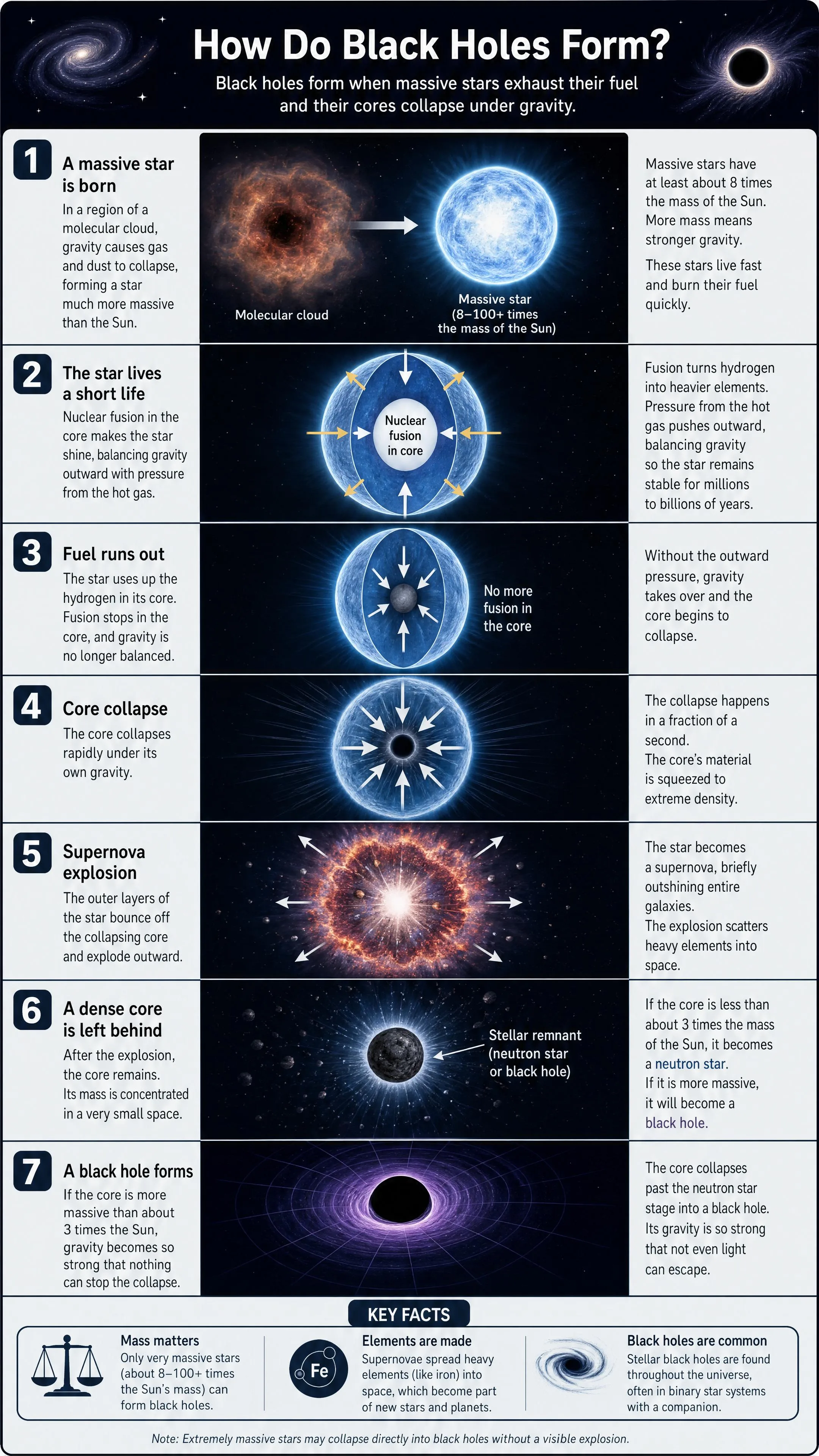
Real explainers Zeny built from a single line. Search above to explore — then make your own.
From question to picture in three steps
Type your question
Anything you're curious about — science, money, news, history, life.
Zeny draws it
Zeny turns the idea into a clear, labeled visual built to be understood at a glance.
Open & refine
Continue in your Wery workspace to restyle, tweak the details, and download.
Big ideas, one picture each
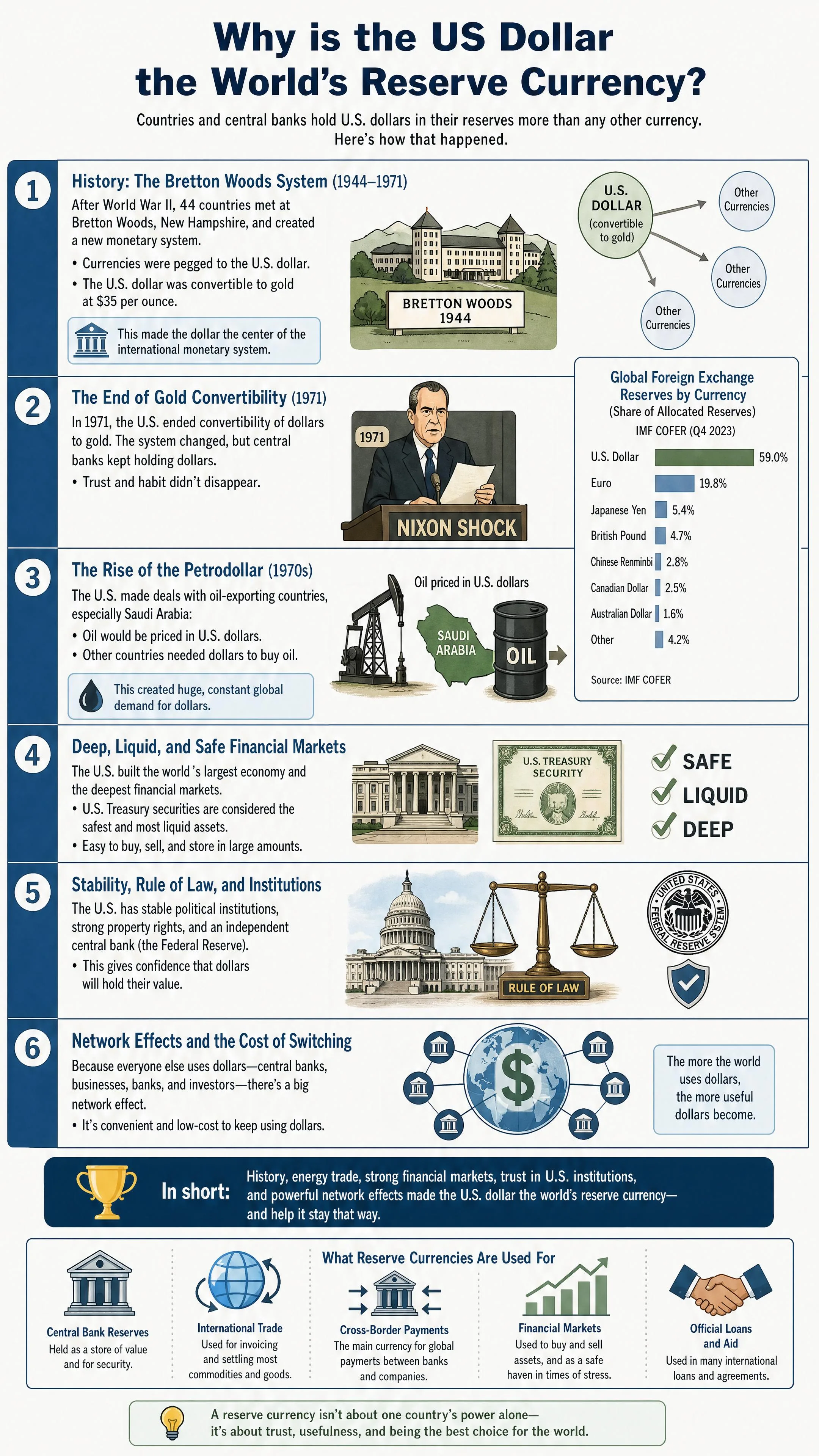
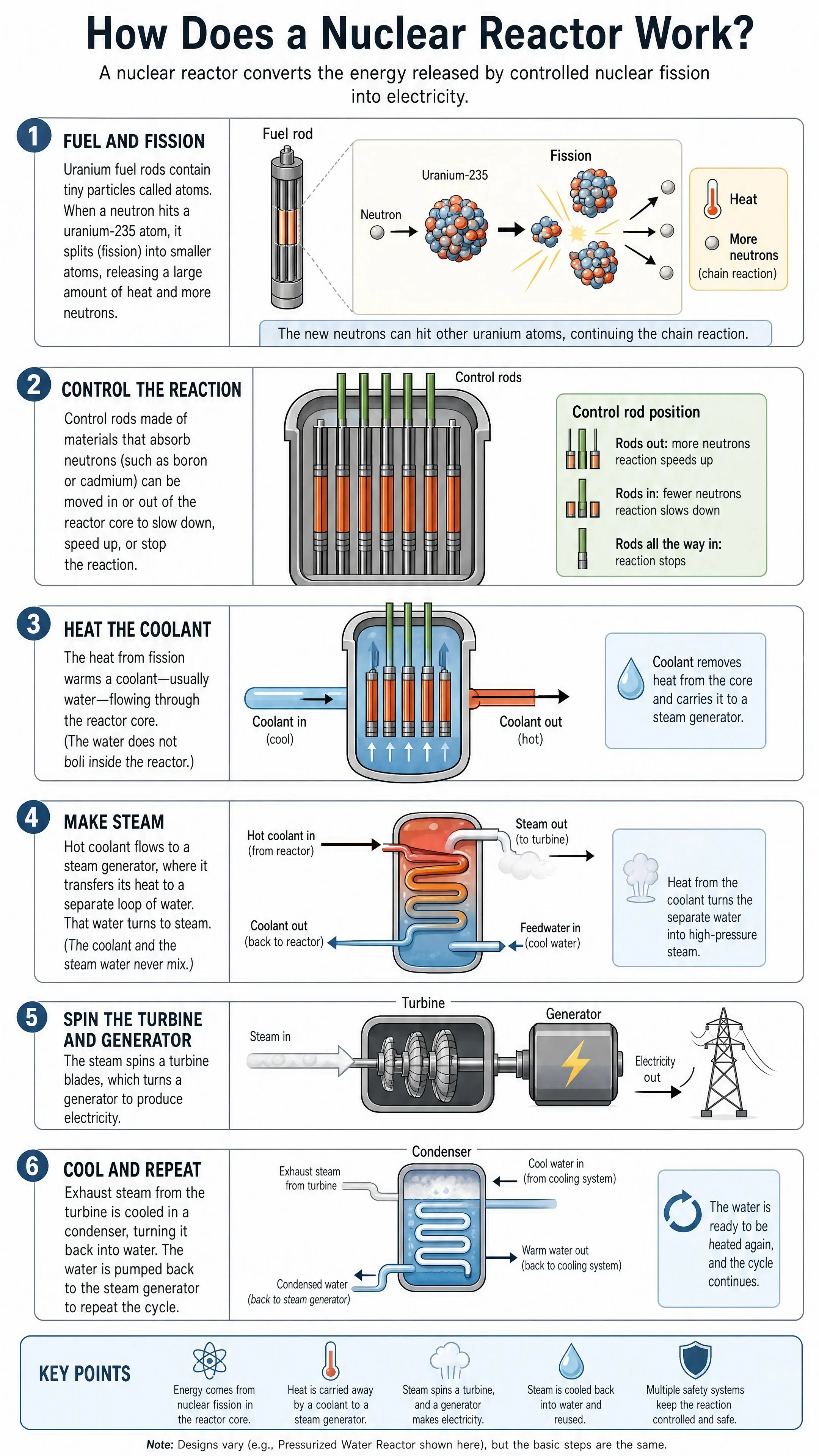
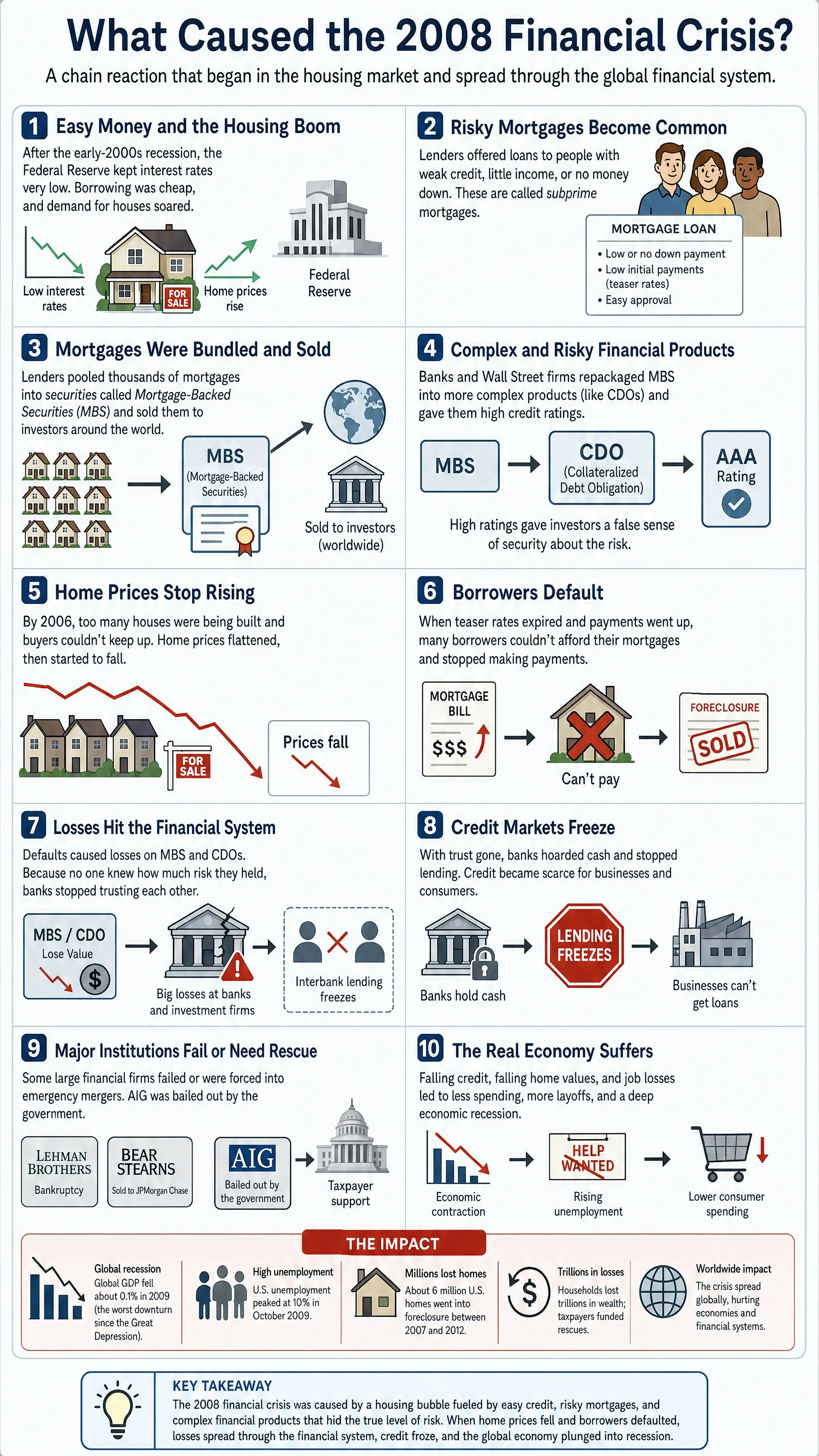
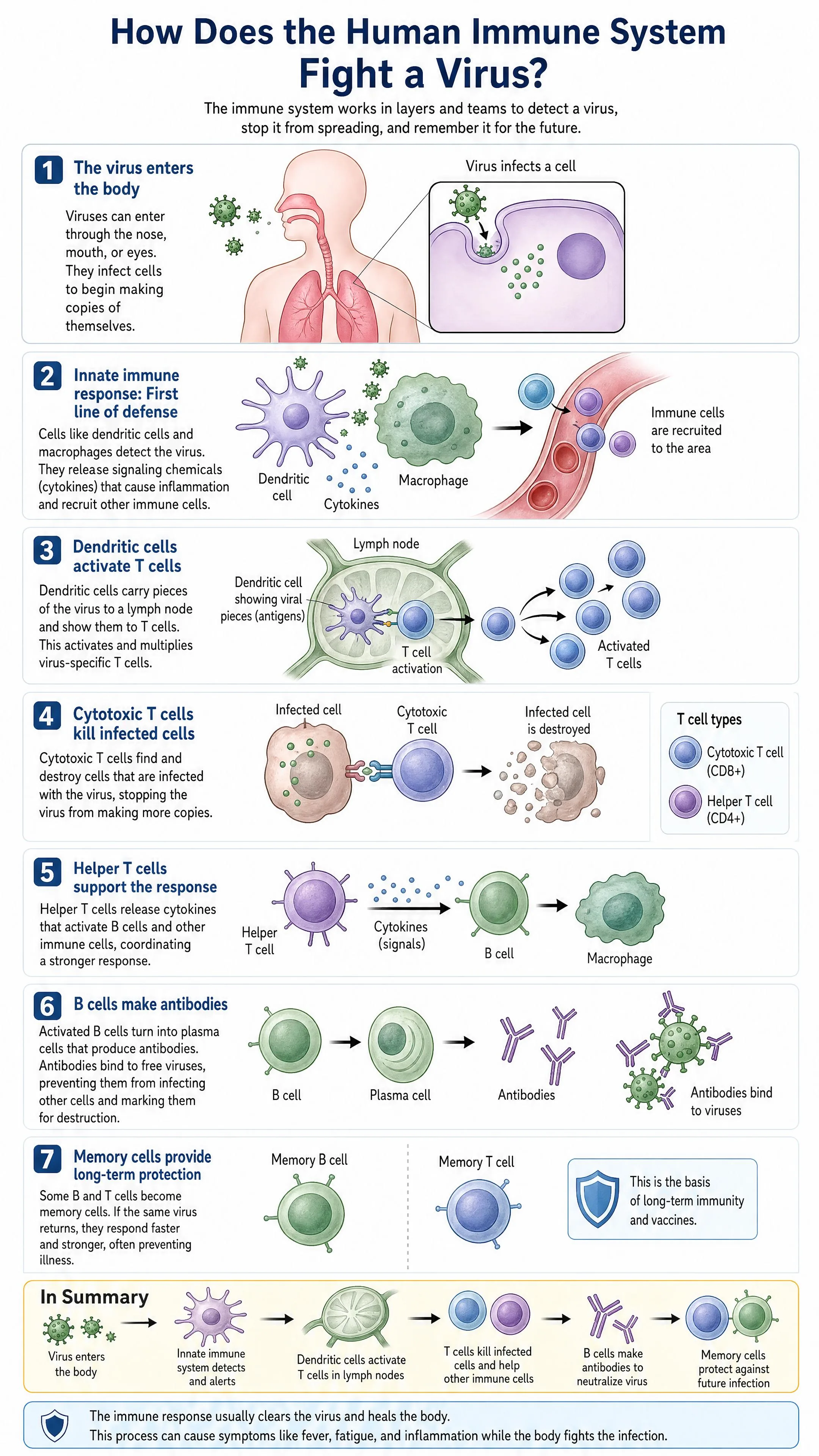
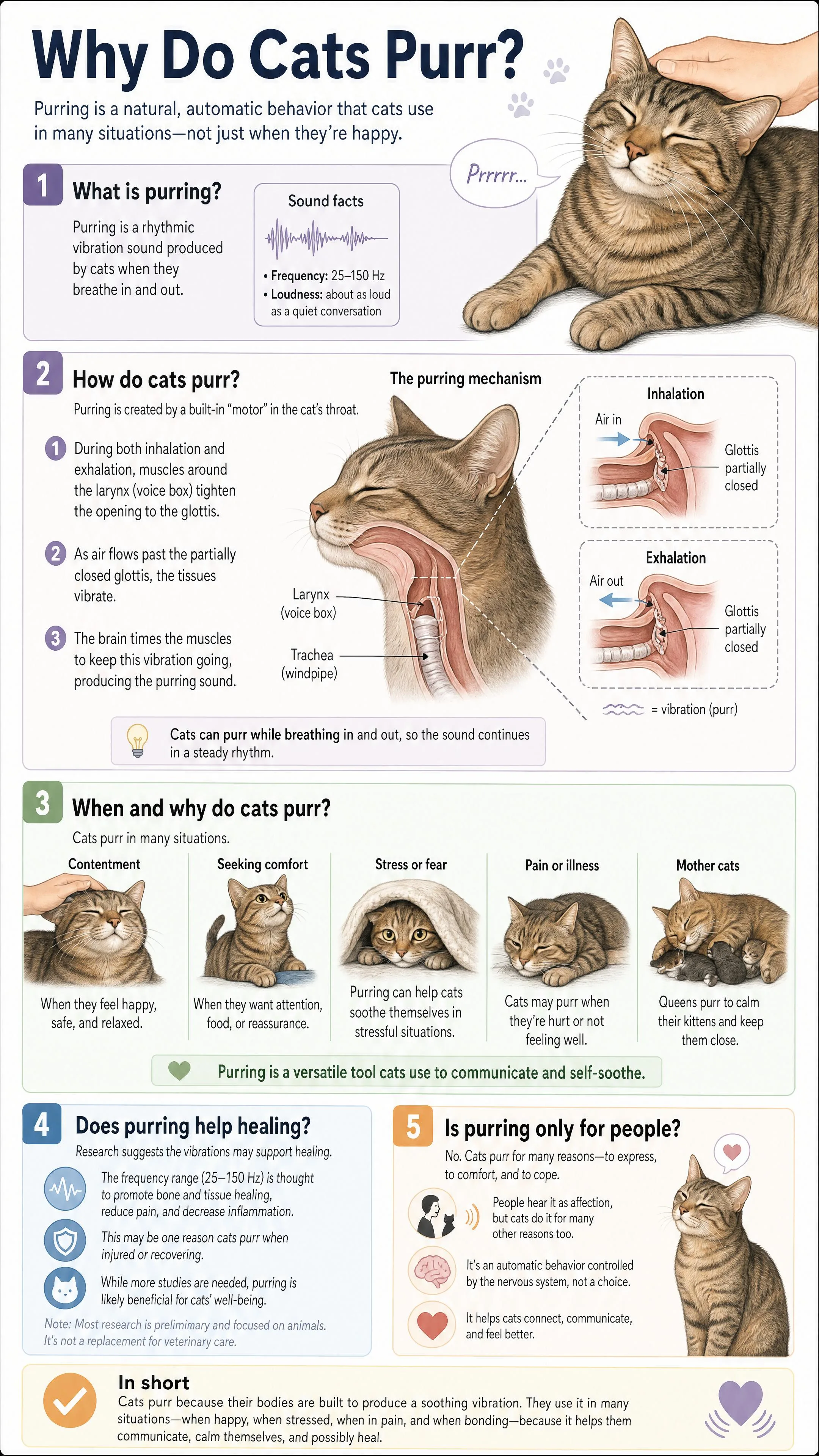
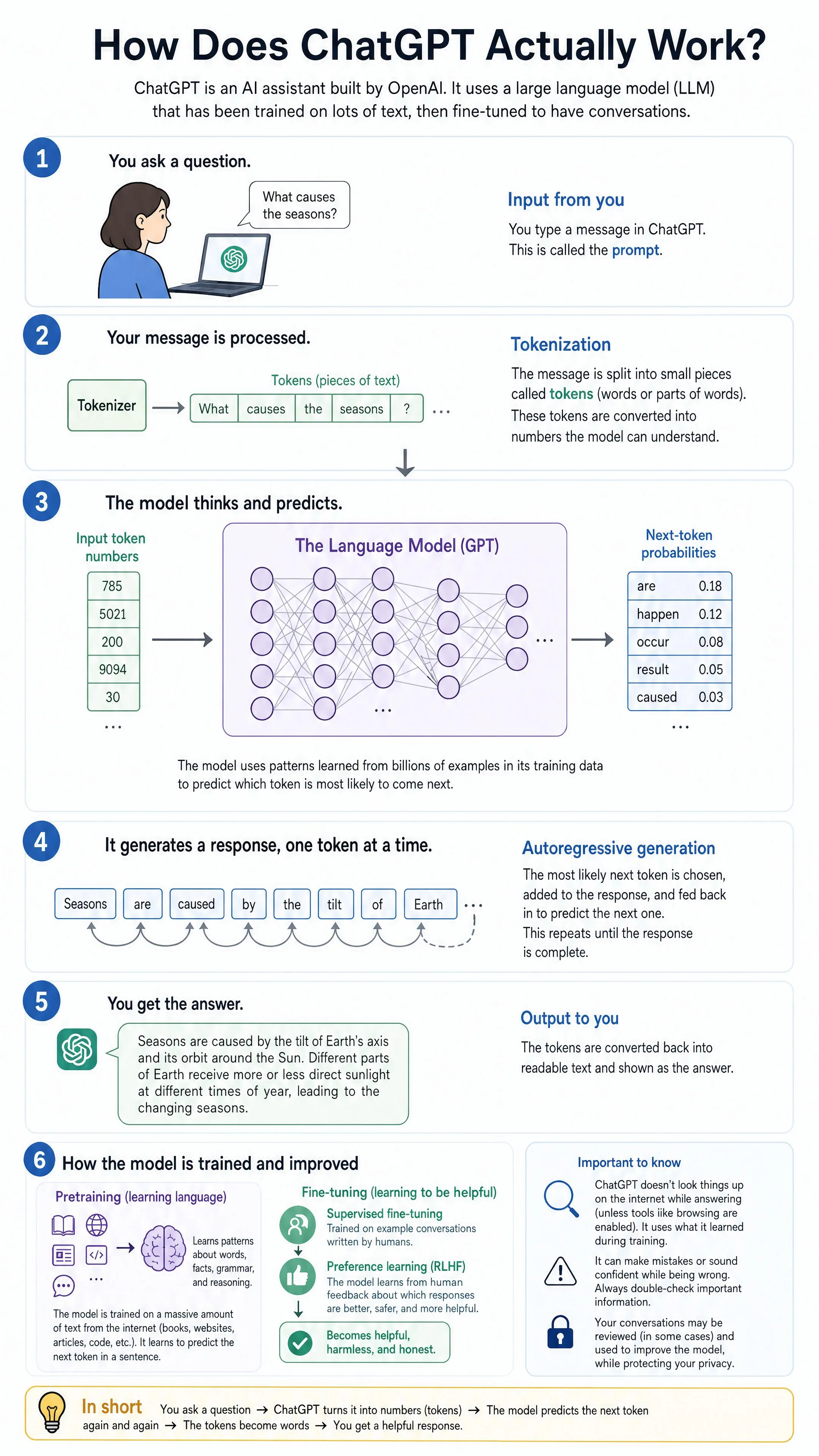
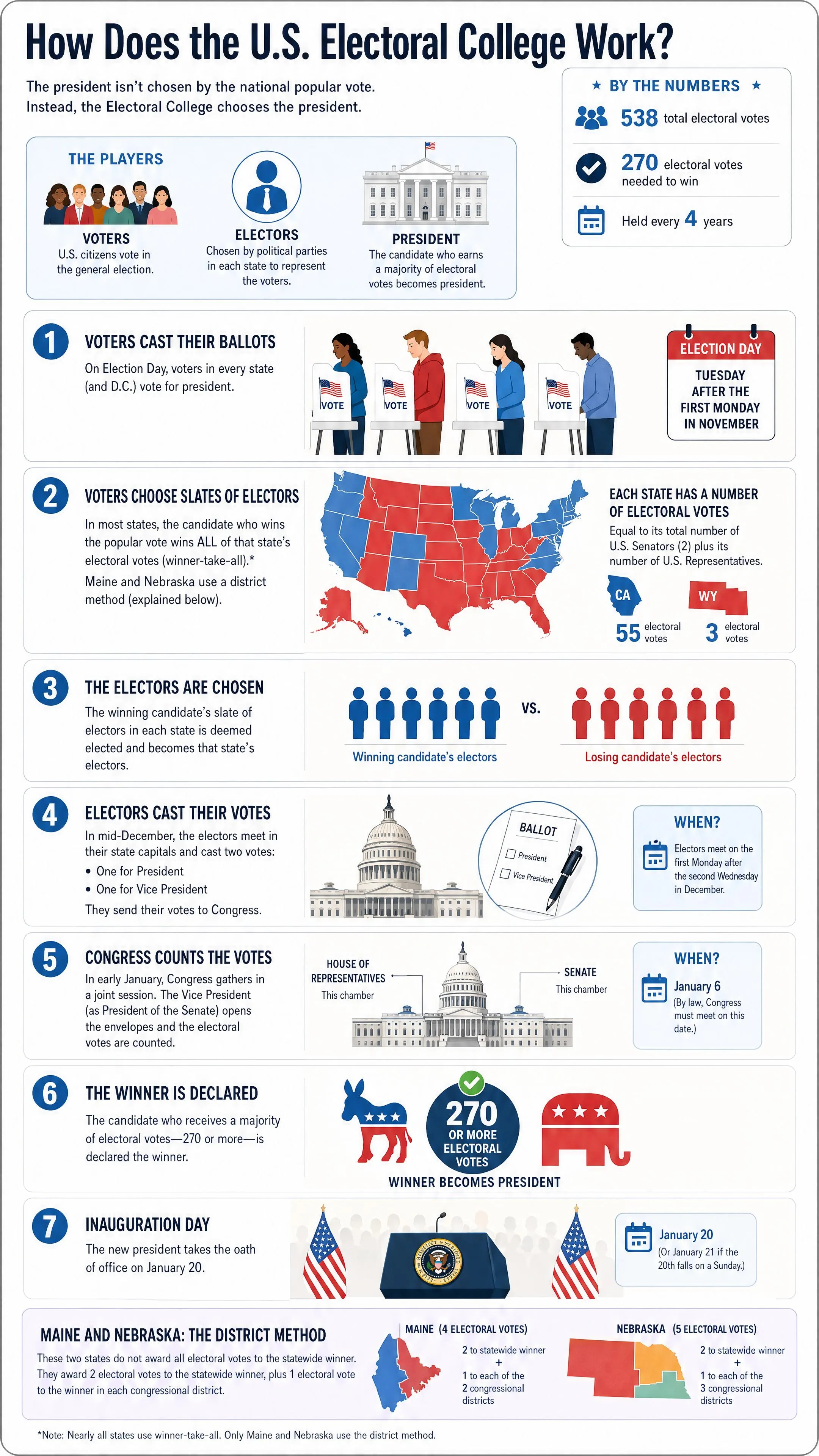
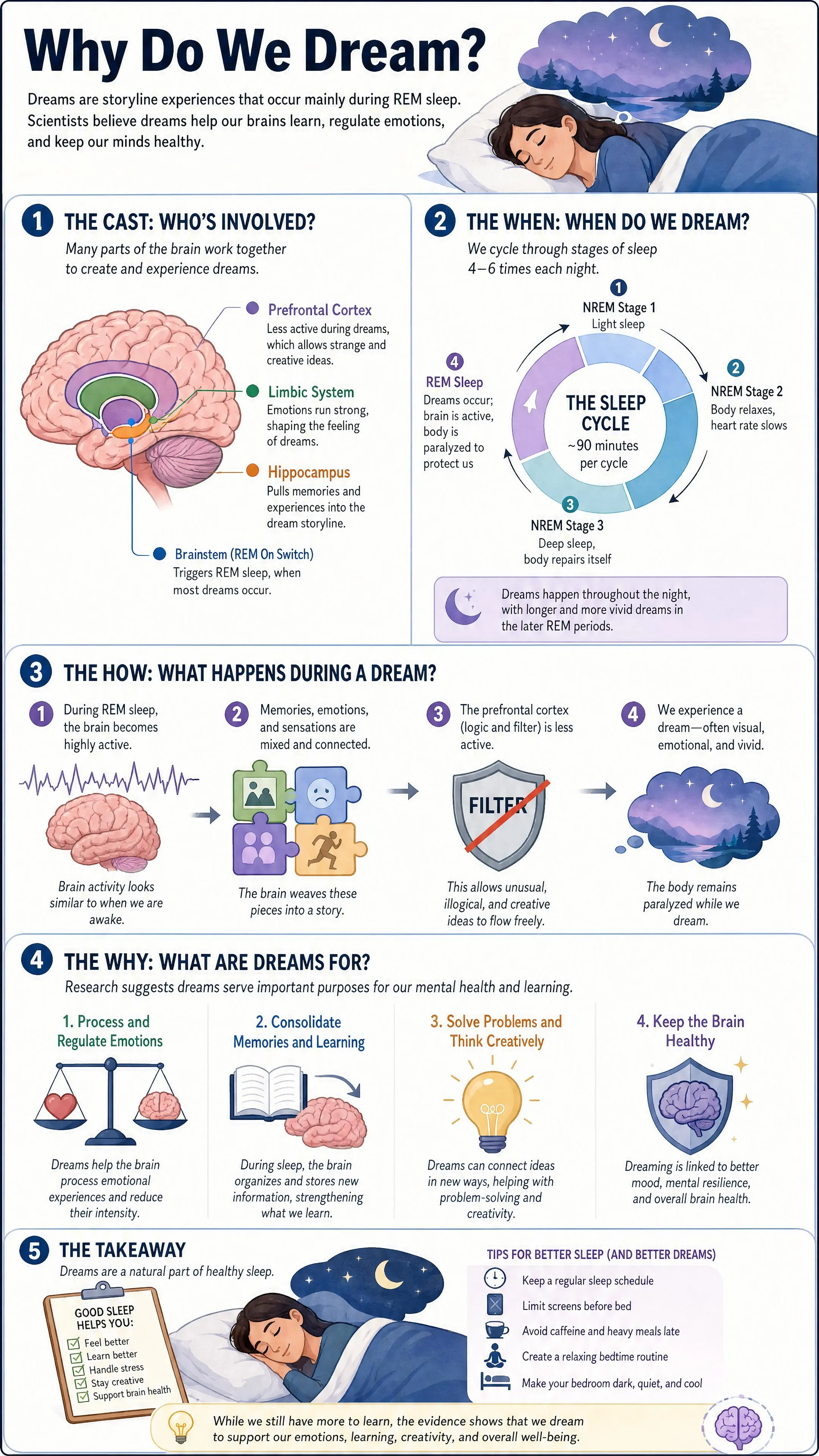
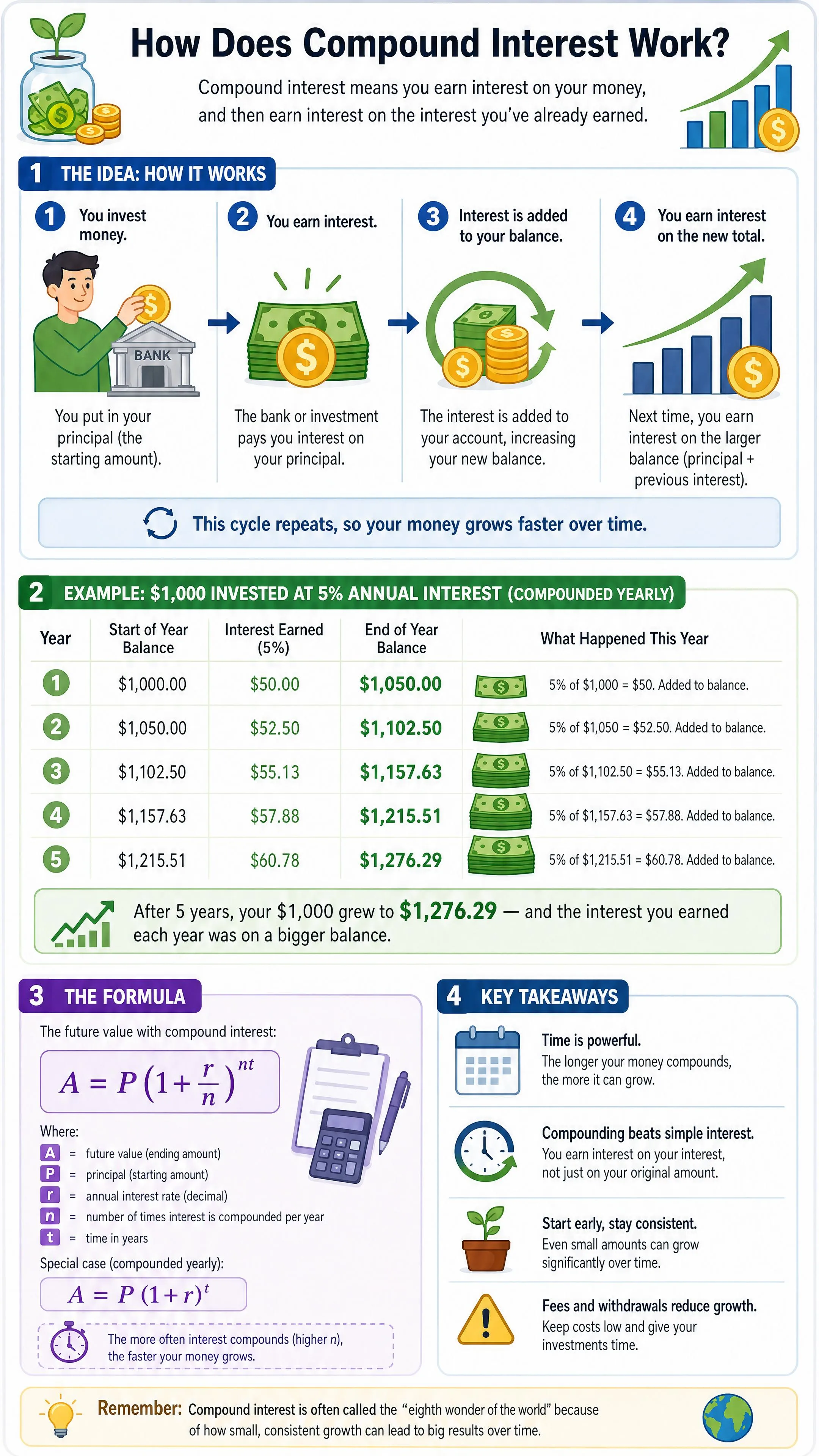
Zeny does way more than diagrams
The same expert that explains your questions can design the rest of your visuals too.
Explainer visuals
Turn any concept into a simple, labeled picture anyone can follow.
Posters
Eye-catching posters for events, drops, and campaigns.
Brand assets
Logos, kits, and a consistent visual identity.
Product shots
Clean, scroll-stopping product imagery in seconds.
UI mockups
App and web screens to pitch your next idea.
Made to be understood — and shared
1 prompt
to a clear visual
Any topic
science to finance
5+ formats
explainers to posters
“I finally get it. One picture said more than ten articles.”
Questions about Explain Anything
What should I type into Explain Anything?
Start with one question or a clearly defined topic. Add the audience, preferred language, and points the image should cover. For example, ask for a beginner-friendly diagram of how a nuclear reactor generates electricity, with short labels. A focused request makes the intended structure easier to communicate.
What kind of result can I request?
The intended result is a labeled explainer image for a process, concept, timeline, or comparison. Zeny creates and refines it in your Wery workspace. Describe whether readers should follow steps, a cycle, or contrasting ideas, and use the download options available for the returned image.
How can I make a complicated topic easier to understand?
Specify the audience and limit the image to one learning goal. Ask for short labels, a clear reading order, and an example when it helps. Split a broad topic into separate requests, then read each result from a beginner’s perspective before sharing it.
Can I change the explanation and download the image?
Yes, you can request revisions in the Wery workspace and use the download options available for the returned image. Specify the wording, layout, visual style, or level of detail you want changed. Check that the text remains readable at its intended size.
How should I check an AI explanation before using it?
Check names, dates, numbers, labels, and arrow directions against reliable sources for the topic. Make sure the image explains the relationship you requested and includes the necessary steps. Request corrections in the workspace, then review both the facts and layout again.
Is Explain Anything free, and do I need an account?
It is free to start with no credit card required, and generation requires a Wery account. You can type a question and browse examples before signing in. Sign in to continue with Zeny in your Wery workspace.
What is Explain Anything, and who is it for?
Explain Anything is an AI explainer image tool for students, teachers, and people learning a new topic. It turns a focused question into a request for a labeled visual explanation with Zeny in Wery.
How do I turn a question into an explainer image?
Type your question, sign in to Wery, and continue with Zeny to generate and refine the image. For topics that match a preset, the page shows an example first, with a button to continue into the workspace.
Is the image shown on this page generated from my question?
A matching preset shows an existing example image on the landing page. Use its generation button to continue in Wery with that question. A new question without a matching preset goes straight to the sign-in and workspace flow.
Can I ask for an explanation in a specific language?
Yes, you can include your preferred language in the question. Add the audience and any terms that should stay in their original form. Review the generated labels for wording and readability.
Can I use it to prepare a lesson or presentation?
Yes, you can request an explainer image for a lesson, presentation, or study note. State the audience and one learning goal, then ask for short labels and a clear reading order. Check the facts and legibility before sharing it.
What do you want to understand today?
Type it. See it. Get it.