Today, I’m going to show you how to add captions to your videos in minutes.

AI Subtitle Generator: Auto Captions for Videos
Create auto captions and an editable transcript for your video. Refine the wording, line breaks and timing, then prepare subtitle text for an SRT workflow.
Upload your videoStart with your video and spoken languageDrag & drop your file here, or click to browse
Auto CaptionsAccurate and fast
Full TranscriptSearch and edit easily
Export ReadyMultiple styles & formats
Caption Timeline
00:0000:0500:1000:1500:2000:2500:3000:3500:40
It’s super simple and works in just a few steps.
First, upload your video to Wery.
Our AI will automatically generate accurate captions for you.
You can edit the text, adjust the timing, and choose a style...
When you’re ready, export your subtitles and you’re good to go.
- 01
Explore the caption example
Review the sample transcript, timeline, and caption styles.
- 02
Continue to Wery
Open the subtitle project and provide your video in the workspace.
- 03
Review the captions
Check names, timing, and punctuation before preparing the supported output.
USE CASES
Built for every creator
Turn any video into accurate captions, clean transcripts, and export-ready subtitles fast.

First, open the project settings and choose your language.
Step-by-step tutorials
Create clear, skimmable lessons with timed captions learners can follow anywhere.
Popular formats
YouTubeOnline CourseInstagramTikTok
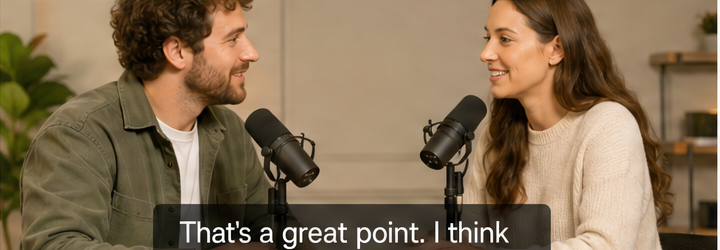
That’s a great point. I think consistency is the key.
Podcast highlights
Share bite-sized clips with precise captions that keep your audience engaged.
Popular formats
YouTube ShortsInstagram ReelsLinkedInTikTok
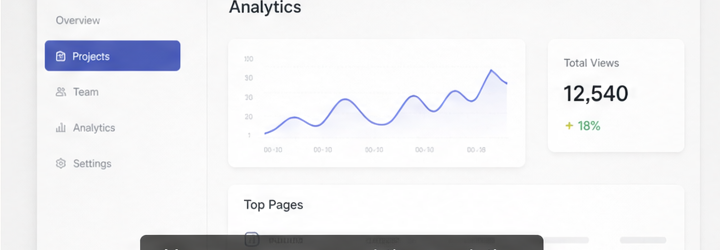
Here you can see real-time analytics and track your top-performing pages.
Product demos
Show features, not text. Make every demo easy to understand and share.
Popular formats
YouTubeWebsiteSales DeckTwitter
Captions ready
You’re ready to export
Choose your export options and download your captions or video.

Captions make your content clear, engaging, and accessible.
Export options
Subtitle styleThis style will be used for burned-in captions (MP4).
The quick brown fox jumps over the lazy dog.
File detailsVideo: Creator Video.mp4Duration: 00:45Captions: EnglishWords: 98
Your files are secure and private.