
Character and appearance
State the role, age range, face, hair, expression, body type, or distinctive marks that matter.
Text-to-character generator powered by GPT Image 2
Describe a face, outfit, art style, pose, and setting in your own words. Wery carries that request into an AI workspace where GPT Image 2 can create the character portrait.
Your description is carried into your own Wery workspace for generation and refinement.
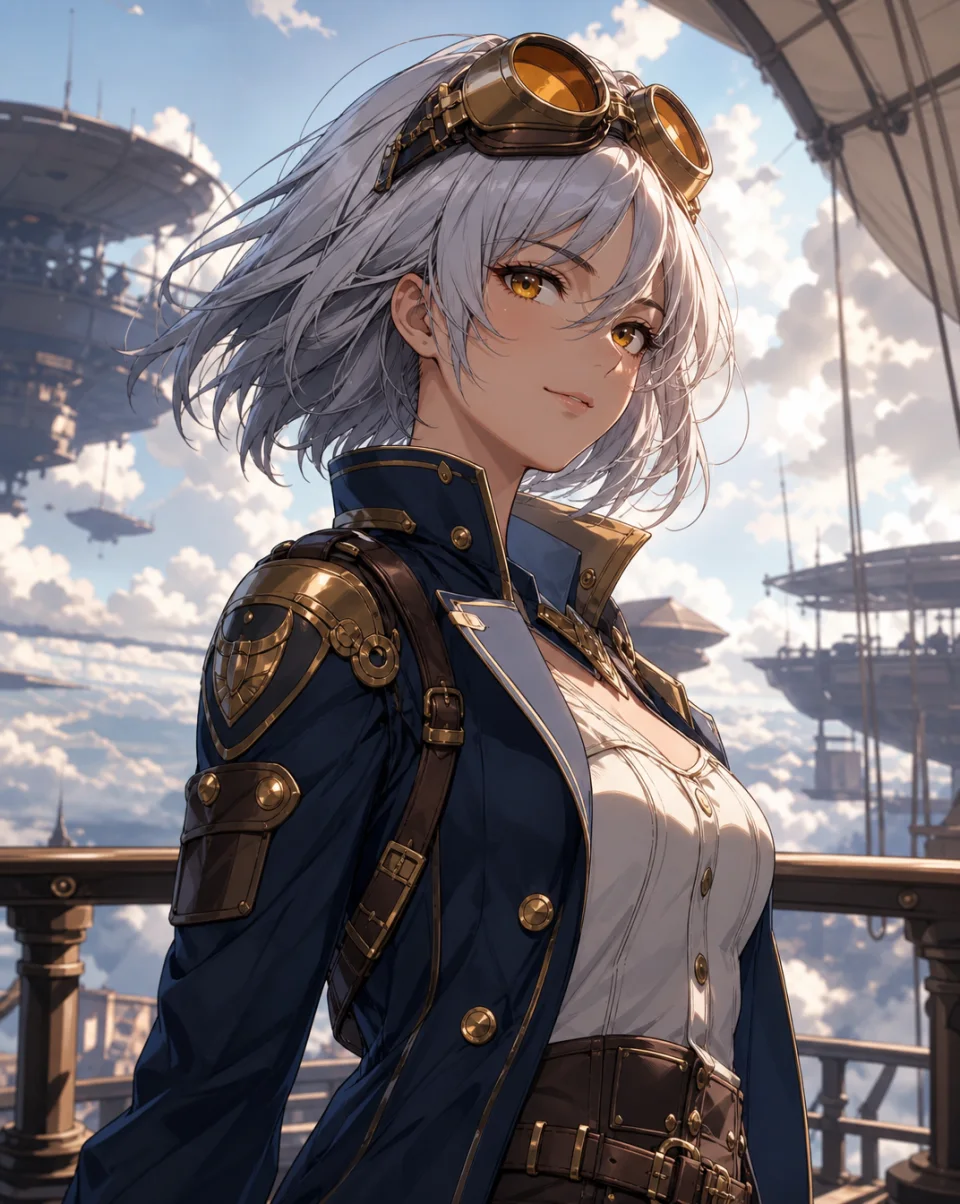
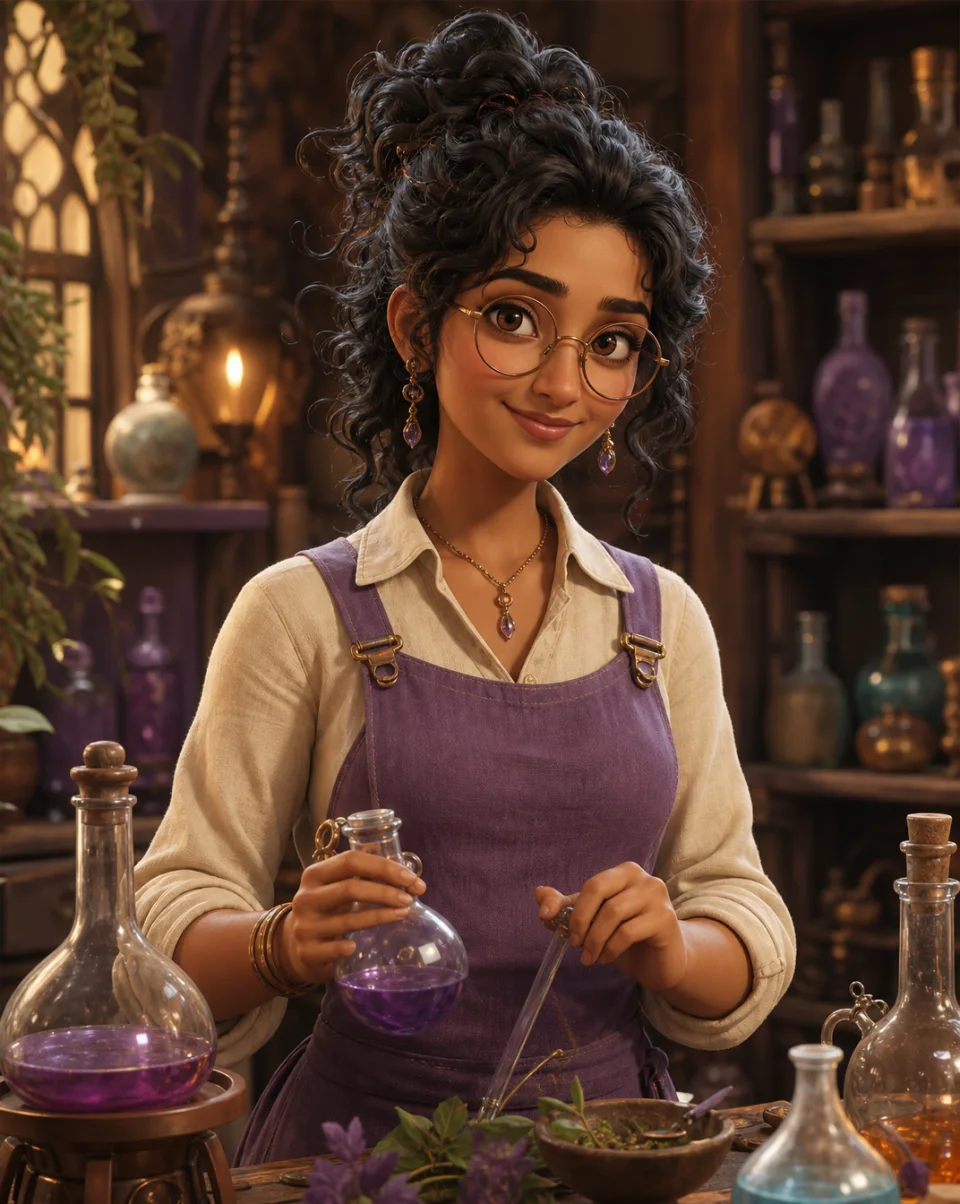
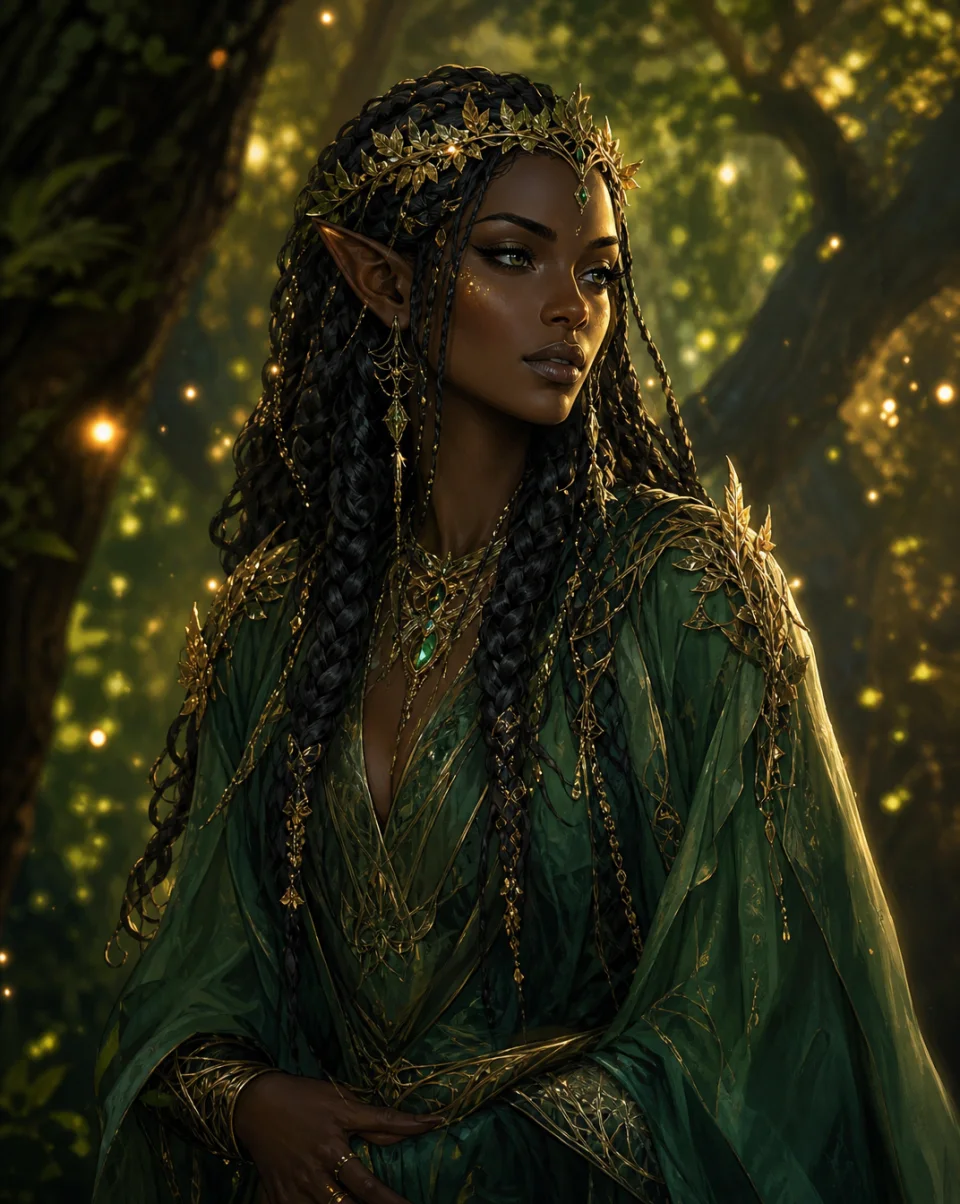
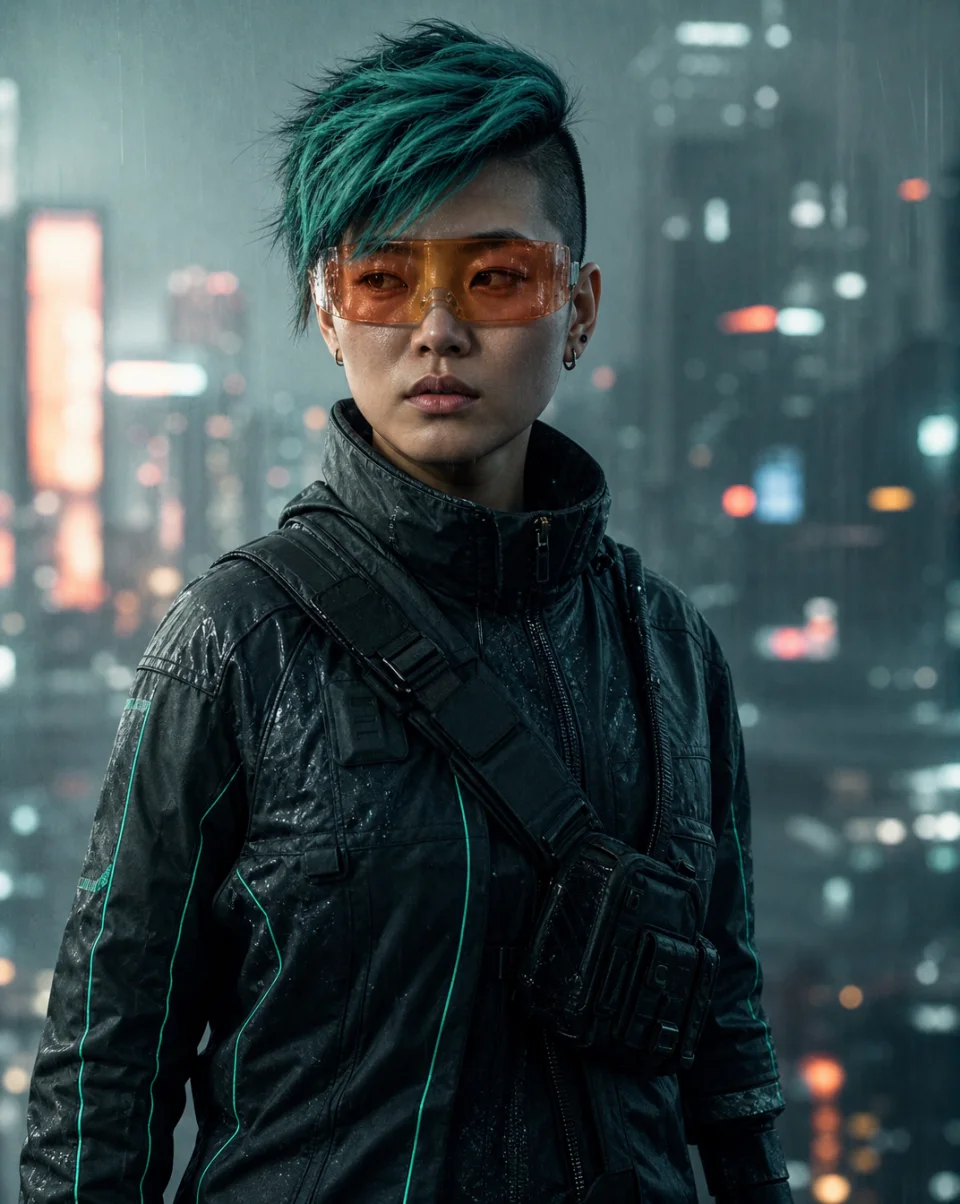
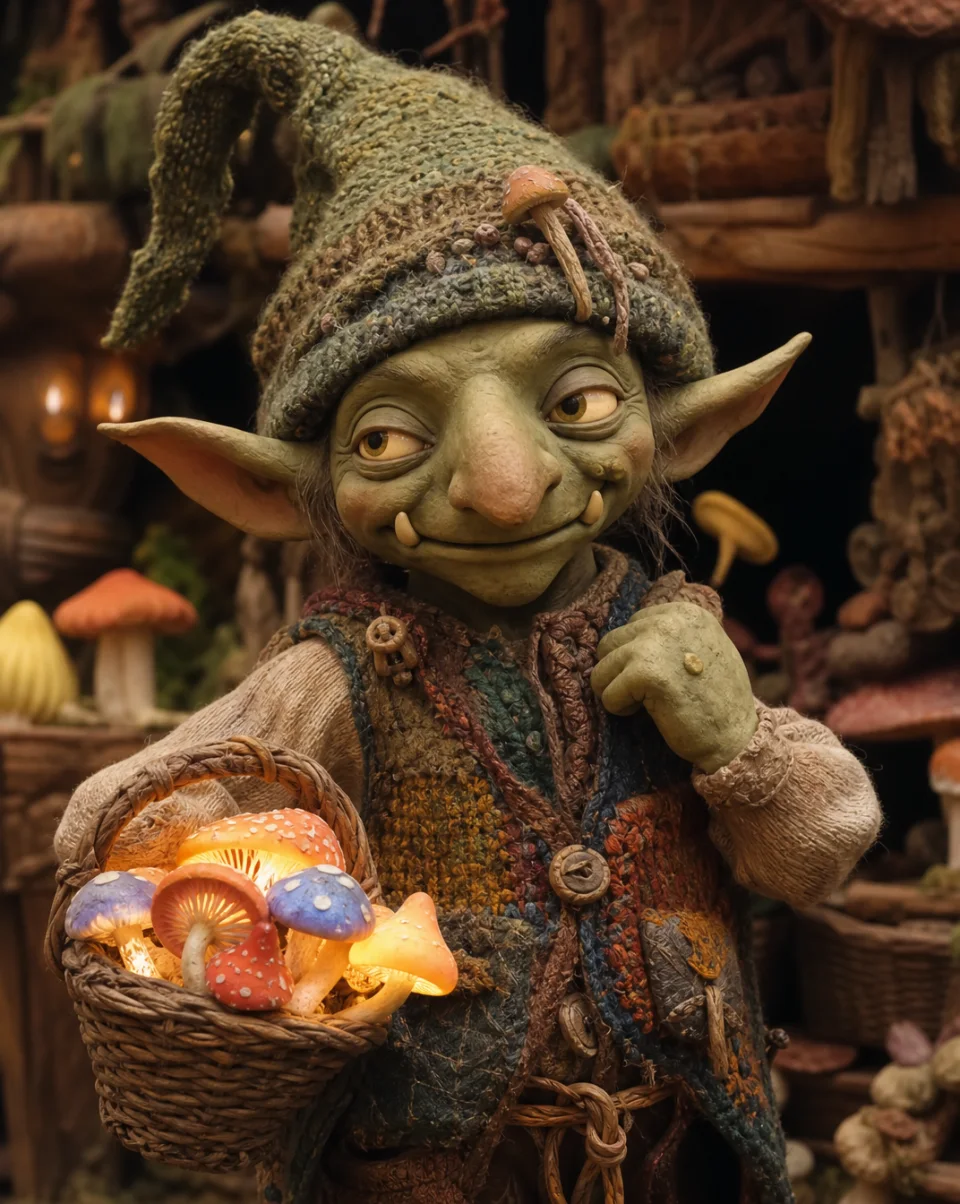
One character idea, many visual directions
The same text-to-character workflow can express different aesthetics. Name the style in your prompt so GPT Image 2 has a clear visual direction.
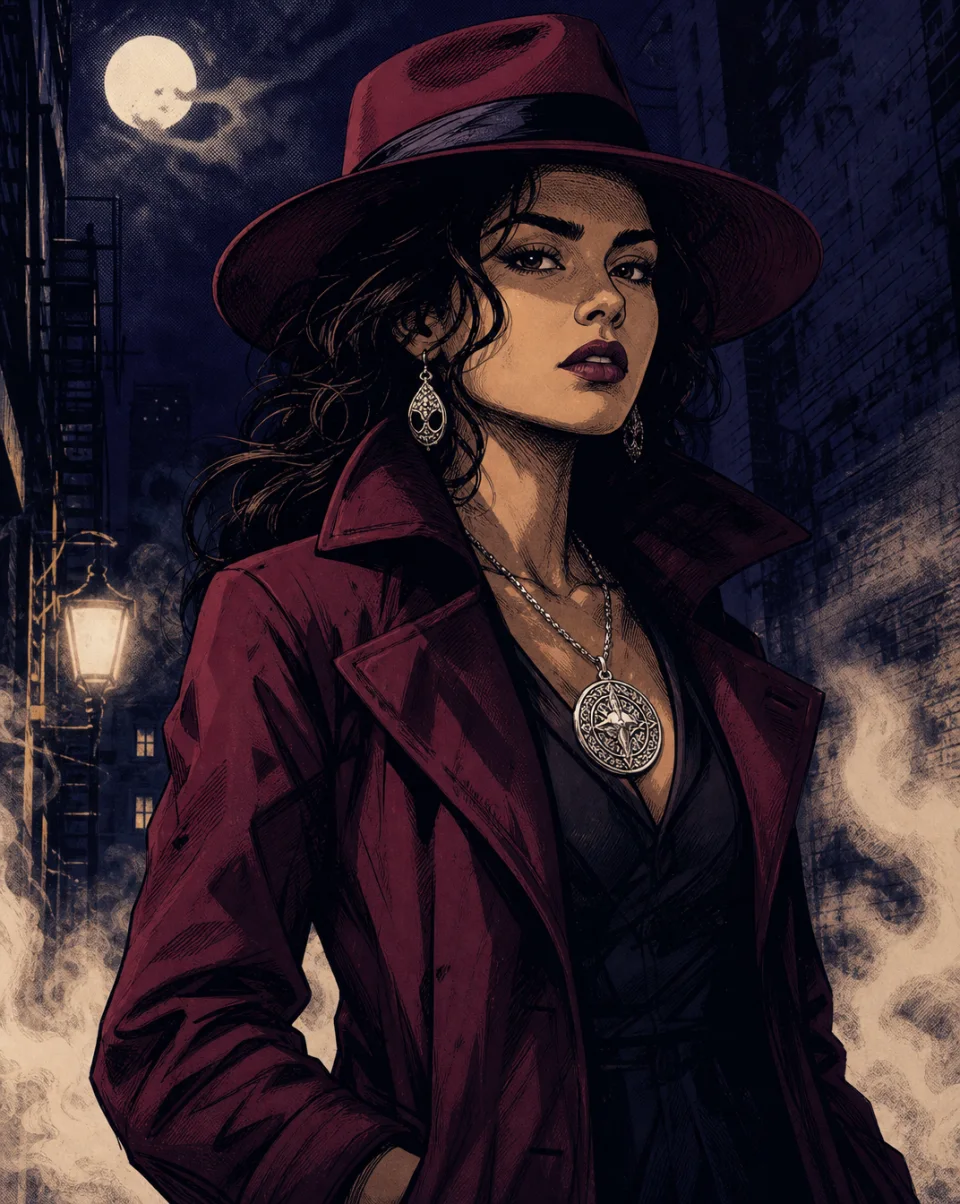
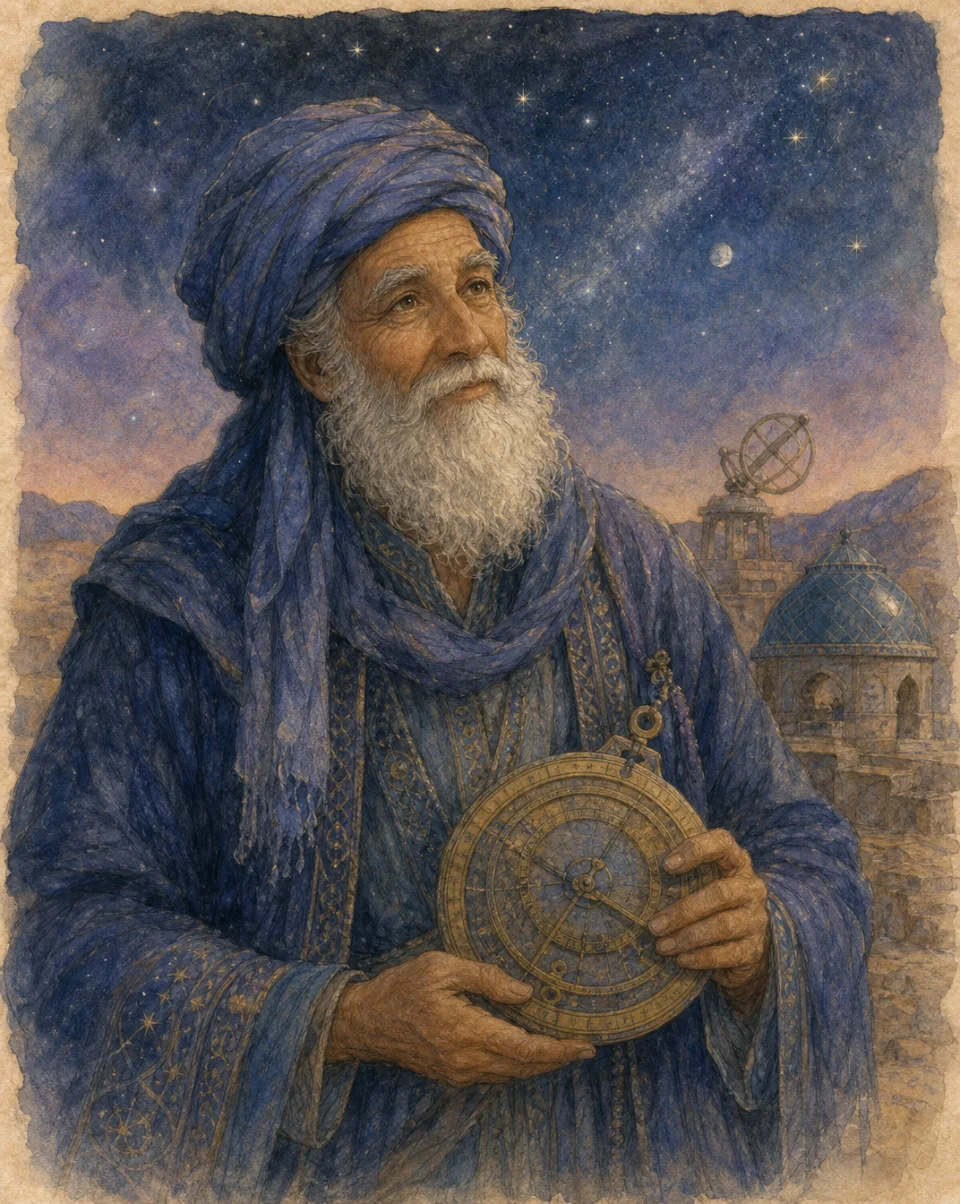
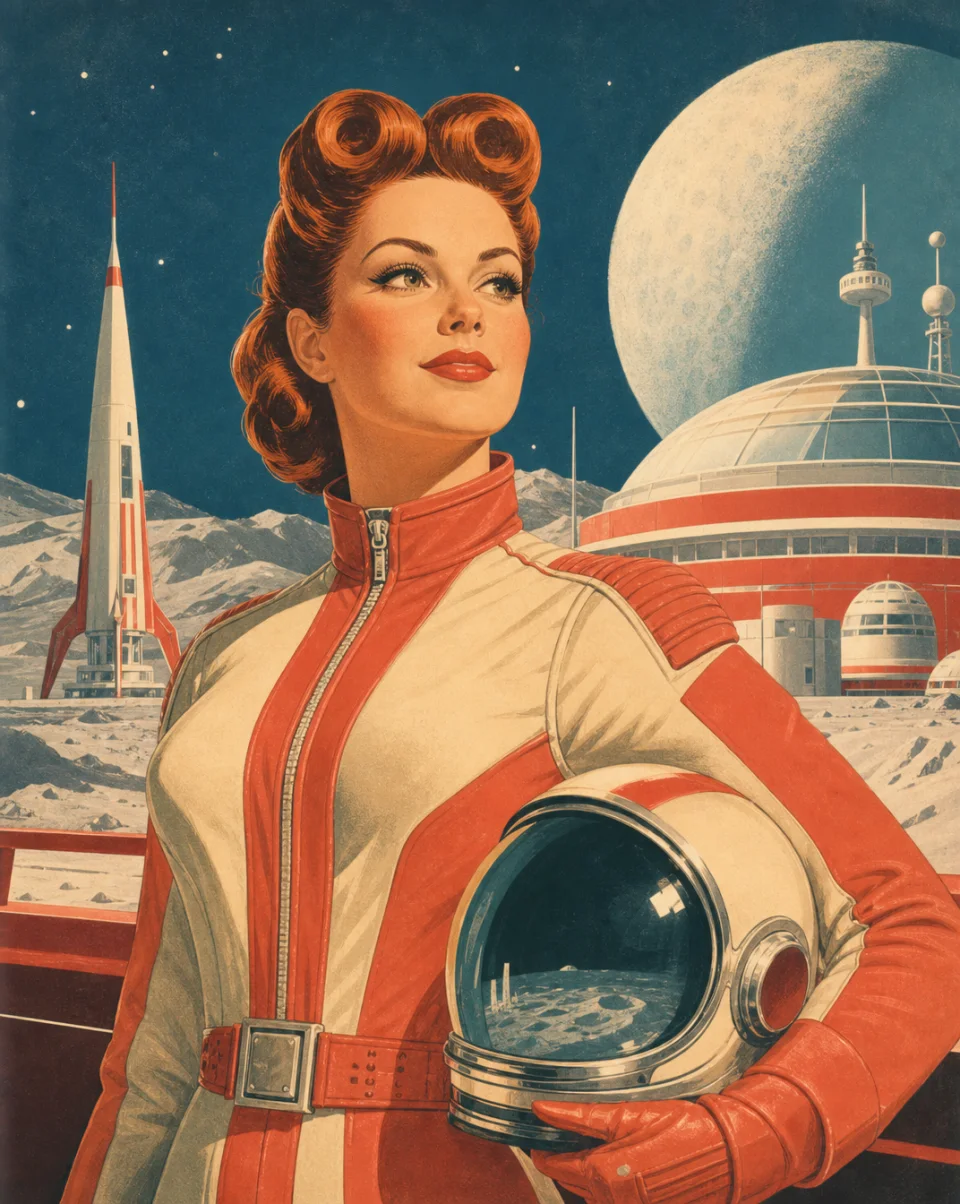
Build a stronger character prompt
A useful AI character prompt does not need special syntax. Combine the character, visual style, clothing, lighting, and setting in one clear description.
State the role, age range, face, hair, expression, body type, or distinctive marks that matter.
Choose anime, realistic photography, 3D, fantasy concept art, comic, watercolor, retro, or clay.
Describe the outfit, materials, colors, accessories, tools, weapons, or symbolic objects.
Ask for a close-up, full body, profile, action pose, studio light, sunset glow, or cinematic contrast.
Place the character in a workshop, forest, palace, spaceship, or simple background and name the mood.
A wandering mage from a fallen kingdom, calm and observant, silver braid, weathered cloak, cinematic fantasy portrait at dusk.
How the AI character generator works
The landing page keeps the first step simple, then hands your exact request to Wery for generation and further edits.
Start with a short idea or include all five prompt details for more visual direction.
Your description becomes a localized GPT Image 2 character-portrait request inside your workspace.
Generate the image in Wery, then continue the conversation when you want to adjust a visible detail.
Character images for real creative work
Use the generator when you need a visual starting point, a new style direction, or a clearer reference for an original character.
Turn a written concept into a visual reference before sketching, painting, or exploring costume directions.
Visualize a protagonist, NPC, party member, or original character without interrupting the writing flow.
Explore how a character could look across fantasy, sci-fi, realistic, anime, and stylized 3D directions.
AI character generator FAQ
Start with one clear description
Describe the person, style, outfit, light, and world. Wery will carry the request into your workspace for GPT Image 2 generation.
Begin with a rough idea or use the five-part prompt guide.
The handoff explicitly requests a suitable character portrait.
Continue the conversation when a visual detail needs to change.