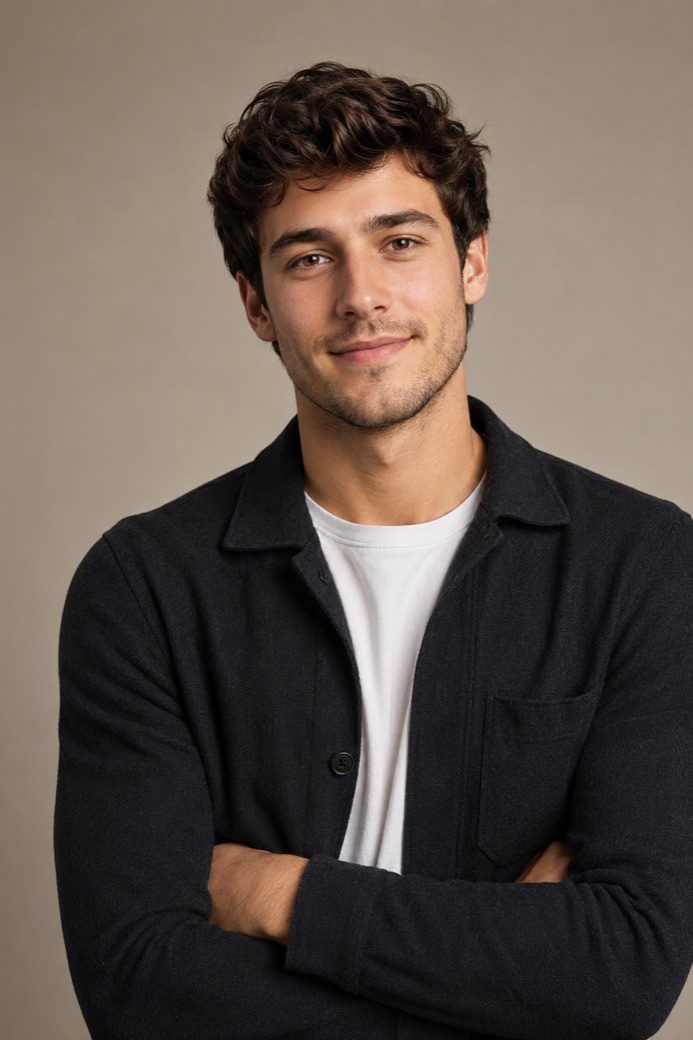
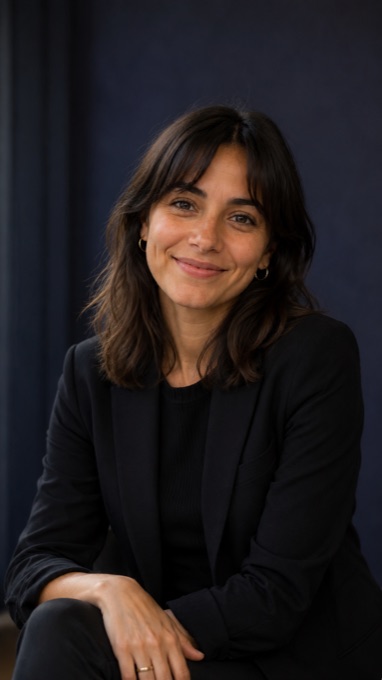

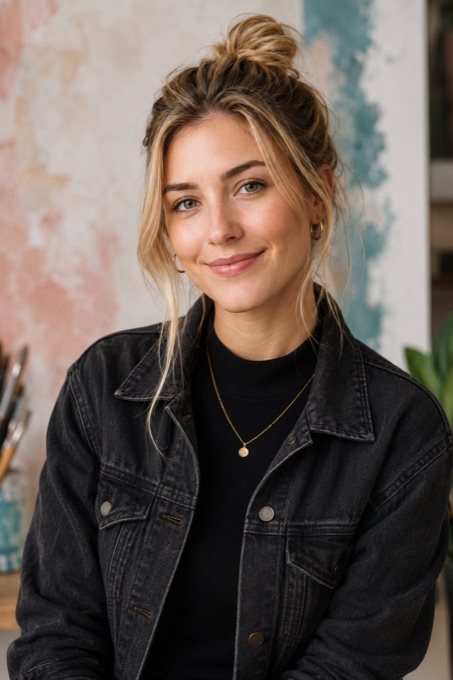

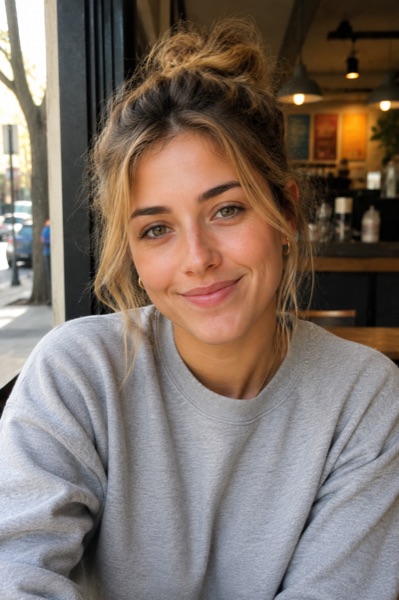

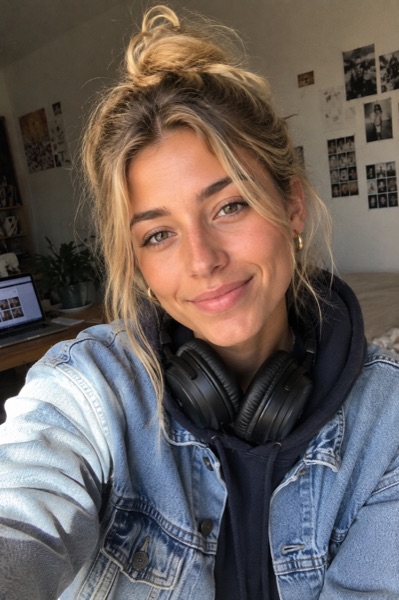

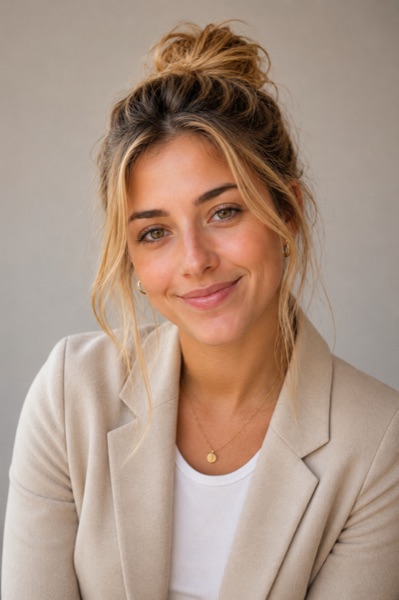

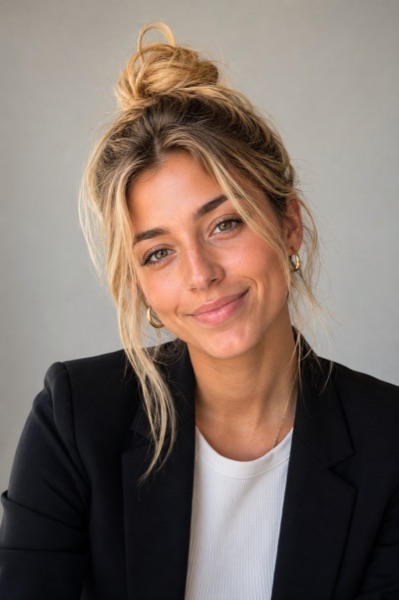
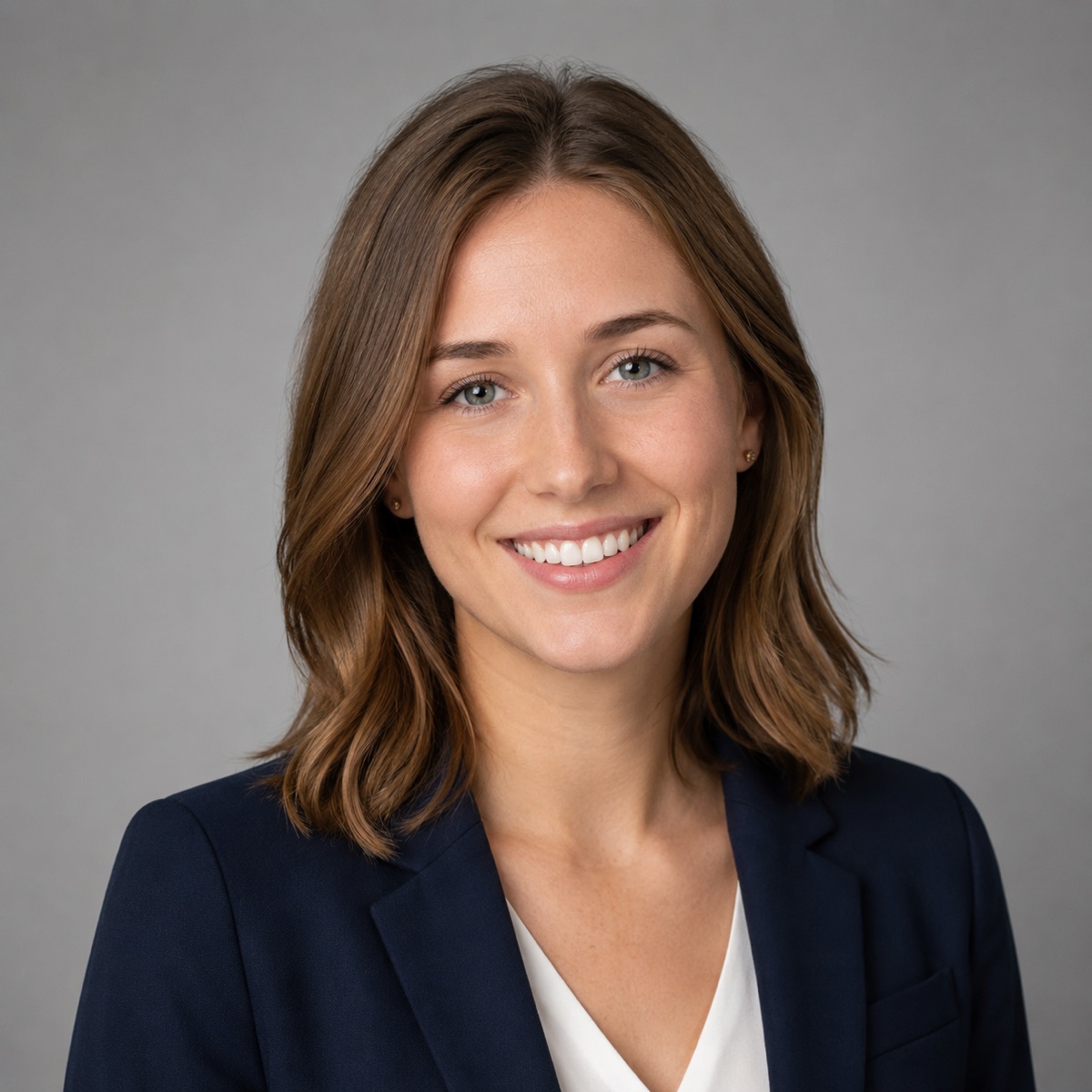
Plan a portrait for the place it will appear
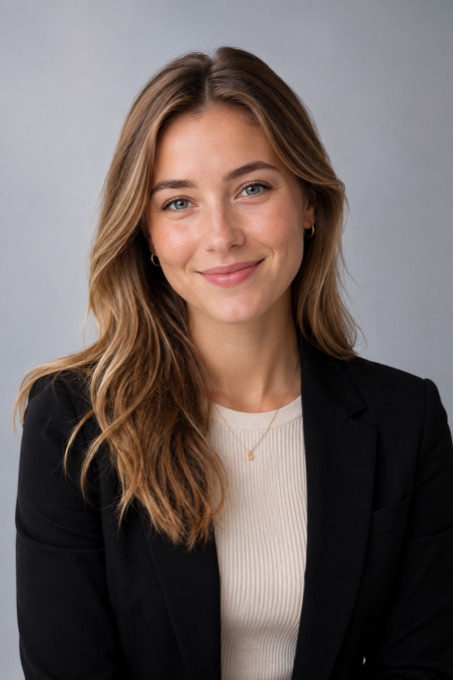
An AI headshot generator helps create a portrait that fits your professional profile. A LinkedIn photo, a resume, a company page and a speaker biography each benefit from thoughtful framing and style. Choose the use case, then shape the outfit, light and background around the impression you want to make.
Bring clear source photos with your face visible in different angles and lighting. Think about the tone that fits your work: a neutral studio portrait can feel focused, while a workplace setting can add context. Describe the expression and clothing you prefer, then develop the headshot in Wery with those features in mind.
Compare the portrait at the size where it will appear. A small circular avatar needs a readable face and a compact crop; a team-page layout may leave more room around the subject. Refine the eyes, hair, clothing and backdrop together. For a team, choose a shared framing and lighting style so the portraits feel connected while keeping each person recognizable.