
Traditionally, creating this type of video required a turntable, controlled lighting, filming equipment, and editing software. With Wery’s ready-made 360° Product Rotation template, you can animate an existing product photo without building the motion from scratch.
What Is a 360° Product Rotation Video?
A 360° product rotation video shows a product rotating smoothly in a studio-style setting. The format works especially well when the product’s silhouette, surface, or packaging is an important part of the buying decision.
-
beauty and skincare products
-
perfume bottles
-
watches and jewelry
-
electronics and accessories
-
packaged food and drinks
-
home and lifestyle products
The finished clip can be used on product pages, in social media ads, in product launch posts, or as part of a longer promotional video.
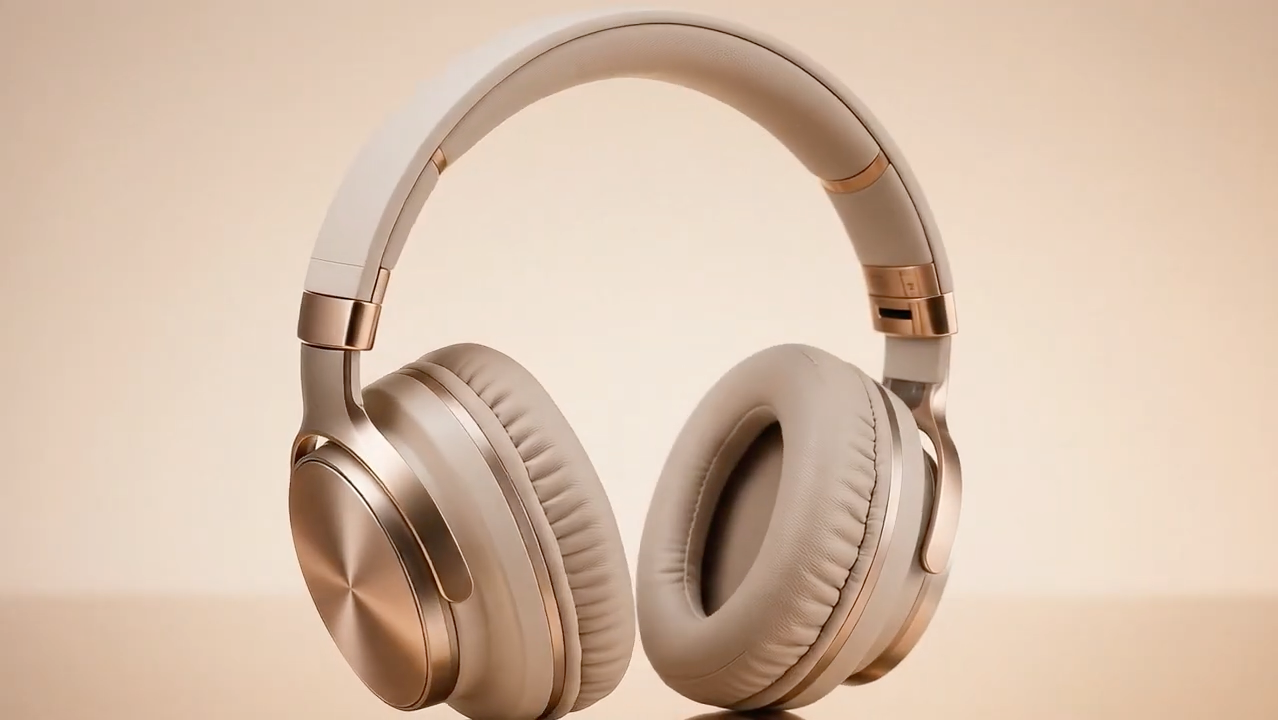
How to Create a 360° Product Rotation Video With Wery.ai
1. Choose a Clear Product Photo
Start with a high-resolution image where the product is upright, fully visible, and large enough in the frame.
For a more stable result, choose a photo with:
-
a simple background
-
even lighting
-
clear product edges
-
readable branding and packaging
-
minimal reflections or visual clutter
A front-facing product image usually gives the template the clearest reference for the product’s shape and identity.
2. Select the Template and Upload Your Product Photo
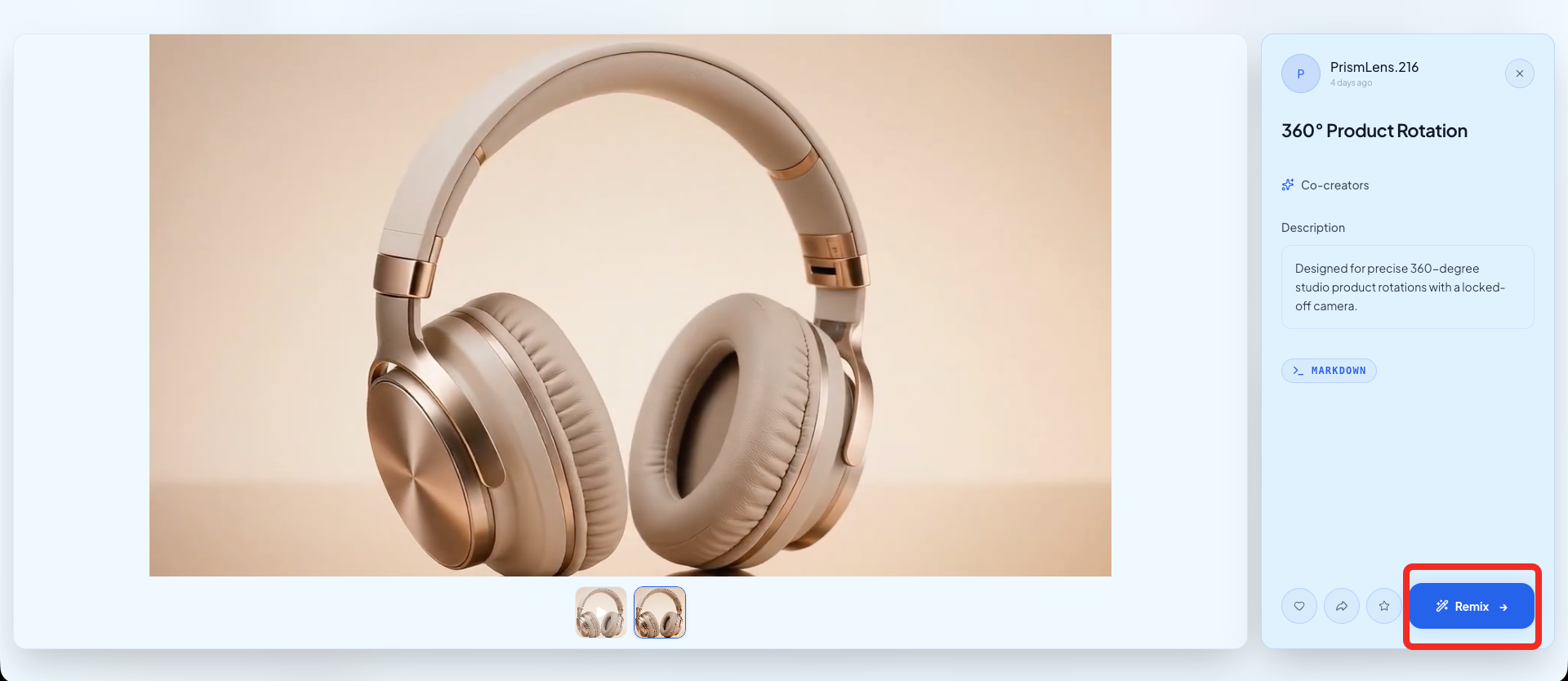
Open Wery.ai, choose the 360° Product Rotation template, and upload the product photo you want to animate.
The template already defines the core motion and camera behavior: a smooth product rotation, a centered composition, and a fixed studio camera. This means you do not need to write the full video direction from a blank prompt.
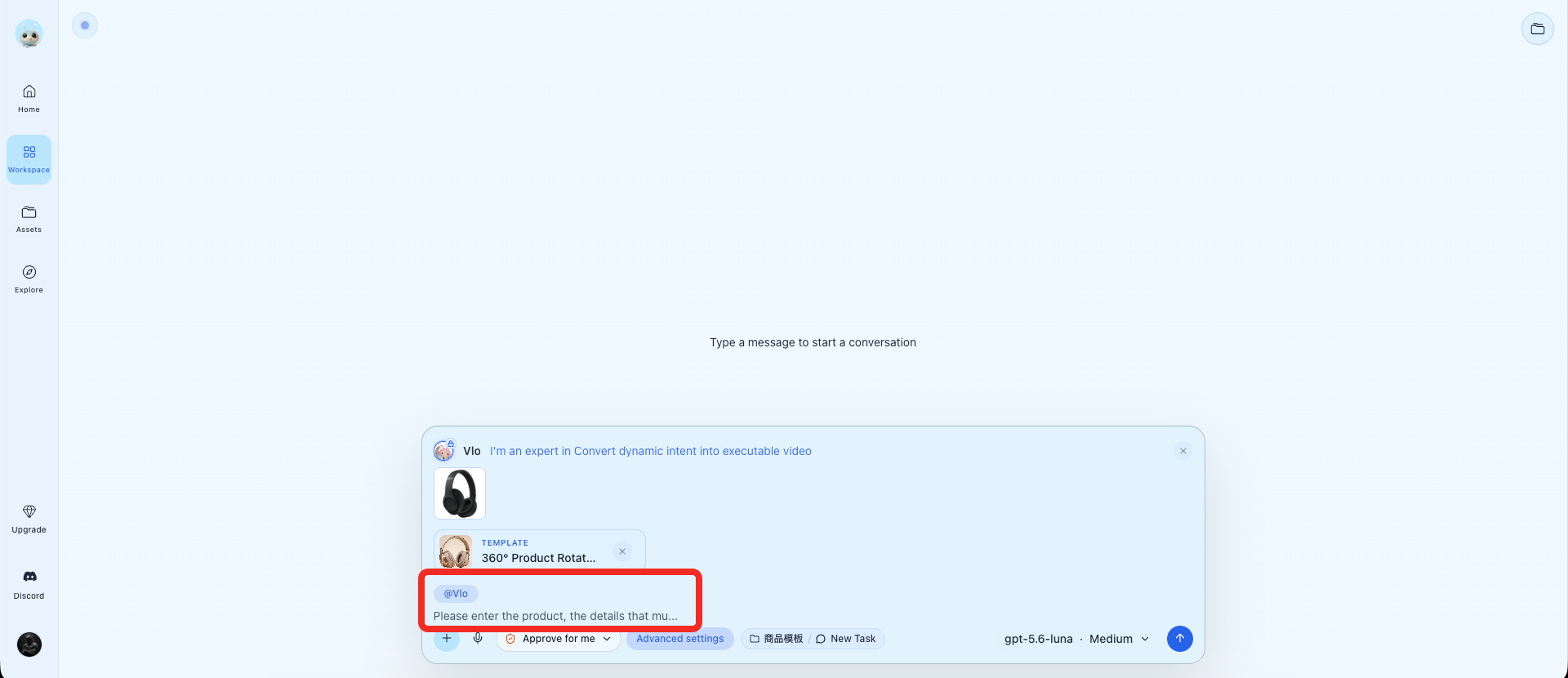
3. Add Any Extra Requirements
Use the additional requirements field to protect important product details or guide the overall visual style. Focus on what must remain accurate rather than repeating the rotation instructions already built into the template.
| Example requirement: Preserve the exact bottle shape, cap, logo, label text, and packaging colors. Keep the product centered and maintain a clean, premium skincare look. |
|---|
You can also describe a brand direction such as “minimalist tech,” or “fresh commercial lighting.” Avoid adding several competing movements or effects, as the template is designed around one controlled rotation.
4. Generate the Video
Generate the video using the template. Wery will use the uploaded image as the product reference and apply the predefined rotation, lighting, and studio presentation.
If the first result does not preserve the product well enough, regenerate it with a clearer preservation request. Simple instructions are usually more effective than adding more motion or visual effects.
5. Review the Product Details
Before publishing the video, check whether:
-
the rotation looks smooth
-
the product stays centered and upright
-
the product shape remains consistent
-
the logo, label, and packaging are readable
-
the background and reflection remain stable
Important: A video generated from one photo cannot know the exact appearance of surfaces that are hidden in the original image. AI may interpret the back or sides of the product. When exact packaging accuracy matters, review those areas carefully and use a product image that reveals as much of the object as possible.
Tips for Better Results
Keep the product large in the frame. Small or partially hidden products give the model less visual information to preserve.
Use a clean source image. Busy backgrounds, heavy shadows, and strong reflections can make the generated motion less stable.
Protect the details that matter. Specify the bottle shape, cap, logo, label text, packaging colors, or other features that must remain unchanged.
Keep the direction simple. The template already controls the rotation and camera, so extra zooms, pans, and background animation are usually unnecessary.
Where to Use the Video
-
product pages and online storefronts
-
Amazon or Shopify listings
-
social media ads and product launch posts
-
Pinterest Pins and short-form promotional content
-
longer ads that combine product benefits, music, pricing, or a call to action
FAQ
Can I create a 360° product rotation video from one photo?
Yes. Wery.ai can generate a rotating product video from a single clear image. However, product areas that are not visible in the source photo may be interpreted by AI.
What type of product photo works best?
Use a sharp, high-resolution photo with the complete product visible, a simple background, and clear branding or packaging details.
How can I reduce changes to the logo or packaging?
Add a clear preservation request covering the product shape, logo, label text, packaging colors, and other important details. Review the final video carefully before publishing it.
Try this template and create a ready-to-publish product ad in minutes!