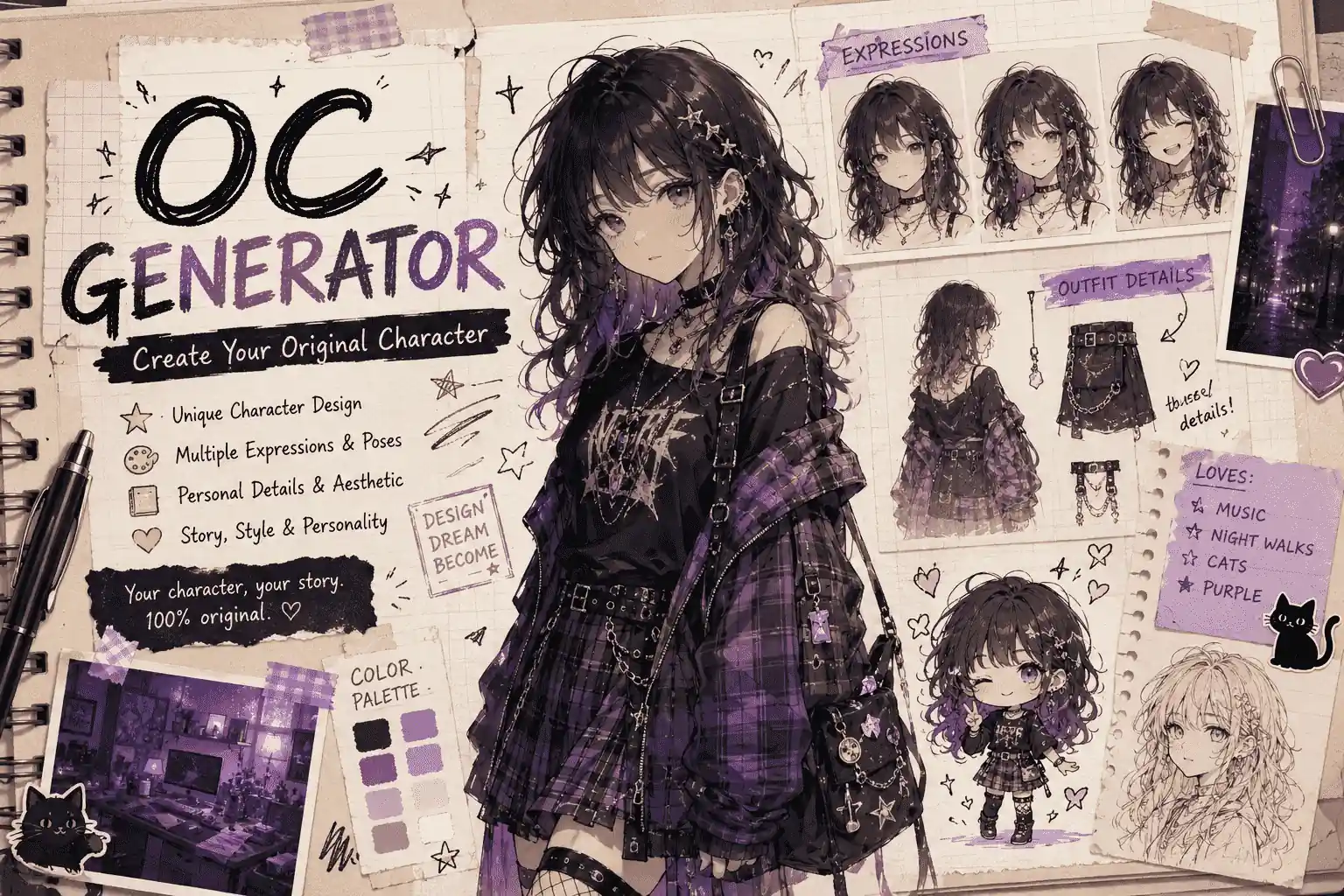
7 Best AI Image Templates for Your Next Social Media Post in 2026
From Pixel Art to Storybook Characters: 7 AI Image Templates Worth Trying

Explore Wery feature guides for Workspace, templates, Assets, account settings, memberships, teams, credits, and common issues.
From Pixel Art to Storybook Characters: 7 AI Image Templates Worth Trying
From Pixel Art to Storybook Characters: 7 AI Image Templates Worth Trying

Create witch portraits, vampire transformations, haunted photos and short Halloween videos from your own images.
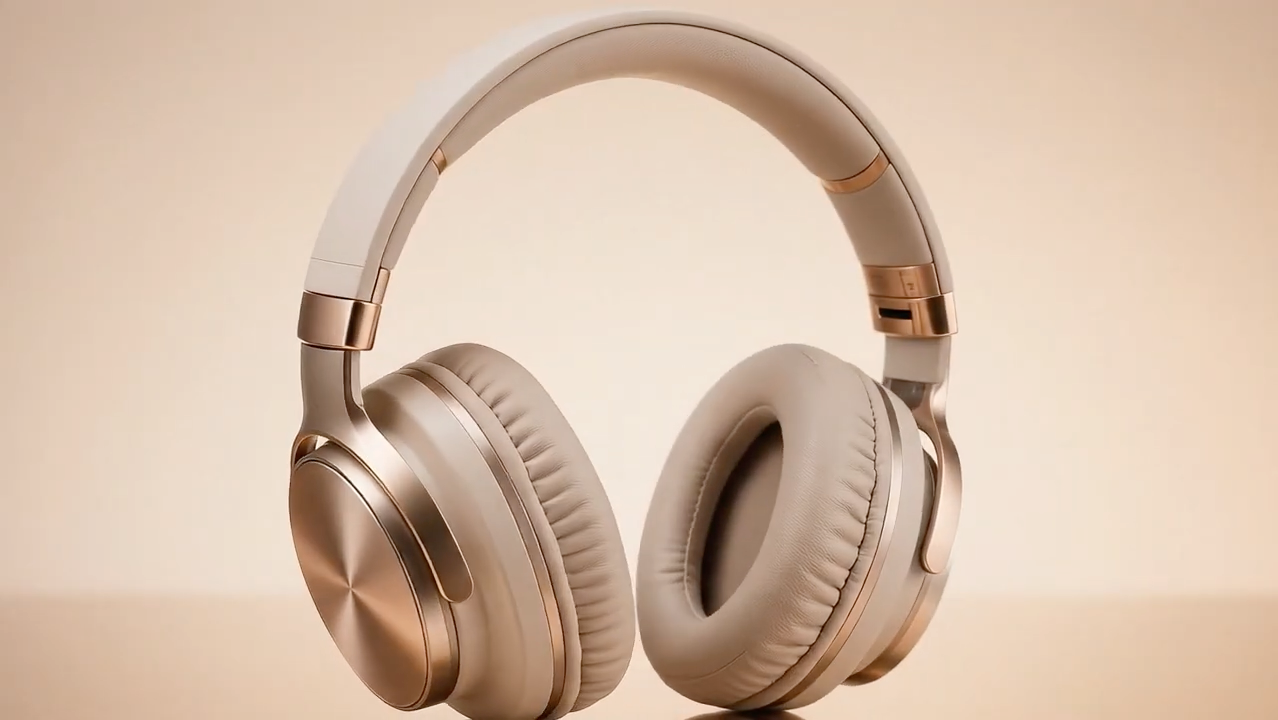
Traditionally, creating this type of video required a turntable, controlled lighting, filming equipment, and editing software. With Wery’s ready-made 360° Product Rotation template, you can animate an existing product photo without building the motion from scratch.
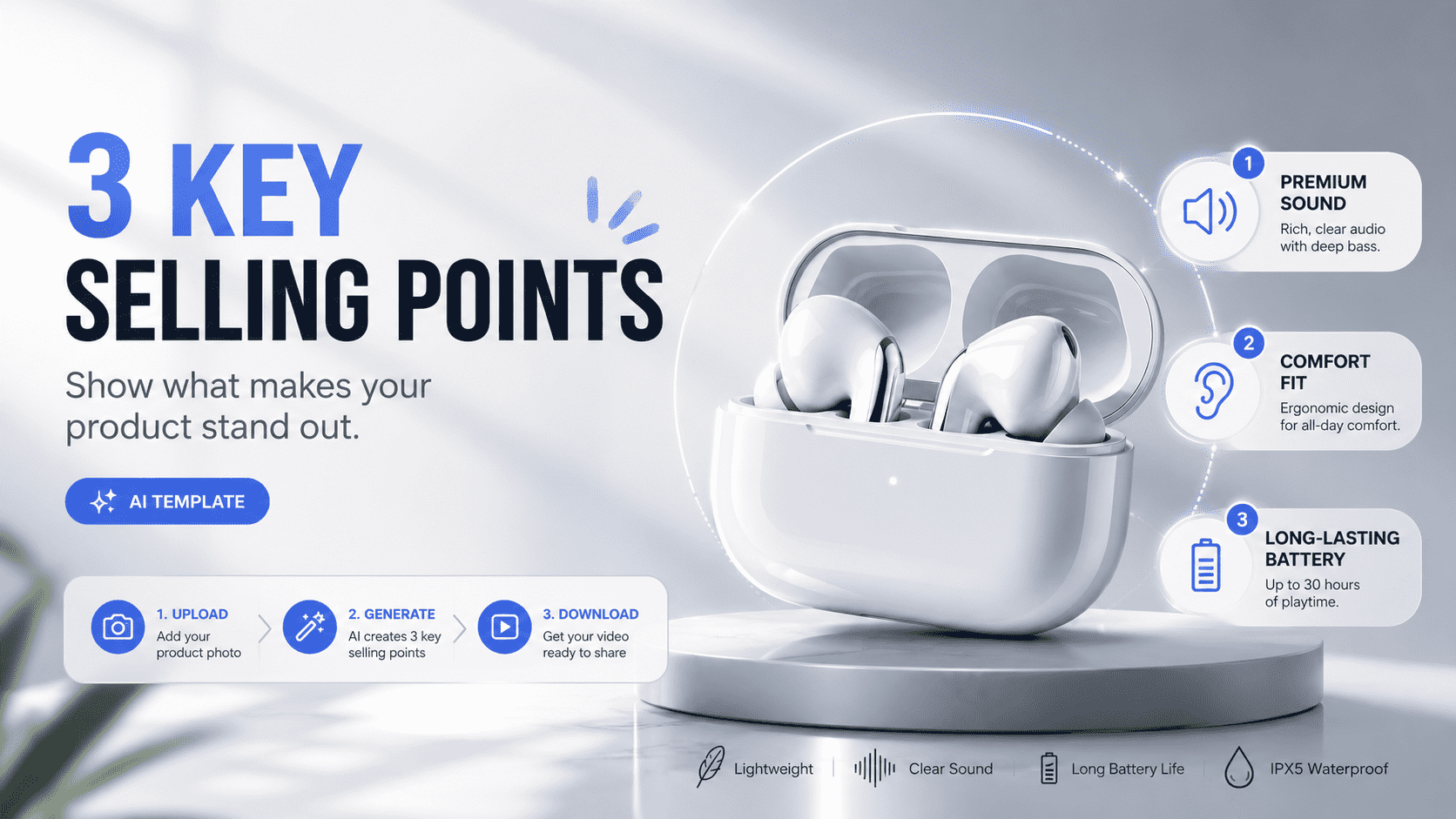
With Wery’s 3 Product Features Videotemplate, you can upload one product photo and turn it into a polished vertical video with three product-specific selling points, close-up shots, smooth transitions, and a final CTA.
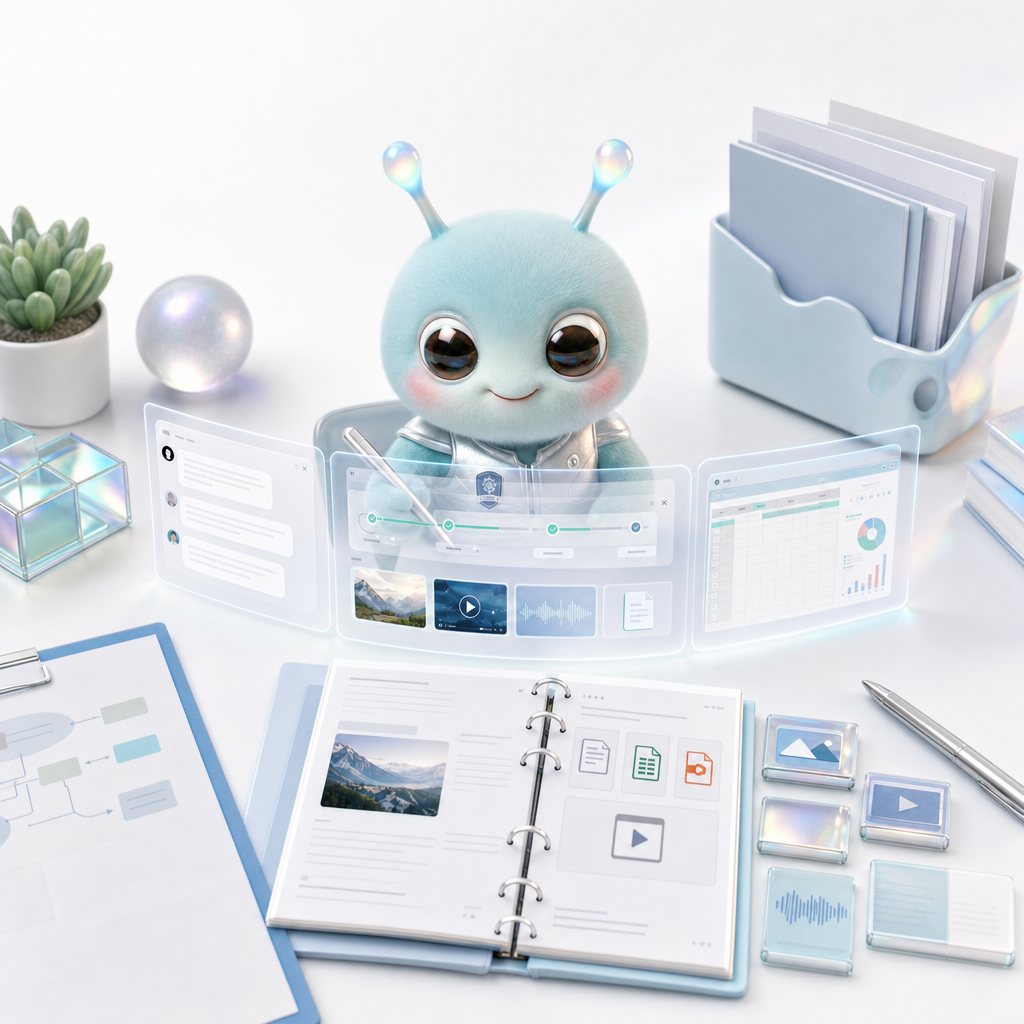
Workspace is Wery
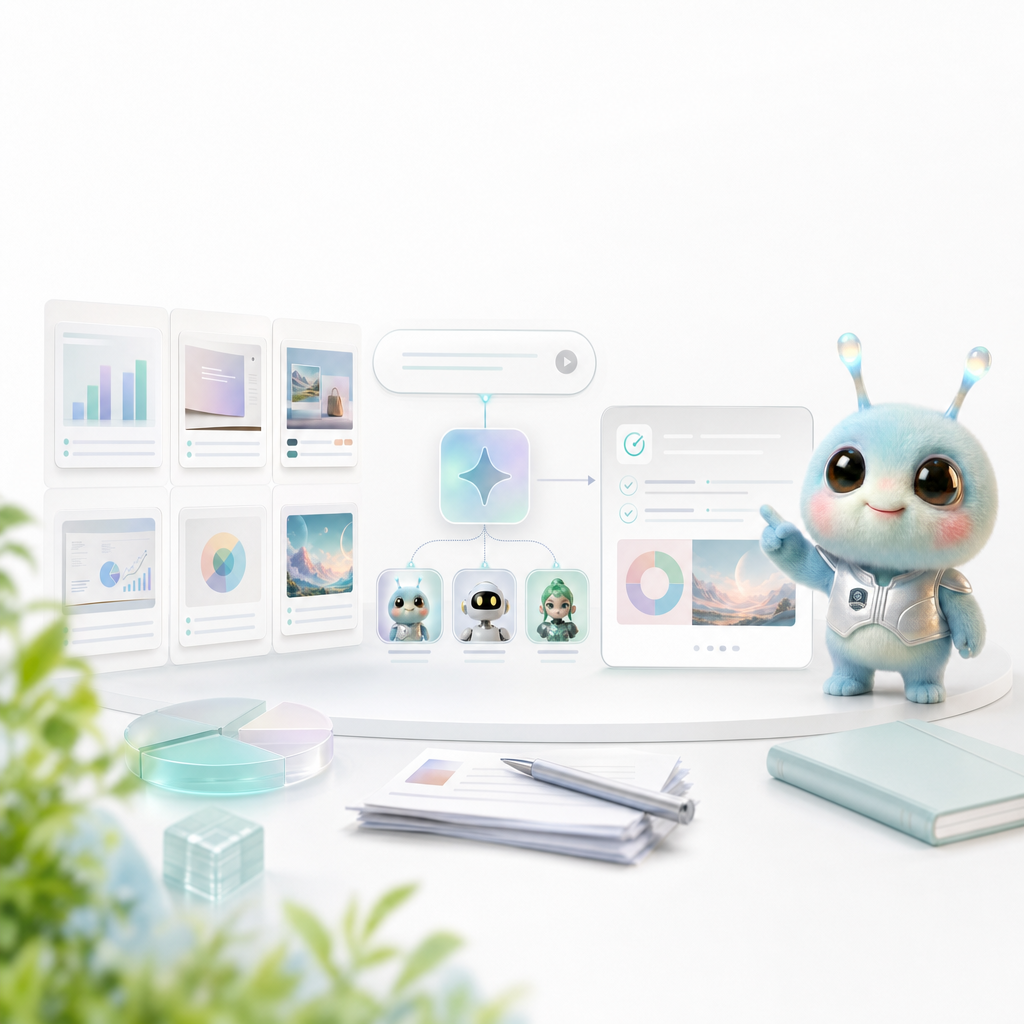
Templates provide stable structure, and Smart Intents take care of experts and workflows; the combination of the two allows users to quickly start with proven scenarios.
Assets is Wery
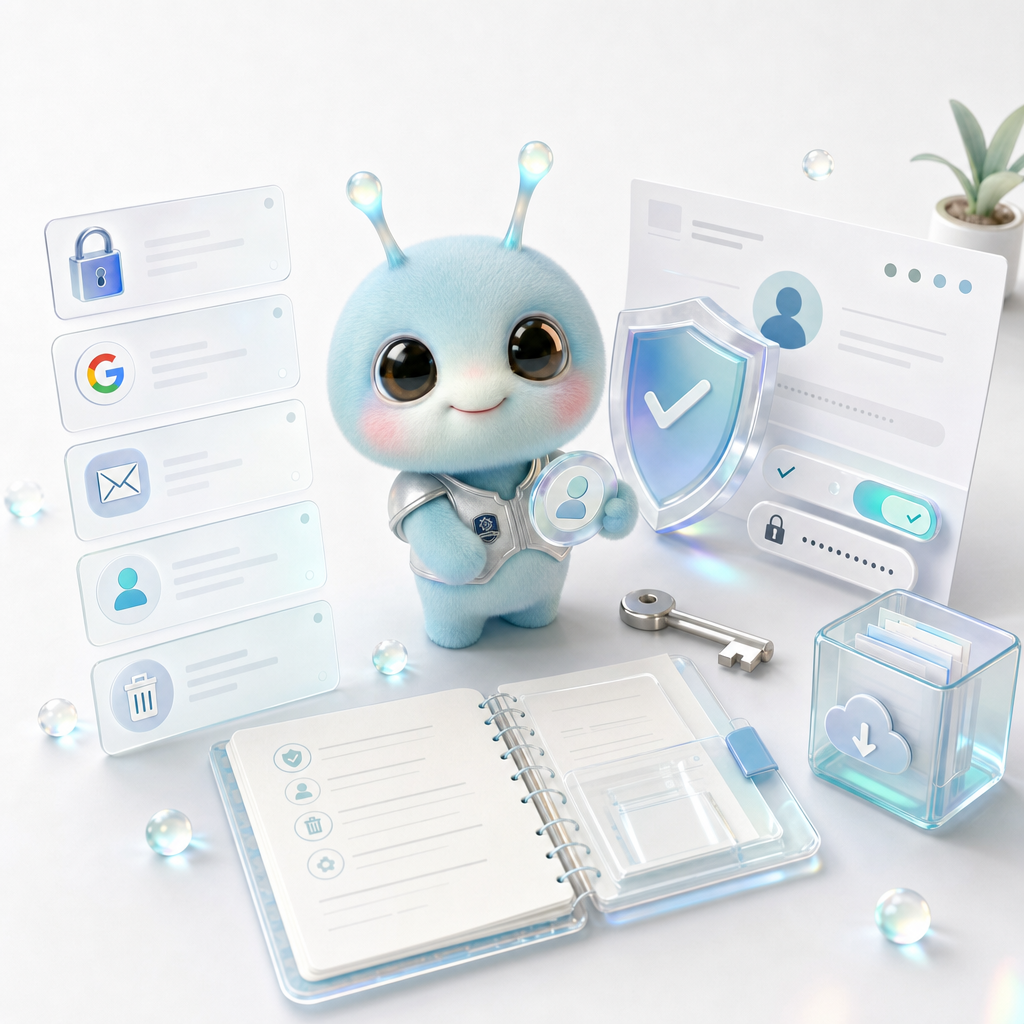
The account management page answers login, Google login, email, profile, security, and account deletion questions.
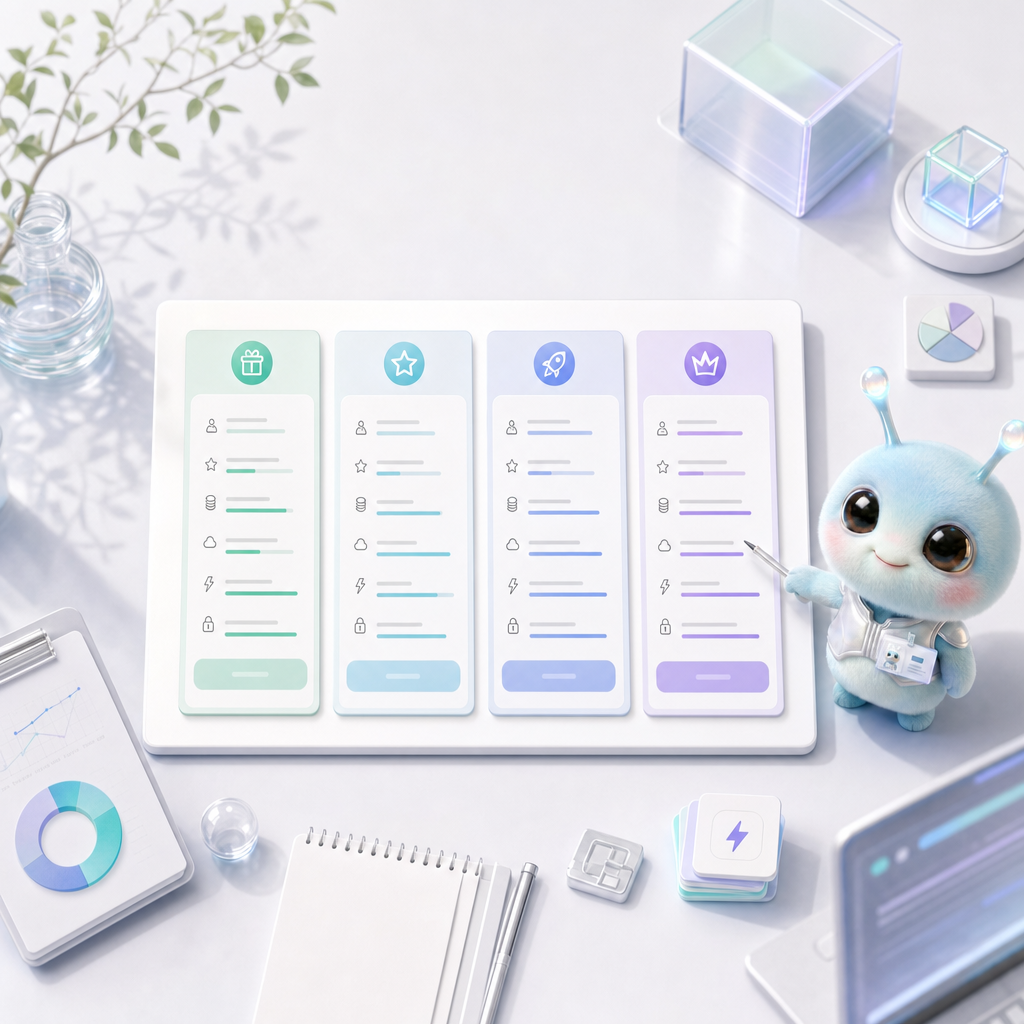
Membership plan page explains Free, Plus, Pro, Max capabilities, points, storage, uploads, concurrency, suitable crowds and subscription management.
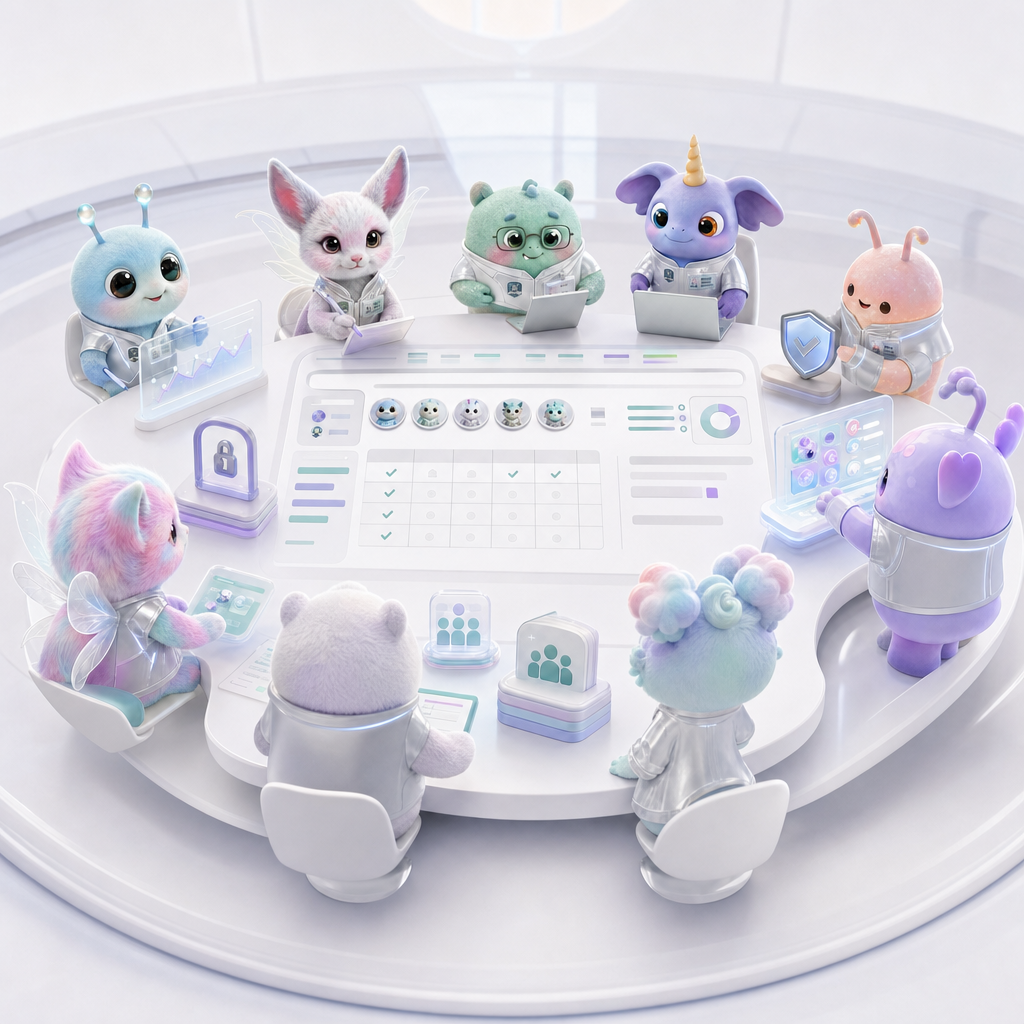
Teams and Enterprise plans describe multi-person collaboration, seats, admins, billing, security, privacy, SSO, and support SLAs.
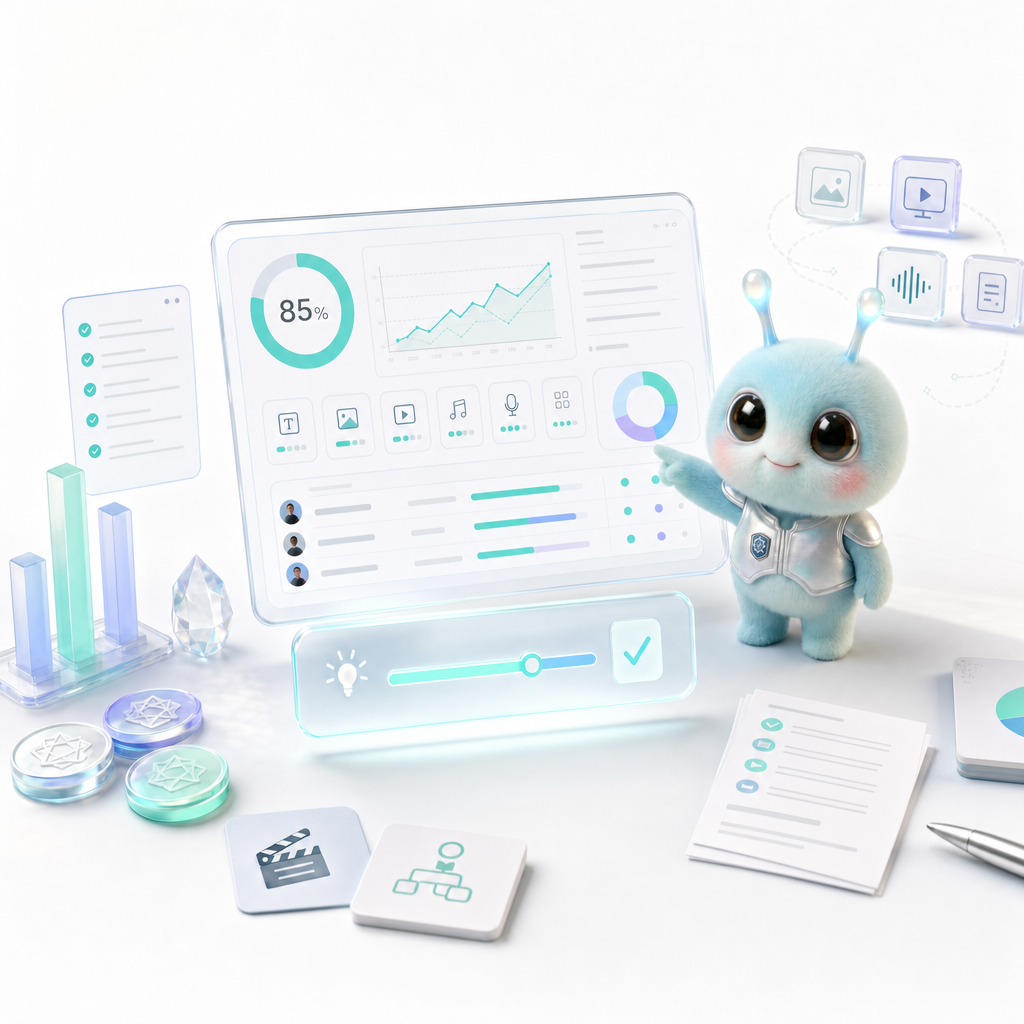
The Points Guide explains what credits are, which tasks cost points, how to estimate them, how to reduce waste, and what to do with failed tasks.
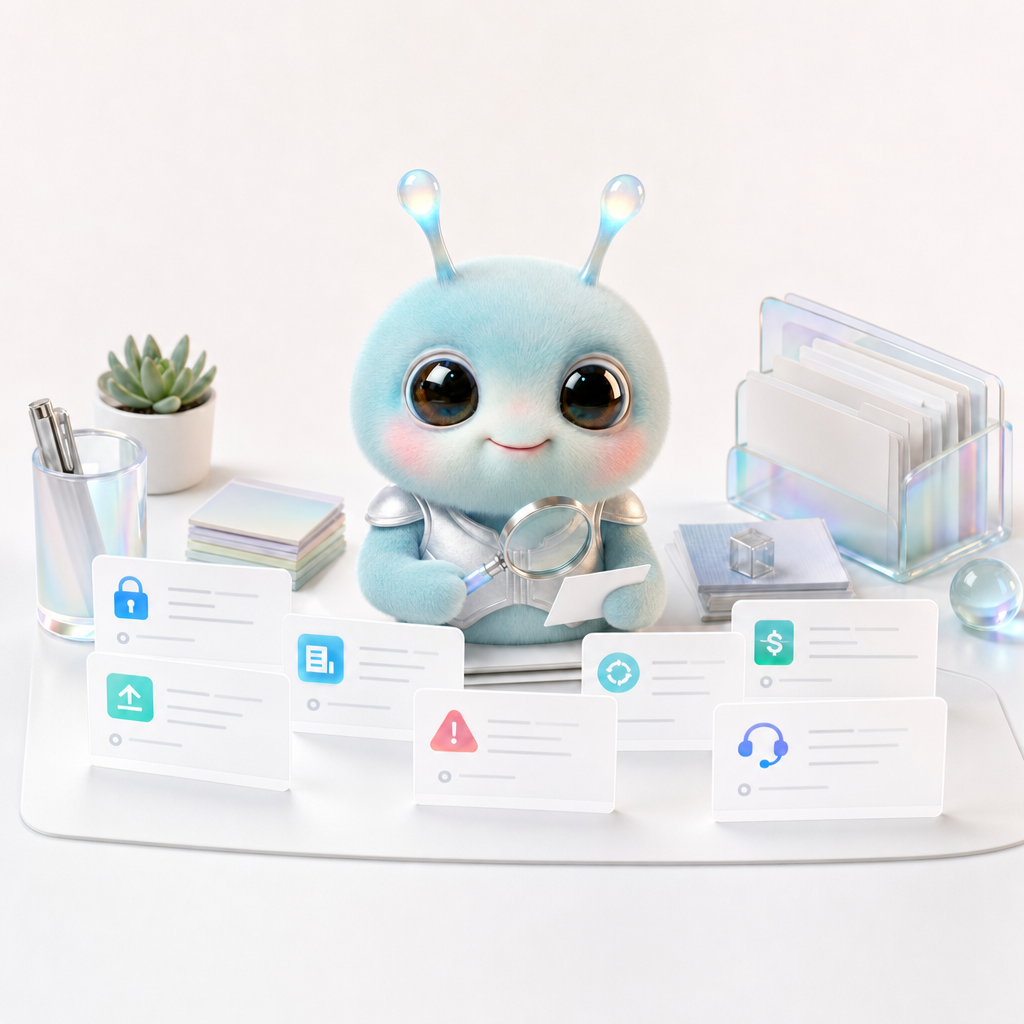
The FAQ page answers questions related to Wery experts, prompt words, file access, usage environment, Workspace, Assets, exploration page and data privacy.

An AI workspace should not simply collect features. It should help goals, plans, outputs, and reusable assets stay connected.