Describe the idea
Write the subject, meaning, style, placement, color, and any hard no.
 Tattoo Studio
Describe the symbol, story, style, and placement you have in mind. Zeny turns the brief into an original tattoo concept you can refine before you meet your artist.
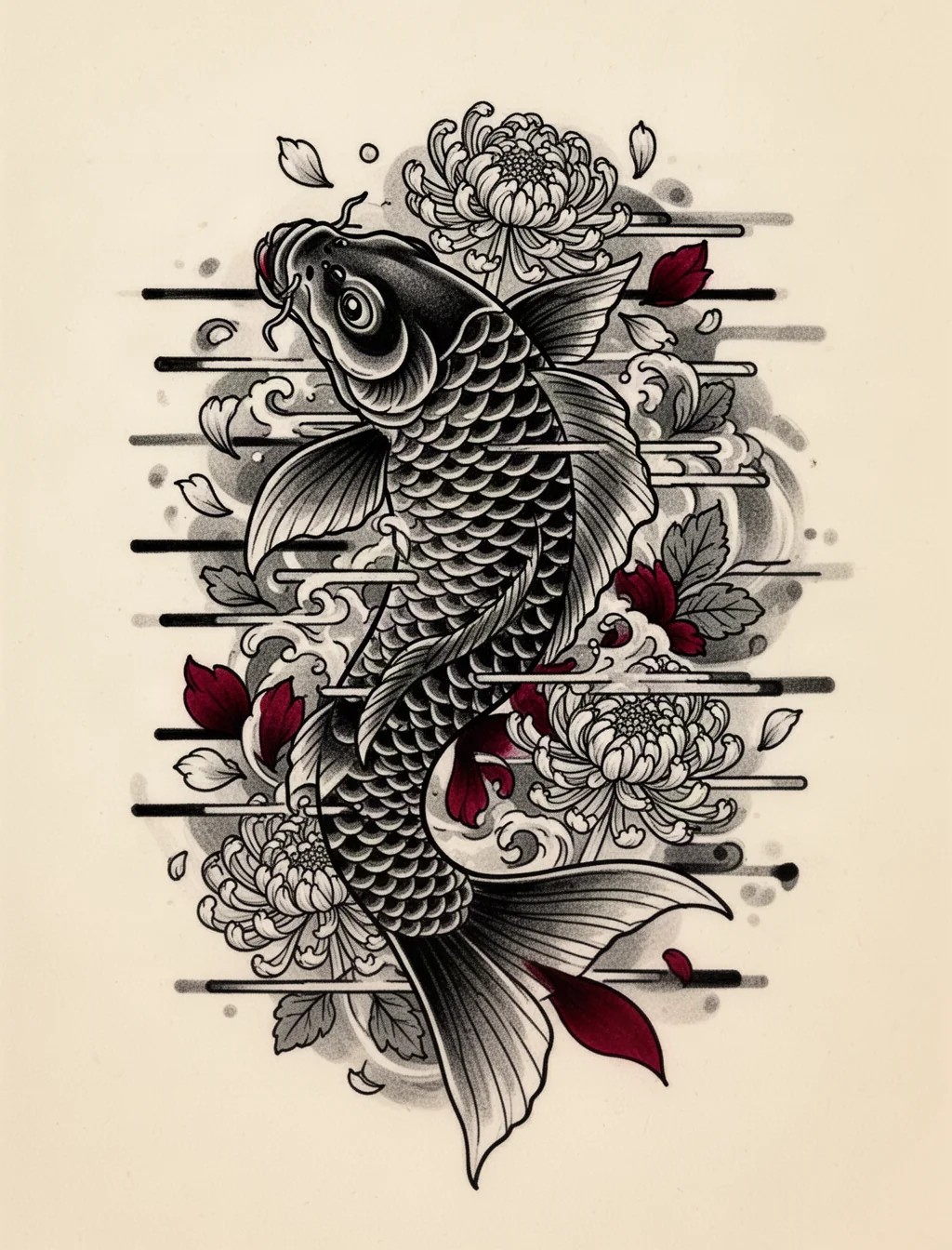

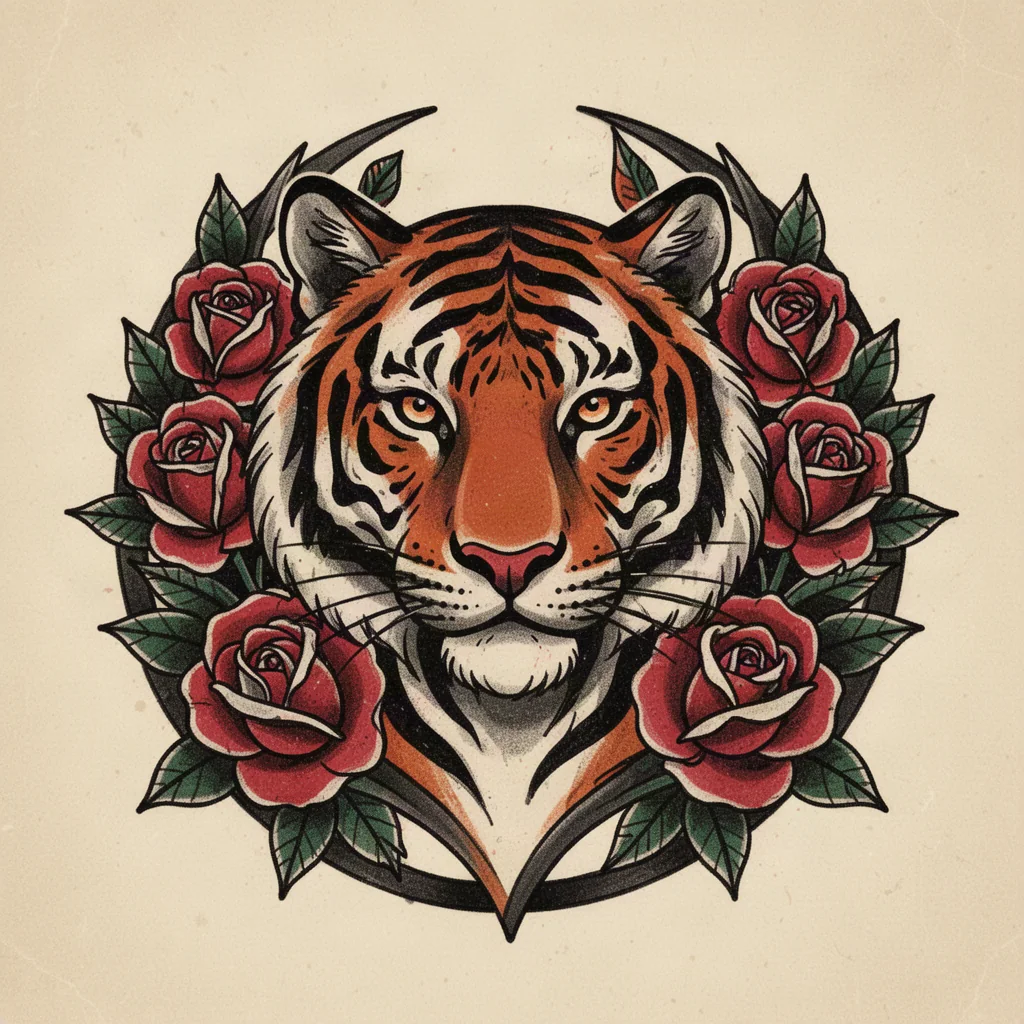
Specific briefs produce stronger concepts. Include the subject, meaning, mood, and any detail that must stay or disappear.
Explore line weight, color, symbolism, and composition. Pick a direction to use it as the starting point for your own brief.
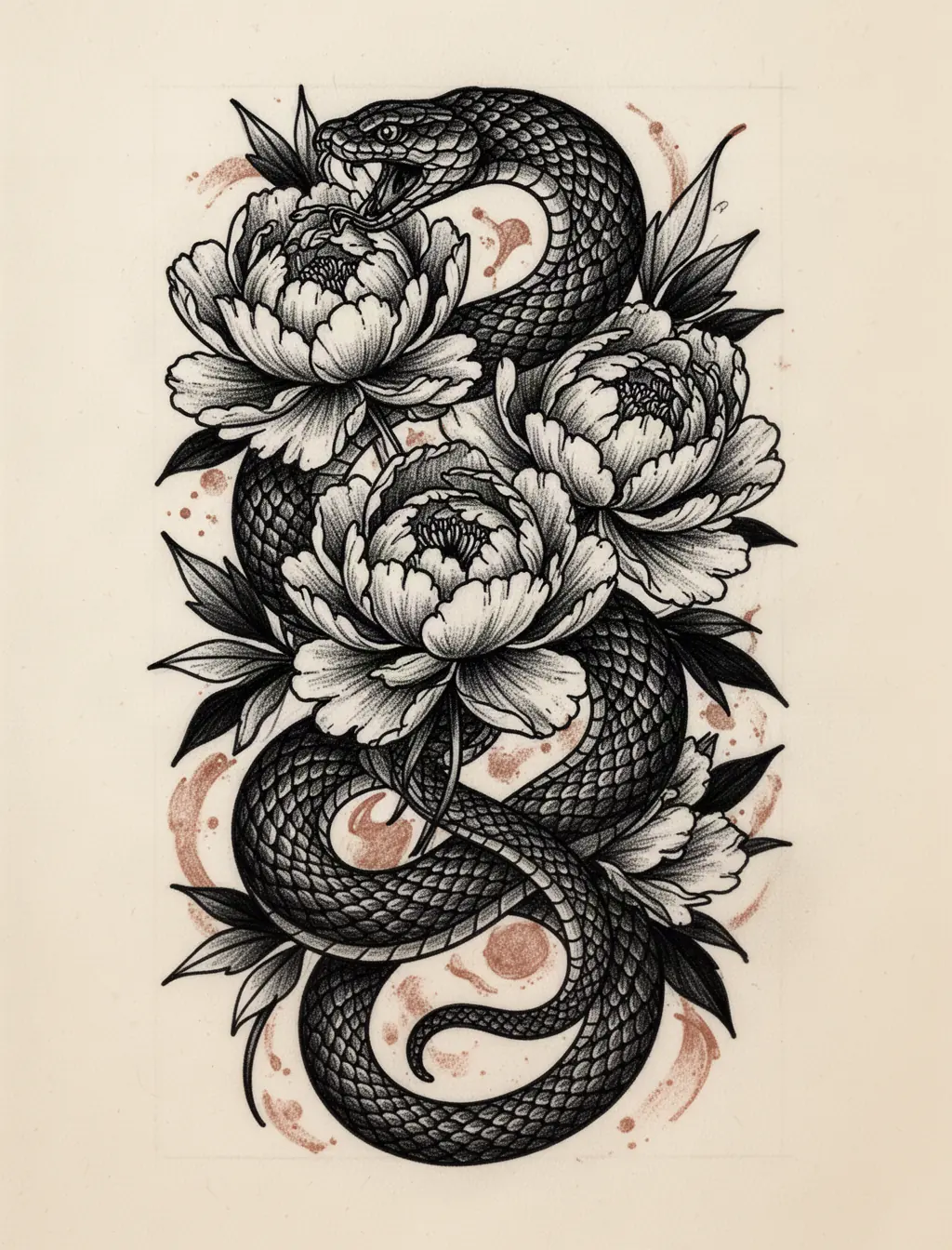 Subject hierarchyReadable negative spacePlacement silhouette
The generator can explore the artwork. You still set the meaning, the boundaries, and the way it should sit on the body.
A short, practical path from your first idea to a design worth discussing with a tattoo artist.
Write the subject, meaning, style, placement, color, and any hard no.
Zeny interprets the brief and creates clean tattoo artwork in your Wery workspace.
Adjust scale, line weight, anatomy, and placement before anything goes on skin.
AI output is visual reference, not a stencil or medical recommendation. A qualified tattoo artist should adapt the design for skin, anatomy, aging, line spread, and safe application.
Straight answers before you start designing.
An AI tattoo generator turns a written brief into visual tattoo concepts. With Wery, your brief continues to Zeny, where you can generate artwork and refine the idea in a persistent workspace.
Yes. Describe the subject, meaning, style, placement, and details you want. The more specific the brief, the more intentional the composition can be.
You can request fine line, blackwork, Japanese, neo-traditional, American traditional, geometric, dotwork, illustrative, watercolor, or a carefully described hybrid direction.
Yes. The design opens in your Wery workspace, so you can ask Zeny to change symbols, line weight, color, composition, or placement without starting over.
No. Treat it as concept art. A professional tattoo artist should redraw or adapt it for the exact body area, size, skin, technical limits, and long-term readability.
Start with the main subject, add its meaning, choose a style, name the body placement and approximate size, then list colors and elements to avoid.
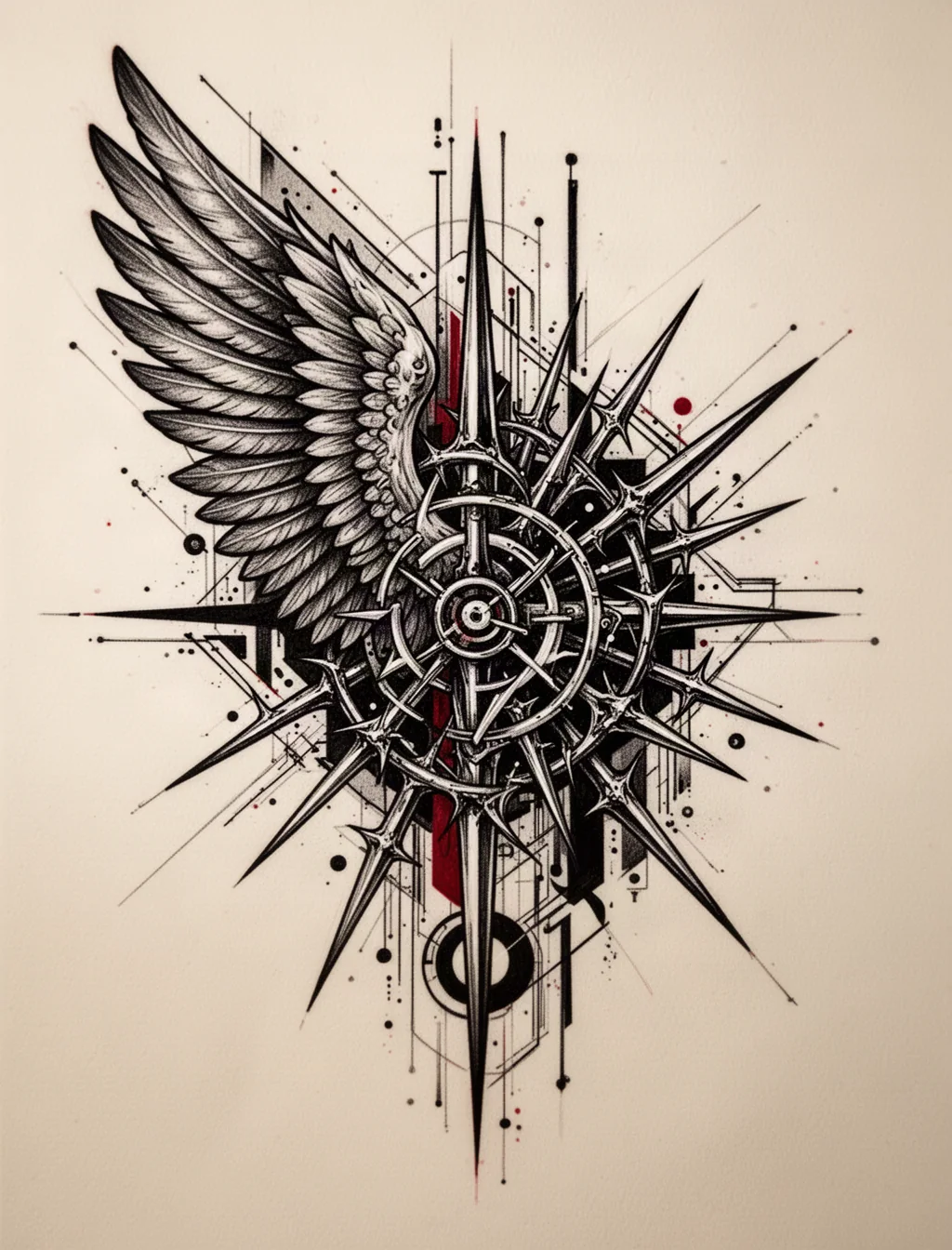
Turn the thought in your head into a clear, original tattoo direction. Then keep refining it with Zeny and your tattoo artist.