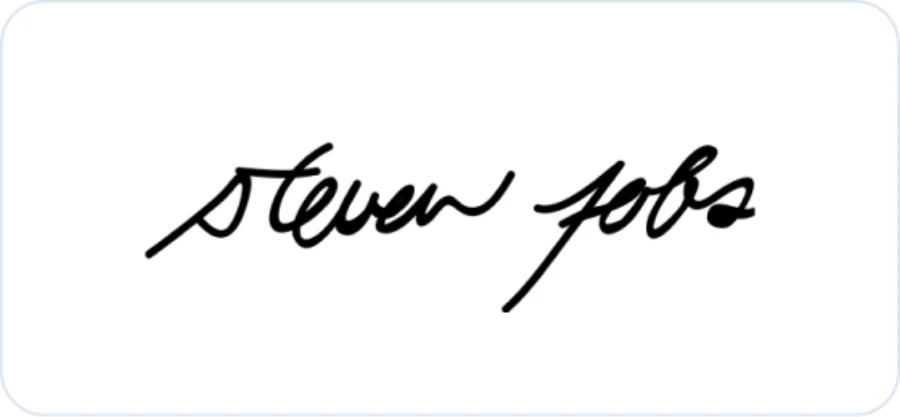
Steve Jobs
A compact, forward-moving mark begins quickly and releases into a long terminal line.
 Signature Generator
Enter a name, choose a handwriting direction, and let Zeny design one original black-ink signature in your Wery workspace.
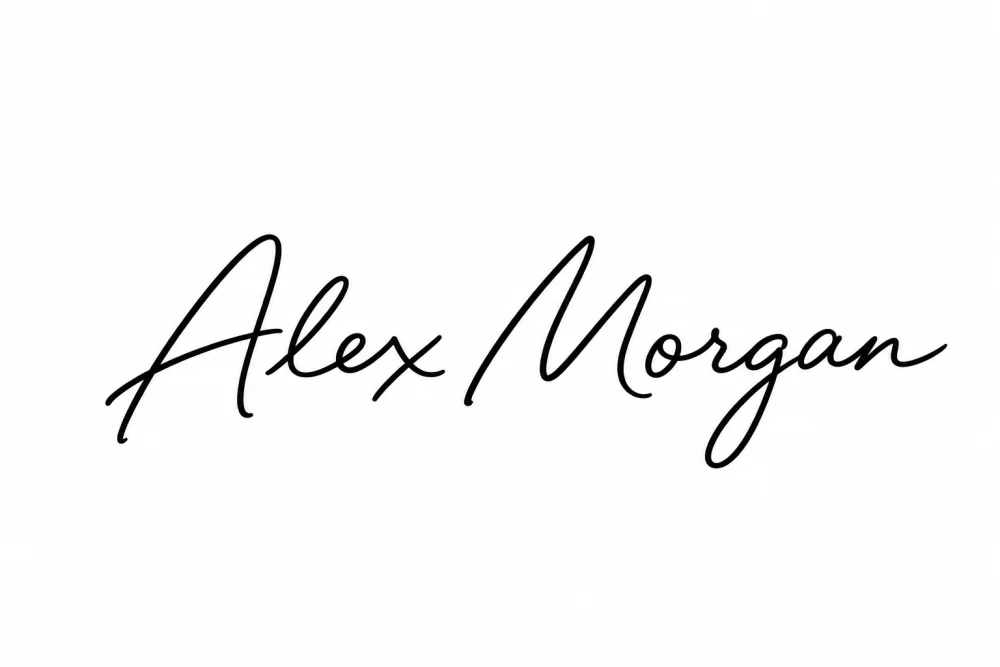 Style example — Zeny will create a new result from your name.
Generation takes place after sign-in in your Wery workspace.
An AI signature generator turns typed name text and a chosen stroke direction into an original handwritten-style image. On this page, you choose the lettering treatment; Zeny then uses GPT Image 2 inside Wery to render one black-ink signature on white.
These options describe visible lettering choices only—baseline, scale, slant, joins, and finishing strokes. They are not personality readings.
Historical autographs can help us notice practical choices such as spacing, scale, connection, and line direction. Zeny is instructed to create an original mark, never an imitation.
A compact, forward-moving mark begins quickly and releases into a long terminal line.
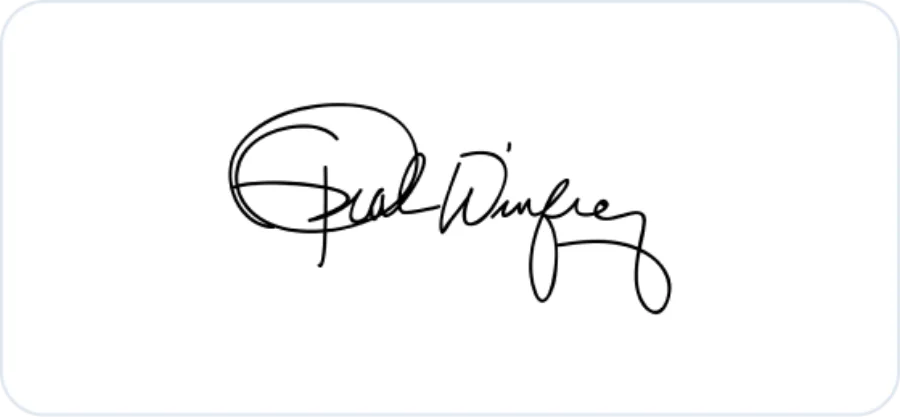
A prominent opening capital gives way to rounded, closely connected strokes.
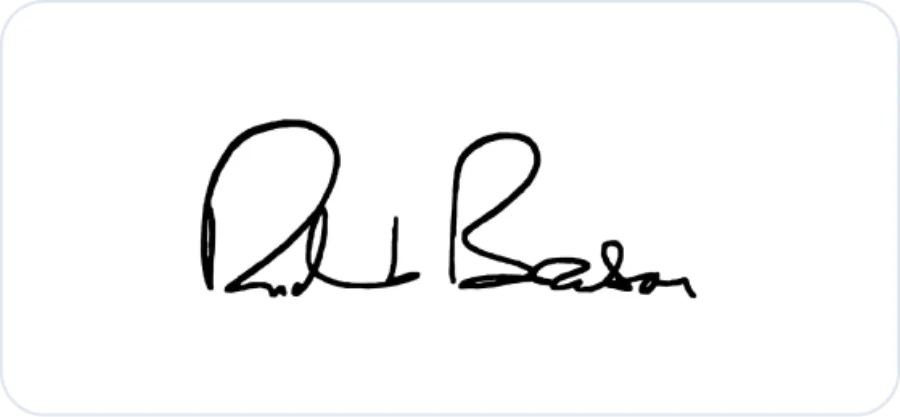
Tightly grouped loops and a sweeping exit read as one continuous pen gesture.
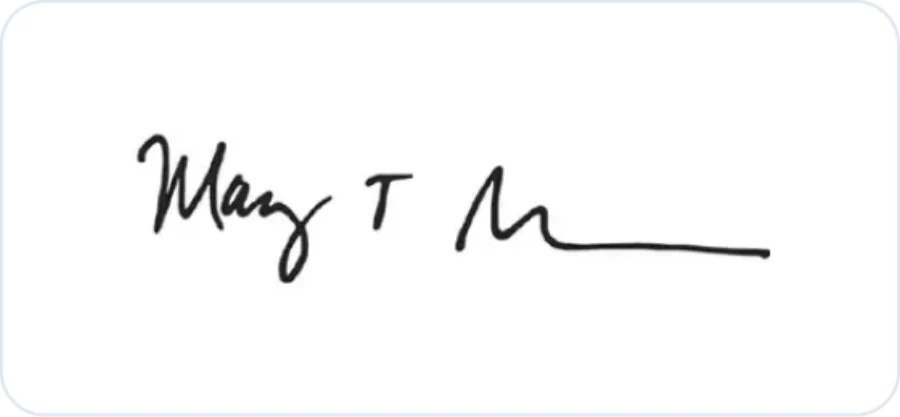
Tall initials anchor calmer joins, balancing readable structure with movement.
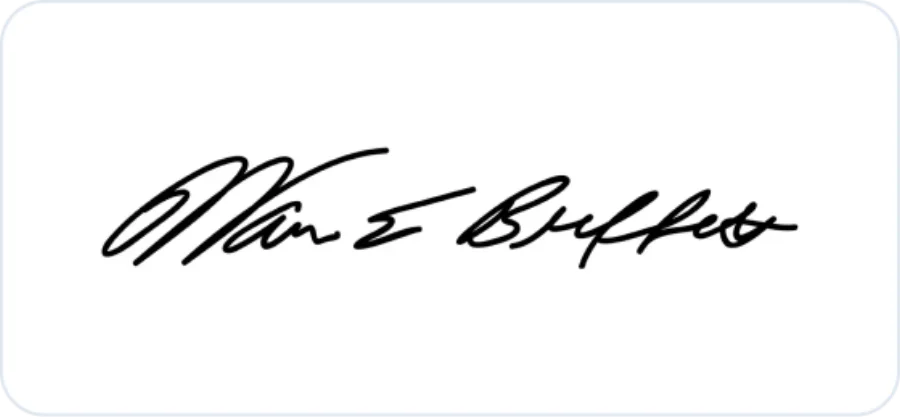
Small, consistent lettering follows a slight rise and stays compact across the line.
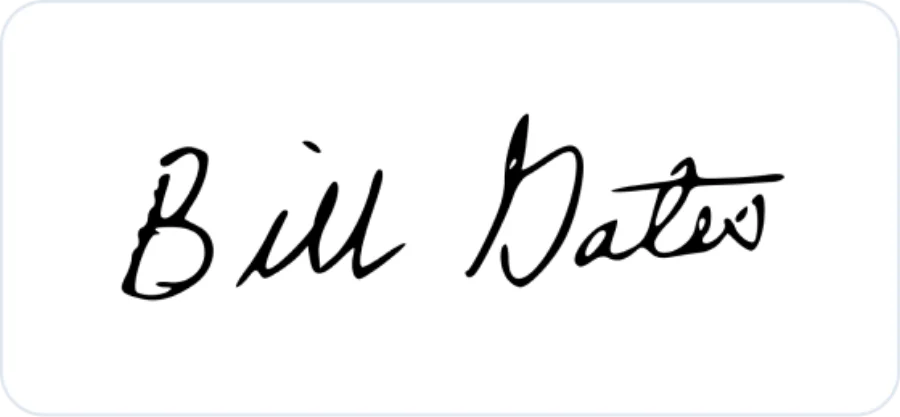
Rounded capitals and even connections keep the overall mark clean and legible.
For visual study only. These references are not templates for impersonation or identity misuse. Historical autograph images are sourced from Signaturely’s educational signature roundup.
The landing page keeps the brief focused. The creative work continues in your workspace, where the result can be reviewed and refined.
Type the exact name, initials, or nickname you want treated as source text.
Pick one of fourteen fixed directions based on visible lettering structure.
Sign in and send the prepared brief to a new Zeny workspace thread for generation.
Explore a handwritten mark for cards, notes, invitations, and correspondence.
Develop a name mark for portfolios, artwork labels, newsletters, or social graphics.
Create an authored finishing element for a slide, proposal cover, or case study.
Use the generated image as inspiration while developing a repeatable hand motion of your own.
You enter a name and select one of fourteen fixed stroke styles. After sign-in, Wery sends a structured prompt to Zeny, which uses GPT Image 2 to create one original black-ink signature image on white.
No. This page collects only the name and style choice. The actual generation happens after handoff in your Wery workspace with Zeny.
Yes. The name field accepts Unicode text, spaces, apostrophes, and hyphens. Control characters are removed, repeated whitespace is collapsed, and the final source text is limited to 80 characters.
No. The famous examples are presented only for visual study, and the generation prompt explicitly tells Zeny not to imitate any named person’s existing autograph.
Clear Cursive prioritizes connected, readable letterforms. Abstract Stroke compresses the name into a faster mark that retains only selective letter hints.
Those two options intentionally transform the source: Initial Monogram reduces it to initials, while First Name Only renders only the first name. Other styles keep the supplied name text intact.
The result is a visual signature design. It is not a certificate, identity verification method, consent record, or cryptographic digital signature.
Yes. The handoff opens a new workspace thread with Zeny, so you can review the image and ask for changes to spacing, rhythm, scale, or stroke direction.
Start with a focused style decision, then continue the design conversation in your Wery workspace.