Source-first editing
Image 1 remains the authority for identity, pose, composition, and geometry.

Upload a portrait or outfit photo. Choose a goth direction and create a dark, intentional restyle without losing the original subject.
One source image, one precise art direction.
 ZenyDesign agent
The goth version is created in Zeny's Wery workspace, where you can refine it.
A Goth AI Generator is a photo styling tool that applies goth-inspired fashion, materials, makeup, decor, color, and light while preserving the source subject. Wery uses one uploaded image and an explicit GPT Image 2 brief so the result remains recognizable instead of becoming a generic dark character.
Image 1 remains the authority for identity, pose, composition, and geometry.
The look comes from clothing, texture, hardware, decor, color, and light—not a black overlay.
Continue in Zeny to adjust styling strength, accessories, palette, or environment.
Each direction changes different design decisions. The source photo and selected strength determine how far the transformation goes.
Lace, silver, velvet, soft shadow
Tailoring, jet black, antique restraint
Oxblood, satin, nocturnal elegance
Industrial layers, hardware, cold light
Architectural lines, leather, patina
Soft lilac, black contrast, playful edge
Portrait and outfit transformations lead the tool. Rooms and objects show how the same visual system can extend further.
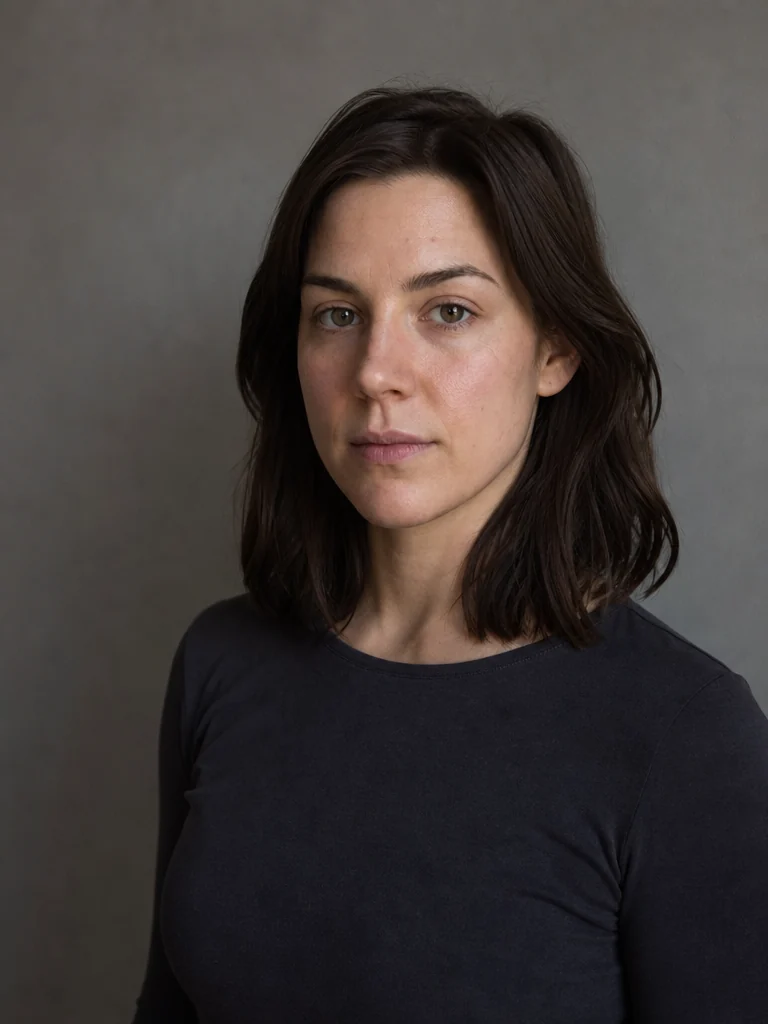
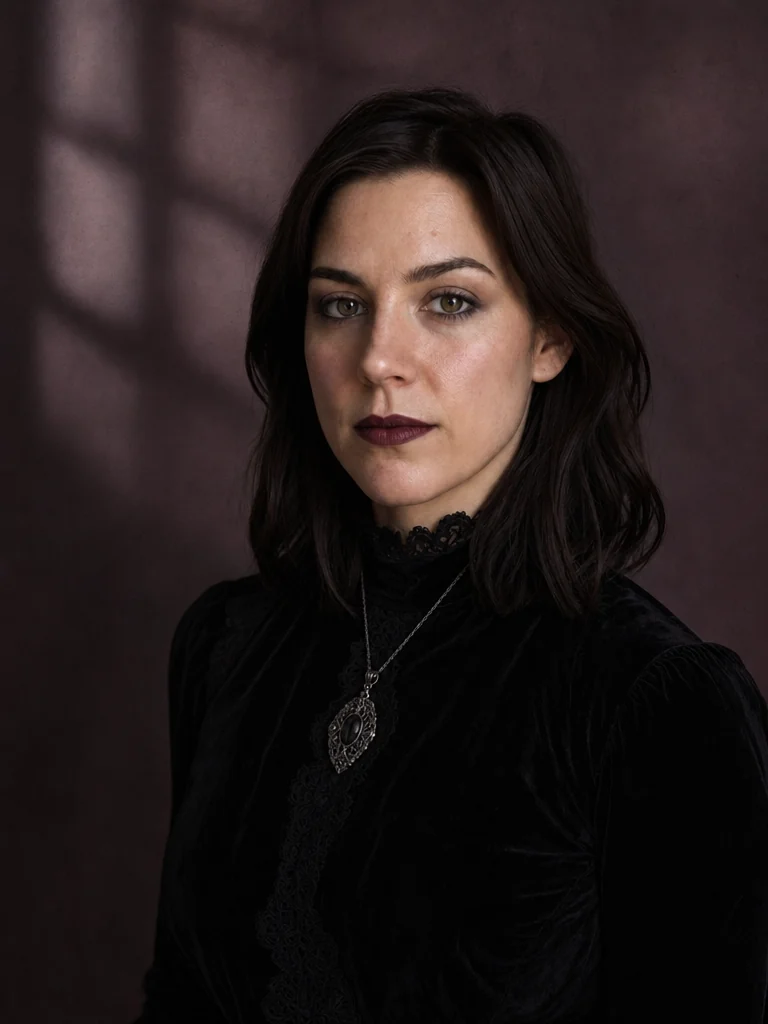
Identity and expression stay anchored while lace, oxidized silver, velvet, and softer shadow reshape the portrait.
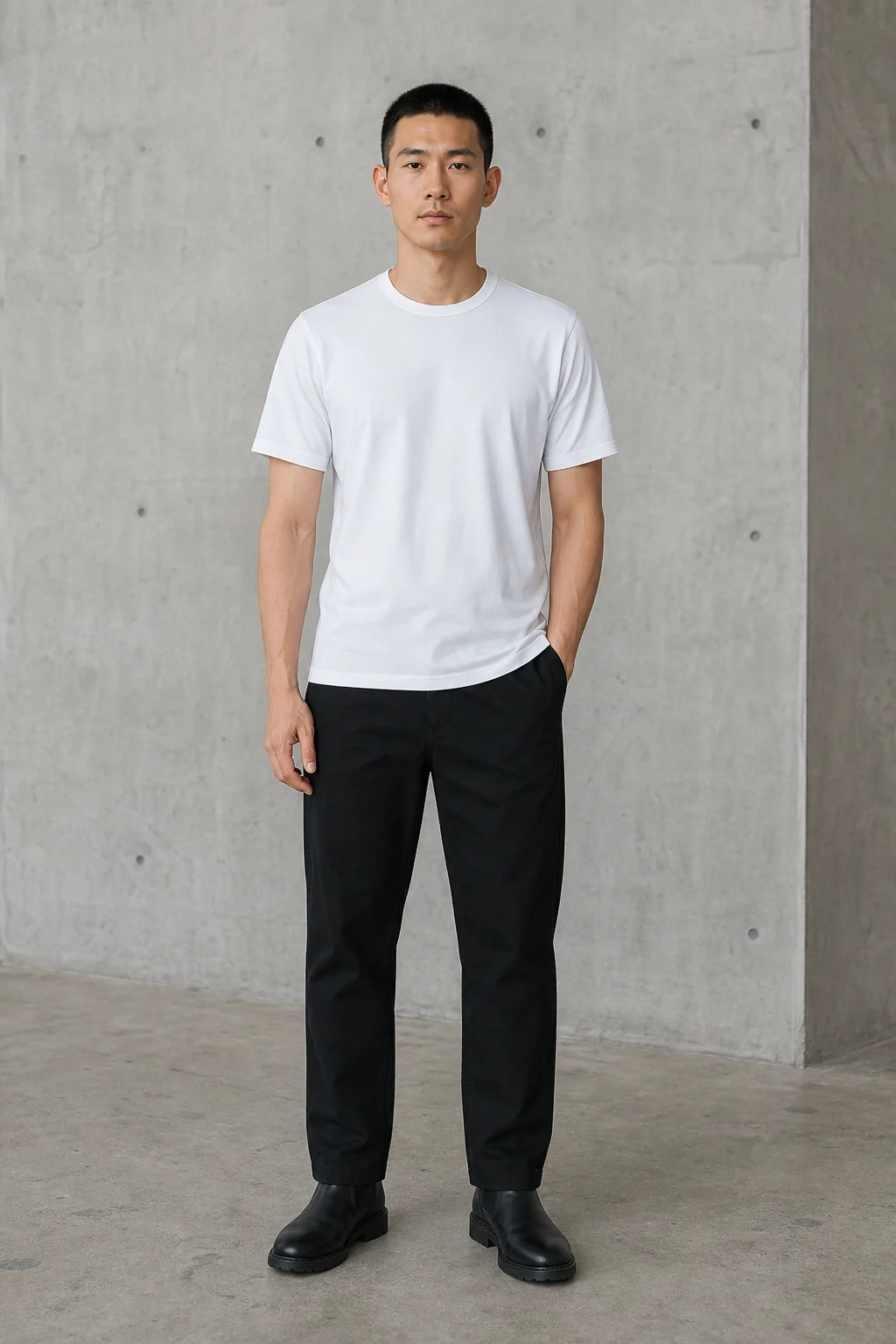
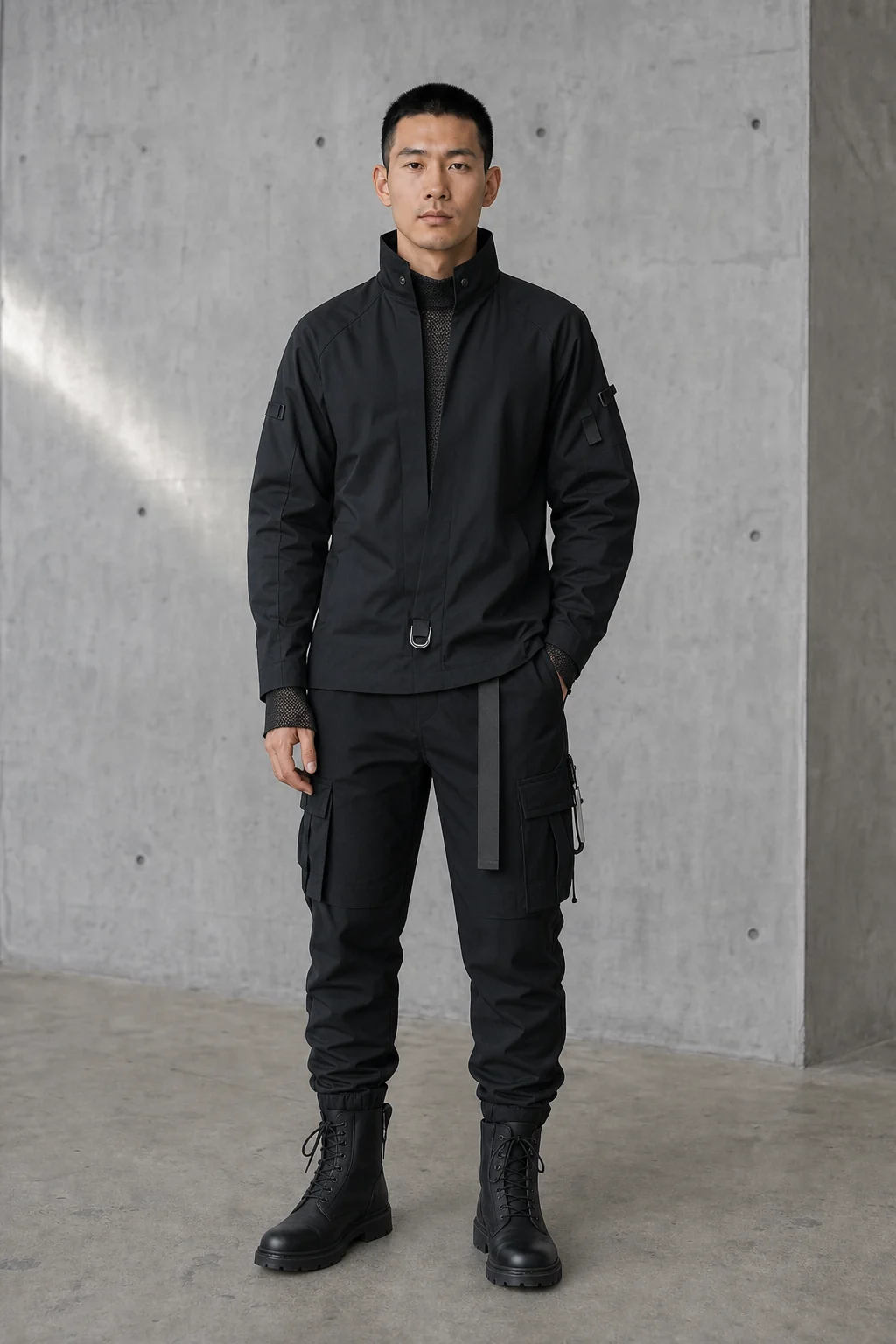
The pose and proportions remain while layered black fabric, industrial hardware, and colder light rebuild the look.
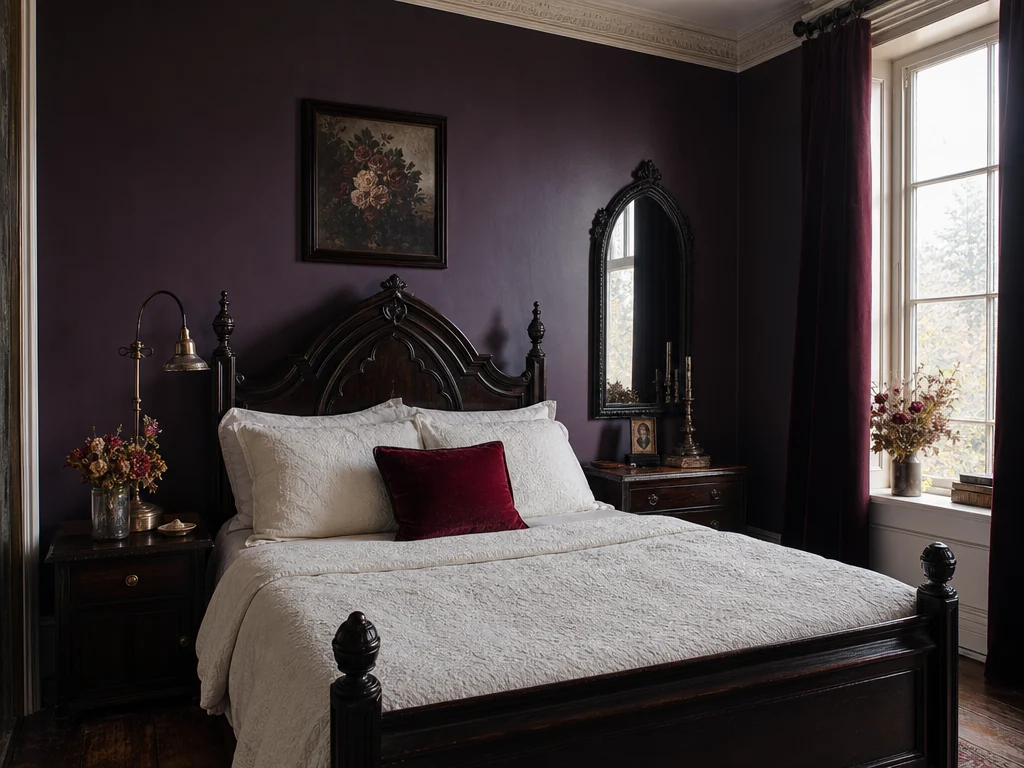
The room stays livable and structurally coherent while color, furniture, textiles, and metalwork shift gothic.
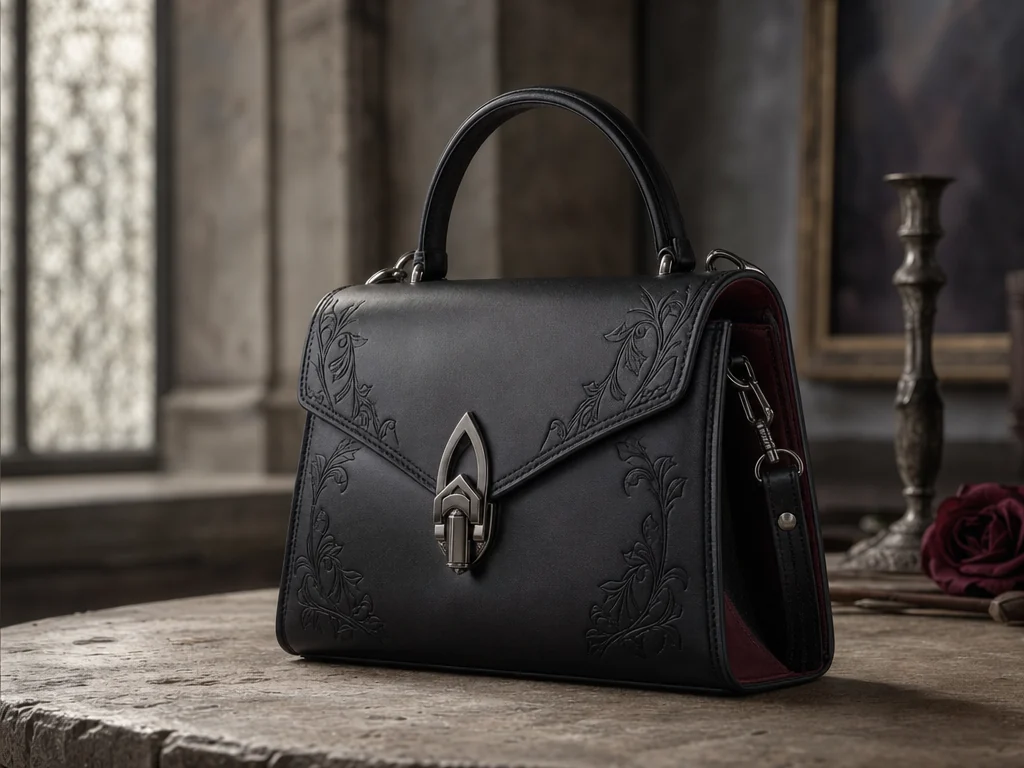
Original product geometry is retained while material, hardware, and ornament carry the new aesthetic.
The order is simple because the source image stays in control throughout.
Choose a clear portrait or outfit image. Rooms and objects are also supported for exploratory styling.
Select the subject, goth direction, transformation strength, palette, and any specific visual details.
Your image and preservation-first GPT Image 2 instruction open in Wery for generation and follow-up edits.
Facial identity, age, skin tone, expression, and natural texture remain tied to the source.
Body proportions, gesture, hands, camera angle, and framing remain structurally consistent.
For non-portrait inputs, layout, silhouette, perspective, and product shape remain intact.
The output follows the source framing rather than silently cropping into a different composition.
The prompt builds each direction through real references in fashion and design: silhouette, textile, metalwork, makeup, architecture, palette, and light. It does not automatically equate goth culture with blood, violence, occult symbols, or Halloween props.
The source photo enters Wery through the Lead Session upload flow. A one-time handoff ticket carries the attachment reference and art direction into Zeny's workspace.
Answers about identity, style directions, input photos, rooms, objects, and the difference between Goth AI and Gauth AI.
It restyles a source photo with goth-inspired fashion, makeup, materials, decor, palette, and lighting while asking GPT Image 2 to preserve identity, pose, composition, and geometry.
No. Gauth AI is known as a homework assistant. Wery Goth AI Generator is a visual styling tool for transforming photos into goth-inspired imagery.
The workspace prompt explicitly preserves recognizable facial identity, age, skin tone, expression, pose, and framing. Generative edits can still vary, so review the result and ask Zeny for a tighter retry when needed.
Yes. Use a clear full-body source, select Outfit, choose a direction and strength, then describe any clothing, footwear, accessory, or makeup details you want.
Romantic Goth favors lace, velvet, silver, and softer shadow. Victorian Mourning uses more restrained period tailoring, jet-black materials, and antique detailing.
Yes. Room and Object are supported as secondary modes. The prompt preserves layout or product geometry while changing material, color, ornament, decor, and light.
No. Those are explicitly excluded unless a safe, relevant request calls for a specific detail. Goth styling is built through design choices rather than horror clichés.
The landing page prepares your source and controls. After login, a one-time handoff opens Zeny's Wery workspace with the attachment and optimized GPT Image 2 prompt.
Upload a source, choose a goth direction, and refine the result with Zeny in Wery.