01
Starting from an idea
You have a concept, but the scenes feel all over the place.
Turn one story beat into a comic strip plan for webcomic creators and writers: panel ideas, composition, dialogue, and pacing. Pick a mood and refine it in Wery. Free to start, no credit card needed — sign in to Wery to generate.
A focused process that turns your ideas into clear, workable comic strip plans.
Zeny reads your rough input and understands the core of your idea.
It organizes the story into a clear strip-friendly structure.
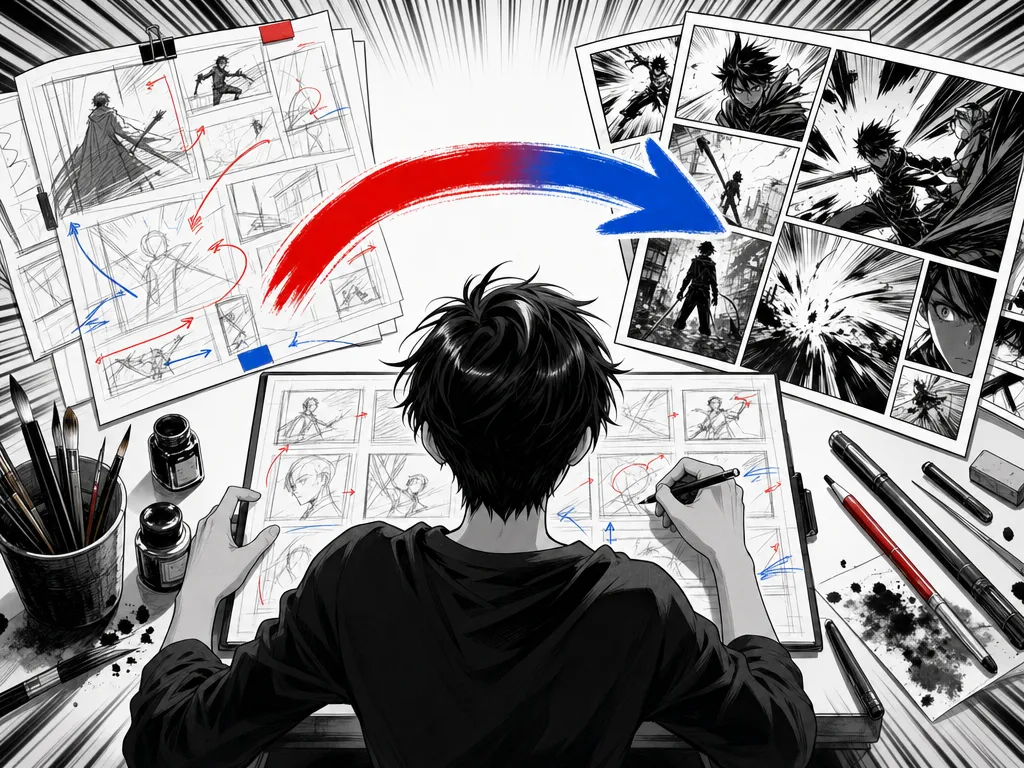
Zeny suggests panels, compositions, dialogue, and pacing.
You fine-tune the plan to match your story and your style.
You stay in control. Zeny handles the heavy lifting.Your idea. Your story.
Choose the use case that looks like your situation.
You have a concept, but the scenes feel all over the place.
You have some panels, but the pacing isn't working.
You want to lock the story and layout before investing time in detailed art.
For webcomic creators who turn ideas into engaging strip plans.
An AI comic strip generator helps turn a short story beat into a sequence you can draw. Start with who is present, what changes and how the scene should feel. On this page, enter that beat and choose a mood: fun, dramatic or calm. Add the desired panel count and recurring character details to the brief when they matter. These are written instructions, rather than separate layout or character-lock controls.
The useful output is a plan for panels, compositions, dialogue and pacing. Think of it as a draft to compare with your own idea. Does the first panel establish the situation? Can the action be understood without a long caption? Does the last panel deliver a change? Continue refining the plan in Wery, keeping the details that serve your story. A clear outline gives you something concrete to draw or develop further; it does not remove the need to review the sequence, lettering and final artwork.
A four-panel strip works well when a small change can be shown in a few distinct steps. Give each panel a job: establish the situation, notice a problem, make a choice and reveal the result. That structure is a starting point, not a rule that every story must follow. A quiet ending may need a close-up rather than a punchline.
A vertical webtoon uses the space between panels to control when the reader sees the next detail. Describe where a pause or reveal should fall, then check the rhythm on a narrow screen. A three-panel newspaper-style strip asks for a tighter setup, turn and payoff, so cut background information that is not needed to understand the change. The page does not provide separate format buttons; put “four panels,” “vertical strip” or “three-panel strip” into your brief. Whatever the format, ask for a manageable scene before planning a whole episode.
Begin with a student walking home in the rain. A black kitten with a white nose is sitting in a cardboard box. The student moves the umbrella over the kitten, gets wet, and sees a tiny paw close around the handle. Keep the student's yellow raincoat and the kitten's markings consistent in every panel. Choose a calm mood and ask for one short line, or no dialogue, in each frame.
The four-panel breakdown below is an editorial draft of that scene. It gives the establishing shot more space, brings the camera closer when the kitten is noticed, and saves the paw for the final detail. Compare it with the actual planning result before you draw. If the umbrella moves between panels, check which hand holds it and where the rain is falling. Those small continuity decisions make the action readable without adding more explanation to the dialogue.
| Panel | Composition and action | Dialogue / sound |
|---|---|---|
| 1 | Wide view of a rainy street. A student in a yellow raincoat approaches a cardboard box under an umbrella. | Rain: “Pat, pat.” |
| 2 | Student's viewpoint, closer to the box. A black kitten with a white nose looks up. | Student: “You're getting soaked.” |
| 3 | Side view. The student moves the umbrella over the box; one shoulder is now in the rain. | Student: “There. Better?” |
| 4 | Close-up of a tiny paw around the umbrella handle, with the student's hand still supporting it. | Kitten: “Mew.” |
Actual planning result
雨の帰り道、傘を差した学生が段ボール箱の子猫に気づく。自分は雨にぬれながら子猫に傘をかけると、子猫が傘の持ち手を前足で握る。4コマ。各コマの構図と短いセリフを日本語で。学生は黄色いレインコート、猫は白い鼻の黒猫。小さな優しさが伝わる穏やかな雰囲気。
Mood: Calm雨の日の小さな優しさとあたたかい温もりを描いた、4コマ漫画の分鏡(ネーム)案です。
| コマ | 画面・構図 | 人物の動き | 短いセリフ・効果音 |
|---|---|---|---|
| 1コマ目 (気づき) | 【ミドルショット / 下校路】 雨が降りしきるアスファルトの道。黄色いレインコートを着て傘を差した学生が画面奥から歩いてくる。道端に置かれた小さな段ボール箱が手前に映る。 | 学生がふと歩みを止め、足元の段ボール箱に視線を落とす。 | 効果音:ザー……(静かな雨音) 学生:「……ん?」 |
| 2コマ目 (出会い) | 【クローズアップ / 段ボール箱】 雨に濡れて少しへこんだ段ボール箱の中。鼻の頭が白い小さな黒猫が、体を丸めて上を見上げている。 | 学生が傘を傾けながらそっとしゃがみ込み、子猫と目線を合わせる。 | 子猫:「……ミャウ」 効果音:ぽつ、ぽつ |
| 3コマ目 (譲る優しさ) | 【ミドルショット / 横からのアングル】 学生が差していた傘を段ボール箱の上にすっぽり覆うように差し掛けている。レインコートのフード越しに、学生自身は雨に濡れている。 | 自分の濡れるのも気にせず、優しく目を細めて微笑みながら、傘の柄を箱のそばにそっと差し出す。 | 学生:「濡れちゃうもんね。これ、使いな」 効果音:パラパラ……(コートを打つ雨音) |
| 4コマ目 (通じ合う心) | 【アップ / 傘の持ち手と子猫】 箱の縁から小さな黒い前足が伸び、傘の持ち手(柄のカーブ部分)をぎゅっと両前足で抱きかかえるように握っている。上を見上げる子猫の表情と、学生のあたたかい口元の微笑み。 | 子猫が小さな前足でしっかりと持ち手をホールドする。学生の指先が優しく緩む。 | 効果音:ぎゅっ 子猫:「ゴロゴロ……」 学生:「ふふ、上手に持てるね」 |
Yes, you can continue refining the plan in Wery. Ask to change panel order, dialogue, or an ending, then review the revised sequence before drawing. Layered image editing depends on the actual result’s controls.
Available export formats depend on the result created in Wery. Check its export controls for PDF or image options, then open the saved file to review it. Check the result’s suitability for printing and whether it provides the artwork or editing structure your project needs.
Review Wery’s current Privacy Policy before entering a confidential story. For a first test, use an original, non-sensitive scene you are comfortable processing in an AI workspace. Check permission before adding someone else’s private details, unpublished client material, or artwork.
Describe the character’s recurring features in your brief and check them across the resulting panels. Include clothing, hairstyle, colors, props, and distinguishing features. Character continuity needs your review because this page provides no dedicated character-lock control.
Start with a short scene that has one visible change. A three- or four-panel strip makes pacing easier to review. For a longer project, plan separate scenes, keep shared character and setting notes, and compare transitions between them.
The tool focuses on a comic strip plan covering panel ideas, composition, dialogue, and pacing. The first result may be a written breakdown that you develop into artwork and lettering. Review each panel and the actual workspace output before publishing.
It is free to start with no credit card required, and generation requires a Wery account. You can enter a story beat and choose a mood before signing in. Sign in when you are ready to continue in Wery.
Wery’s AI comic strip tool is a planner for webcomic creators, writers, and beginners preparing a short scene. It helps organize the scene into panels and suggest composition, dialogue, and pacing before you draw.
You can request a panel-by-panel written plan with composition, character actions, dialogue, and pacing notes. The page includes a recorded Japanese example of a four-panel breakdown. Review the returned plan and refine it in Wery to fit your story.
Enter your story beat, choose a mood, and sign in to continue in Wery. Include any desired panel count, recurring character details, or format in the text. Review the first plan, then request changes in the workspace.
The story beat field accepts up to 500 characters. Mood choices are fun, dramatic, or calm. Put your preferred panel count or strip format in the brief because the page uses text instructions for those details.
Save your result, adjust details, and keep working in Wery.
Your work is always safe with us. We don't use your content for training. See our Privacy Policy.