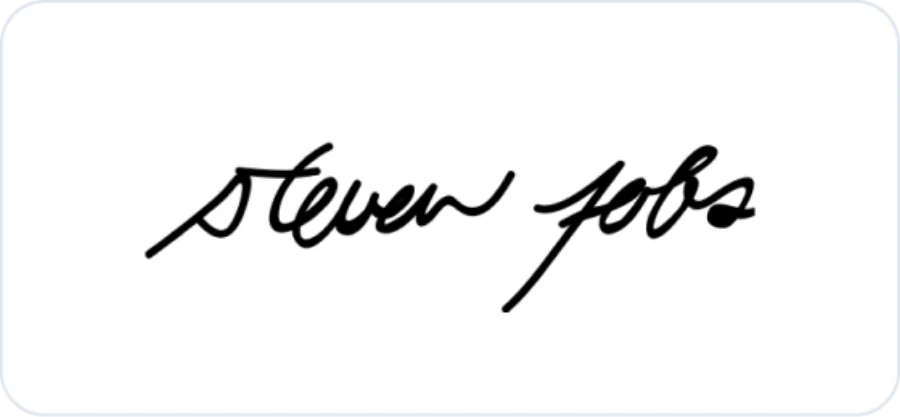
Steve Jobs
Apple co-founderA compact, forward-moving mark begins quickly and releases into a long terminal line.
 Signature Generator
Type your name, choose a handwriting style, and continue with Zeny to create your own signature image.
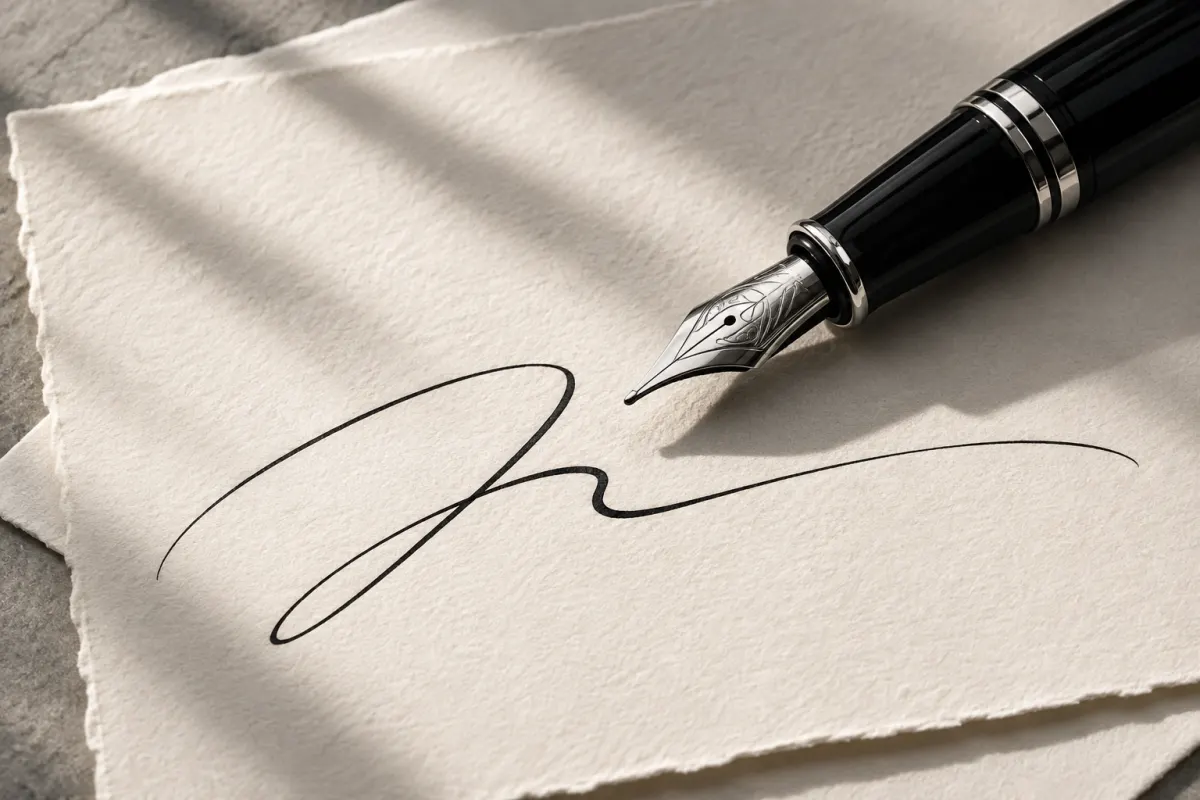
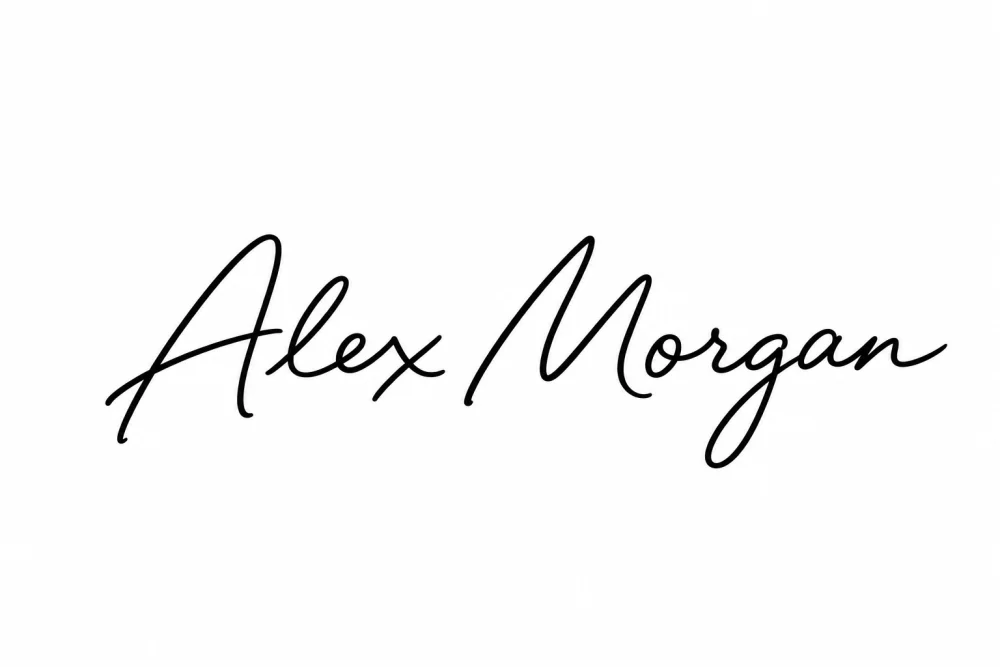 Sample name shown. Your signature is created after sign-in.
Choose a signature style
Sample name shown. Your signature is created after sign-in.
Sign in to create with Zeny. Check your generation allowance in Wery.
Compare the stroke choices. Select a style to return to your signature brief.
An AI signature generator uses a name and handwriting instructions to create a signature image concept. Here, enter your name and select one of 14 styles, then continue with Zeny in Wery. The prepared brief requests one black-ink signature image on a white background.
Type the exact name, initials, or nickname you want treated as source text.
Pick one of fourteen fixed directions based on visible lettering structure.
Sign in and send the prepared brief to a new Zeny workspace thread for generation.
One original black-ink signature image on white, created and refined with Zeny in your Wery workspace. Review the lettering before using it.
For personal stationery, creator branding, presentation accents and handwriting practice.
Study spacing, scale and stroke direction in these historical references.
A compact, forward-moving mark begins quickly and releases into a long terminal line.
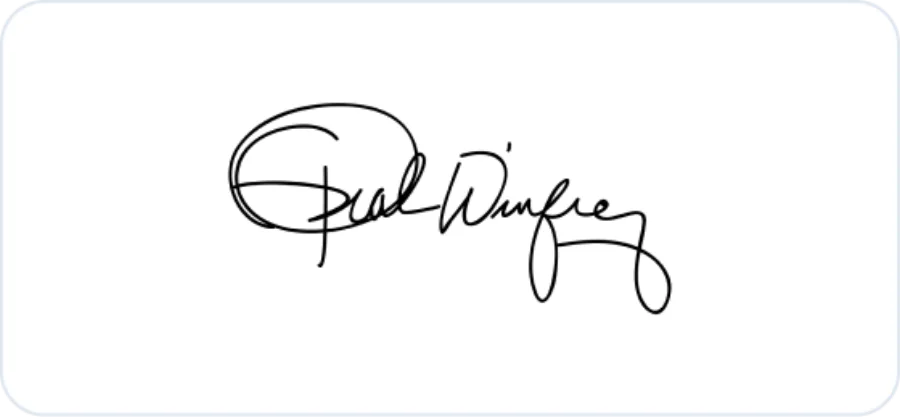
A prominent opening capital gives way to rounded, closely connected strokes.
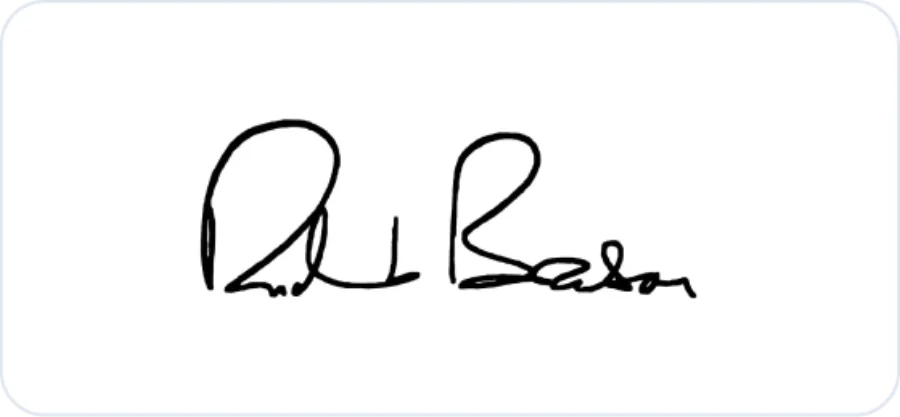
Tightly grouped loops and a sweeping exit read as one continuous pen gesture.
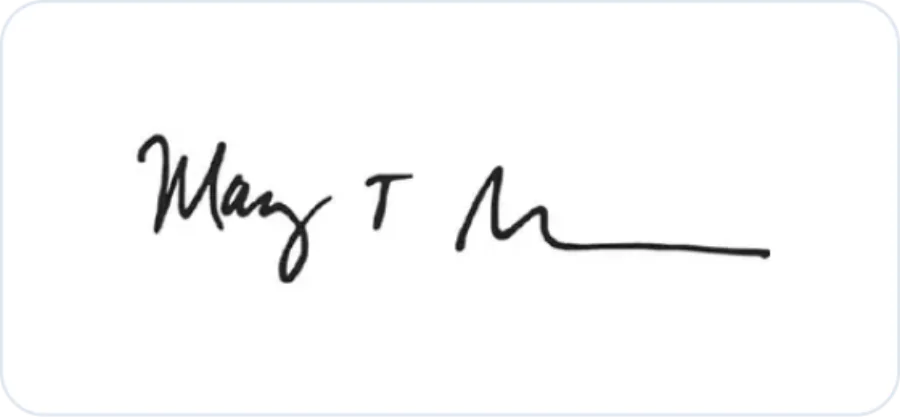
Tall initials anchor calmer joins, balancing readable structure with movement.
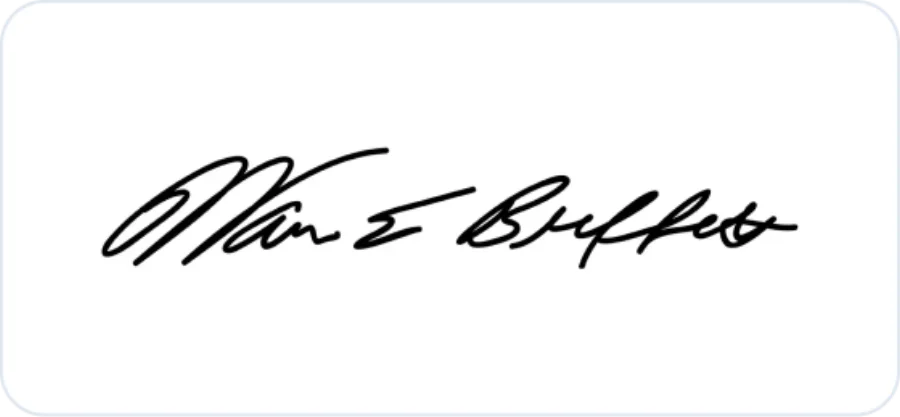
Small, consistent lettering follows a slight rise and stays compact across the line.
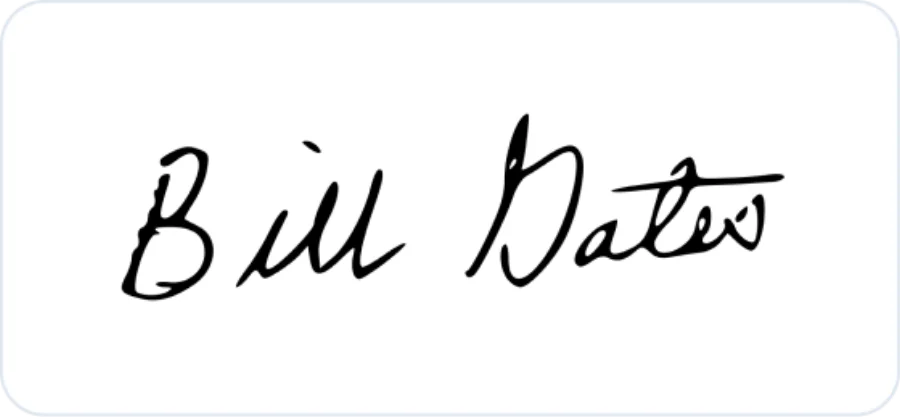
Rounded capitals and even connections keep the overall mark clean and legible.
For visual study only. These references are not templates for impersonation or identity misuse. Historical autograph images are sourced from Signaturely’s educational signature roundup.
Enter your name and choose one of 14 handwriting styles. After sign-in, the prepared brief continues with Zeny in your Wery workspace. It requests one original black-ink signature image on white, which you can review and refine.
Yes. The name field accepts Unicode text, spaces, apostrophes, and hyphens. Control characters are removed, repeated whitespace is collapsed, and the final source text is limited to 80 characters.
No. The examples are for visual study, and the prompt tells Zeny not to imitate a named person's existing autograph. Use the result as a design reference for your own signature, never to impersonate someone else.
You can choose from 14 handwriting styles. Clear Cursive favors connected, readable letterforms, while Abstract Stroke turns the name into a compact mark with selective letter hints. Other options vary initials, slant, scale, underlines and finishing strokes.
Initial Monogram reduces your name to initials, while First Name Only renders only the first name. Other styles use the supplied name text as their source.
The result is a visual design reference for your own signature. It does not verify identity, record consent or provide a cryptographic digital signature. Check the requirements of any document or signing service separately.
Yes, continue with Zeny in Wery to refine the image. Ask for changes to spacing, rhythm, scale or stroke direction after reviewing the first design.
An account is required to continue with Zeny. Check your generation allowance and available download formats in Wery. The brief requests a black-ink image on white. Review the spelling, framing and stroke clarity before using it.
Your chosen style and name stay ready while you explore.