 Heartbreak & healing
Heartbreak & healing
For My Heart To Heal
Emotional pop · warm vocal · reflectiveA tender vocal ballad about living with memories after a breakup and slowly finding the courage to begin again.
 AI Music Generator
Create a song or instrumental from the sound you imagine. Shape the lyrics, mood, instruments and arrangement with Lydi in Wery.

An AI music generator creates songs and instrumentals from the sound you describe. Shape melody, rhythm, arrangement, instruments and vocals with Lydi in Wery.
Listen to complete songs created by the WeryAI community. Hear different styles, arrangements and vocal approaches, then create music around your own idea.
Heartbreak & healingA tender vocal ballad about living with memories after a breakup and slowly finding the courage to begin again.
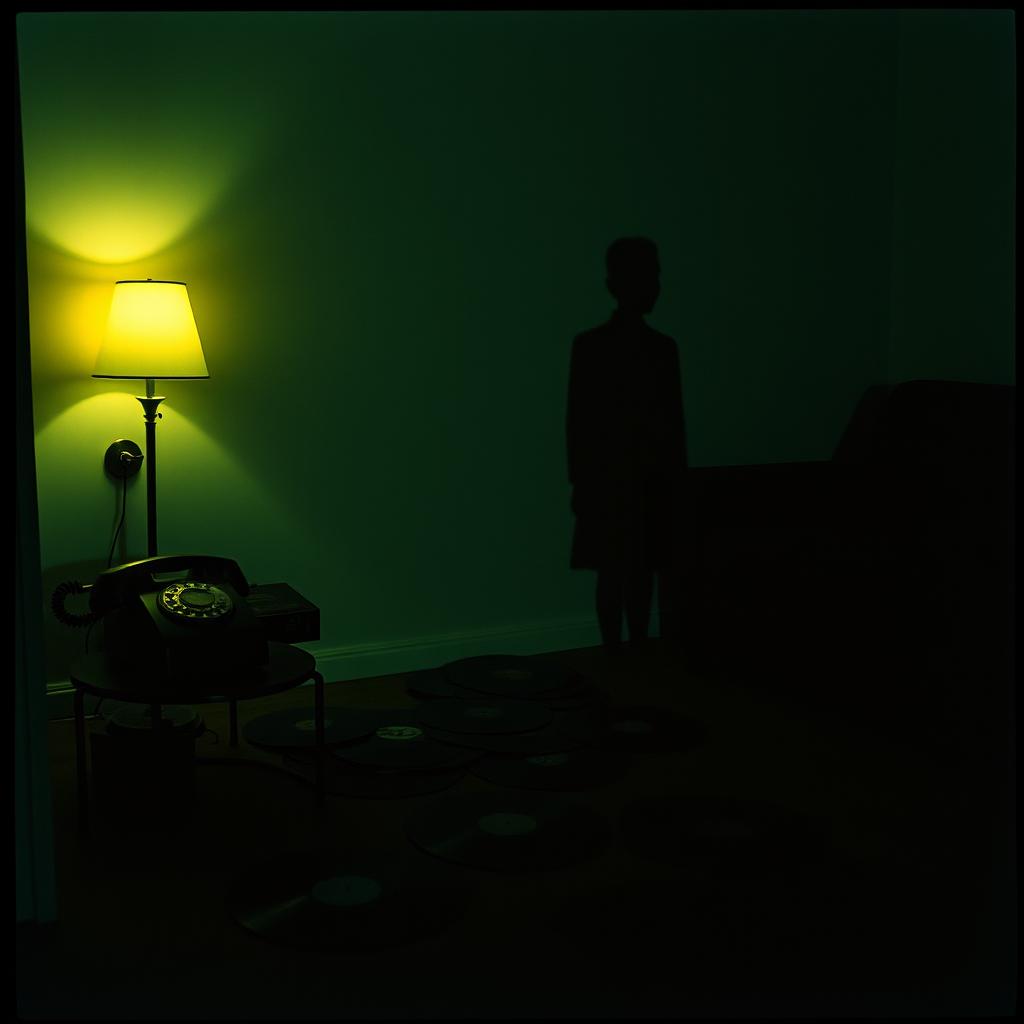 Unfinished goodbyes
An intimate breakup song built around unanswered calls, emotional distance, and the need for a real ending.
 Quiet self-discovery
A surreal, imaginative song about becoming small enough to escape expectations and rediscover a private sense of freedom.
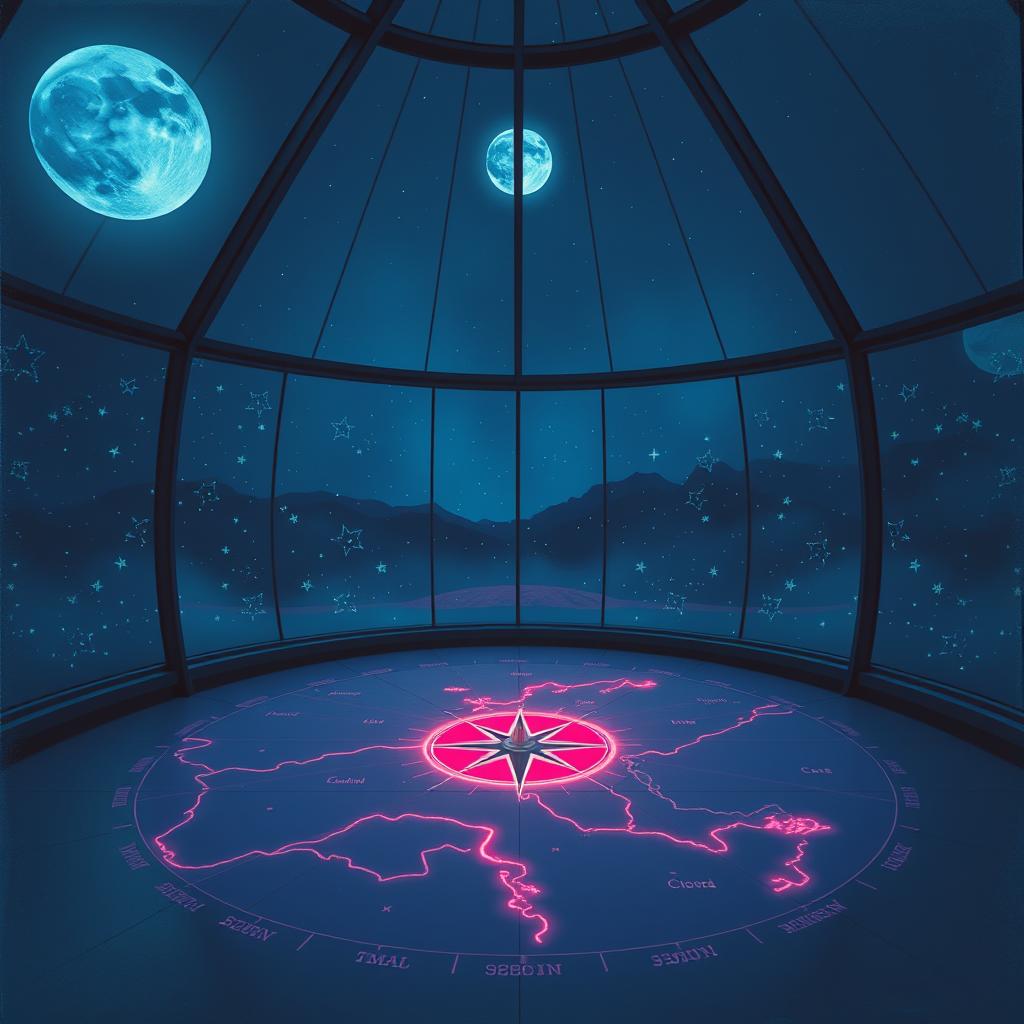 Searching through the night
A dramatic English-French song about following broken signs through the dark while searching for someone out of reach.
The landing page captures the creative direction. Lydi handles the generation conversation and follow-up refinements in Wery.
Write the mood, story, genre, instruments, or vocal direction.
Select Song or Instrumental for the idea.
Develop the music in Wery and make changes after reviewing the result.
Shape the arrangement as your music develops. Work with Lydi on a new chorus, a softer opening or a different rhythm, keeping the song connected from start to finish.
Ask for changes to energy, instruments, pacing, atmosphere, or song structure in your own words.
Your song or instrumental choice is included in the localized instruction sent to the workspace.
Develop a new chorus, a softer intro or a different genre while keeping the song’s central feeling.
A useful prompt explains not only how the music should sound, but where it will be heard.
Describe the pacing and emotional arc for YouTube, short-form video, tutorials, or visual stories.
Set a brand mood for launch films, product stories, social campaigns, or event openers.
Create a concise instrumental direction for intros, outros, transitions, or recurring segments.
Turn a theme, emotion, memory, or narrative into a song with a clear vocal direction.
Straightforward guidance on prompts, instrumentals, generation, and the Lydi workflow.
Describe the theme, mood and musical style. Choose a song with vocals or an instrumental, then develop the lyrics, melody and arrangement with Lydi.
Choose instrumental mode and describe the setting, pace and instruments. Shape the track for a video, a presentation or another creative project.
Name the emotion, genre, tempo and instruments you hear in your head. Add a story or lyrical theme when you want vocals.
Tell Lydi which section to refine and what feeling you want. Try a softer opening, a stronger chorus or a different rhythm and compare the versions.
Review your plan terms and the terms of the music tools you use before commercial use.
Choose song or instrumental, describe the direction, and continue creating in your Wery workspace.