Product
Dream Product World
A product in a cinematic environment.

Build cinematic worlds with camera paths and consistent mood.
Start from cinematic scene, camera path, mood, or extension workflows.
A product in a cinematic environment.
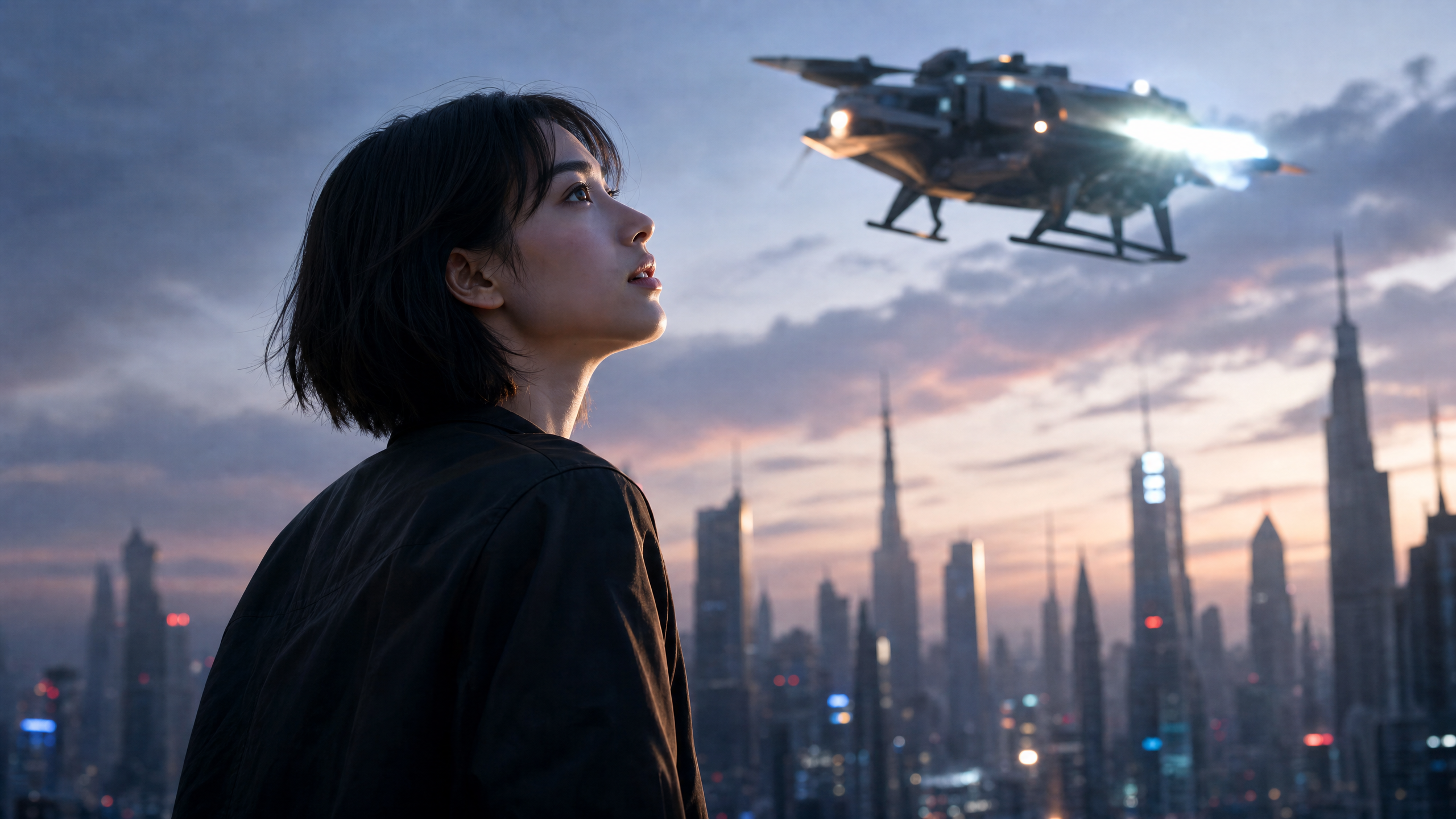
A slow camera move through a detailed scene.
A story moment anchored by place and mood.
Continue a scene without changing its world.
Test the same idea under a different atmosphere.
Anchor visual language with supplied references.
Describe atmosphere, lighting, materials, motion, and the feeling the generated scene must preserve.
Map slow pushes, pans, aerial moves, and reveal timing before the clip is generated.
Keep the same world, object scale, and mood while extending or iterating a result.
Use image or clip references to anchor style, environment, color, and subject behavior.
Describe the environment, mood, subject, lighting, and reference style.
Add movement, timing, reveal point, and what should stay consistent.
Review variants in Vlo and keep extension notes attached to the strongest scene.
Use Wery to turn a Luma AI idea into a scene plan with atmosphere, references, camera movement, and extension logic.
Include the scene, mood, camera path, subject behavior, reference material, and what should stay consistent if you extend it.
Yes. Vlo can frame product reveals, cinematic mood clips, story beats, and extension plans.
No. It is a Wery workflow page for Luma AI-related planning and continuation.
Disclaimer: WeryAI is independently operated and is not affiliated with, endorsed by, or sponsored by Luma AI. Wery provides a workflow interface for planning and continuing model-related creative tasks.

Shape a Luma AI scene brief with references, atmosphere, camera path, and extension notes ready for Vlo.
Independent Wery workflow for Luma AI planning