Product clip: define audience, setting, duration, and final format before writing the prompt.
 WERY
WERYAI filmmaking lab
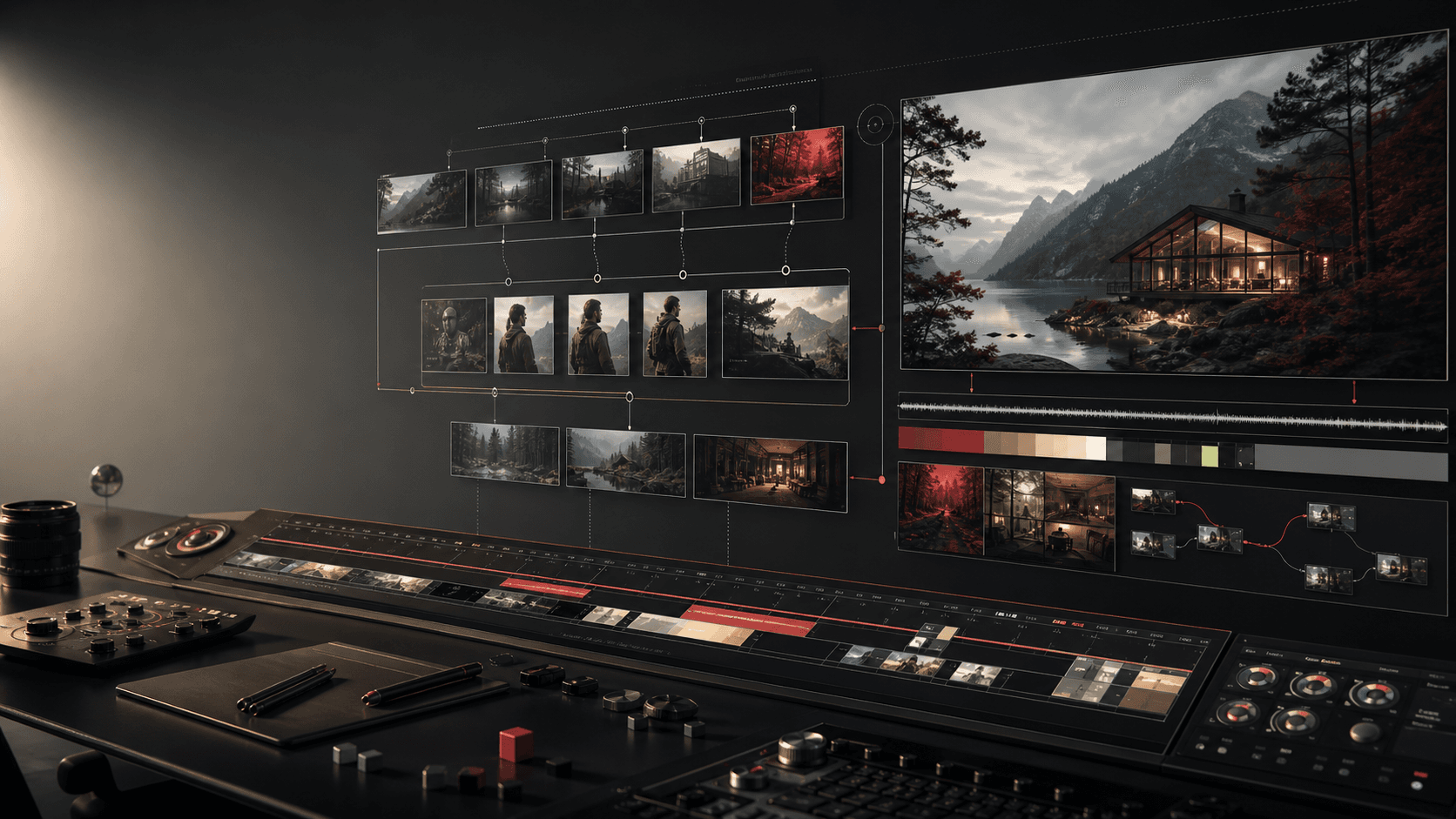
Plan Veo-style video work before rendering.
Turn a Veo-related idea into a Vlo-ready brief with scenes, motion, references, review criteria, and delivery notes.
Describe the video you want to create
Vlo separates the Veo idea into shots, movement, prompt variants, and production next steps.
Product clipCharacter motionSocial cutdown
Planning layer
What Wery prepares before Veo work starts
Use Wery to make the creative intent explicit before continuing in Vlo: what the video should communicate, how it should move, which references matter, and how success will be reviewed.
Character motion: capture movement, lens behavior, timing, and continuity risks.
Social cutdown: prepare variants, review notes, and delivery constraints for the handoff.
Wery workflow
A three-pass video planning workflow
Each pass turns the Veo idea into a clearer Vlo instruction instead of a loose prompt.
1
Intent brief
Clarify the subject, audience, message, format, and references that should guide the Veo-style result.
2
Motion map
Break the scene into camera movement, character action, pacing, transitions, and continuity notes.
3
Handoff packet
Package prompt variants, acceptance criteria, and production notes so Vlo can continue without re-interpreting the idea.
Prompt lab
Write prompts like a direction sheet.
Product clip brief
Subject and goal: define the object, setting, audience, and single message.
Camera and rhythm: specify framing, motion, speed, and transition style.
Delivery: list aspect ratio, duration, variants, and review criteria.
Responsibility map
What each layer keeps aligned
Veo
The model-related intent is described as scenes, motion language, references, and constraints.
Vlo
Vlo receives a structured brief for shot planning, prompt continuation, and production decisions.
Wery
Wery keeps the page, inputs, presets, and handoff notes tied to the creator workflow.
FAQ
Is Wery an official Veo product?
No. Wery is a creative planning platform for model-related video briefs.
Why write a brief first?
A brief makes scenes, motion, references, continuity, and review criteria explicit before Vlo continues the work.
Can I continue the Veo brief directly in Wery?
Yes. The input, presets, prompt lab, and handoff message are written so Vlo can continue the Veo-related planning workflow inside Wery.
Turn the Veo idea into a Vlo-ready brief.
Start from the page context, add your production notes, and continue the workflow in Wery.