Already in your kitchen
EggsSpinachRiceTomatoesGreek yogurt

Upload fridge, pantry, or receipt photos—or type what you already have. Wery organizes a grocery list, meal ideas, and use-first plan around your household.

 WeryKitchen planner
Your plan opens in Wery, where you can confirm uncertain items and refine the list.
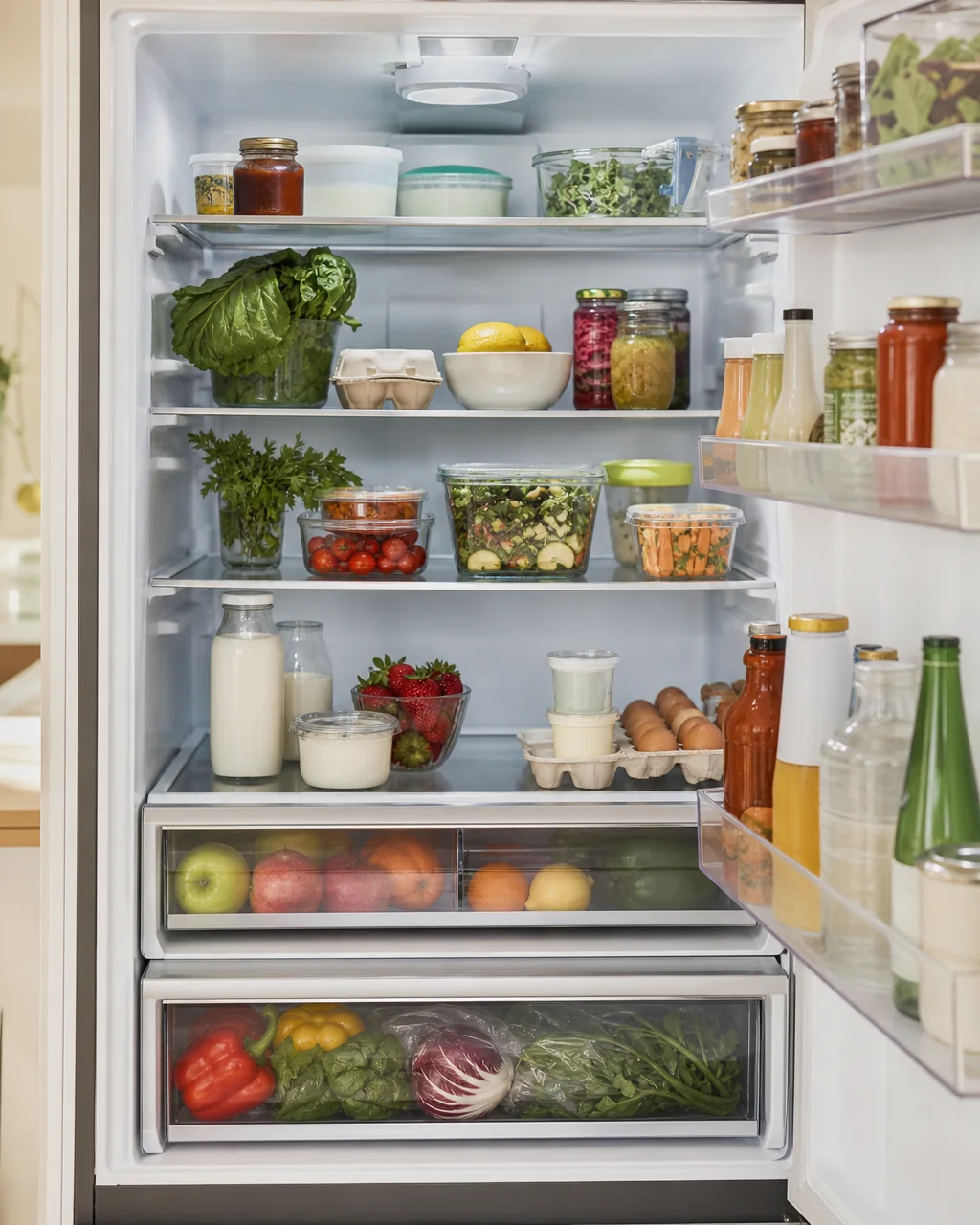 Kitchen evidence
Spinach · visible condition
Opened yogurt · confirm date
An AI grocery list generator turns kitchen information—photos, receipts, pantry notes, household size, diet, and budget goals—into an organized shopping plan. Wery first separates what appears to be available from what is missing, then groups suggested purchases by grocery aisle and connects them to practical meal ideas.
Start with what is visible in your fridge or what you type, reducing accidental duplicates.
Suggested purchases are grouped into produce, protein, dairy, pantry, frozen, and other.
Every suggestion connects available food with a small number of useful new purchases.

A useful plan should work with the half-open yogurt, the vegetables hiding in a drawer, the family schedule, and the shop you actually visit. Wery starts from that ordinary moment—not from an empty template.
The workflow keeps visual evidence, preferences, and uncertainty separate.
Upload up to three fridge, pantry, receipt, or list photos—or type your ingredients.
Choose household size, planning days, diet, and whether saving money, time, or food matters most.
Wery separates clear items from uncertain ones so a hidden carton never becomes a confident claim.
Get an aisle-grouped list, quantities, meal ideas, substitutions, and an estimated budget.
A clean record of clearly visible or explicitly typed food, plus a separate confirmation list.
Prioritize food only when visible condition or a supplied date supports the suggestion.
Practical quantities organized around the way grocery aisles are commonly grouped.
Simple meals that use your existing ingredients before asking you to buy more.
Estimated spending ranges and lower-cost substitutions, clearly labeled as guidance.
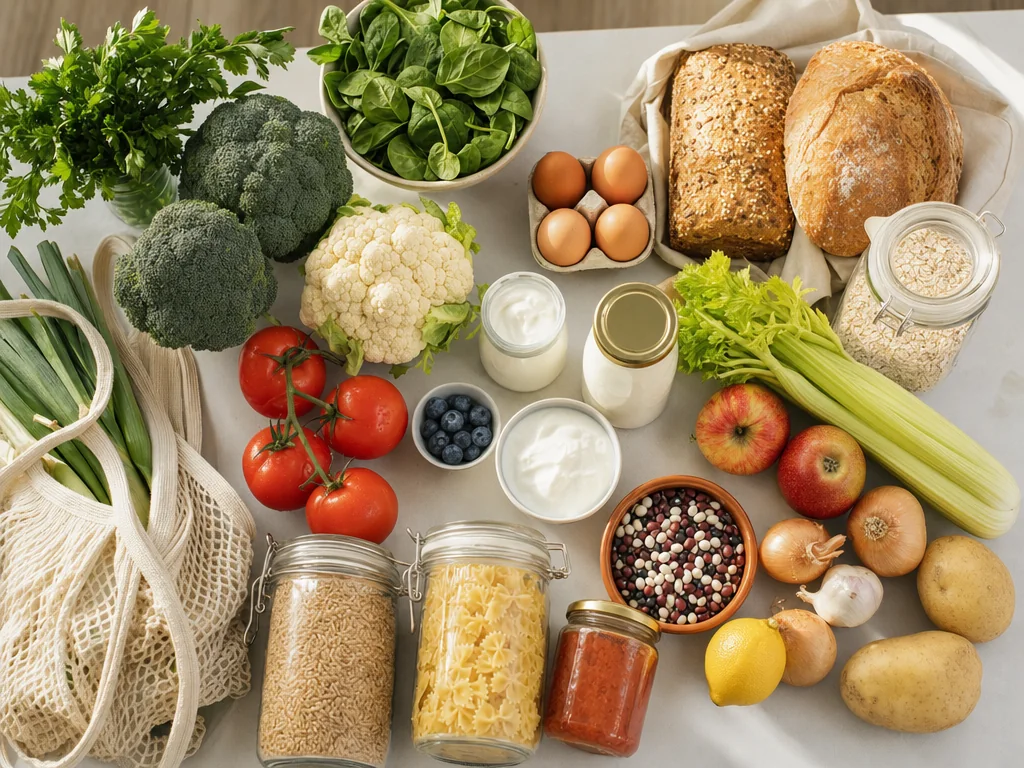 PHOTO / 02
The model can only work with what the camera reveals. Open drawers and photograph shelves straight on when possible.
Photos enter Wery through the Lead Session upload flow. The handoff uses a one-time ticket and carries attachment references rather than putting photos, prompts, or account details into the page address.
Practical answers about photos, receipts, prices, expiry dates, and grocery-list accuracy.
Yes. Wery can use fridge and pantry photos as visual evidence, identify clearly visible food, separate uncertain items, and suggest missing groceries. Covered packages and closed drawers still require confirmation.
Yes. Switch to Type my ingredients and list what you already have. Quantities and use-soon notes improve the plan but are optional.
A clear receipt can help reconstruct recent purchases. Receipt lines are treated as purchase history, not proof that every item is still in your kitchen.
Not from an ordinary fridge photo. Wery only uses a date when it is readable or supplied by you. Otherwise it can mention visible condition and ask you to confirm.
No. Budget figures are estimates unless a research step finds a current public listing. Store inventory, taxes, promotions, and local prices can differ.
You can specify allergies and dietary preferences in the ingredient notes. Always verify packaging and nutrition labels yourself before buying or eating food.
The prompt requests Produce, Protein, Dairy, Pantry, Frozen, and Other groups with practical quantities. You can ask Wery to rename or reorder sections for your store.
The landing page collects your inputs. After login, Wery Manager opens a workspace with your attachments and planning brief so you can confirm items, edit quantities, and continue planning.
Turn a kitchen snapshot into a list you can confirm, edit, and use for the week ahead.