Photo 1
Parent A
Use a clear, front-facing portrait with natural light.

Upload two clear portraits, choose a baby boy or girl, then create a single baby portrait or a family photo with Zeny and GPT Image 2.

Your choices and both photos continue securely into Zeny's workspace.
 ZenyDesign agent
Use a clear, front-facing portrait with natural light.
Choose a second face at a similar angle when possible.
Generation happens in your Wery workspace, where you can refine the result.
An AI baby generator is a creative image tool that uses two reference portraits to imagine a photorealistic infant with a balanced blend of visible traits from both faces. Wery sends the photos, your gender choice, and your picture format to Zeny with a purpose-built GPT Image 2 prompt.
The prompt asks for visible traits from both references instead of shrinking one adult face.
Choose a close baby portrait or place both adults and the baby in one family photograph.
Continue in Zeny to request another mood, outfit, crop, or lighting treatment.
The same two references can lead to a focused infant portrait or a wider scene with both adults.
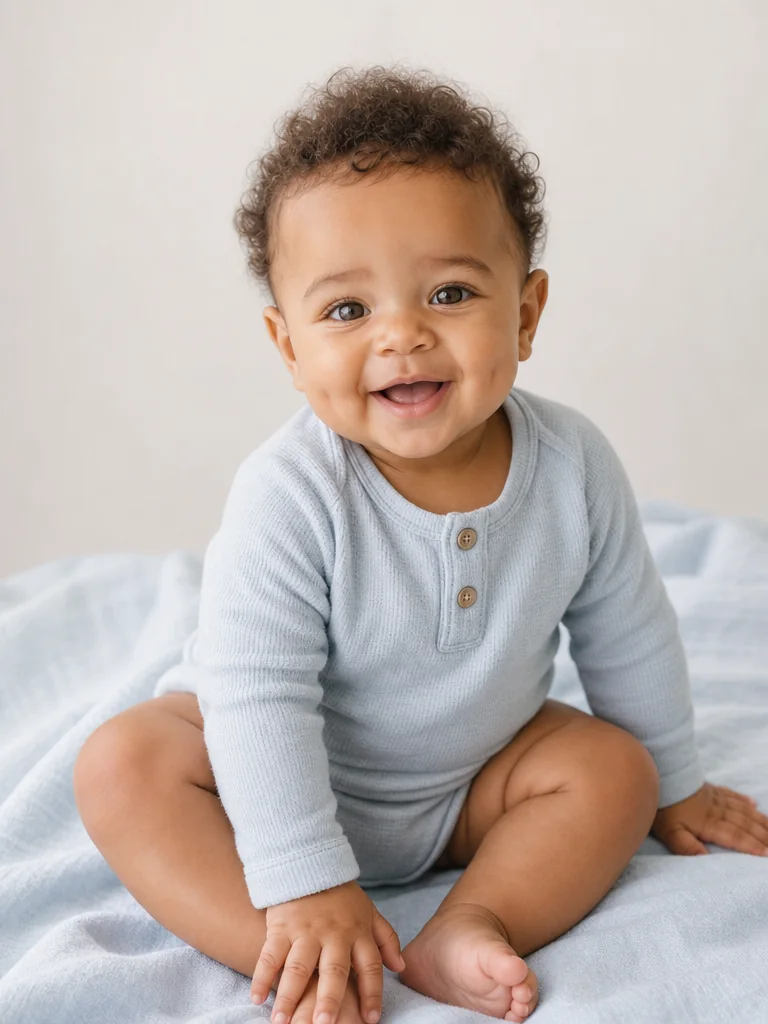 Baby portrait
A clean, softly lit infant portrait that keeps attention on the blended facial traits.
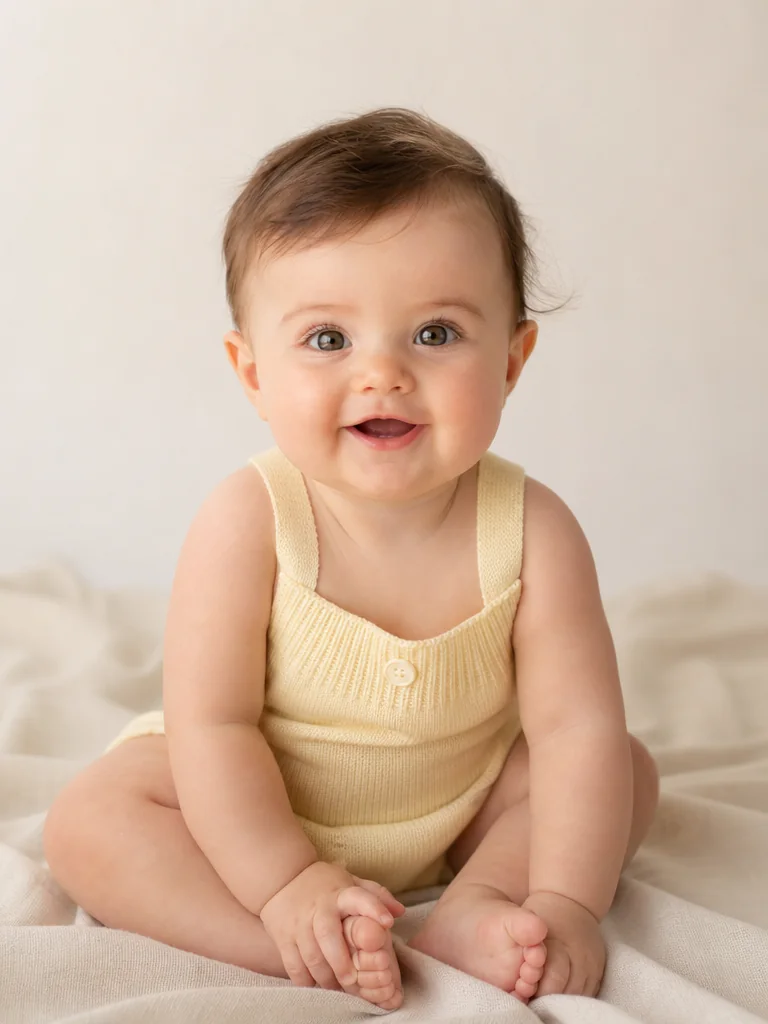 Baby portrait
A warm studio portrait with age-appropriate styling and natural skin detail.
Family photoBoth adults remain recognizable while the imagined baby is placed naturally between them.
 Family photo
A composed family photograph with coherent light, wardrobe, perspective, and expressions.
The order stays explicit from upload through the Zeny handoff.
Add one clear photo for Parent A and one for Parent B. The page keeps their roles in that order.
Select boy or girl, then choose a single baby portrait or a family photo with all three people.
After login, both photos and an optimized GPT Image 2 instruction open in your Wery workspace.
You do not need studio portraits. A few simple choices give the model more useful facial information.
Image 1 and Image 2 are labeled from upload to prompt, so neither reference silently becomes the only parent.
The brief requests realistic proportions, skin texture, hands, expression, and age-appropriate styling for a 6–12 month infant.
For family photos, each adult is anchored to their own reference while the infant blends visible traits from both.
The image is framed as creative entertainment. Real inheritance is more complex than visible features in two photos.
The landing page validates and uploads both references through Wery's Lead Session flow. The handoff uses a one-time ticket rather than putting photos, prompts, or account details in the page URL.
Straight answers about resemblance, input photos, formats, privacy, and limitations.
It uses two uploaded portraits as visual references. A structured GPT Image 2 prompt asks for an infant whose face plausibly balances visible traits such as face shape, eyes, brows, nose, lips, skin tone, and hair from both photos.
No. The result is a creative visualization based on visible facial information, not a scientific, genetic, or medical forecast. A real child's appearance is influenced by complex inheritance that a photo generator cannot predict.
Use one person per image, with the face sharp, evenly lit, and mostly front-facing. Keep the eyes, nose, mouth, and jaw visible. Similar head angles and image quality make it easier to blend the references evenly.
Yes. Select Boy or Girl before continuing. That choice is included in the optimized workspace prompt along with the two image roles and your selected picture format.
Baby portrait generates a focused image with only the infant visible. Family photo asks for both referenced adults and the generated infant together while keeping each adult recognizable from their own photo.
Yes. Use the optional field for visual preferences such as mood, setting, clothing, or lighting. The request is length-limited and treated as visual data so it cannot replace the core image-role and safety instructions.
The landing page prepares both references and your choices. After login, a one-time handoff opens Zeny's Wery workspace with the attachments and optimized prompt, where the final image is generated and can be refined.
Upload JPG, PNG, or WebP images up to 10 MB each. The files are validated before they enter the Wery Lead Session upload flow.
Choose two clear portraits and let Zeny turn the idea into an editable baby or family image in Wery.