 AI Logo Generator
AI logo design with Zeny
AI Logo Generator: Create a Logo for Your Brand
Turn your brand name and ideas into logo concepts. Explore symbols, lettering and colors, then refine the design with Zeny in Wery.
Describe your logo
Zeny · WeryTry an example
Start with your brand ideaSquare by defaultRefine with Zeny
AI concept
4 / 4Logo inspiration
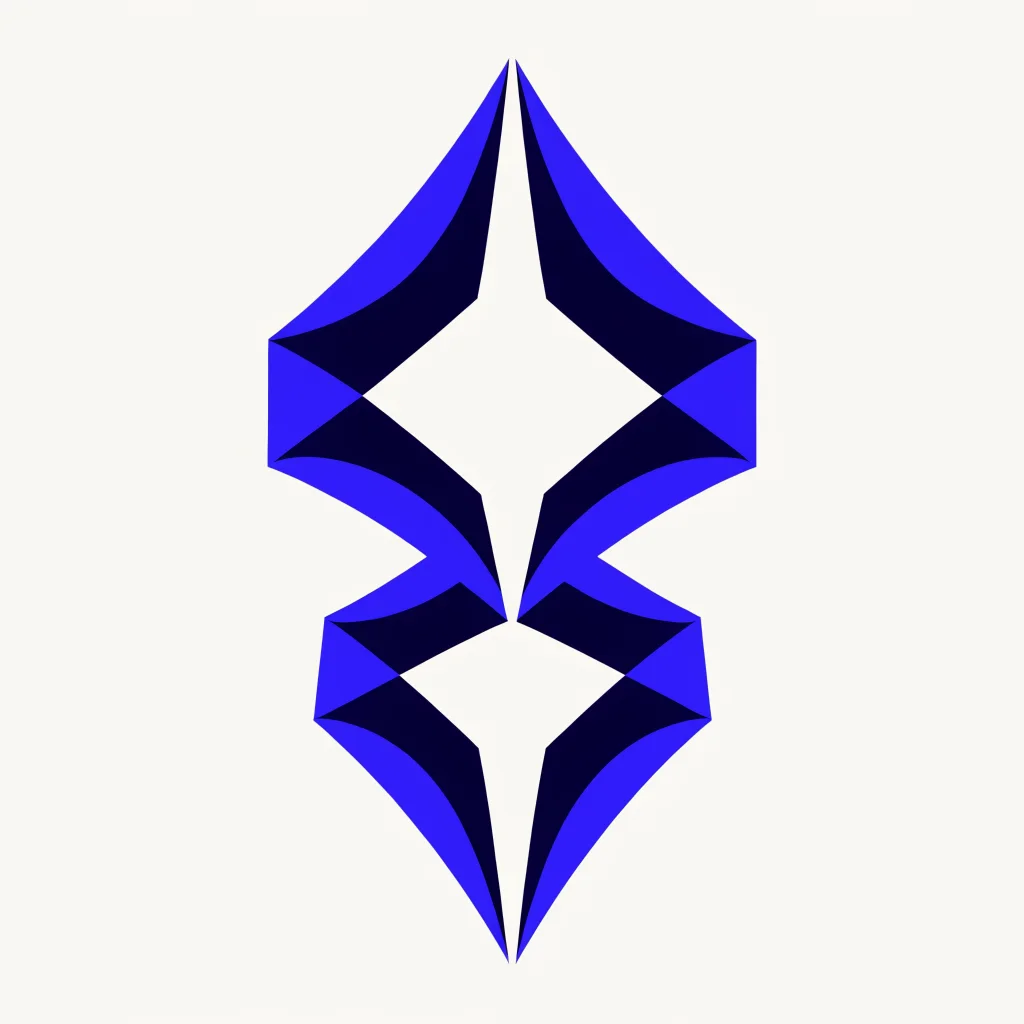
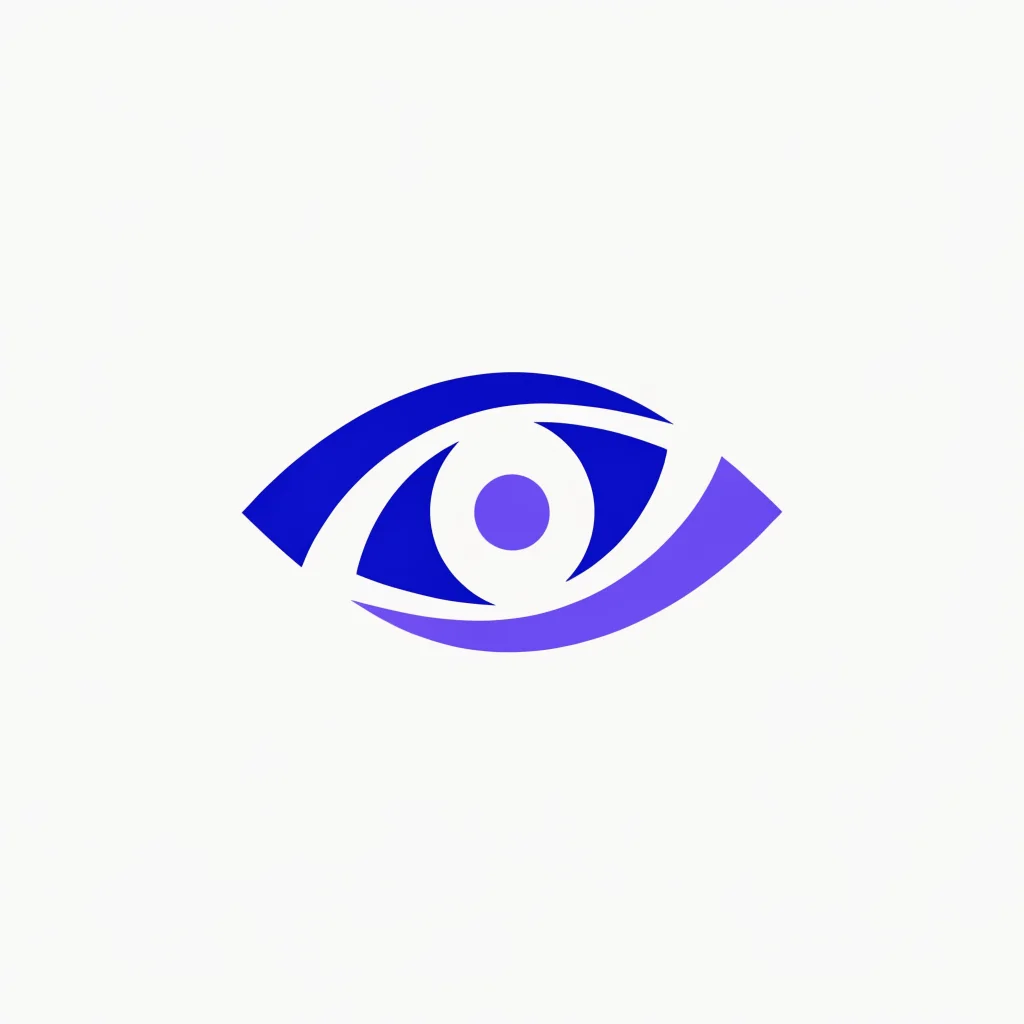
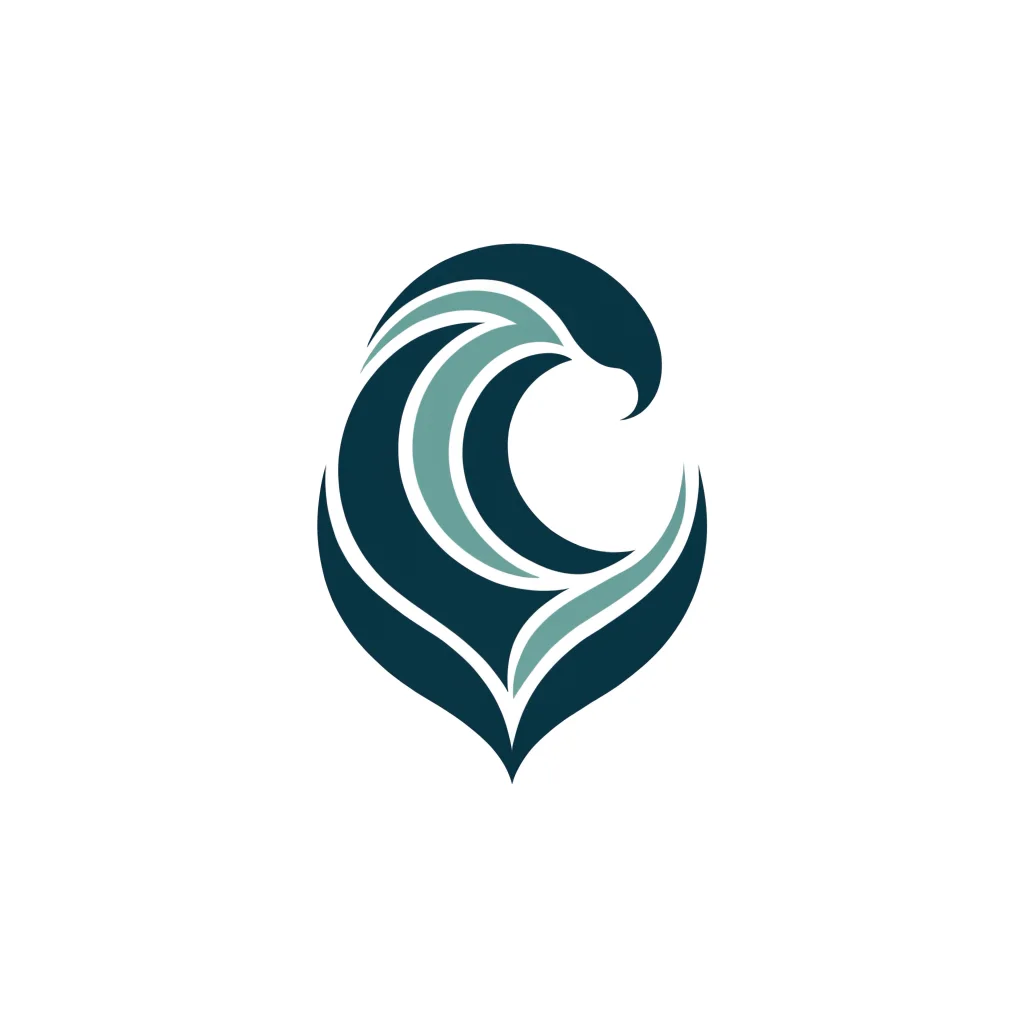
A starting point for every kind of brand.
Explore distinct visual directions, then describe the one that feels closest to your brand.


How it works
Create an AI logo in four clear steps.
Start with plain language. Zeny handles the first visual direction while you stay in control of the details.
Describe your brand
Enter the name, business, visual character, colors, and symbol ideas.
Send the logo description
Continue the concept idea with Zeny in Wery.
Refine the design
Review lettering and shapes, then ask for changes to the composition or palette.
MOSS & TIDEEditable conceptMM&T
Built for iteration
More than a one-click logo maker.
A good logo rarely arrives in one pass. Work with Zeny to compare directions, preserve decisions, and keep every useful version together.
Multiple directions
Explore minimal, geometric, playful, premium, or illustrative approaches without starting over.
Color and style control
Give Zeny a palette, mood, industry reference, or visual constraint in natural language.
Flexible aspect ratios
Start at 1:1 for a versatile mark, or choose a wider or taller composition when the use case calls for it.
Workspace continuity
Your description and logo direction move into Wery, ready for follow-up edits and related brand assets.
Frequently asked questions
Everything to know before you generate.
Practical answers about prompts, formats, originality, and the Zeny workflow.
How do I create a logo with AI?
Add the brand name, industry and the feeling you want to convey. Create concepts with Zeny and refine the symbol, lettering, colors and spacing.
What should I include in my logo description?
Name the audience, brand personality and preferred colors. Add a symbol idea or a visual reference to make your starting point more specific.
Can I create several logo concepts?
Explore different symbols, type treatments or color palettes. Compare the ideas at a small size and develop the clearest concept.
How do I adapt a logo for social profiles?
Use a compact composition with clear edges and enough contrast. Check that the symbol and lettering remain recognizable in a small avatar.
What should I do before registering a trademark?
Search the relevant trademark records and review the design for your intended use before applying for registration.
Start with your ideaYour next logo can begin with one sentence.
Describe the brand you are building and let Zeny turn it into a visual direction you can refine.