 9:16
9:16Phone wallpaper
Minimal, calm, clock-friendly
Warm ivory and sage abstract layers, subtle depth, minimal detail, with generous negative space in the upper third for the clock.

Describe the scene, style, colors, and screen ratio in one prompt. Wery carries your brief into the workspace and uses gpt-image-2 to create your wallpaper.
A useful prompt states the aspect ratio, subject, visual style, color direction, and where the interface needs breathing room.
9:16Warm ivory and sage abstract layers, subtle depth, minimal detail, with generous negative space in the upper third for the clock.
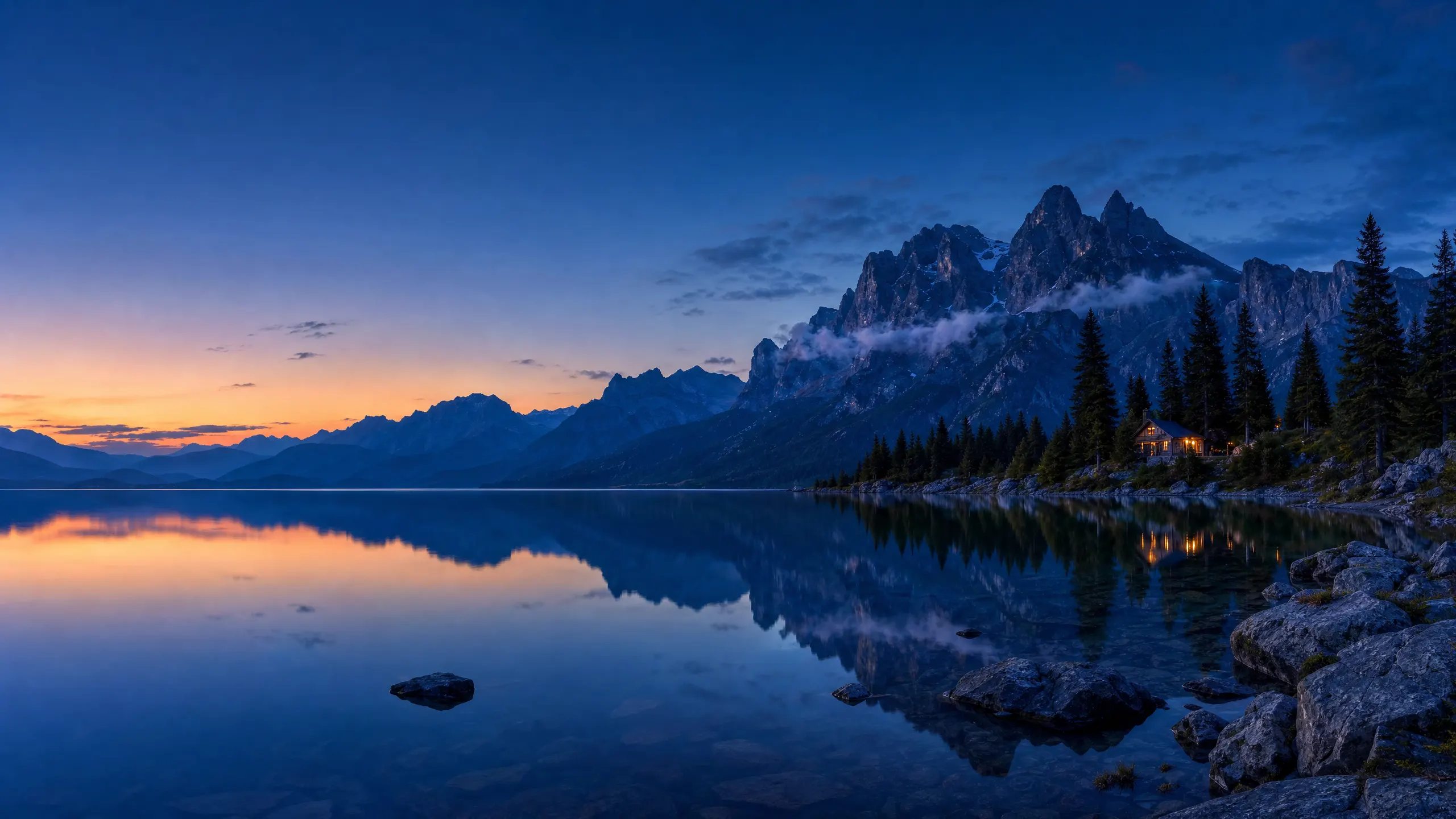 16:9
16:9Still alpine lake at blue hour, deep indigo sky, distant mist, quiet space on the left for desktop icons.
 4:3
4:3Floating 3D ribbons in pearl, peach, lavender, and pale blue, gentle studio light, and a calm center.
The landing page keeps the brief simple; the Wery workspace gives you room to generate and refine.
Write the subject, mood, colors, device ratio, and any space needed for a clock or icons.
Sign in when prompted. Your original brief is carried safely into the configured Wery workspace.
Wery asks gpt-image-2 to create the wallpaper, then you can continue the conversation to adjust it.
You do not need prompt jargon. Add concrete visual choices in ordinary language and keep the composition practical for your screen.
Name the main visual: a mountain lake, abstract paper forms, a rainy anime street, or something personal.
Choose minimal, photographic, anime, illustrated, soft 3D, watercolor, or another clear direction.
Specify a palette and feeling, such as sage and ivory, blue hour, warm dusk, calm, or energetic.
Write 9:16 for a phone, 16:9 for most desktops, or 4:3 for many tablets.
Ask for negative space around the clock, dock, or icon area so the wallpaper stays readable in use.
What happens after you describe your wallpaper in Wery.
Include the main subject, style, colors, mood, aspect ratio, and any area that should stay clear for a clock or icons. A single specific sentence is enough to start.
9:16 is a practical starting point for many phones. If you know your device dimensions, include them or ask for extra room so you can crop safely.
Yes. Describe a 16:9 desktop wallpaper or a 4:3 tablet wallpaper in your prompt. This page sends one wallpaper request at a time.
The handoff prompt asks Wery to use gpt-image-2. Availability still depends on the Agent and workspace configured for this landing page.
Yes. After entering the Wery workspace, continue the conversation to change colors, composition, mood, detail, or aspect ratio.
You can explicitly ask for a clean wallpaper with no text, logo, or watermark. Review generated details and request a correction if unwanted marks appear.
No. The landing page passes your prompt only in the secure handoff message. CTA analytics record the page and button position, not your text.
Start with one sentence. Add the ratio, visual direction, and the space your screen needs.
You will review and continue the request in Wery.