
Luxury Brand Films with AI: From Brief to Cinematic Campaign
Plan a luxury brand film with a clear creative direction, polished visual rules, and a production-ready shot list.

Notes from the Wery team on choosing AI agents, evaluating AI workspaces, launching products with AI, and running AI video workflows.
Plan a luxury brand film with a clear creative direction, polished visual rules, and a production-ready shot list.

Turn any photo into a cinematic drone flight with a hand-drawn route and a ready-to-use prompt.

Compare Dreamina, Wery.ai, Higgsfield, Runway, and OpenArt for Seedance 2.5 access, workflow, editing, model choice, and price.

Explore 10 Wery community advertising concepts, from product posters and short videos to outdoor billboards.

Simply cropping the same image into different sizes rarely solves the problem. The composition can quickly feel cramped, important details may be cut off, and the campaign can start to look inconsistent across platforms.

Traditionally, creating this type of video required a turntable, controlled lighting, filming equipment, and editing software. With Wery’s ready-made 360° Product Rotation template, you can animate an existing product photo without building the motion from scratch.
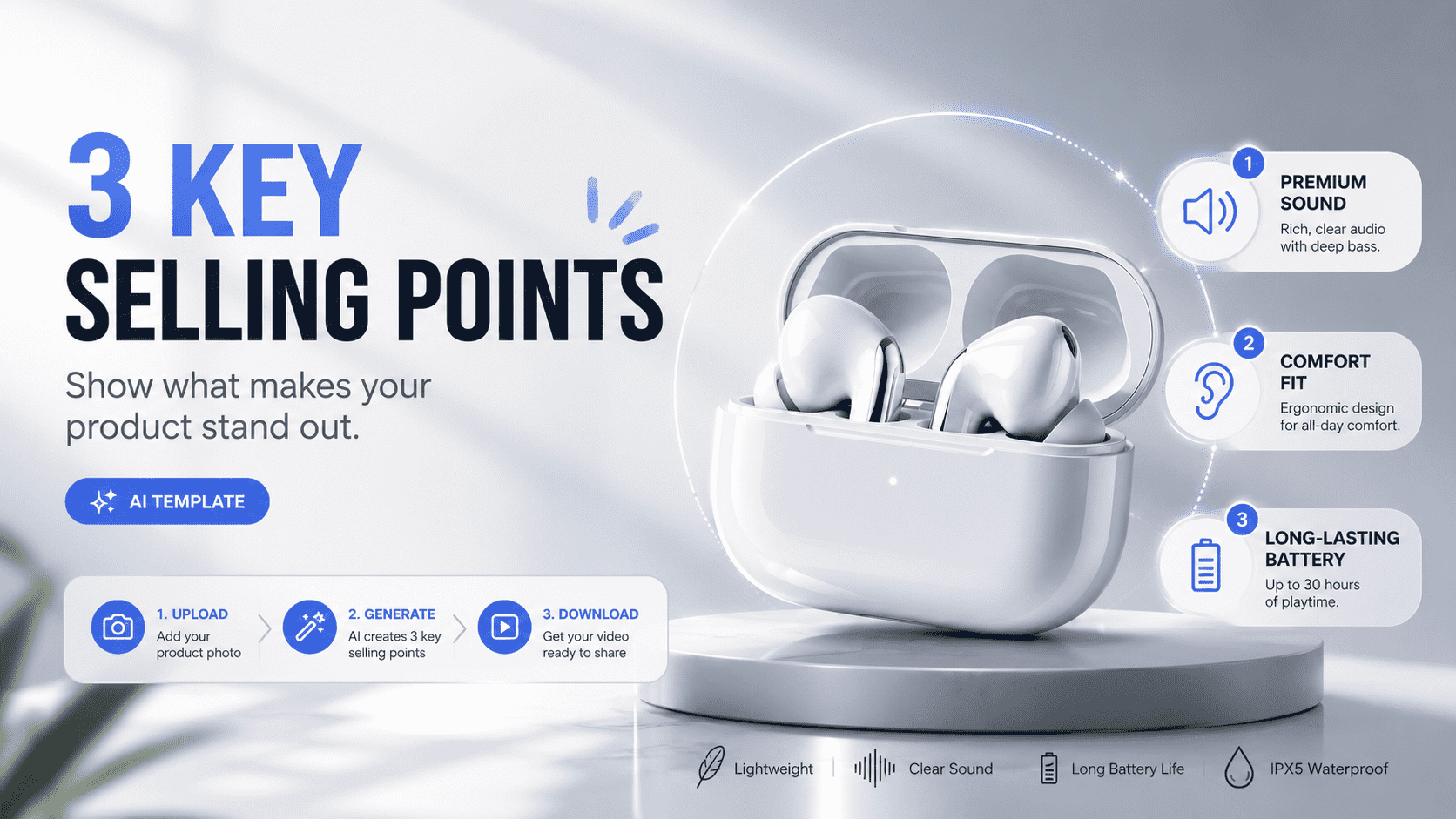
With Wery’s 3 Product Features Videotemplate, you can upload one product photo and turn it into a polished vertical video with three product-specific selling points, close-up shots, smooth transitions, and a final CTA.
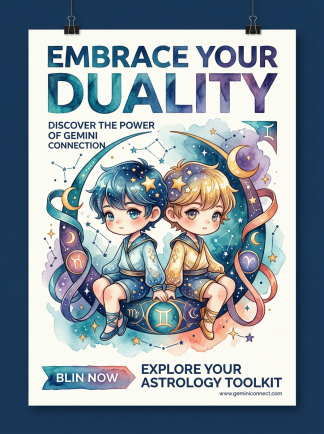
From zodiac art and campus events to music and city posters, these community designs are full of ideas you can save for Pinterest, adapt for Instagram, or use as a starting point for your next campaign.

Plan a luxury brand film with a clear creative direction, polished visual rules, and a production-ready shot list.

Build a bridal shower slideshow from photos, shared memories, music cues, and a simple story arc that celebrates the bride without becoming a long photo dump.

A practical guide to finding the themes, voice, visual language, and repeatable formats already hiding in your content.

Turn half-formed plans, everyday photos, and personal reflections into useful things that feel closer to your own taste and rhythm.

Start with a goal, let Smart Intent assign tasks, and continue processing the results in the Workspace.
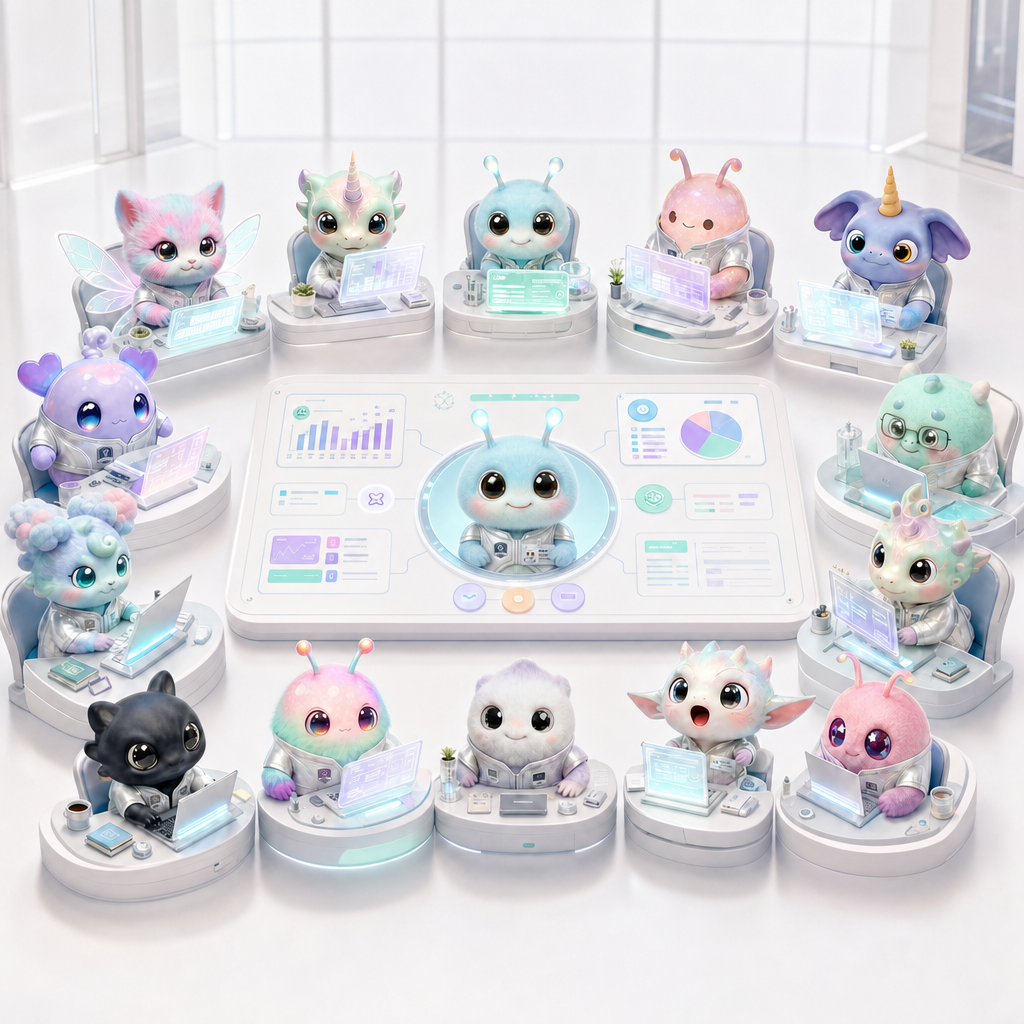
Learn about Wery

Workspace is Wery
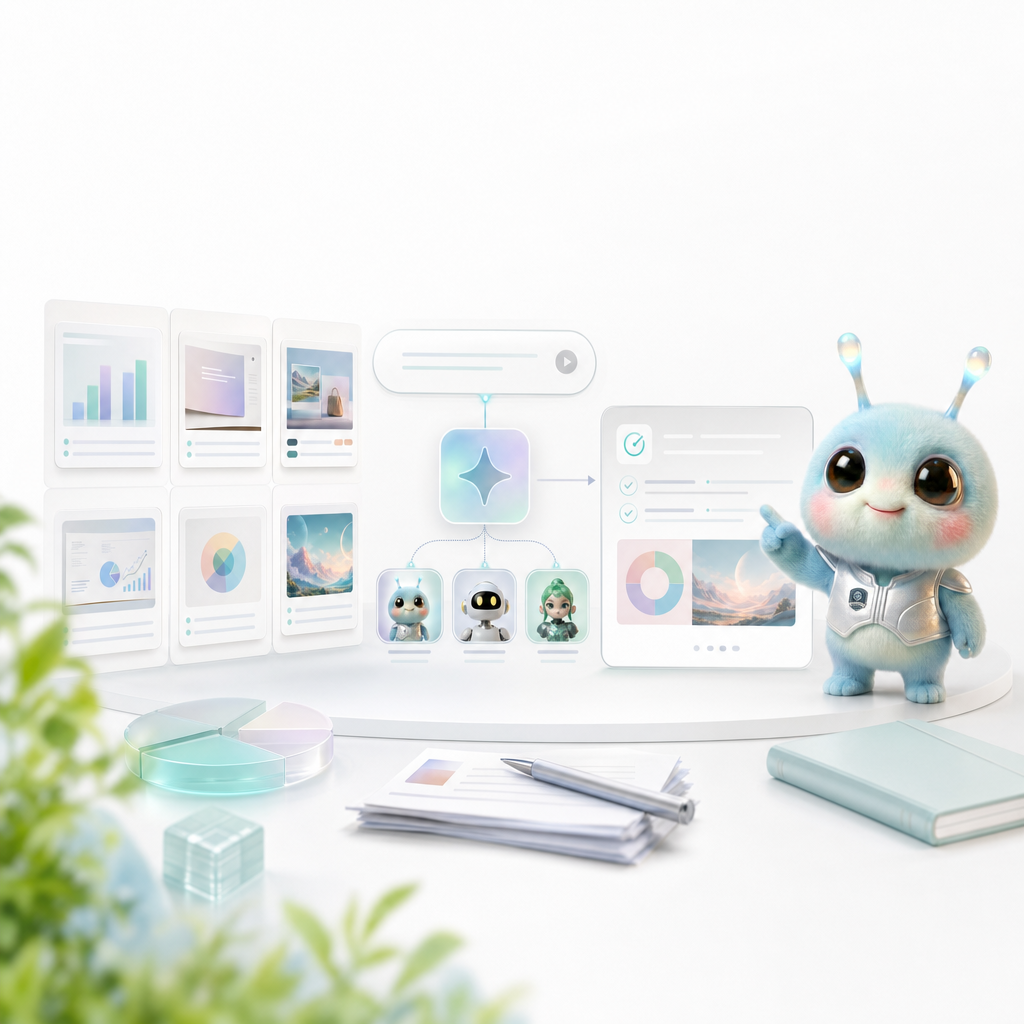
Templates provide stable structure, and Smart Intents take care of experts and workflows; the combination of the two allows users to quickly start with proven scenarios.

Generate images, edit visuals, create posters and logos, modify UI, and polish brand assets.

Create structured, editable presentations from topics, documents, research and business plans.
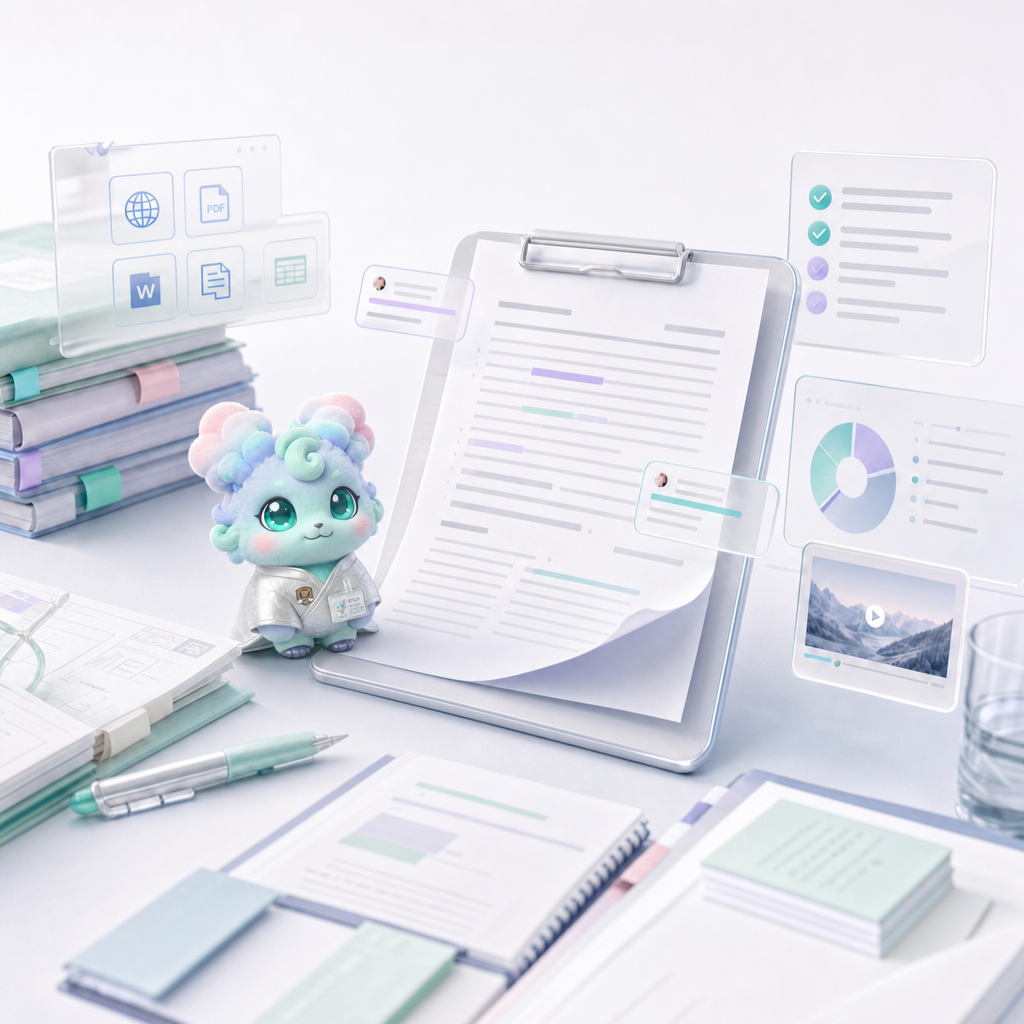
Draft, rewrite, summarize, and format long documents that are reviewable or sendable.
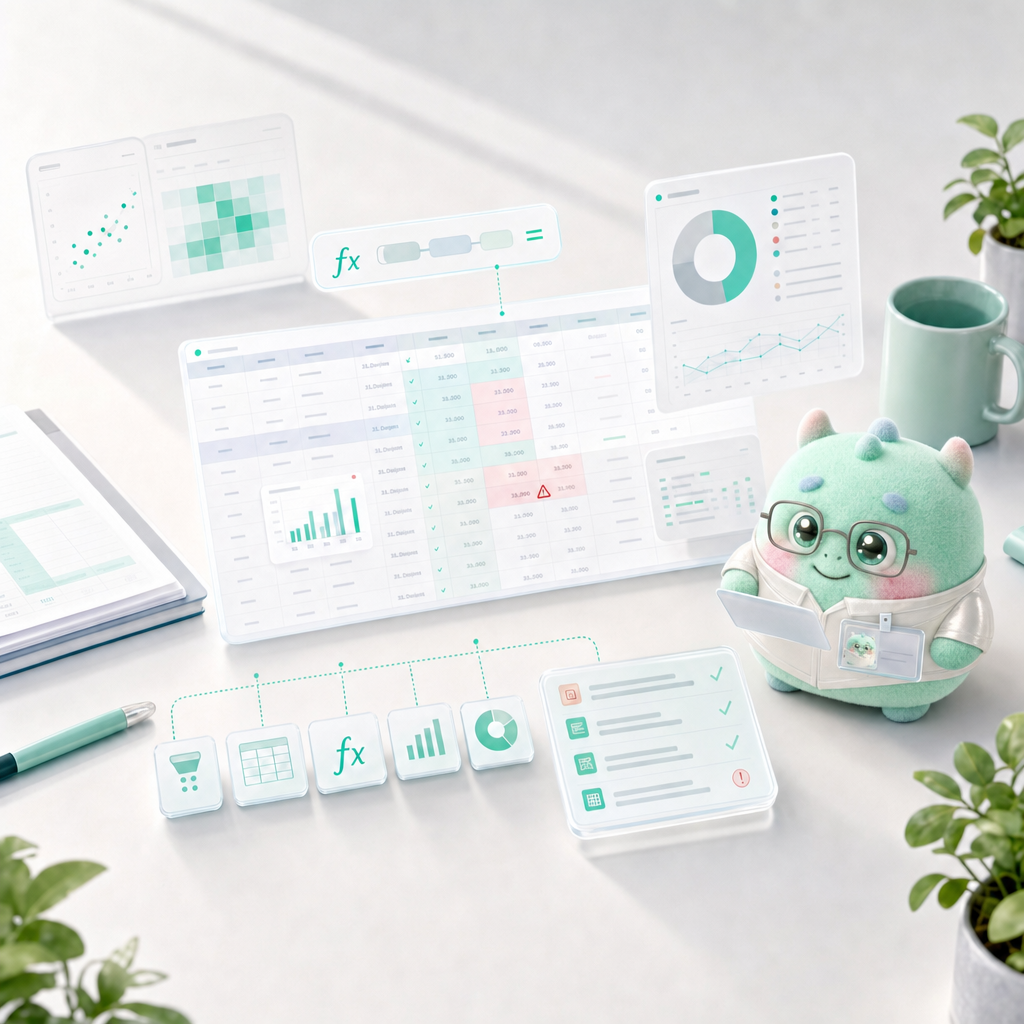
Clean data, build formulas, analyze spreadsheets, and turn tables into charts and decisions.
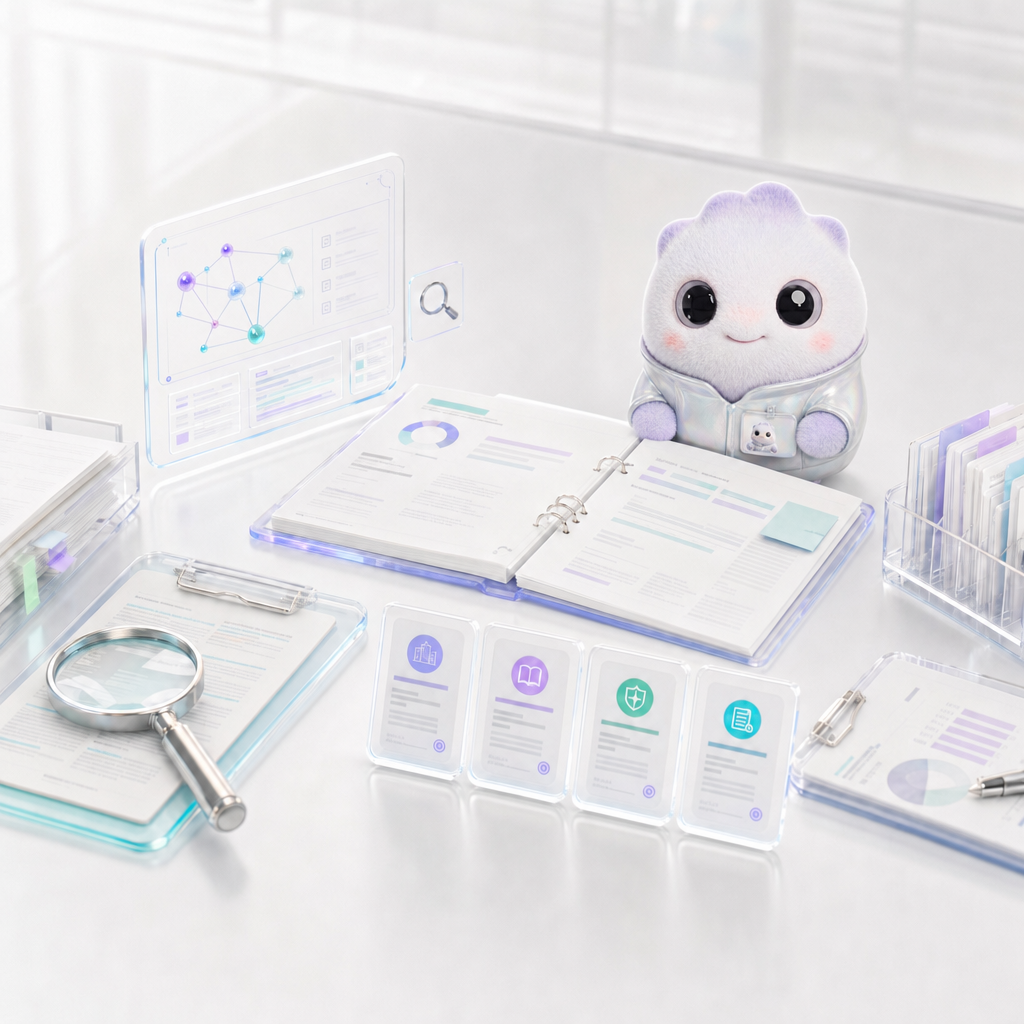
Find sources, compare options, test ideas, and synthesize evidence into usable findings.
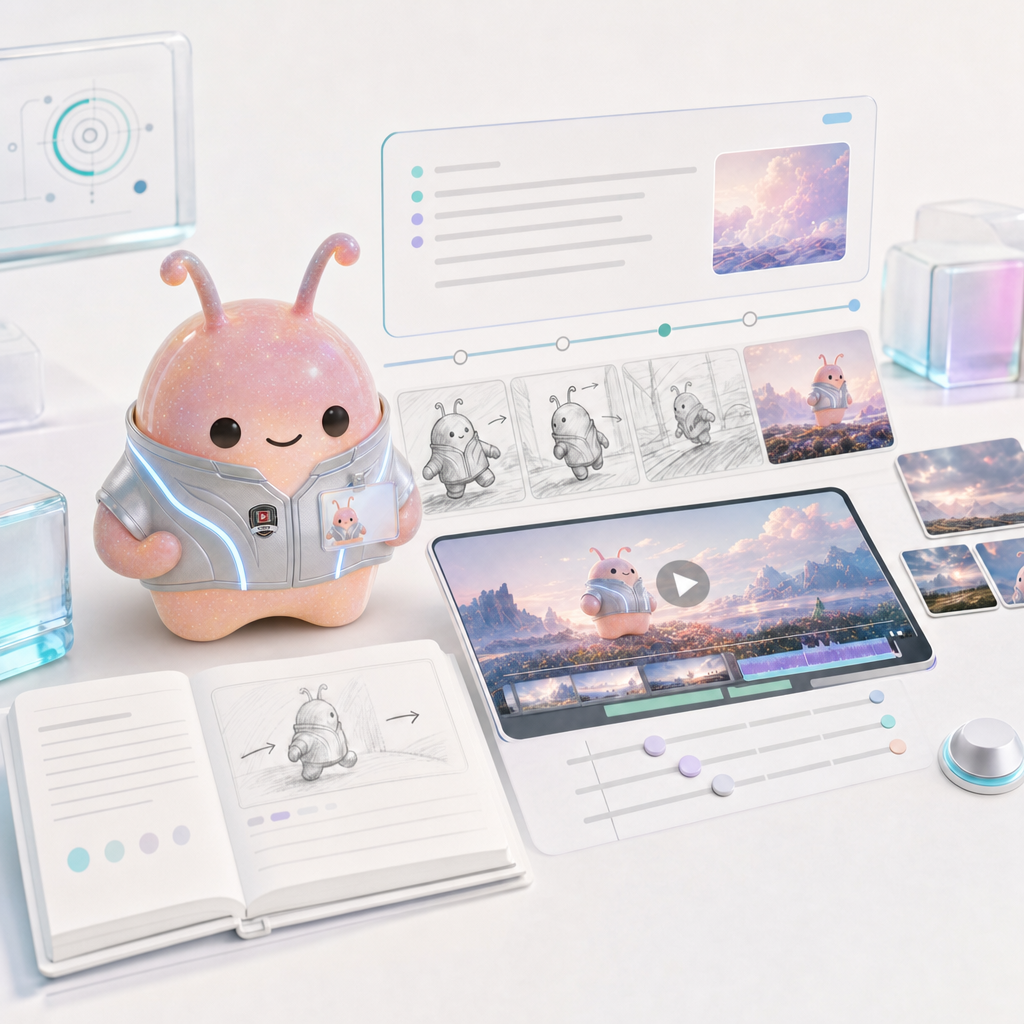
Generate short video clips based on cue words, pictures, and clear action directions.
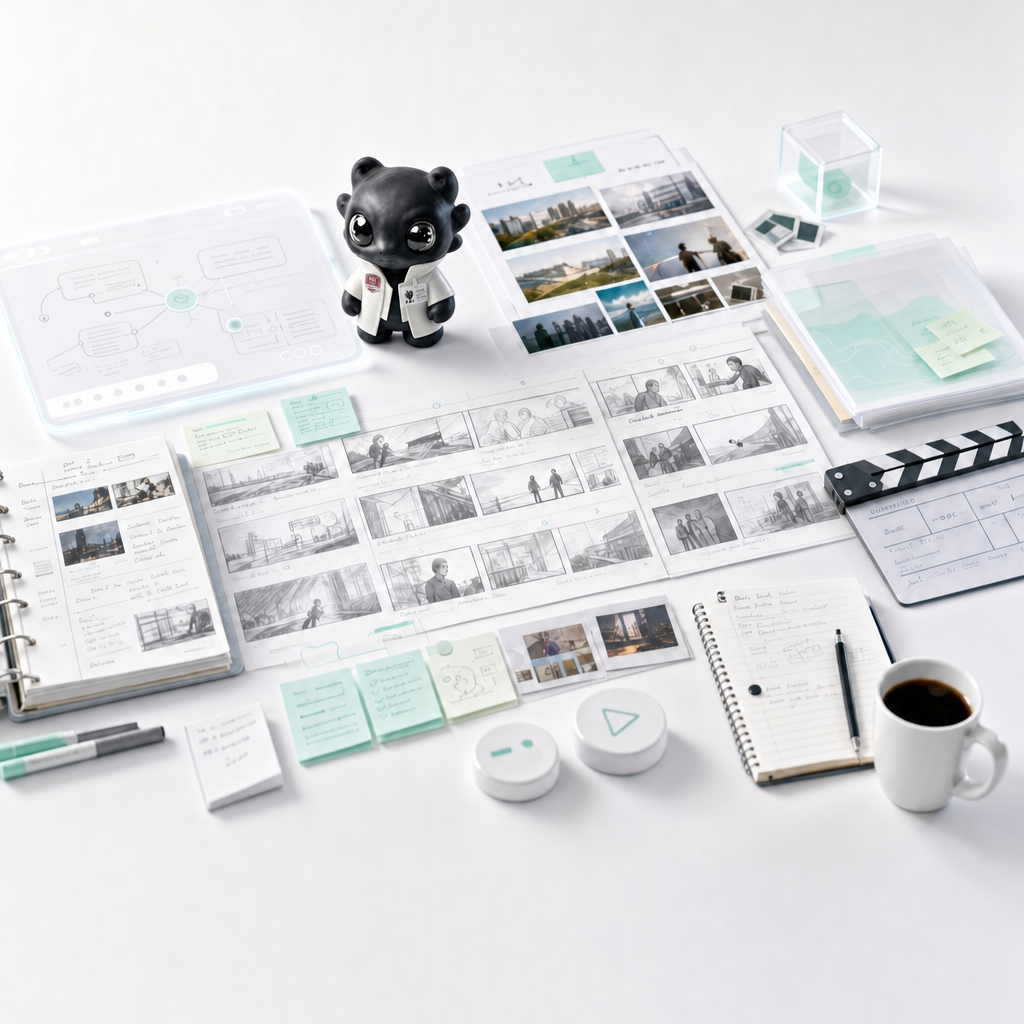
Plan scripts, scenes, shot lists, storyboards and production logic before video production.

Complete editing, subtitles, audio cleanup, aspect ratio, and export for existing videos.
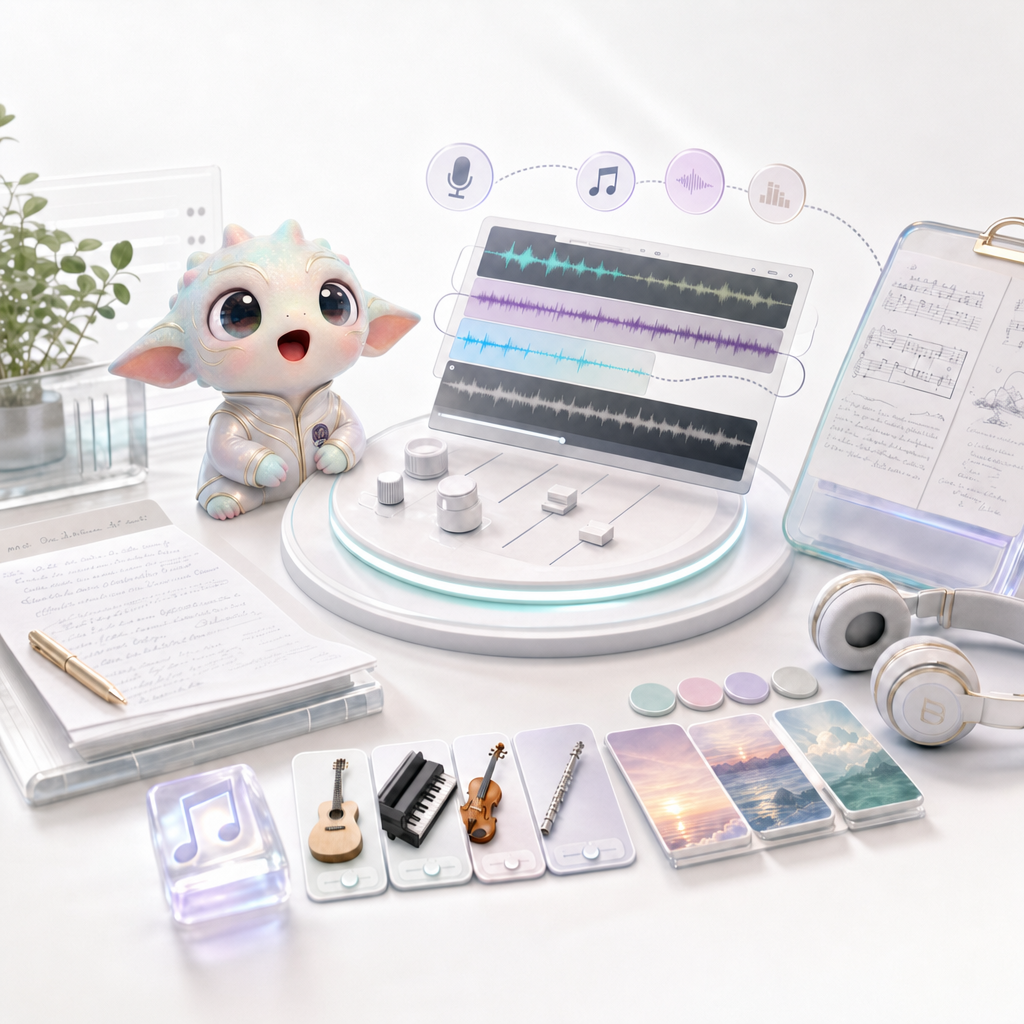
Create musical direction, backing tracks, lyrics, pure music and vocal mood boards.
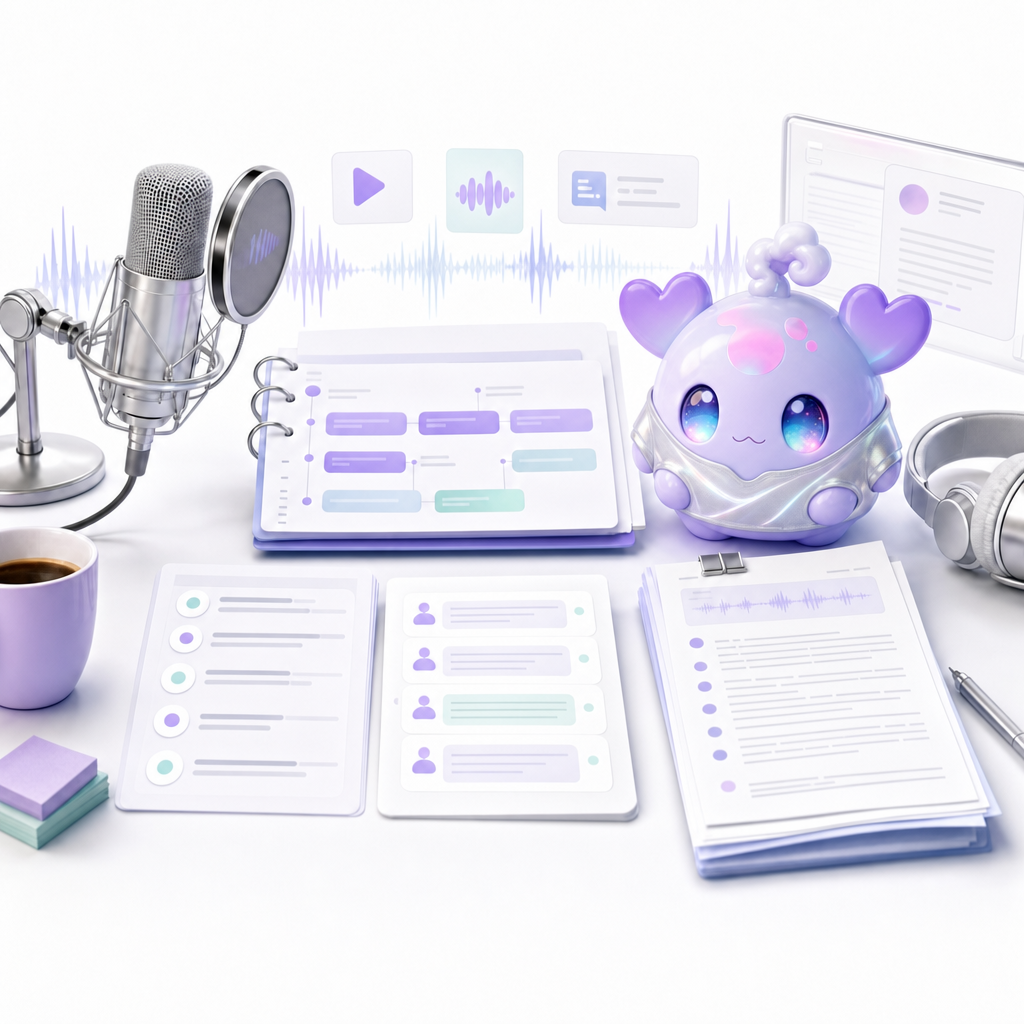
Convert topics, articles, ideas and research into podcast structures and ready-to-record hosted scripts.

Discover tarot, astrology, MBTI, relationship insights, symbol readings and companion conversations with memories.

Assets is Wery
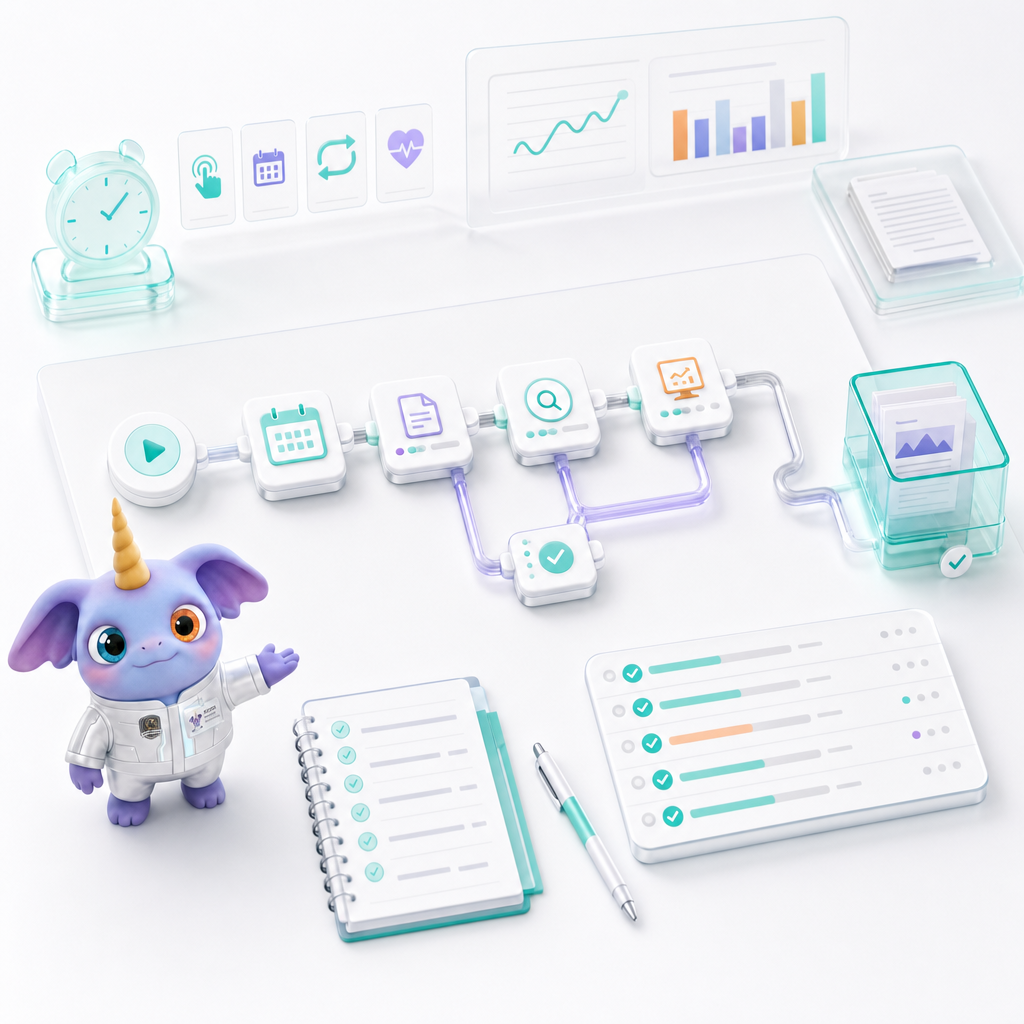
Automator turns repetitive AI work into workflows that can be tested, run manually, or run on a schedule.
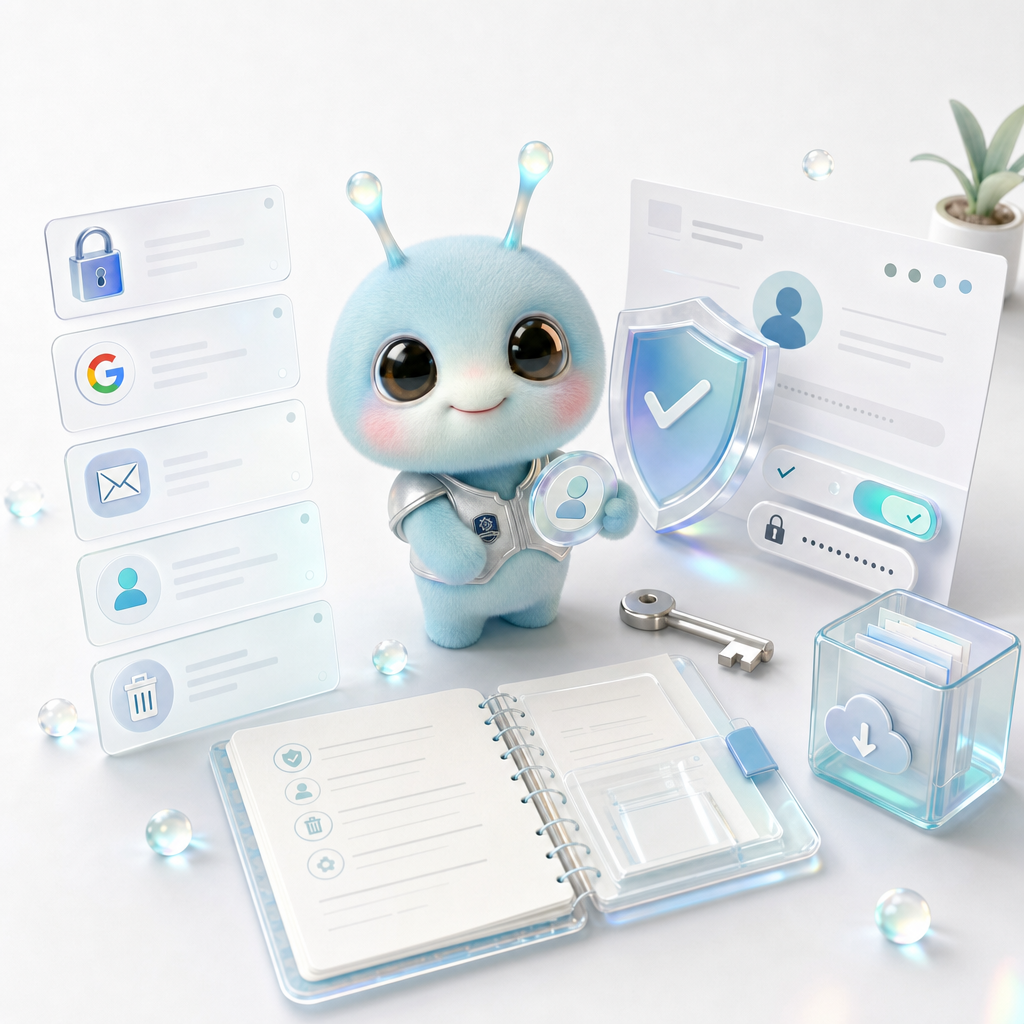
The account management page answers login, Google login, email, profile, security, and account deletion questions.

Membership plan page explains Free, Plus, Pro, Max capabilities, points, storage, uploads, concurrency, suitable crowds and subscription management.

Teams and Enterprise plans describe multi-person collaboration, seats, admins, billing, security, privacy, SSO, and support SLAs.
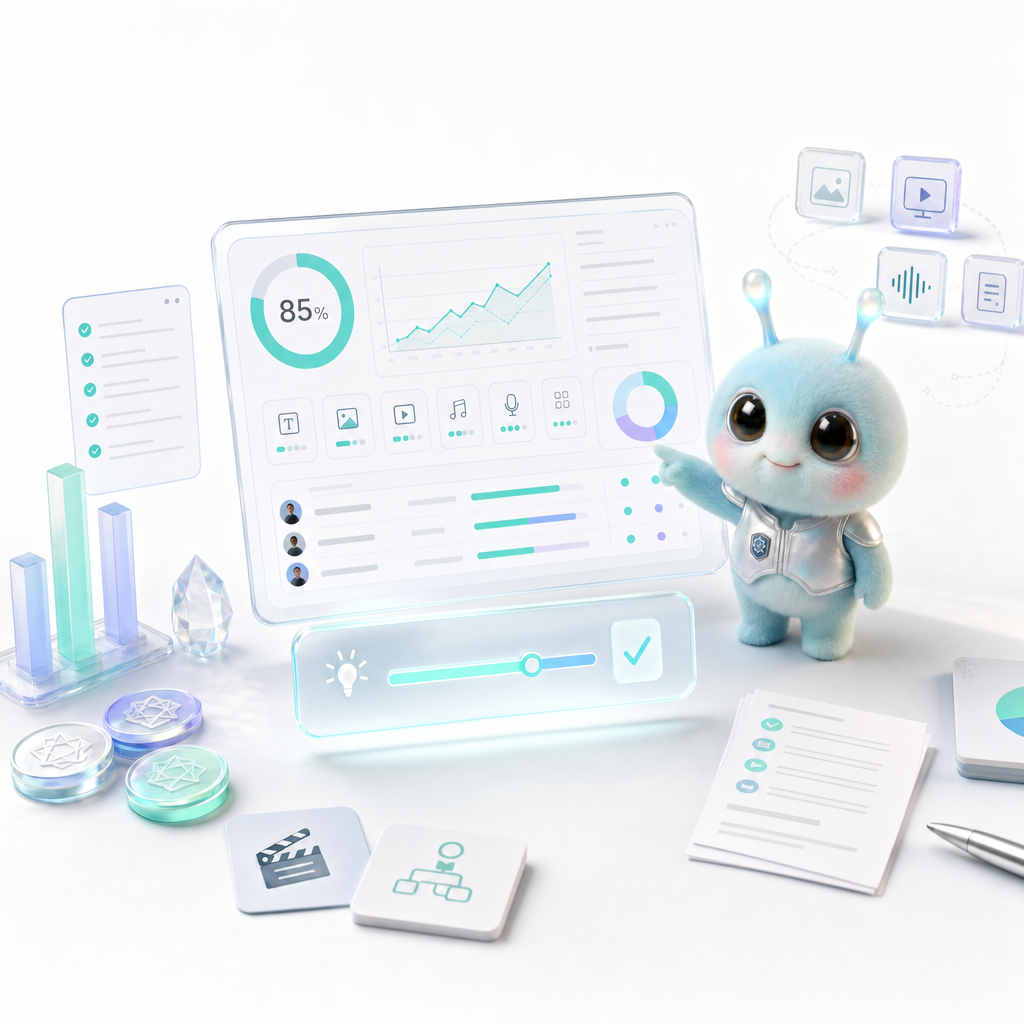
The Points Guide explains what credits are, which tasks cost points, how to estimate them, how to reduce waste, and what to do with failed tasks.
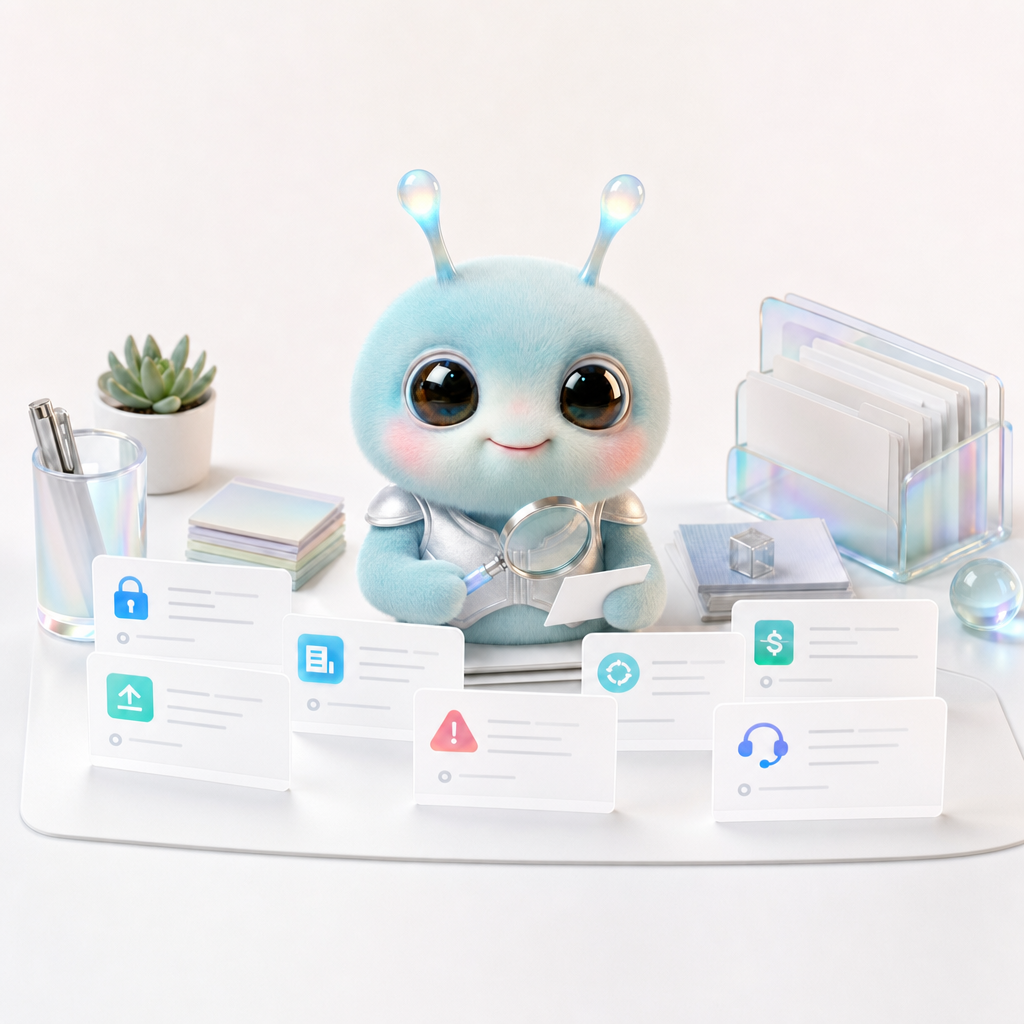
The FAQ page answers questions related to Wery experts, prompt words, file access, usage environment, Workspace, Assets, exploration page and data privacy.
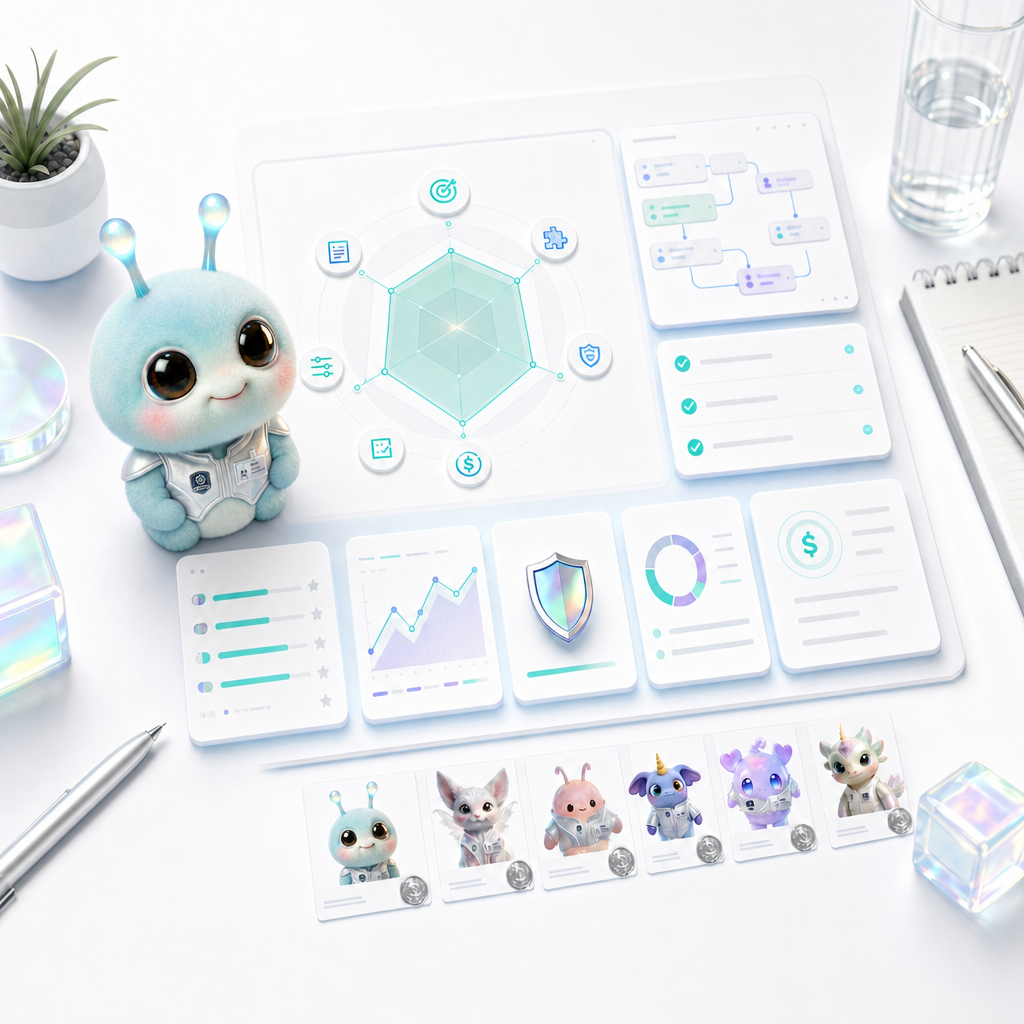
Great demos are easy to make. Useful agents are harder. The best way to evaluate an AI agent is to check whether it can understand your goal, preview a plan, produce usable outputs, and keep the work alive.

An AI workspace should not simply collect features. It should help goals, plans, outputs, and reusable assets stay connected.
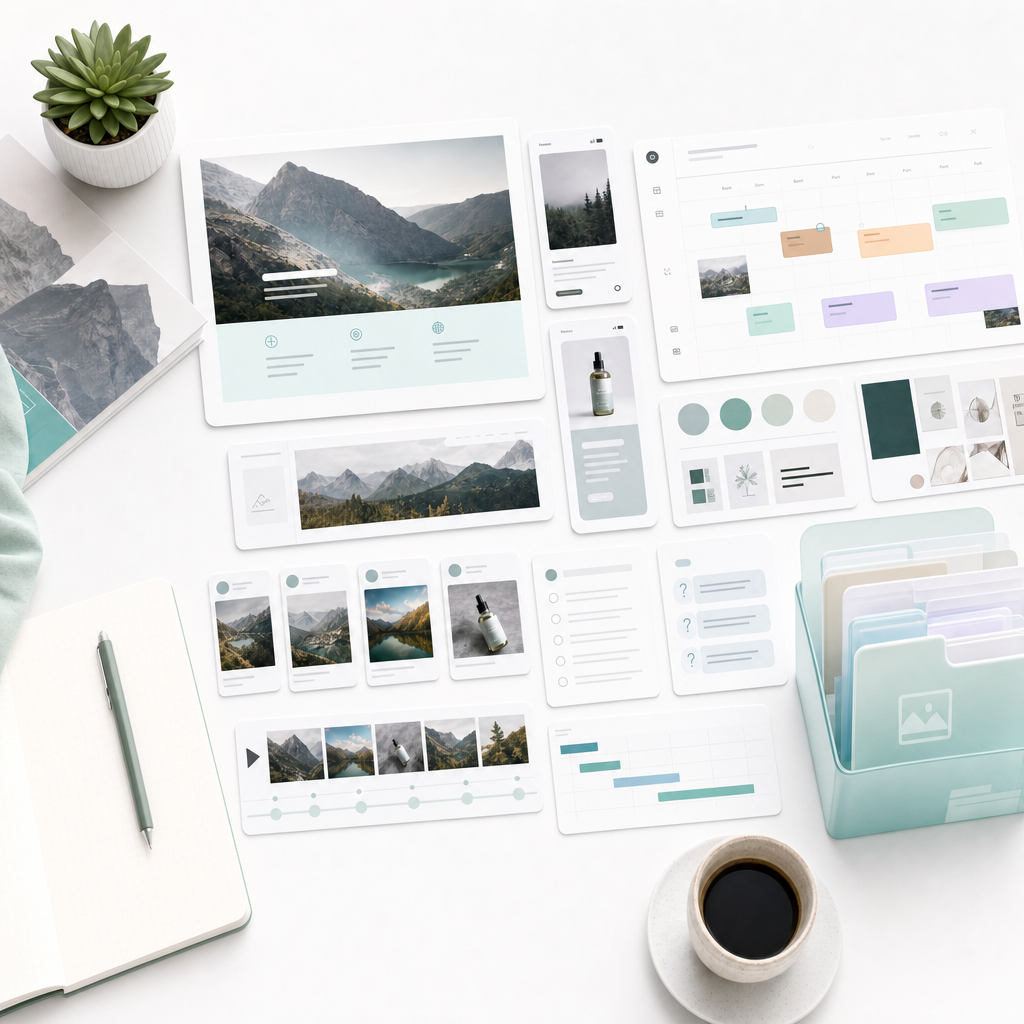
A product launch is not one announcement post. It is positioning, copy, FAQ, visuals, video, social content, and rollout rhythm. Wery helps organize the whole thing as a virtual AI studio.
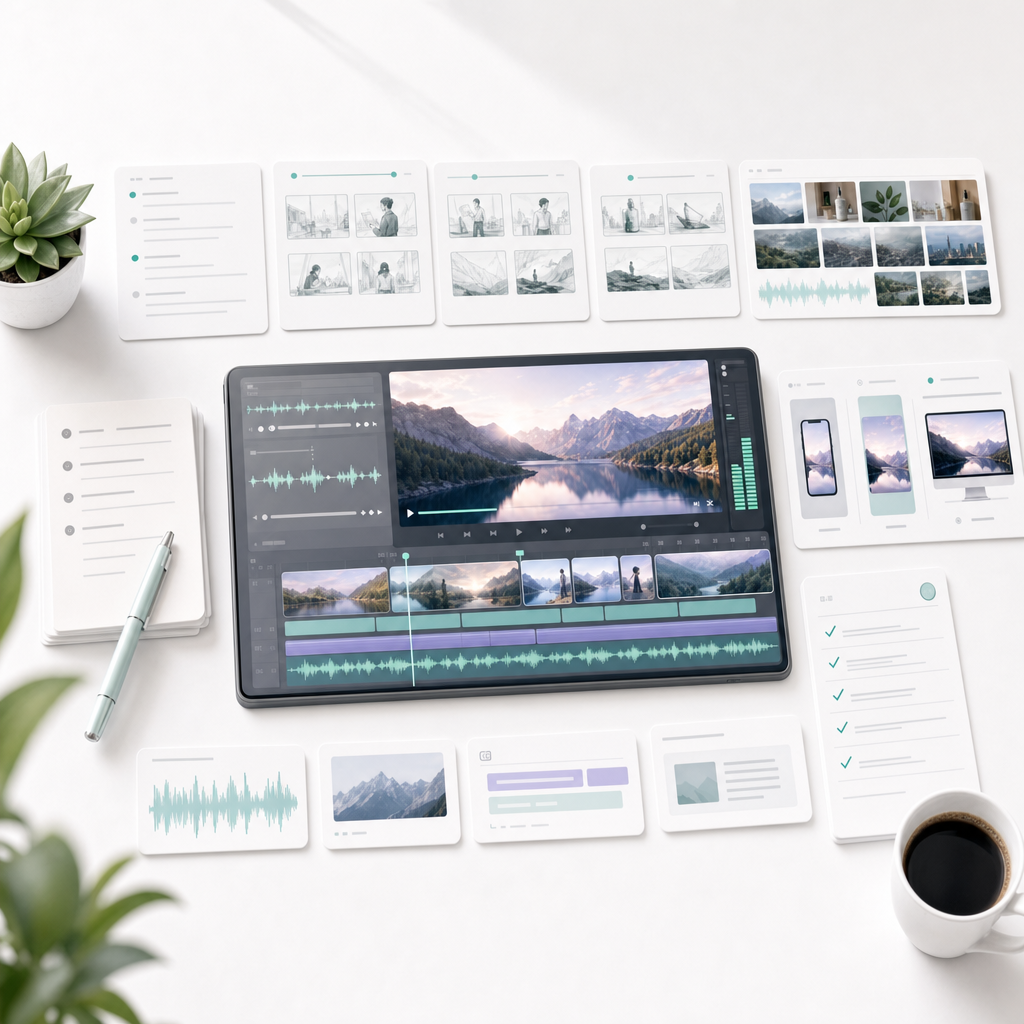
AI video tools are getting stronger, but a real video project needs brief, hook, script, storyboard, visuals, subtitles, cover, platform versions, and publishing copy.